
Best 4K Cameras for Live Streaming Guide for 2026
Disclosure: We may earn a commission when you buy through links on this page, at no extra cost to you. As an Amazon Associate I earn from qualifying purchases. Learn more

Choose the best 4k cameras for live streaming with clear guidance on clean output, sensor size, autofocus, audio inputs, lenses, and lasting power.
A camera that records lovely clips can still fail you on a live show. It might add menus to the video feed, stop after a short recording limit, or lose power halfway through a session. The best 4k cameras for live streaming avoid those traps, and this checklist helps you judge any model against the comparison table below.
Think first about your usual stream. A desk show needs steady framing and clear speech, a lesson needs room to move, and an outdoor event needs zoom in changing light.

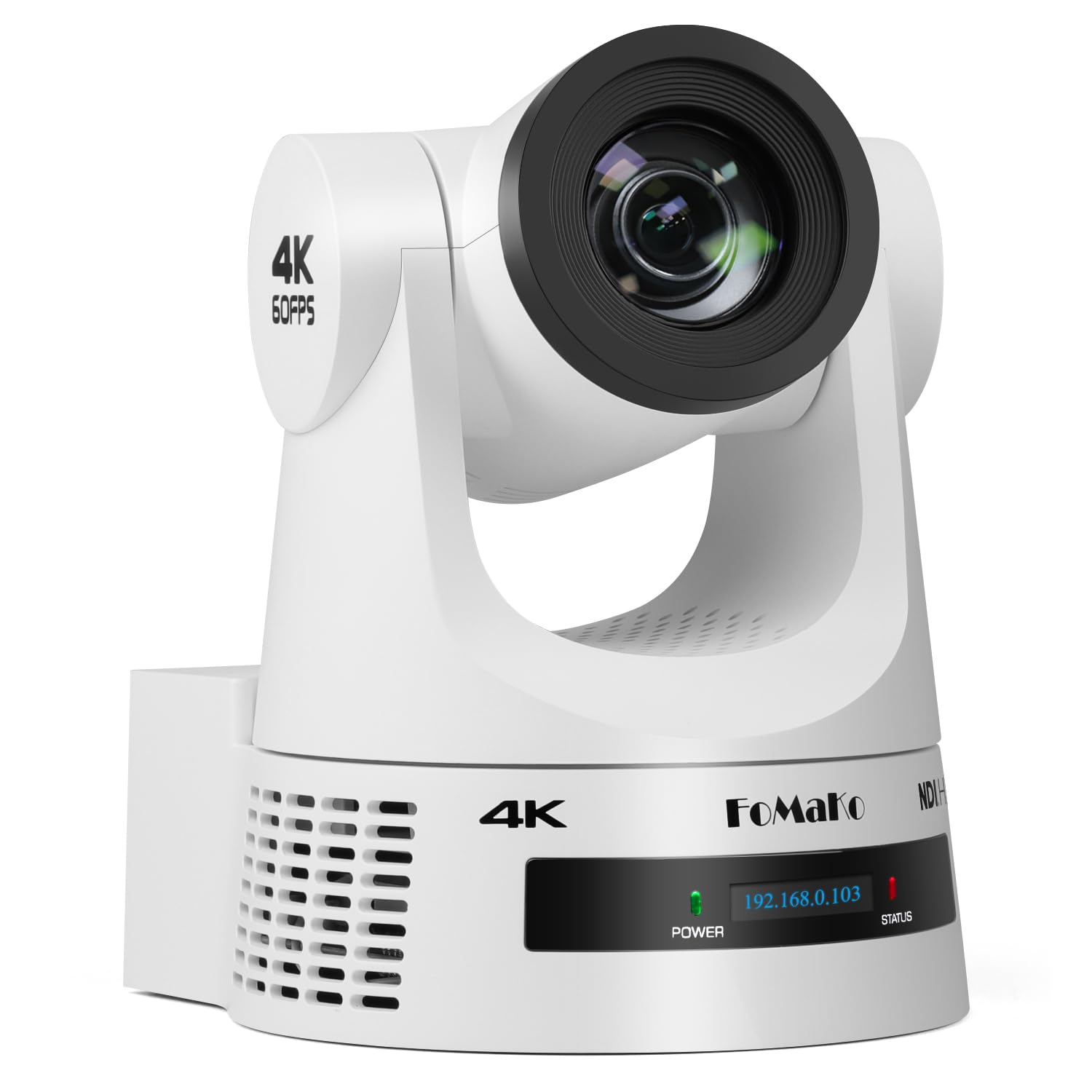


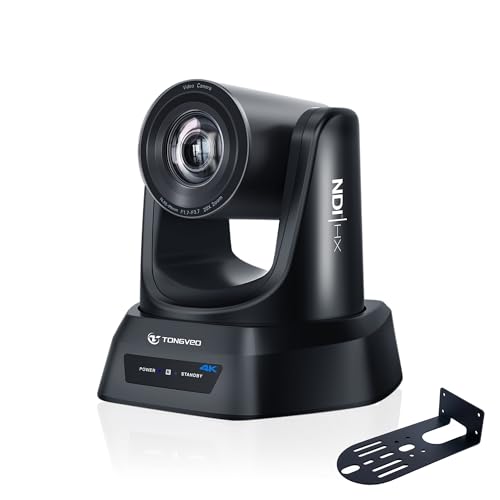
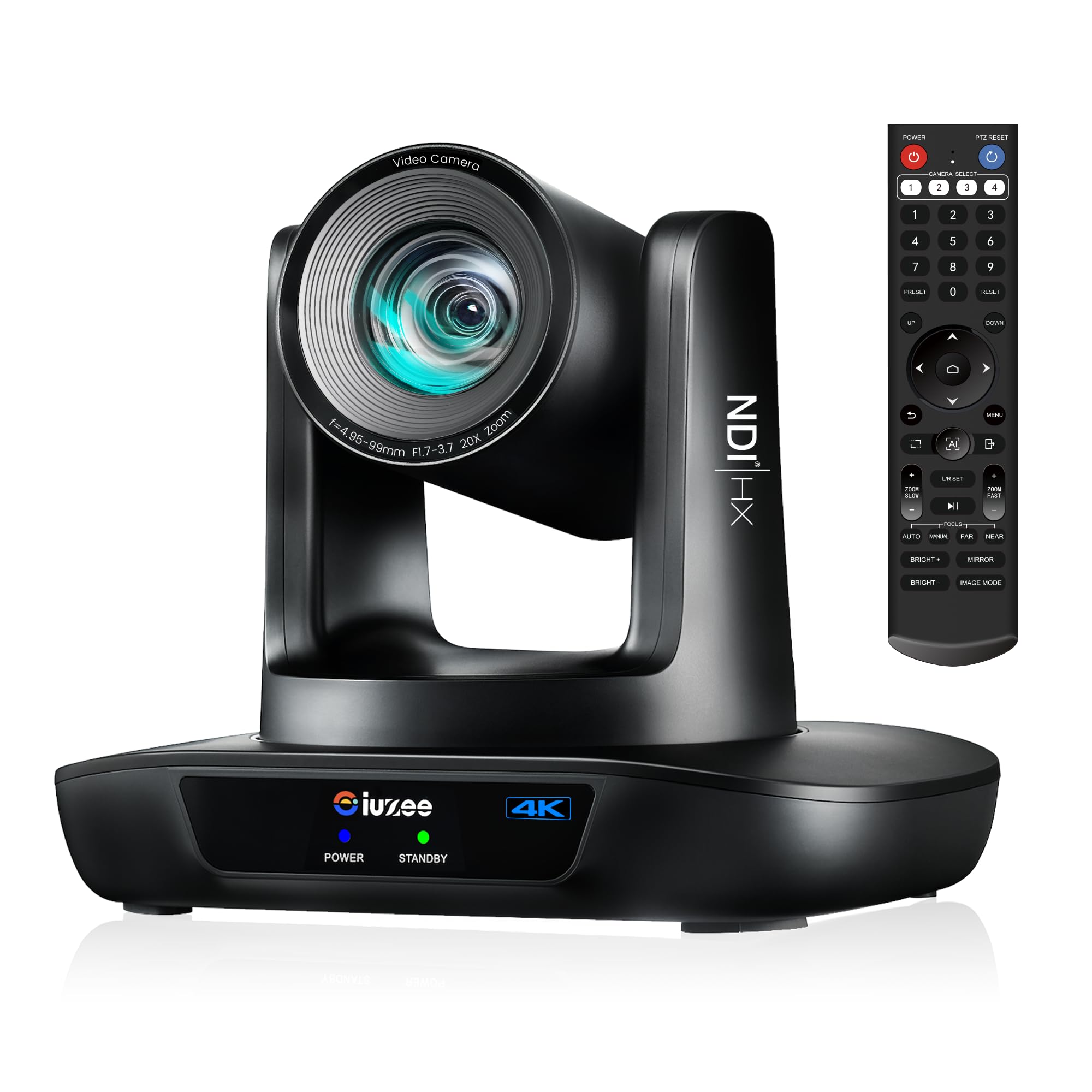

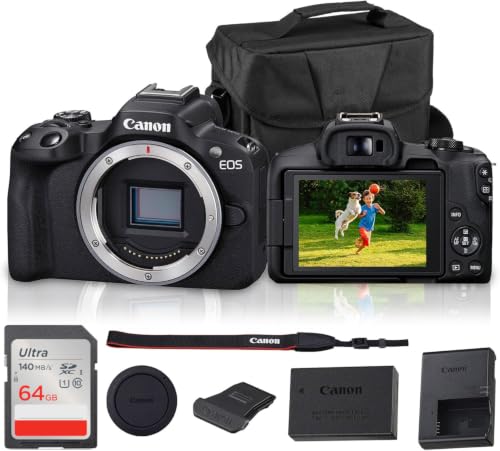
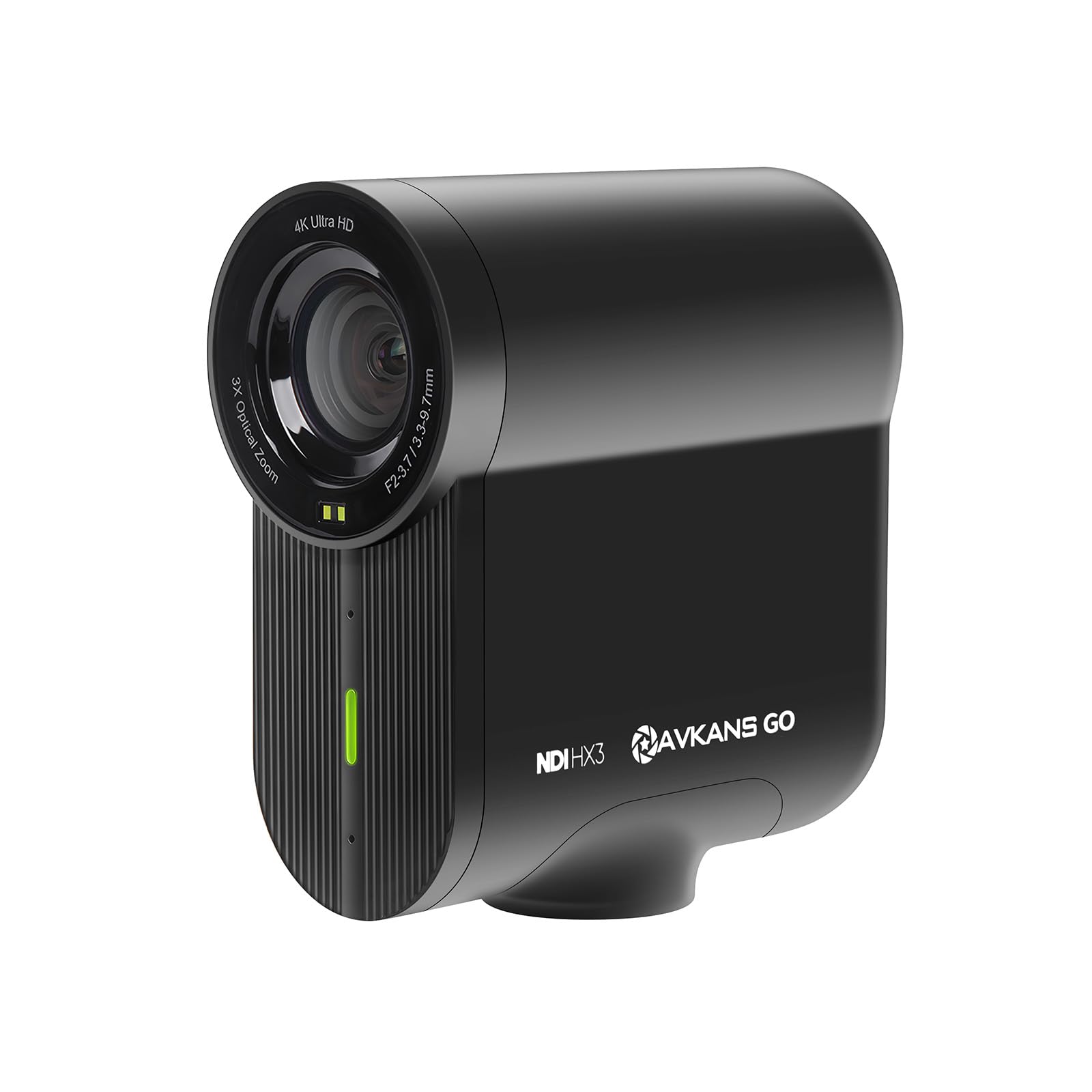
Who Should Buy Which 4K Camera for Live Streaming?
Start with the show you repeat every week. Your room, movement and session length matter more than a long spec list.
Solo Creators Streaming From a Desk
You sit in one spot, speak to the lens and may hold up small items. Choose clean video output, reliable eye autofocus and a lens that frames your head and shoulders without crowding the room. A microphone input matters because viewers forgive soft video sooner than unclear speech.
Teachers and Presenters Who Move While Streaming
You stand, turn to a board and walk back to your seat, so focus must follow you without hunting. Choose strong subject tracking, a wider lens and image stabilization if you ever stream while holding the camera.
Event and Outdoor Streamers
You cover talks, services, matches or markets where light and distance change through the day. Choose optical zoom so distant subjects stay sharp, and weather sealing for light rain and dust. Plan for spare power and a backup recording, because a live event gives you no second take.
Key Features to Compare
Use the same order each time. When you judge the best 4k cameras for live streaming by output first and price last, weak options drop out early. For a wider category view, see our guide to the best cameras for live streaming.
Clean Video Output and Frame Rate
Clean output means the camera sends a picture with no menus, focus boxes or battery icons to your streaming software or capture device. Check that clean output works over HDMI or USB at 4K, not only at a lower resolution, and that the frame rate matches your show, usually 30 frames per second for talk and 60 for fast motion.
Sensor Size and Low Light Picture Quality
Sensor size shapes how clean your picture looks in a dim room. A 1 inch sensor suits a small desk setup and gives a clear step up from a basic webcam. An APS C or full frame sensor gathers more light, so faces stay smooth in evening light and backgrounds separate more from the subject. Choose the larger sensor if your room light is weak.
Autofocus That Tracks Faces and Eyes
Good autofocus holds your eyes sharp while you lean, gesture or turn to pick up an object. Face and eye detection help most for solo shows, while subject tracking helps a presenter who walks across a room. Quiet focus movement also keeps focus noise out of your audio.
Lens Choice and Optical Zoom Range
The lens sets your framing before any setting can help. A wide lens around 16 to 24 mm in full frame terms suits a small room, while a standard zoom covering about 24 to 70 mm handles desks, interviews and product views. Optical zoom keeps detail when you frame a stage from the back, and digital zoom only crops the picture, so it softens the feed.
Power, Heat and Long Session Reliability
Live sessions run far longer than short clips, so power and heat decide whether a camera finishes the show. A standard battery may last about 60 to 120 minutes of video, and many streamers use a dummy battery or steady USB power for longer sessions. Check for a recording time limit and whether the camera can run for hours without a heat warning in a normal room.
Audio Inputs and Monitoring
Viewers leave a stream with poor sound faster than a stream with soft video. A 3.5 mm microphone input lets you place a microphone near your mouth, which improves clarity far more than a built in microphone across the room. A headphone socket lets you hear hum or a silent channel before viewers complain. For models sold mainly for this job, see our guide to the best 4k cameras for streaming.
Camera Types for Live Streaming Compared
Four camera types cover most live work, each with a different balance of picture quality, size and effort. If you want a feed sent straight to a computer, compare the models in our guide to the best live streaming web cameras as well.
Mirrorless Cameras for the Best Picture
Mirrorless models give you large sensors, changeable lenses and strong autofocus in one system. They suit creators who want a polished picture and plan to record clips with the same body. The trade off is cost and a longer learning curve.
Compact Cameras and Camcorders for Simple Sessions
A compact camera with a fixed lens keeps setup small and suits a single desk or a travel kit. A camcorder adds a long zoom, a grip shaped for video and often no recording time limit, which suits talks and ceremonies. Check the widest framing in your actual room before you buy.
Webcams and Action Cameras for Tight Spaces
A 4K webcam mounts on a monitor, connects by USB and needs almost no setup, which suits meetings and casual shows. An action camera gives a very wide view and strong stabilization for moving or outdoor streams, but its small sensor and fixed wide lens limit low light quality and framing control.
Quick Buyer Checklist Before You Stream Live
Run through these questions with your room and your show in mind. If you plan to send one feed to several platforms, see our guide to the best cameras for streaming live video for that workflow.
- Does the camera send a clean 4K feed with no menus or icons on screen?
- Can the camera run on steady power for longer than your longest show?
- Does autofocus hold your face sharp when you move or turn away?
- Can you connect your microphone, and can you monitor the sound?
- Does the widest lens setting frame you and your background in your room?
- Have you checked the manual for a recording time limit or a heat warning?
- Does your computer or encoder accept the frame rate the camera sends?
Common Mistakes to Avoid
- Buying for recording quality alone leaves you with a live feed that carries menus and focus boxes.
- Trusting digital zoom figures leaves distant subjects soft, because the camera only crops the picture.
- Running a long show on one small battery leaves you with a black screen partway through.
- Placing the only microphone on the camera leaves speech echoing when you sit far from the lens.
- Skipping a full length test stream leaves heat warnings and time limits to appear during a real show.
- Framing too tightly leaves no room for gestures, guests or items you planned to show.
Care and Maintenance for Streaming Cameras
Clean the front lens element with a blower first, then a soft lens cloth, never your shirt, because grit on fabric can scratch the coating. Wipe the body with a dry cloth, and keep drinks away from the camera and cables.
Store the camera in a dry padded bag, and remove the battery if it will sit unused for weeks. Charge spare batteries before a show day and label them, so a flat one never reaches the tripod. Check cables for loose plugs, and keep vents free of dust.
FAQ
What features matter most in a 4K camera for live streaming?
Clean video output matters most, because a feed with menus or focus boxes looks broken to viewers. Next come steady power and autofocus that holds your face while you move. A short private test stream reveals more about these points than any spec sheet.
Is a smartphone enough instead of a 4K camera for live streaming?
A smartphone is enough for short and casual streams, and many phones send a clean picture in good light. A dedicated camera wins on longer sessions, lens choice, microphone inputs and dim rooms. Start with a phone if your budget is tight, then upgrade when session length or sound limits you.
How much should I spend on a first 4K camera for live streaming?
Most first time buyers land between about $400 to $900 for a camera and a basic lens. Spend first on the body and a microphone, because clear speech keeps viewers watching. Keep part of the budget for a tripod, cables and spare power.
Which type of 4K camera is better for low light live streaming?
A mirrorless camera with an APS C or full frame sensor is better for low light streaming. Its larger sensor keeps faces clean at the light levels of a living room in the evening. A compact camera can still work if you add a lamp near your face.
Can a 4K camera for live streaming record while it streams?
Yes, many 4K cameras can record to a memory card while they send a live feed, but some lower the feed resolution when both run together. A backup recording saves you when the internet drops mid show, because you can upload the card copy later. Use a fast card rated for 4K video, since this pairing varies by model.
The Bottom Line on 4K Cameras for Live Streaming
Judge every model by clean output, steady power and autofocus first, then by sensor size, lens range and audio inputs for your room. Match the camera type to your show, run a full length test, and use the product table above to compare options that pass your checklist.
When you choose best 4k cameras for live streaming with those points in mind, your first real show feels calm and familiar. The camera fades into the background, and viewers remember what you said instead of how the feed behaved.


