
Best 5 Inch Monitors in 2026: Every Type Explained Side by Side
Disclosure: We may earn a commission when you buy through links on this page, at no extra cost to you. As an Amazon Associate I earn from qualifying purchases. Learn more

Confused by small screens? Compare each type of 5 inch monitor by panel, touch and power so you can choose the best 5 inch monitors for your setup.
A 5 inch screen sounds simple until you see how many jobs it is sold for. One small display may serve as a camera preview, a control screen for a tiny computer, or a desk readout. The best 5 inch monitors match your signal, your power source and your light, and the comparison table below lets you check those points type by type.
Start with the job, not the diagonal. A screen you tap all day needs a different panel and housing than one you only glance at, and a model fed by a weak USB port can fail where a stronger supply works.



Who Should Buy Which 5 Inch Monitors?
Pick by your most common task. Your source, room light and touch habits point you to the right group.
Makers Building With a Small Single Board Computer
You need a screen that pairs with a compact board and accepts touch for menus. Choose a touch model with a clear driver path for your system and a frame that protects the board behind it. Power the pair from one supply only if the maker lists that use, because both share a limited budget of current.
Camera Users Who Need a Small Preview Screen
You need to judge focus and framing outdoors, often in light that defeats a dim panel. Choose a cased HDMI model with strong brightness, a matte finish and a tripod screw thread for your rig. Touch matters less than a clean signal, low lag and a sun hood option, because a late preview makes focus checks unreliable.
Desk Users Who Need a Tiny Status Display
You need a glanceable readout for chat, music or system stats, without giving desk space to a full monitor. Choose a basic panel with wide viewing angles, since you read it from the side of your chair. One cable for picture and power keeps the setup tidy, and touch adds little with a keyboard beside it.
Types of 5 Inch Monitors Compared
Four build styles cover nearly every listing. The word monitor also names studio speakers, so results mix two product families. If your search meant speakers, see our guide to the best 5 inch studio monitors and our guide to the best 5 inch active monitors.
IPS Touch Displays for Hands On Control
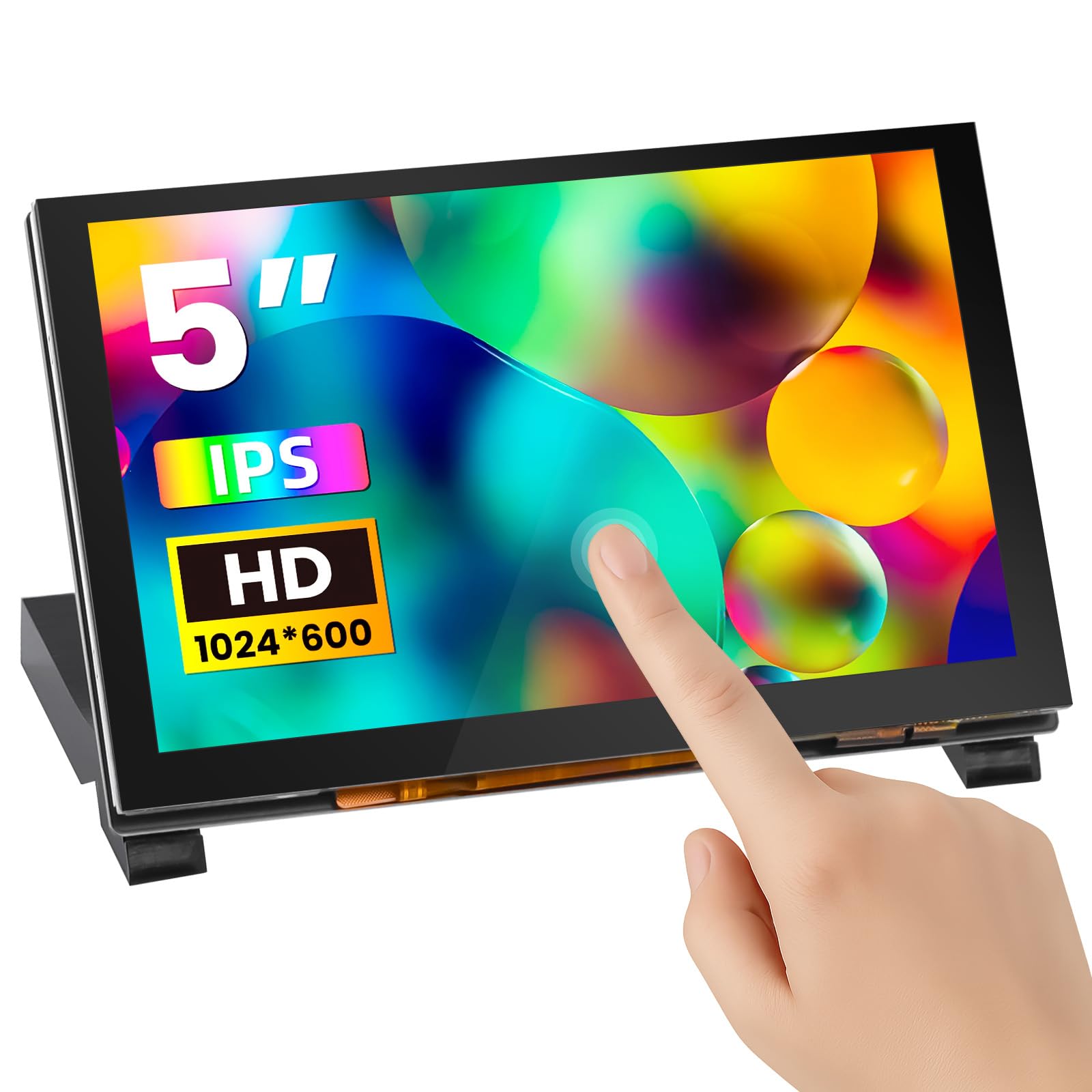
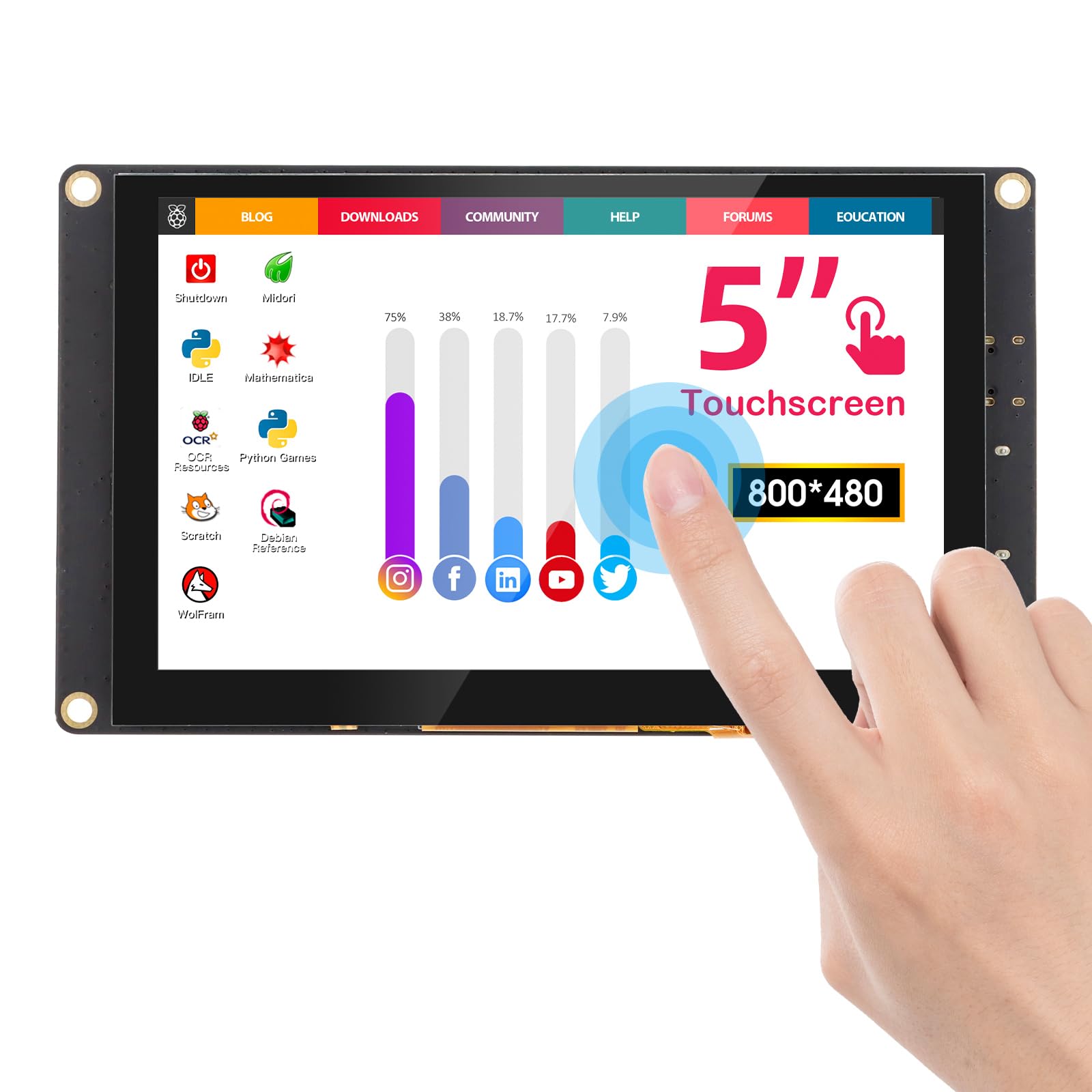
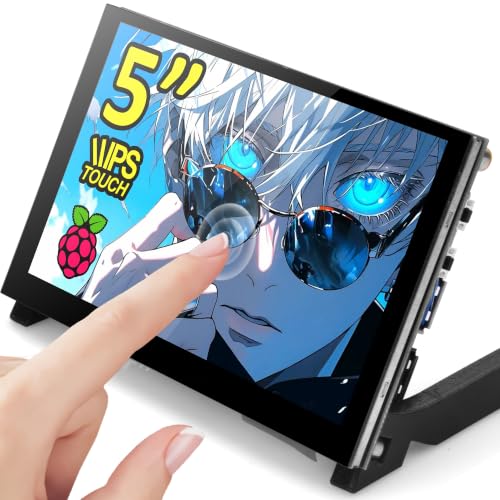
These screens pair an IPS panel with a touch layer, so you tap menus on the device itself. Colors stay steady when you tilt the screen, and touch suits control panels and compact computers. Most cost about $50 to $90. Choose this type when your hands, not a mouse, run the screen each day.
OLED Displays for Deep Blacks in Dim Rooms
Each pixel in an OLED panel makes its own light, so black areas go truly dark and contrast looks rich in a dim room. Text and video feel crisp at close range, and thin panels fit tight enclosures. Most cost about $90 to $160. Choose this type for camera work where deep blacks beat low price.
Budget Non Touch Displays for Simple Readouts
These basic panels skip touch and show a picture at the lowest cost, often about $35 to $60. Many use simpler panels with narrower viewing angles, so colors shift when you lean. That trade suits clocks and status boards read from one fixed seat. Choose this type when the screen only displays and never takes input.
Cased HDMI Displays for Quick Portable Use
These models arrive in a finished shell with a stand or mount points, ready for a camera, console or spare computer port. You pay about $60 to $110 for the housing, simpler setup and travel protection. Choose this type when the screen rides in a gear bag, because a bare panel chips far more easily.
If 5 inches feels too small for main work, a larger screen may serve you better. For play, see our guide to the best gaming monitors, and for desk work, see our guide to the best 27 inch monitors.
Key Features to Compare
Compare these factors in the same order each time. That list separates the best 5 inch monitors for a camera rig from a screen that only looks right in a photo, and it settles the OLED versus budget question: pay for OLED contrast only to judge images in dim light.
Resolution and Sharpness at Close Range
Resolution decides how fine text and focus detail look on a screen this small. Common steps are 800 by 480, 1280 by 720 and 1920 by 1080 pixels, each packing more dots into the same 5 inches. At about 10 to 14 inches away, the lowest step looks blocky for small text, while 1280 by 720 keeps menus clean. Match the aspect ratio of your source, because a 16 by 9 picture on a panel of a different shape leaves black bars.
Panel Type, Color and Viewing Angle
The panel sets how color and contrast behave when you move. IPS panels hold color well across a wide angle, which helps when a screen sits low or tilts on a rig. TN panels cost less but wash out from above or below, and OLED gives the strongest contrast. Choose IPS for tilted viewing, TN only for a fixed straight on readout, and OLED when dim light contrast tops your list.
Brightness and Screen Finish
Brightness is listed in nits, and it decides whether the picture survives your light. Many small monitors sit at about 300 to 500 nits, which reads well indoors and in shade. A glossy finish makes colors look deep in dim rooms but mirrors lamps and windows, while a matte finish spreads reflections and keeps text readable at a bright bench. Near windows, rank brightness and a matte surface first.
Touch Input and Driver Support
Touch comes in two forms that feel very different. Capacitive touch reads a bare fingertip and supports gestures, much like a phone, so it suits menus and maps. Resistive touch needs a firmer press and works with gloves or a stylus, which helps in a workshop. Touch data travels over USB, and some boards need a driver or setup file before taps register, so check that your device and system are named as supported, then test taps corner to corner after setup.
Connections, Power Draw and Mounting
Most 5 inch screens take picture through HDMI, in full size, mini or micro form, and many take power through USB C or micro USB at 5 volts. Nearly all refresh at 60 Hz, so for live video a direct wired lead matters most, because wireless adapters add lag that delays the preview. Confirm the cable ends match your source, because an adapter stack adds bulk and can loosen in a bag. Power draw rises with brightness, so a screen at full glow needs supply headroom. For mounting, expect case screw holes, a small stand or a tripod thread, rather than large VESA patterns. Built in speakers suit alerts, not music.
Common Mistakes to Avoid
These errors come up often with small screens.
- Buying by diagonal alone and ignoring resolution leaves text blocky and focus checks rough.
- Choosing a glossy screen for a bright bench washes out the picture under reflections.
- Powering the screen from a weak USB port causes flicker, restarts and touch failures.
- Ordering a touch model without checking driver support leaves a picture but no working taps.
- Sealing a bare panel in a tight case traps heat and shortens its life.
- Assuming every small monitor has usable speakers leaves you unable to check clip sound.
How to Make Your 5 Inch Monitor Last Longer
Clean the screen with a dry microfiber cloth only, pressing lightly. Sprays and rough paper can damage coatings and leave scratches. Turn off the vivid picture mode and set brightness to what your room needs, because full brightness all day ages the backlight and adds heat.
Give the screen air on all sides while it runs. On an OLED model, run the pixel refresh tool in the menu when provided, and vary what the screen shows during long sessions. Store it in a padded sleeve with no weight on the glass, and coil cables loosely so ports take no strain.
5 Inch Monitors: Your Questions Answered
How long does a 5 inch monitor usually last?
A 5 inch monitor usually lasts for years of daily use, with the backlight fading slowly long before the panel fails outright. Heat is the main threat, so a screen sealed in a warm enclosure ages faster than one with open air around it. If the picture grows dim at a level that once felt strong, plan a replacement.
Is 1080p worth it on a 5 inch monitor?
Yes, 1080p can be worth it on a 5 inch monitor if you check focus or read fine detail at close range. The extra pixels make focus edges and labels easier to judge than a 720p panel does. The gain fades at arm length or beyond, and the higher signal draws a little more power, so a stats readout can save with the lower resolution.
Which panel is better for a 5 inch monitor, IPS or OLED?
Neither panel wins for every 5 inch monitor, because each leads on a different trait. IPS holds brightness steady across the screen and suits bright rooms and static dashboards. OLED draws less power on dark screens, since dark pixels rest, but a bright white page can draw more than an IPS panel uses.
Can a 5 inch monitor run from USB power alone?
Many 5 inch monitors can run from USB power alone, but only when the port supplies enough current. Older USB ports give limited power, so the screen may cap its brightness or flicker when a scene turns bright. A modern laptop port or a 5 volt supply gives steadier results. If the build restarts as the backlight rises, give the screen its own supply.
Final Thoughts
Match the screen to the job first: resolution for viewing distance, brightness for your light, and power and mounting for your build. Use the product table above to check each finalist against those points.
When you compare best 5 inch monitors with that list in hand, the right choice is usually clear. Buy the simplest screen that fits your source, light and case, and it will earn its place every day.


