Best 7 Inch Studio Monitors for 2026: A Buying Guide
Disclosure: We may earn a commission when you buy through links on this page, at no extra cost to you. As an Amazon Associate I earn from qualifying purchases. Learn more

Compare 7 inch studio monitors by woofer bass, flat response, imaging, amplifier power, port position and room controls before you buy a pair.
A 7 inch woofer sits in a useful middle ground for home recording. It reaches lower than smaller speakers, so kick drums and bass lines are easier to judge, yet the cabinet can still fit on a desk or stand. The best 7 inch studio monitors give you that reach without hiding problems in your mix. Use the comparison table below to line up size, power and price before you read on.
This guide focuses on sound you can trust rather than sound that flatters. You will learn who this size suits and which specs change your work.

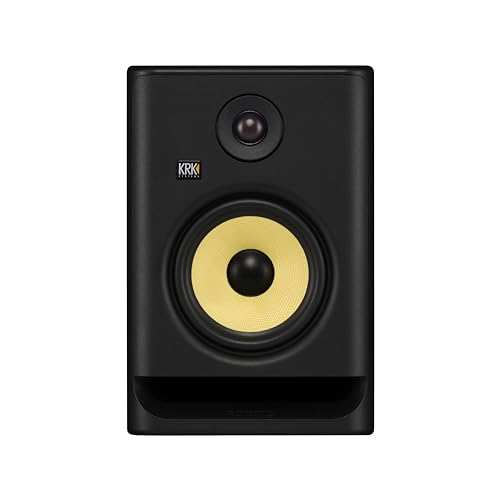

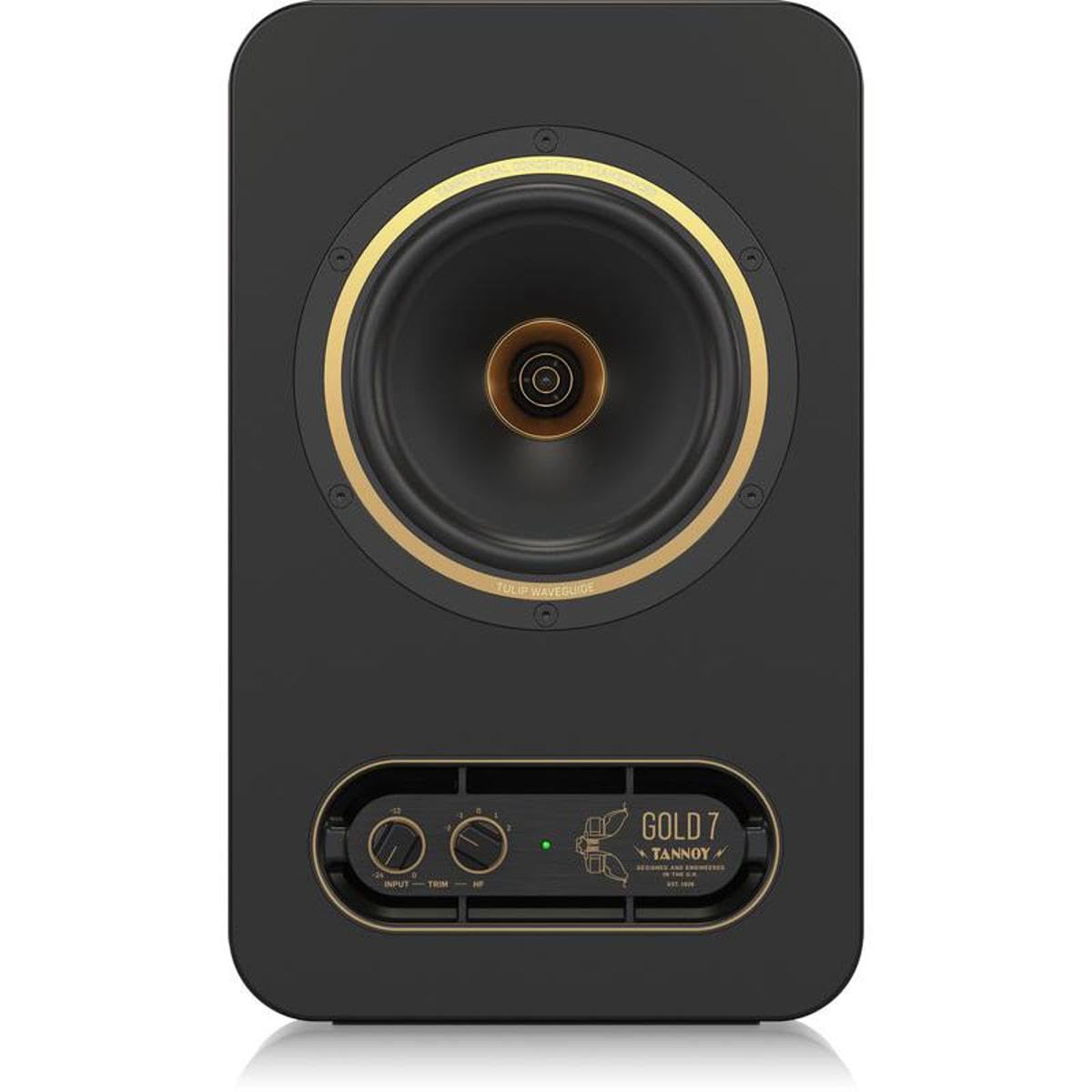

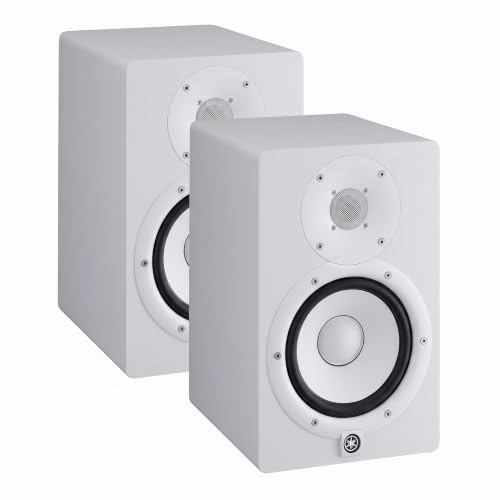


Who Should Buy a 7 Inch Studio Monitor Pair?
Choose this size by your room and the music you make. A pair that suits a spare bedroom can be too much for a tiny desk corner.
Home Producers in Small to Medium Rooms
You record and mix in a bedroom or small project studio, and you need one pair for writing, mixing and casual listening. A 7 inch pair gives fuller bass than a compact pair, so you make fewer trips to a car or headphones to check the low end. Leave space around each cabinet, because this size needs breathing room.
Mixers Who Work on Bass Heavy Music
You mix hip hop, electronic music or rock where the kick and bass carry the track. The larger woofer moves more air and plays lower notes with less strain, so you can hear whether the kick sits above the bass or fights it. Work at moderate volume, since extra low end energy builds up in room corners and blurs judgment.
Video Editors and Songwriters Who Mix Their Own Sound
You need dialogue, music and effects to translate to TVs, laptops and phones. A neutral 7 inch pair shows you when a voice track is thin or a music bed masks speech. If your desk is shallow and you sit very close, a smaller pair may image better at that distance, so measure before you commit.
Key Features to Compare
When you shop for the best 7 inch studio monitors, compare the factors below in order. Together they decide whether a pair tells you the truth.
Bass Extension From the 7 Inch Woofer
Bass extension tells you the lowest notes a monitor can play before its output fades. Many models in this size reach about 40 to 50 Hz, which covers the body of a kick drum and most bass guitar notes. A lower figure helps only if your room can support it, because walls boost deep bass in uneven ways. If you mainly mix acoustic music or voice, clean output to about 50 Hz is plenty.
Frequency Response and a Flat, Honest Sound
A studio monitor should add as little color as possible, so a mix that sounds right in your room also sounds right elsewhere. Look for a response quoted with a tolerance, such as plus or minus 3 dB, since that range shows how much output rises and falls across the spectrum. A smooth response is easier to learn than a louder pair with a boosted top end. Trust the shape of the published curve more than a wide range with no tolerance stated.
Tweeter Design, Waveguide and Stereo Imaging
The tweeter plays the high frequencies that place voices and cymbals in space, and the waveguide around it spreads that sound across your listening area. A well shaped guide widens the sweet spot, so the image stays stable when you lean toward a keyboard. Metal domes can sound crisp, while fabric domes often sound a touch softer. Either can work well. What matters most is that both speakers match, so the center image stays locked.
Amplifier Power and Headroom
Most pairs in this class are active, with amplifiers built into each cabinet and separate power for the woofer and the tweeter. Total power figures vary widely, so read them as a rough guide to headroom rather than a promise of quality. More headroom means peaks in drums and film effects play cleanly at your normal level without strain. If you mix quietly in a near field setup, modest power is enough.
Bass Port Position and Room Correction Controls
A port helps a cabinet play lower, and its position changes where you can place the speaker. Rear ported models need space behind them, while front ported models tolerate a desk closer to a wall. Many pairs add rear panel controls that trim bass or treble by a few decibels. Start with every control flat, place the pair well, then trim only the range your room clearly exaggerates.
Inputs and Connection to Your Audio Interface
Balanced inputs on XLR or TRS connectors reject hum picked up along the cable, which matters when cables run past power supplies and computers. Many pairs also offer an unbalanced RCA input for consumer gear, useful for a quick check from a phone. Match the monitor input to your interface output. A level control on the rear panel helps you match both speakers, so the image is not pulled to one side.
Types of 7 Inch Studio Monitors Compared
Size alone does not define a pair. If you sit closer than about three feet, see our guide to the best 5 inch studio monitors and our guide to the best 6 inch studio monitors for tight desks. If your room is large and you sit farther back, see our guide to the best 8 inch studio monitors for the step up in output.
Active Models With Amplifiers Built In
Active models house the amplifiers and crossover inside each cabinet, so you connect them straight to your interface and start working. This is the simplest route for most home studios, and the maker can match each amplifier to its driver. The tradeoff is weight and heat, since each cabinet carries its own electronics and power cable.
Passive Models That Need a Separate Amplifier
Passive models rely on an external amplifier that you choose and wire to both speakers. This route suits a studio that already owns a good amplifier. It adds cost, cables and one more setup decision, and a poor match can leave the pair underpowered. Most new buyers are better served by an active pair.
Front Ported Models for Desks Near a Wall
Front ported models vent below or beside the woofer, so air movement faces your room instead of the wall behind the desk. That makes placement more forgiving in small rooms where you cannot pull the desk forward. Sealed cabinets give tight bass with less depth. Both can sound accurate when placed well, so choose by room layout first.
Common Mistakes to Avoid
- Placing tweeters well below ear level tilts the balance and blurs the stereo image.
- Pushing a rear ported pair against a wall boosts bass and hides low end problems in a mix.
- Setting the two monitors at unequal distances pulls vocals and kick drums off center.
- Mixing loudly for hours fatigues your ears and leads you to cut treble your mix needs.
- Laying monitors on their sides without checking maker guidance can narrow the sweet spot.
- Judging a pair in the first hour ignores the time your ears need to learn its sound.
Care and Maintenance for Studio Monitors
Dust the cabinets and cones with a dry, soft cloth and keep liquids away from the drivers. Never push on a cone or dome to clean it, since a dent can change the sound for good. Keep the rear vents clear so the built in amplifiers can shed heat.
Turn the monitors on last and off first, so power spikes from other gear do not reach the drivers as loud pops. Lower the interface volume before you switch anything. If one speaker develops a buzz or level drop, stop mixing on the pair until a technician checks it, because a faulty side ruins stereo decisions.
FAQ
How far should you sit from 7 inch studio monitors?
Sit about three to five feet from 7 inch studio monitors for most desks. Form an equilateral triangle between your head and the two cabinets. Angle both speakers inward so they point just behind your head. This geometry locks the phantom center image in place during a mix.
Do 7 inch studio monitors need a subwoofer in a small studio?
No, most small studios do not need a subwoofer with 7 inch studio monitors. Add one only when your work carries notes below about 40 Hz, such as film effects or deep synth parts. A sub also needs its own placement search and crossover setting, and a badly placed sub makes low end judgment worse.
Should you buy 7 inch studio monitors as a matched pair or one at a time?
Buy 7 inch studio monitors as a matched pair whenever you can. Makers test and pack pairs to sound alike, so both channels share the same balance. If you must start with one speaker for mono work, buy the second from the same model line soon after, because a later revision may not match the first.
Can 7 inch studio monitors work well for everyday listening?
Yes, 7 inch studio monitors work well for everyday listening if you enjoy a clear, uncolored sound. You will hear flaws in old recordings and low quality streams that consumer speakers tend to soften. That honesty suits focused listening, but it can feel plain at parties, where a warmer speaker may fit the mood better.
How long do 7 inch studio monitors usually last?
Well kept 7 inch studio monitors often serve for many years of daily use. The drivers wear slowly when you avoid extreme volume and damage. The built in amplifiers are usually the first parts to age, so power the pair from a clean, stable outlet. A sudden change in one channel is a sign to seek service, not a reason to replace the pair at once.
Our Verdict
Match the pair to your room first, then to your music. Honest bass reach, a smooth and flat response, and placement controls you understand will improve your mixes more than raw power figures. Compare cabinets and port design in the product table above before you decide.
Chosen with those points in mind, the best 7 inch studio monitors become a reference you can trust. Learn how your favorite records sound on them, and let that guide every mix.