Best 27 Inch Monitors in 2026: Which Type Is Right for You?
Disclosure: We may earn a commission when you buy through links on this page, at no extra cost to you. As an Amazon Associate I earn from qualifying purchases. Learn more

The best 27 inch monitors compared by type: resolution, gaming, OLED, productivity and curved, so your desk gets the right screen.
Shelves and search pages mix every kind of 27 inch screen into one long list, and the labels rarely explain who each kind serves. A fast gaming panel, a color true studio screen and a plain office display can share a price and still suit completely different desks. This guide compares the best 27 inch monitors by type first, so the shortlist you build later holds only screens shaped for your work. The comparison table below lines the types up side by side, and the product table lists current picks to match.
Resolution, job and panel shape are the three cuts that matter most at this size, and each type below is stronger on one cut than the others. Read the type sections with your own desk in mind, because your chair distance, your room light and your longest task decide more than any single figure printed on a box.



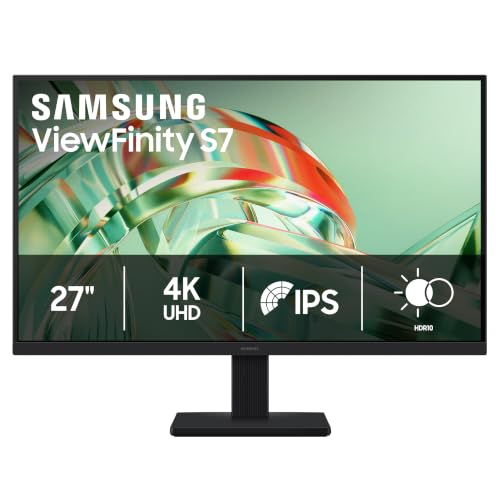
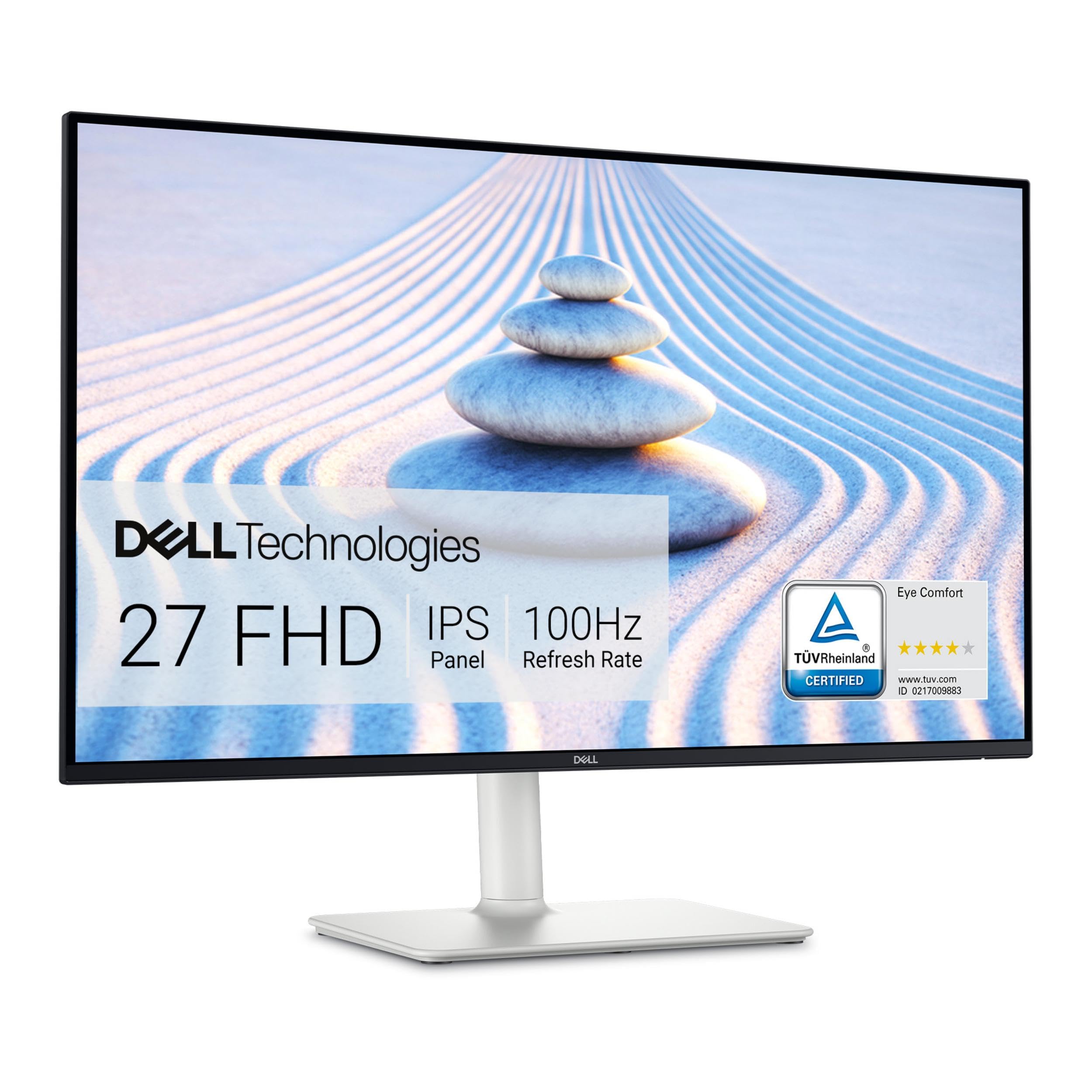
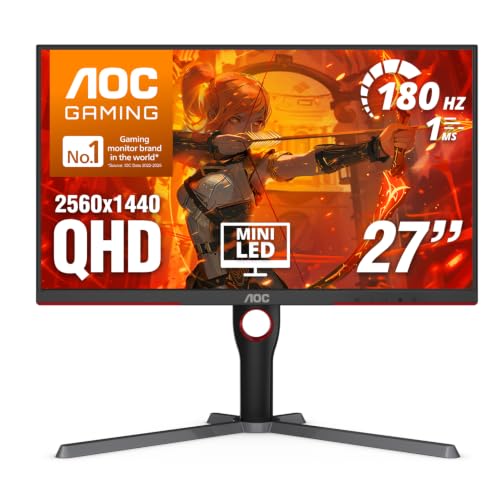

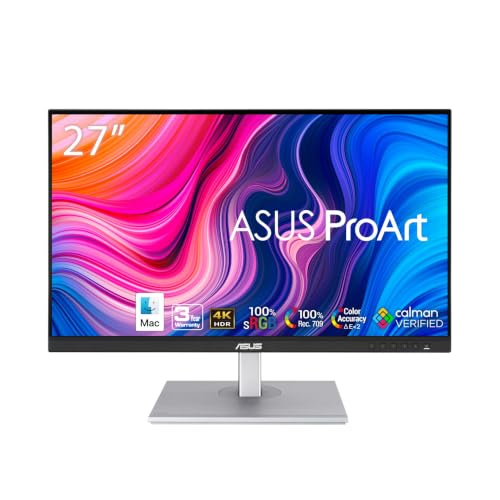


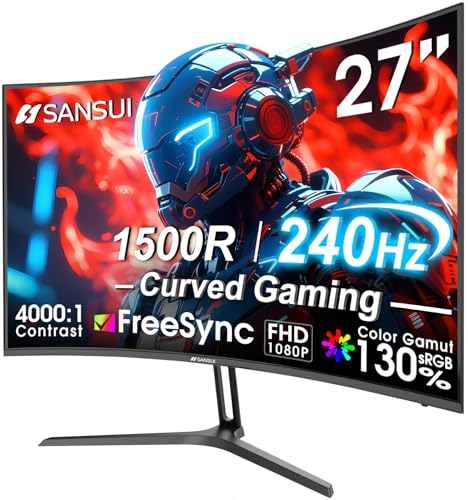
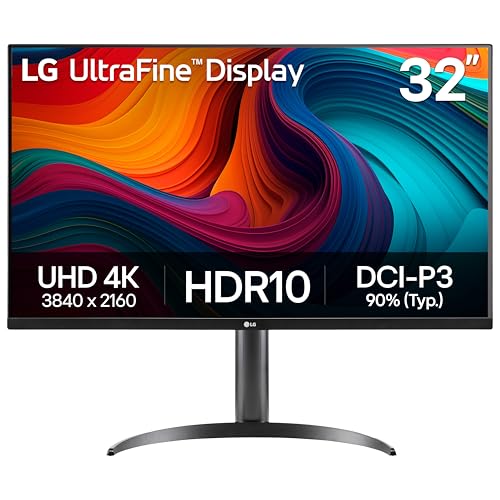
Best 27 Inch Monitors by Type Compared
The table gives the short version of this page. Each type that follows it is a class of product with its own strengths and its own compromises, and the right question is never which type wins overall, but which type matches the hours you spend in front of it.
| Type | Best For | Strengths | Trade Offs | Typical Price |
|---|---|---|---|---|
| 1440p all round type | Office work and mixed use | Sharp text, roomy desktop, easy to drive | Not the sharpest for photo detail | about $200 to $400 |
| 4K density type | Photo, design and fine print | Very fine detail, smooth text edges | Needs scaling, asks more of the computer | about $350 to $700 |
| Fast gaming type | Games and fast motion | High refresh, adaptive sync, quick response | Color and stands often plainer | about $220 to $600 |
| OLED premium type | Films, contrast and evening play | True blacks, striking contrast | High price, care needed with static images | about $550 to $1,000 |
| Budget 1080p type | Simple jobs and second screens | Low price, undemanding to run | Coarse text at this size | about $110 to $190 |
Resolution Types: Fine Text or Fast Frames
Resolution is the type split that shapes daily comfort, because pixel density decides how sharp text looks at this size. The 1080p type stretches few pixels across a large panel, so letters look coarse and reading tires faster. The 1440p type is the settled desk standard, dense enough for crisp documents and two windows side by side. The 4K type packs the finest grid and serves anyone who judges detail for a living.
Buyers who have settled on the standard can compare dedicated models in our guide to best 27 inch 1440p monitors, while the sections below treat resolution as one type among several rather than the whole story.
Gaming Types Built Around Speed
Gaming types trade everything for motion: high refresh rates, adaptive sync and panels tuned to change picture quickly. Their color coverage is usually ordinary and their stands plainer than work types at the same price, because the budget went to speed. They suit players first and mixed desks second.
If play is the main event at your desk, our guide to best gaming monitors 27 inch ranks this type on its own terms. Everyone else should note that a gaming type used for documents still works well; it simply spends money on frames you may never ask for.
OLED and Other Premium Panel Types
Premium types sell picture quality itself. OLED panels light every pixel separately, so night scenes hold true black beside bright detail and films look dramatic in a dim room. High end IPS types answer with strong brightness, steady color and no worries about static images. Both cost far more than the all round type, and both are wasted on plain email. The honest question is whether your evenings involve graded photos, design work or films often enough to enjoy what the premium buys every single day.
Productivity Types for Long Desk Days
Productivity types are built around the chair rather than the picture: height adjustable stands, matte surfaces that calm window light, hub ports that gather your cables, and panels chosen for even color across long documents. Their datasheets look dull beside gaming types, yet eight hours of reading is where they repay you. If your workday is writing, code, accounts or study, this type protects your neck and eyes better than a faster panel on a fixed stand ever will.
Flat or Curved: Shape as a Type
Shape is a quieter type split. Flat panels keep straight lines true, which drawing, layout and shared viewing all prefer, and they remain the default for work. Curved panels bend the edges gently toward a single centered viewer, which can feel easier during long solo sessions and adds a sense of wrap in games. At 27 inches the curve is mild, so the choice is about comfort rather than capability. Our guide to best 27 inch curved monitors covers the curved branch in full for readers who lean that way.
A Big Calm Screen Versus a Fast Screen
The most common crossroads at this size is between a calm, sharp work screen and a fast gaming screen at the same price. On sharpness, the work screen usually wins, because its money bought resolution and panel quality rather than refresh. On motion, the fast screen wins clearly, with smoother play and less blur when the picture moves.
On color, the work screen tends to be more even and better suited to judging photos, while the fast screen favors response over accuracy. On the desk, work screens usually bring the better stand, and on price the two meet in the middle band about $250 to $450. Choose the calm screen when your paid hours outnumber your played hours, and the fast screen when games are the reason the monitor exists.
How to Choose the Right 27 Inch Monitor
Stand, Mounting and Desk Ergonomics
The stand is part of the purchase, not packaging. Height adjustment lets the top of the screen sit near eye level, tilt handles window light, and a heavy narrow desk may need a VESA arm instead of the supplied foot, so check that the panel carries the standard mounting holes. Desk depth and stand footprint decide whether the screen can sit far enough away at all. If your shortlist is strictly for a desktop computer, the companion guide to best 27 inch pc monitors narrows this same ground by fit and cabling.
Panel Technology Without the Jargon
Three panel families cover nearly every type on this page. IPS gives stable color from off center seats, VA gives deeper blacks for dim rooms and films, and OLED gives perfect black at a premium price with some care needed around static images. Makers quote color coverage and brightness from their own measurements and their own settings, so those figures are class labels rather than numbers you can compare across brands. Readers chasing the finest grid for detail work can also compare the dedicated class in our guide to best 27 inch 4k monitors.
Refresh Rate and Response Time in Real Use
Refresh rate is how many new pictures the panel shows each second, and response time is how quickly pixels change between them. For documents and video, 60Hz is enough and extra speed is invisible most of the day. For games, higher refresh feels smoother and pairs with adaptive sync to keep motion clean.
Treat response figures with suspicion: they are maker best case results, and two panels with the same printed number can behave differently in a dark scene. Buy the class your use needs rather than the smallest number on the shelf.
Sound, Smart Extras and What to Skip
Monitors are not televisions, and extras borrowed from TV design rarely earn their keep on a desk. Built in speakers are a convenience for calls and alerts, not a music solution. Smart platforms and remote controls add cost and menus you will seldom open, because the computer already streams everything.
Spend first on resolution, panel and stand, and let extras break a tie between two screens that already match your type. A webcam or a hub can be added later for less than the premium charged when it is built in.
Adaptive Sync and Console Play
Adaptive sync lets the panel wait for each new frame from the computer or console, which removes the tearing that appears when frames and refresh fall out of step. It matters most in games with uneven frame rates. Console owners should confirm the HDMI inputs accept the 120Hz mode their console can send at this size, because some panels limit their fastest modes to the DisplayPort input. None of this affects office work, so mixed desks can treat sync as a welcome bonus rather than a reason to buy.
Picking the Right 27 Inch Monitors for Different Uses
Types narrow the field, but the job you do most still has the final word. The four uses below adjust the type choice with criteria of their own, and each one can move you a shelf up or down within the type you already favor.
Best 27 Inch Monitors for Photography
Photography asks for color you can trust: wide color coverage, even brightness from center to corner, and a panel that can be calibrated and will hold that calibration. A 4K IPS type is the usual answer, because fine detail and stable color matter more here than speed. Matte surfaces help in bright rooms, and a hood can help in mixed light. Spend on the panel and a calibration tool before anything else, since editing on an untrustworthy screen means correcting colors that were never wrong.
Best Gaming 27 Inch Monitors
Gaming asks for frames: a high refresh rate, adaptive sync that covers your card, and response behavior that keeps dark scenes clear. The 1440p gaming type is the sweet class at this size, because modern cards can feed it fast without the heavy cost of 4K. Check the port list against your machine, since the fastest modes sometimes live on one input only. A height adjustable stand still matters during long sessions, even in a type built for play.
Best Display 27 Inch Monitors
Some buyers simply want a good general display for a home desk: browsing, streaming, family photos, homework and the odd game. The all round 1440p IPS type serves that brief best, with sharp text, honest color and a stand the whole household can adjust. Built in speakers earn their place here, where the screen often doubles as the family video caller. Resist paying for extreme speed or studio color that a general desk will never call on.
Best 27 Inch Monitors with Thunderbolt
Thunderbolt and USB C docking types serve laptop owners who connect once and go: one cable brings the picture, charges the laptop, and links the keyboard, mouse and drives through the monitor hub. Check the charging wattage against your laptop, because a low wattage port can leave a large machine draining under load.
Some models also chain a second screen from the same port, which tidy desks love. This convenience costs a premium over the same panel without the dock, so buy it when the single cable routine is genuinely your daily habit.
Care and Maintenance
Clean the screen with a dry or barely damp microfiber cloth and nothing stronger, because household sprays can mark the coatings that control reflections. Lift and move the panel by its stand or frame rather than by the screen itself, since pressure on the surface can damage pixels.
OLED owners should let the built in pixel refresh run when the panel asks and avoid leaving the same bright window open for days. A quick dust of the rear vents each month keeps a hard working panel cool, and checking cable strain at the ports prevents the flicker that loose connections cause.
Questions Answered
How long does a 27 inch monitor usually last?
A 27 inch monitor usually serves five to eight years of daily use before its backlight dims or its ports fall behind your devices. The panel itself rarely fails first; stands loosen, buttons tire and new connection standards arrive. Warranty length is a useful class signal, since makers reserve longer cover for better built lines. If the picture still pleases you, a new arm or cable can extend a sound monitor further than a cheap replacement would.
Should I choose IPS or OLED for a 27 inch monitor?
Choose IPS for bright rooms, shared viewing and long days of text, and choose OLED for films, games and color rich work in controlled light. OLED contrast is unmatched, but static screens shown for years can leave marks, and IPS asks nothing of your habits. Room light is the deciding detail many buyers skip: a glossy OLED in a sunny room can reflect more than it glows, while a matte IPS stays readable. Match the panel to your room first and your content second.
Is 4K worth paying for at 27 inches?
At 27 inches, 4K is worth paying for when you edit photos, work with fine detail, or sit close and read small text for hours, because the density makes edges and type look printed. It is poor value for fast games, where the frame cost is heavy, and for casual streaming, where 1440p already looks clean. Remember that most systems scale the interface at 4K, so you buy smoothness rather than extra space. Spend the difference on the stand if your work is ordinary documents.
Does a high refresh rate help if I never play games?
Only a little. Scrolling and window movement look smoother at 120Hz and above, and some people find the motion easier on the eyes, but documents, mail and video gain nothing that changes the work. Your money works harder in resolution, panel quality and an adjustable stand. One exception is drawing with a pen, where quick refresh can make strokes feel more direct. For a pure office desk, treat high refresh as a pleasant extra, not a target.
How far should I sit from a 27 inch monitor?
Most people settle about 60 to 90 cm away, roughly an outstretched arm and a hand beyond, so the whole screen fits in easy view without head turning. Sit closer and pixel structure can show on lower resolution types; sit farther and small text shrinks. Keep the top edge of the screen near eye level so your gaze falls slightly downward. If two screens share the desk, angle both gently inward rather than pushing them farther away.
Wrapping Up
Start with the type, then the job, then the figures, and the shelf becomes much less confusing. The comparison table above and the picks in the product table give you a final side by side view. Whether your desk needs density, speed or all round calm, the best 27 inch monitors for you are the ones whose type matches your longest hours, with a stand that puts the screen where your body wants it.