Best 5 Inch Studio Monitors: A First Time Buyer's Guide for 2026
Disclosure: We may earn a commission when you buy through links on this page, at no extra cost to you. As an Amazon Associate I earn from qualifying purchases. Learn more

Buying best 5 inch studio monitors for the first time? Learn what flat response means, how much bass a small cabinet gives up, and where the pair should sit.
Buying your first pair of studio speakers is confusing mostly because the name misleads. The best 5 inch studio monitors for a first time buyer are speakers, not screens, and the 5 inches describes the woofer, not a display. This guide starts with that naming trap, explains the handful of specs that matter in plain English, and walks you from the basics to a sensible first purchase.
You will learn what flat response means, how much low end a small cabinet honestly gives up, and why placement changes the sound as much as price does. The comparison table below gathers the current options so you can match each point in this guide against real listings.
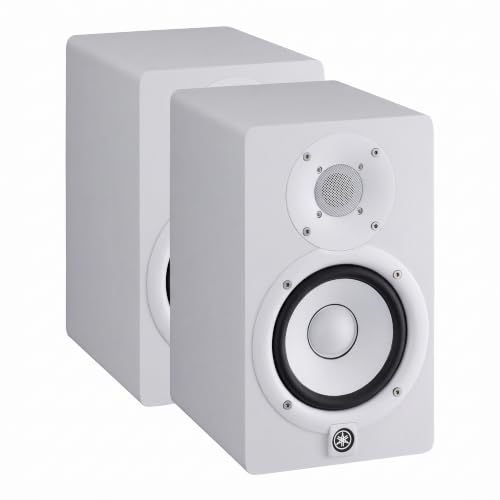
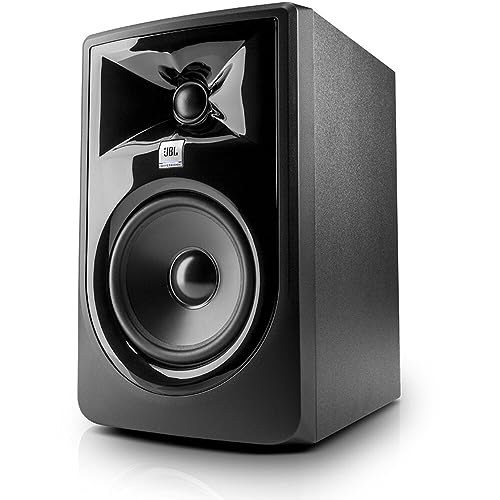


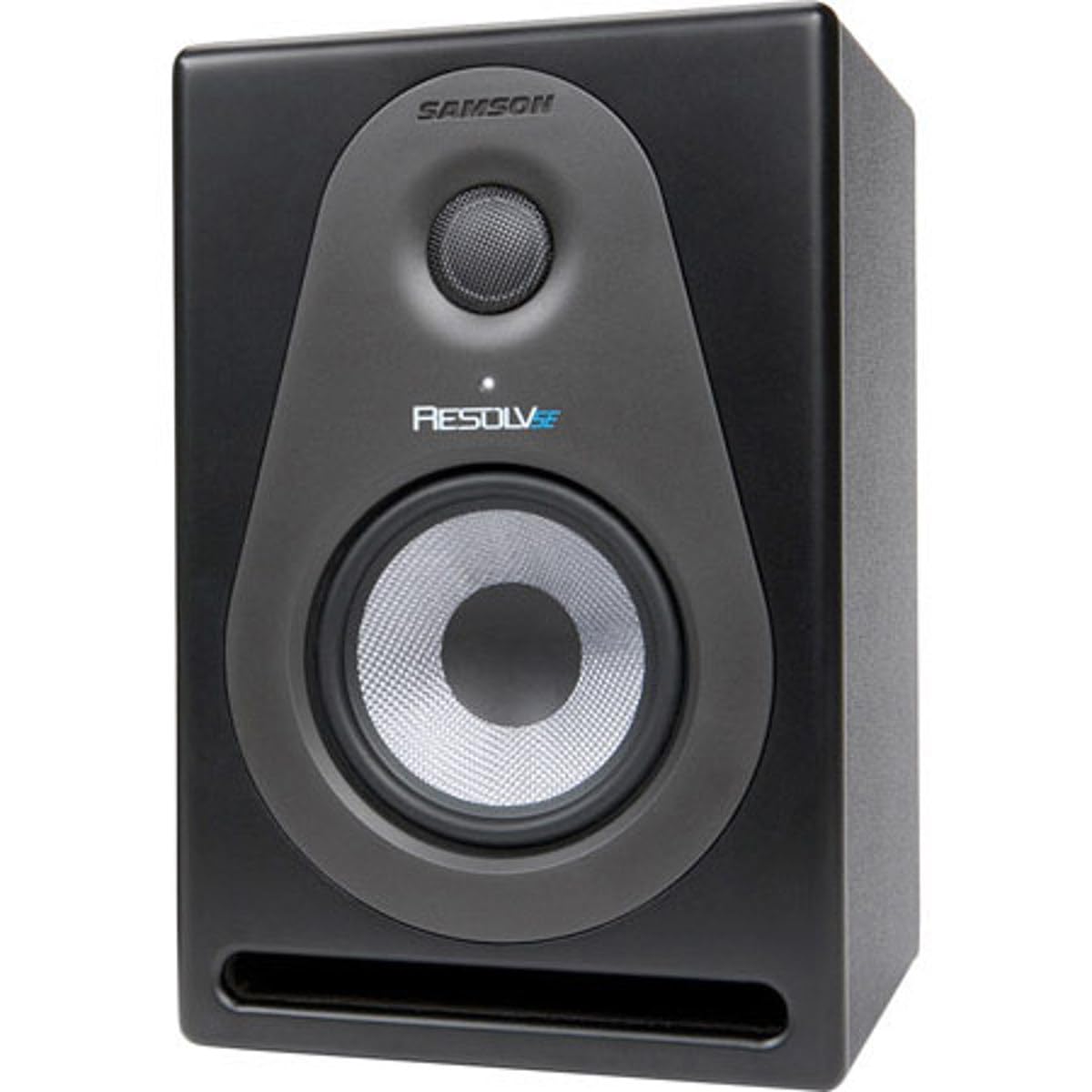
5 Inch Studio Monitors 101: The Basics
Start with the classification, because it decides everything else. A studio monitor is a speaker built for listening work, and its whole design serves one goal: a flat response that plays back a recording without adding extra bass, extra treble, or polish of its own. Consumer speakers often flatter the music, while a monitor tries to tell the truth, so a mix that sounds balanced on it tends to translate to other systems.
The word monitor confuses new buyers because it also names a computer display, and the two products share nothing but the word. Shoppers hunting for a small screen should read about best 5 inch monitors instead, since that is a display class for video, not an audio class for listening. Everything in this guide is about speakers that sit on a desk or on stands and play sound.
A pair is sold and used as two speakers, one for the left channel and one for the right, and most in this size class are powered, which means the amplifier is built into the cabinet and no separate amp is needed. The related speaker family sold under the name best 5 inch monitor speakers is the same product class, so listings under either label deserve the same checks.
Key Specs Explained in Plain English
Flat Response and Frequency Range
Frequency response is the range of tones a speaker can play, written as two numbers in hertz, and flat means no part of that range is pushed louder than the rest. Treat the printed range as a rough border rather than a promise, because makers measure it under generous conditions. A response that stays honest through the midrange matters more for mixing voices and instruments than a heroic low number, and a range quoted with no tolerance figure at all is marketing, so weigh the rest of the spec sheet more heavily.
Woofer Size, Cabinet Size, and the Bass Trade
The 5 inch figure is the diameter of the woofer, the driver that handles bass and midrange, and it fixes the honest limits of the design. A woofer this size suits a small room and a near field setup, where you listen from about three to five feet away and do not need the speaker to fill a big space. Bass is the honest trade of a small cabinet: the deepest notes roll off early, so kick drums and bass synths sound thinner than on a larger speaker. For spoken word, acoustic music, and most home recording that trade is acceptable, though bass heavy electronic work calls for headphone checks or a subwoofer later.
Power, Volume, and Room Size
Power is quoted in watts and matters mainly as headroom, the spare capacity that keeps loud passages clean instead of strained. In this size class, about 25 to 50 watts per speaker is typical and plenty for near field listening in a bedroom or small studio, where you will rarely push the volume knob past halfway. A bigger number does not mean a better speaker, and chasing watts is a classic first purchase error. A small cabinet in a small room at a modest distance will sound clearer than a large speaker crammed against a wall.
Inputs and Connections
Inputs decide how the speakers connect to the rest of your gear, and this is where balanced and unbalanced cables matter. Balanced inputs, usually XLR or TRS sockets, reject the hum and buzz that long cable runs can pick up, so they are the safer choice when the speakers sit near computers and power supplies. Unbalanced RCA inputs are common on entry level pairs and work fine over short runs. Count your sources before buying, because a pair with only one input type can leave a source stranded.
Placement and Room Controls
Placement governs the sound as much as the price tag does, because a speaker plays the room as well as the recording. Many models in this class include simple room controls, small switches that trim the bass when the speaker sits close to a wall or in a corner, where low notes build up and boom. Use them: a rear ported cabinet pushed against a wall will exaggerate bass no matter how flat the design is on paper.
What a First Pair Costs
Prices for the product table above fall into three rough bands, and the steps between them buy build quality and controls more than raw loudness. Entry level pairs run about $100 to $200 and cover the basics, though inputs may be unbalanced only and room controls may be missing. The middle band, about $200 to $350 per pair, usually adds balanced inputs, boundary trim switches, and sturdier cabinets, while pairs at about $350 to $500 charge for flatter measured response and better amplifiers. For a first pair the middle band is the calm place to land, and money saved there is better spent on stands, cables, and basic room treatment.
Stepping Up in Size
Some first time buyers discover, once they measure their room and listening distance, that a slightly larger woofer fits their space better. The step up options keep the same flat response idea and simply move more air: guides to best 6 inch studio monitors cover the middle ground for medium rooms, best 7 inch studio monitors suit larger desks and longer distances, and best 8 inch studio monitors reach the deepest bass of the family without a subwoofer. Bigger is not automatically better, since an oversized speaker in a tiny room creates more problems than it solves.
Rookie Mistakes to Avoid
- Buying a display by mistake, because the word monitor also names screens and the two listings sit side by side in search results.
- Judging a speaker by its lowest bass number, which makers measure generously and which says little about midrange honesty.
- Placing the pair flat on a desk against a wall, so desk reflections and corner bass buildup undo the flat response you paid for.
- Mixing at high volume for hours, which tires your ears and pushes you toward bad decisions.
- Spending the whole budget on speakers and nothing on stands, pads, and cables.
Getting Started: Setup and First Use
Setup takes an afternoon and pays off every day after. Put the speakers on stands or isolation pads with the tweeters at ear height, place them as two corners of a triangle with your chair as the third, and pull them a foot or more from the wall if the room allows. Connect the interface or mixer with balanced cables where the sockets allow, set the room controls to match the placement, and start with the volume low. Play a few recordings you know well and adjust the angle of the speakers until voices sit in the center, and only then start judging your own mixes.
5 Inch Studio Monitors: Your Questions Answered
Are 5 inch studio monitors speakers or computer screens?
They are speakers, and the screen meaning of the word monitor is a separate product that happens to share the name. The confusion comes from old studio language: engineers monitor a recording by listening to it, so the trusted speaker took the verb as its name. If a listing shows resolutions or refresh rates, you are looking at a display, while a speaker listing talks about woofers, watts, and frequency response.
Do 5 inch studio monitors need a subwoofer?
Most first time buyers do not need one at the start, and many never add one. A subwoofer helps when your work depends on judging the lowest octave, such as electronic music or film sound, but in a small untreated room it often adds boom faster than clarity. Learn the pair on its own first, check bass decisions on headphones, and consider a subwoofer only when you can place and tune it properly.
Can 5 inch studio monitors connect straight to a computer?
Yes, many pairs accept a direct connection from a headphone jack or a simple USB interface, so a separate audio interface is not mandatory on day one. The catch is noise and control: built in computer outputs can hiss, and an interface gives you a proper volume knob, balanced outputs, and microphone inputs for recording. Start direct if the budget is tight, and treat an interface as the first upgrade when you begin recording your own material.
How long do 5 inch studio monitors usually last?
A well kept pair commonly serves for many years, because little wears out beyond the amplifier electronics and the driver surrounds. Keep them out of direct sun, avoid driving them into distortion for long sessions, and dust the cabinets with a dry cloth. If one side develops a buzz at a certain note, that usually points to a loose fitting or a failing surround, and a repair shop can often fix it for far less than a replacement pair.
Should beginners mix on studio monitors or headphones?
Monitors are the better main reference for most beginners, because headphones exaggerate stereo width and hide how a mix behaves in a real room. Headphones still earn a place for checking fine detail and low bass, and for working when the house is asleep. A practical pattern is to build the mix on the speakers at a moderate level, then do a short headphone pass at the end to catch clicks, edits, and stray noises the room masked.
Final Thoughts
For a first desk setup, the best 5 inch studio monitors are the pair whose response stays honest, whose inputs match your gear, and whose size fits your room and listening distance. Remember the three checks that matter most: it is a speaker and not a screen, the bass limits of a small cabinet are a fair trade at near field distance, and placement shapes the result as much as price. Compare your shortlist against the product table above, and your first mixes will have a reference you can trust.