
Best 4K Monitors Under 400 in 2026: The Buyer Checklist
Disclosure: We may earn a commission when you buy through links on this page, at no extra cost to you. As an Amazon Associate I earn from qualifying purchases. Learn more
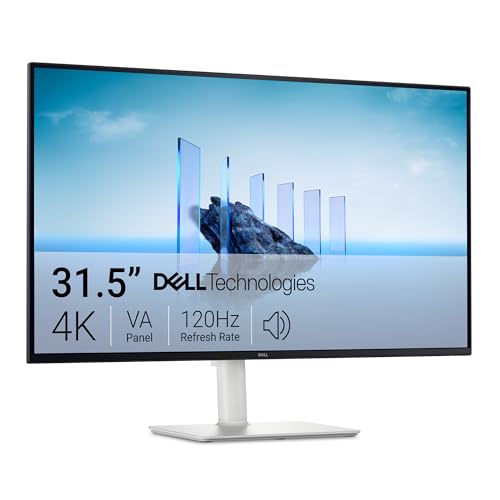
Use this checklist to compare 4k monitors under $400 by panel type, refresh rate, HDR, ports and stand, and choose the right size for your desk today.
A 4K screen makes text sharp and photos detailed, but a price cap changes what you should expect. The best 4k monitors under 400 dollars share clear limits on brightness, speed and stand quality. This guide turns those limits into a simple checklist.
Start with your job for the screen, then check panel, size, ports and refresh rate. Use the product table below to match each type to your desk and your computer.
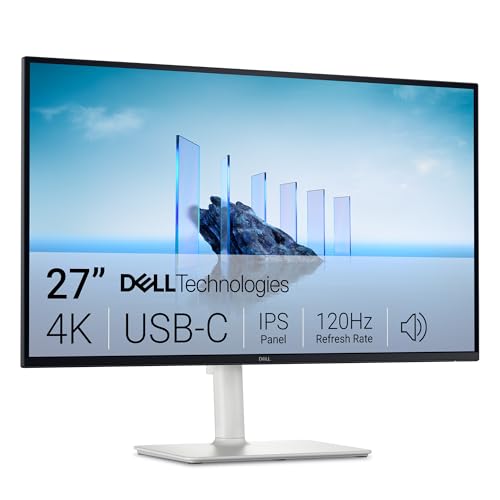

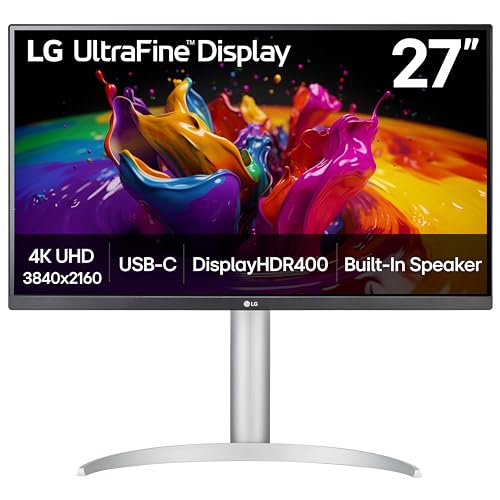
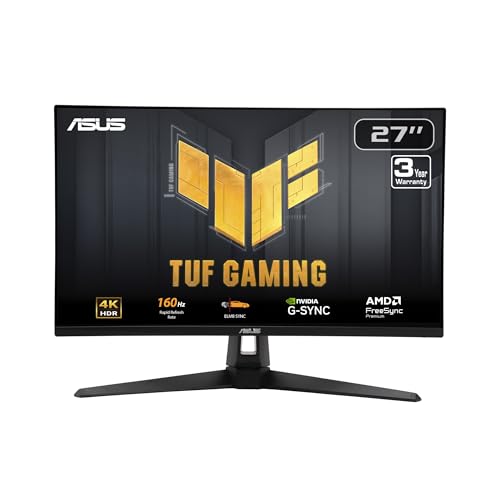

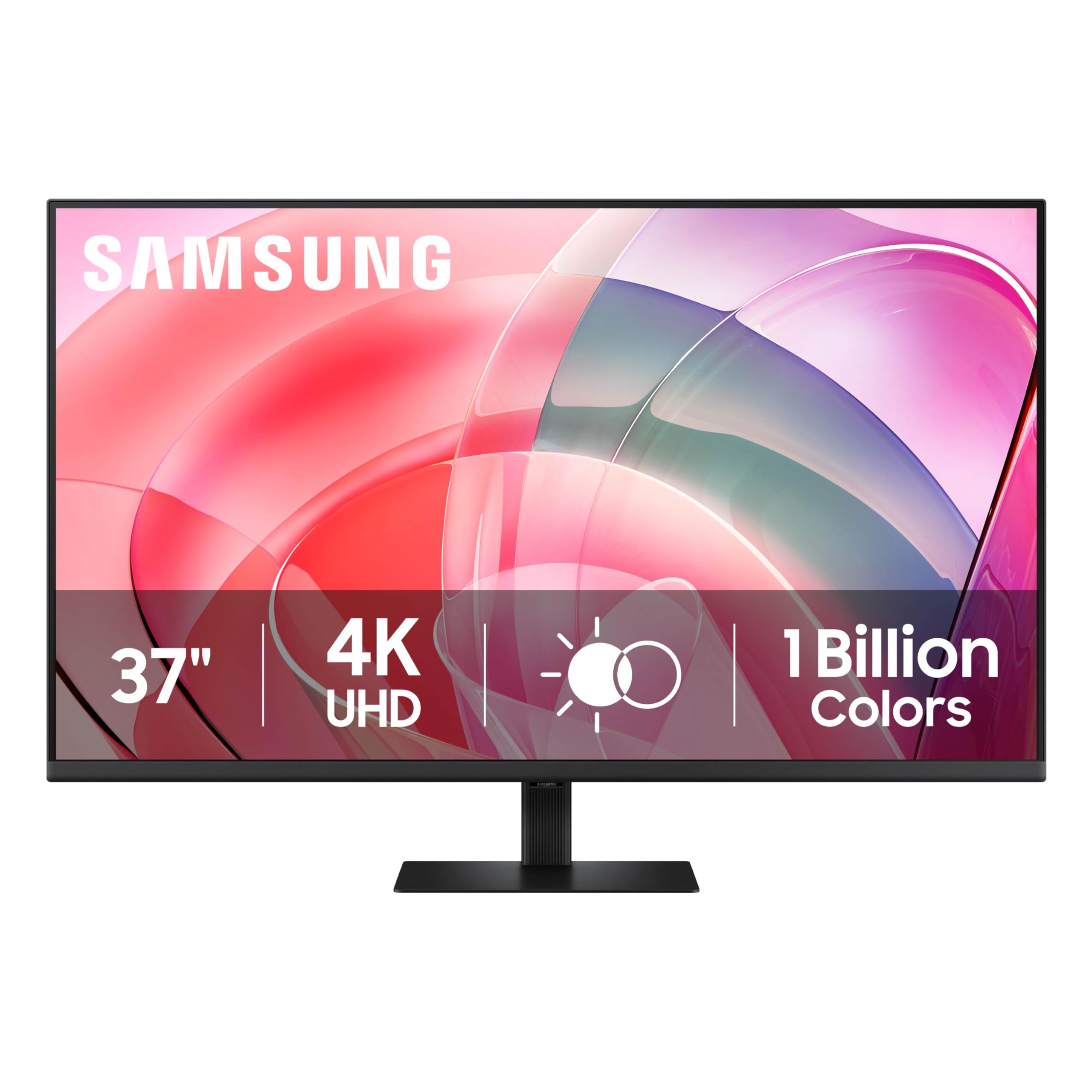
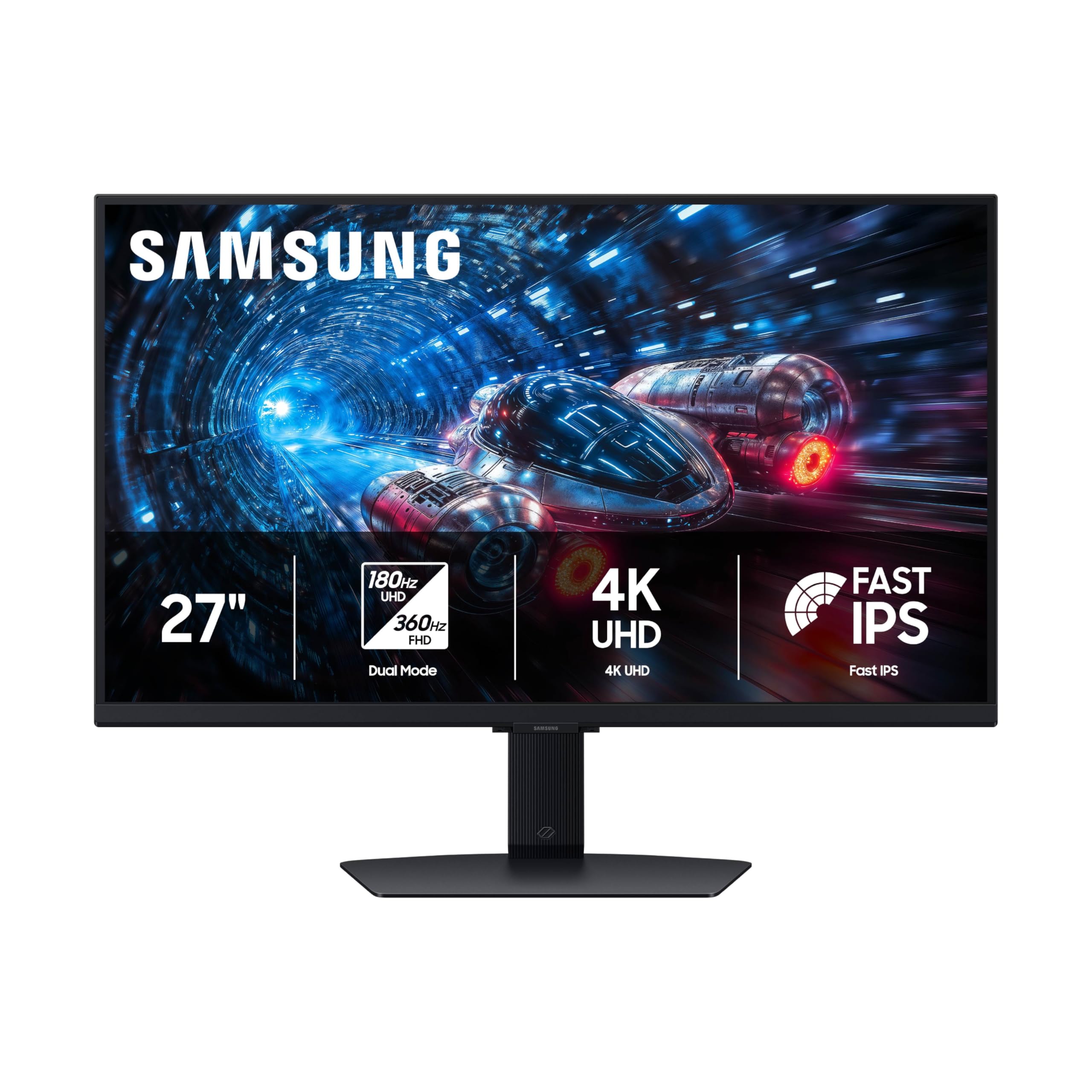
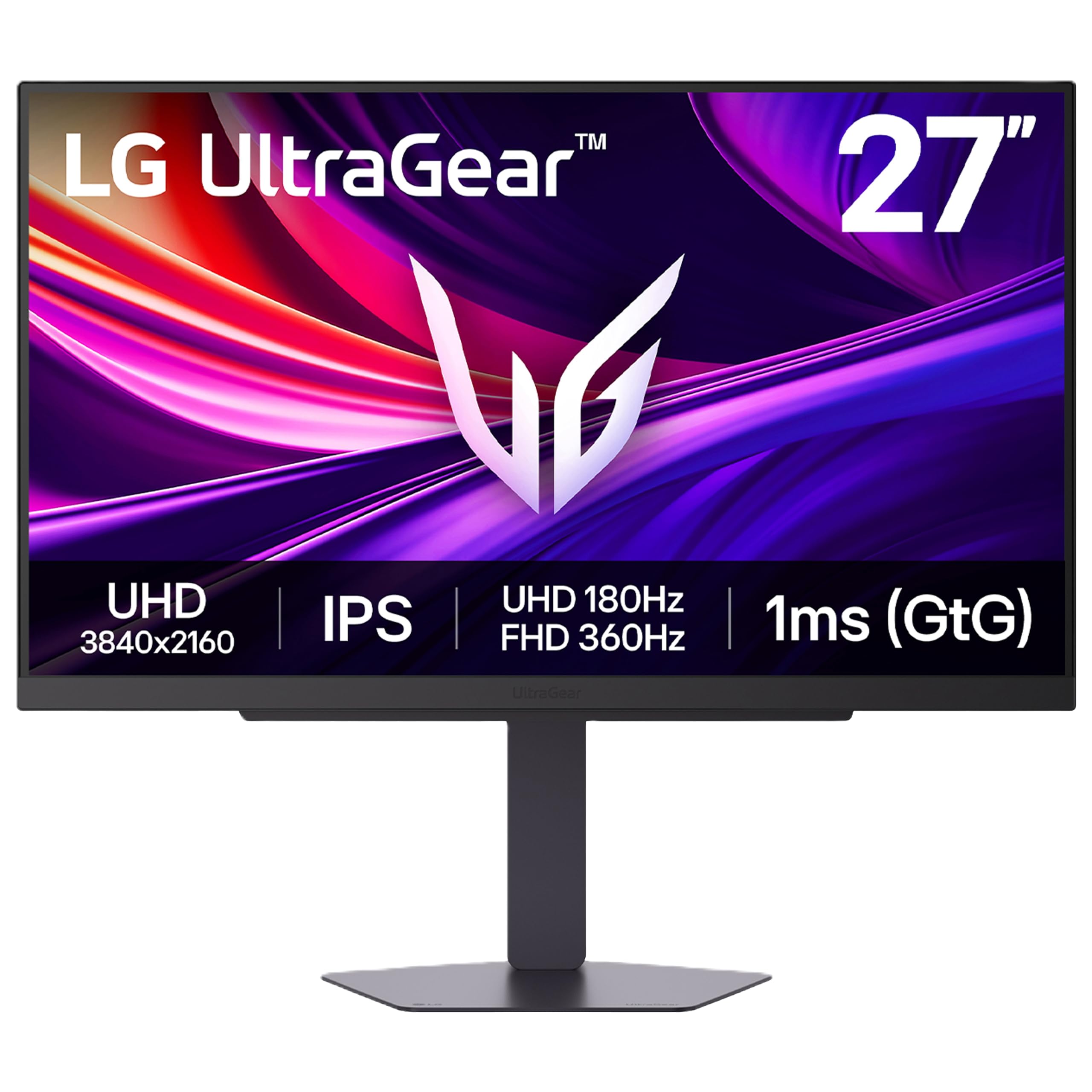
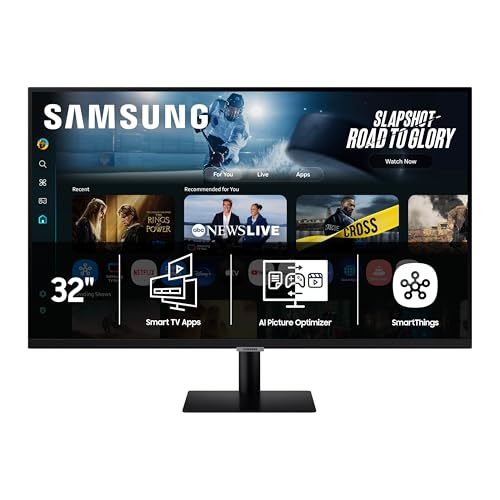
Who Should Buy a 4K Monitor Under $400?
Buyers at this price get real 4K clarity, but they trade away some speed, brightness and build quality. Match your group below first, then confirm details later.
Office and Study Users Who Read Text All Day
You read documents, mail and spreadsheets for hours, so text clarity and posture matter more than raw speed. Choose a 27 inch or 32 inch IPS panel and use system scaling so letters stay large enough to read without leaning in.
Photo and Video Creators Working With a Tight Budget
You edit photos or video and need color you can trust on a limited budget. Choose an IPS panel with full sRGB coverage and a stated DCI P3 share for video work. A 60 Hz rate is fine for most editing.
Console and PC Gamers Who Play at a Desk
You play games at a desk and want a sharp image without flagship prices. Look for a refresh rate above 60 Hz, adaptive sync and low input lag. Check ports, because many models under $400 cap console play at 60 Hz.
Key Features to Compare
Compare each model in the same order, so a low price cannot hide a weak stand or the wrong ports. Use this order when you sort the best 4k monitors under 400 dollars into a short list.
Panel Technology and Color Coverage Under $400
Most models at this price use an IPS or VA panel. IPS gives wide viewing angles and steady color when you shift in your chair, which suits shared desks and photo work. VA gives deeper contrast for films in a dim room, but motion can smear in dark scenes. OLED panels usually cost well above this budget new, and Mini LED models are scarce here.
Resolution, Screen Size and Viewing Distance
A 4K monitor shows 3840 by 2160 pixels, and size decides how that detail feels. At 27 or 28 inches the image is very sharp, but you will likely use scaling of 125 to 150 percent for comfortable text. At 32 inches you can scale less and place windows side by side. If you want a much larger picture for a couch, see our guide to the best 4k tvs under 400 instead.
Connectivity and Ports for Laptops and Consoles
Count the ports your devices need today, plus one spare. DisplayPort suits most desktop graphics cards, while HDMI serves consoles and many laptops. USB C with video input and power delivery lets one cable carry picture, data and charging, though watt figures vary. If your short list centers on a work laptop, see our guide to the best computer monitors under 400 for office focused options.
Motion Specs for Desk Gaming on a Budget
Refresh rate tells you how often the picture updates each second. Most budget 4K models run at 60 Hz. Gaming models here may offer 120 Hz or 144 Hz, with less blur and lower quoted response time in fast paced games. Adaptive sync matches screen rate to game rate and cuts tearing. For console play at 120 Hz in 4K, you need HDMI 2.1 on the console, the monitor and the cable.
HDR and Brightness in a Bright Room
Brightness at this price is often about 300 to 400 nits, enough for most rooms with curtains or soft light. HDR labels here usually mean the screen accepts an HDR10 signal, not that it shows the full effect of a costly HDR display. Local dimming is rare or basic, so dark scenes may look gray in a dark room. Judge HDR as a bonus, and put panel quality first.
Stand, Mounting and Ergonomics
Many low price models tilt only, with no height control and no turn or pivot. That matters, because a screen set too low can strain your neck during long sessions. Check whether the stand lifts and turns, or budget for a desk arm. Most models follow the VESA 100 by 100 mm mount pattern, but confirm the pattern and screen weight.
Which Type of 4K Monitor Fits Your Desk?
Sort models into three types and pick the type that fits your week, because each type spends the same budget in a different place. If none fits, see our guide to the best 4k monitors under 500 to learn what the next step adds.
The Office First Type With a Height Adjustable Stand
This type puts money into the stand, USB C input and a plain IPS panel at 60 Hz. It suits writers, analysts and students who value posture and sharp text over speed. You give up fast refresh and strong HDR.
The Creator First Type With Wide Color Coverage
This type puts money into panel color, with wide DCI P3 coverage and even brightness across the screen. It suits photographers and video editors who publish online. You give up gaming speed and often accept a basic stand.
The Gaming First Type With a Fast Panel
This type puts money into refresh rate, adaptive sync and quick response for motion. It suits desk gamers who play shooters, racing titles or sports games each week. You give up USB C power on some models and accept modest HDR.
Checks to Run Before Ordering a Budget 4K Screen
Answer each question before you order, and treat a no answer as a reason to keep looking. If your budget must drop further, see our guide to the best 4k monitors under 300 to see which features shrink first.
- Does the size fit your desk depth and sitting distance?
- Does the panel match your main use, work, color tasks or play?
- Do the ports cover your computer and console, with one spare?
- Does the refresh rate match your games or work each week?
- Can the stand reach eye level, or do you own a mount?
- Is brightness enough for the light in your room at midday?
- Does the price, under $400, leave room for a cable or arm?
Common Mistakes to Avoid
Most returns at this price come from a small set of avoidable errors.
- Choosing a 27 inch screen and reading tiny text at full scale tires your eyes.
- Assuming every HDMI port runs 4K at 120 Hz leaves console games capped at 60 Hz.
- Paying for an HDR label alone can leave you with washed out dark scenes.
- Skipping stand checks forces you to stack books under a low screen.
- Ignoring USB C watt limits leaves a large laptop charging slowly or not at all.
- Choosing VA for fast dark games can add smear behind moving objects.
Care and Maintenance for a 4K Monitor
Clean the screen only when it is off and cool, using a dry microfiber cloth with light pressure. For marks, dampen the cloth with plain water, never spray liquid on the panel, and never use glass cleaner or paper towels. Dust vents and ports with a soft brush so heat can leave the case.
Set the picture mode to a standard or sRGB mode for daily work, because vivid modes push color and brightness past accurate levels. Lower brightness to match your room, since full brightness all day wastes energy and can tire your eyes. If the menu offers a panel refresh cycle, run it only as the manual directs.
Questions About 4K Monitors Under $400
Can you get a good 4K monitor for under $400 for everyday work?
Yes, you can get a good 4K monitor for under $400 for everyday work. Focus on an IPS panel, an adjustable stand and the ports your laptop needs, rather than HDR claims. One point many buyers miss is warranty length, which varies a lot here. A longer warranty protects a screen used daily for years.
Is IPS or OLED better for a 4K monitor under $400?
IPS is the realistic choice for a 4K monitor under $400, because OLED models new usually sit above this budget. IPS gives steady color and sharp text for work and editing. If an OLED price looks far below the rest, check whether the unit is used or open box. That check can save you from wear hidden in photos.
Does refresh rate matter for a 4K monitor under $400 if you do not play games?
Refresh rate matters little for a 4K monitor under $400 if you do not play games. Documents, mail and most video look fine at 60 Hz, and films use even lower rates. One new point is scrolling comfort, because some readers find long pages smoother at higher rates. If you scroll all day, try both rates first.
What size 4K monitor under $400 fits a home desk best?
A 27 inch or 28 inch 4K monitor under $400 fits most home desks best. That size pairs well with a desk depth of about 24 to 30 inches and leaves room for a keyboard and notes. A 32 inch model needs more depth, or the screen fills too much of your view.
Is a 4K monitor under $400 worth it over a 1440p monitor?
A 4K monitor under $400 is worth it over a 1440p monitor if sharp text and detail guide your work. Photo editors and heavy readers gain the most from the extra pixels. Gamers may gain more from a faster 1440p screen, so see our guide to the best monitors under 400 for that trade. Also weigh your graphics card, because 4K play needs more power.
Wrapping Up
Put panel, size and ports first, then judge speed and HDR with the limits of this budget in mind. Gamers should confirm HDMI 2.1 and refresh rate in writing, while creators should confirm color coverage the same way. Use the product table above to compare final models on stand, weight and price.
When you judge the best 4k monitors under 400 dollars by this checklist, the right type for your desk stands out fast. Buy the type that fits your main use, and set it at eye level.


