
Best 4K Monitors Under 300: Every Type Explained Side by Side for 2026
Disclosure: We may earn a commission when you buy through links on this page, at no extra cost to you. As an Amazon Associate I earn from qualifying purchases. Learn more
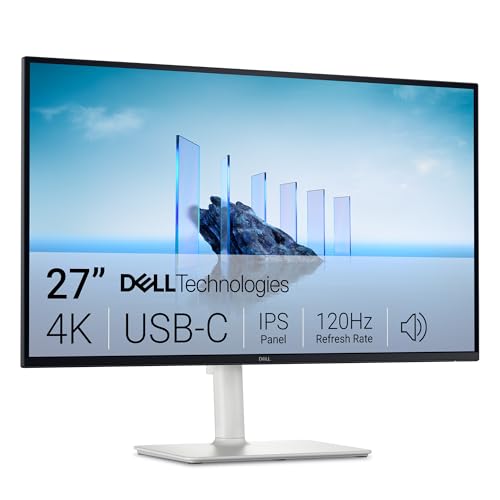
Confused by all the options? We compare every type of 4k monitor side by side so you can choose the best 4k monitors under 300 for your space and budget.
Four kinds of screens crowd this price, and their spec sheets all shout the same words: panel, size, stand, and ports. The best 4k monitors under 300 are the ones whose trade offs match your desk, and this guide compares each type side by side.
Work through the type sections first, then the choosing checklist. The product table below gives the short version in one view.
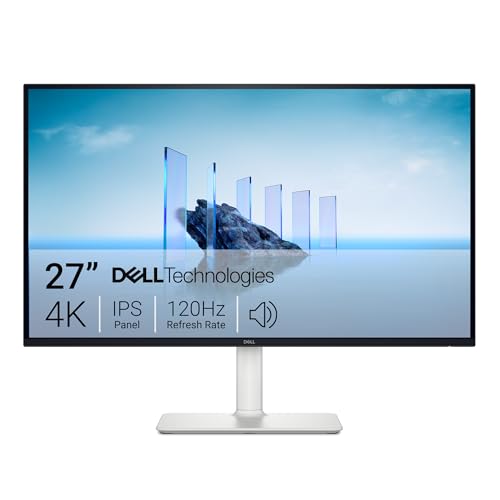

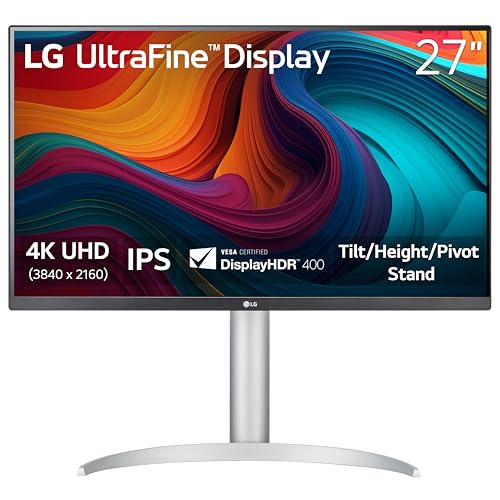
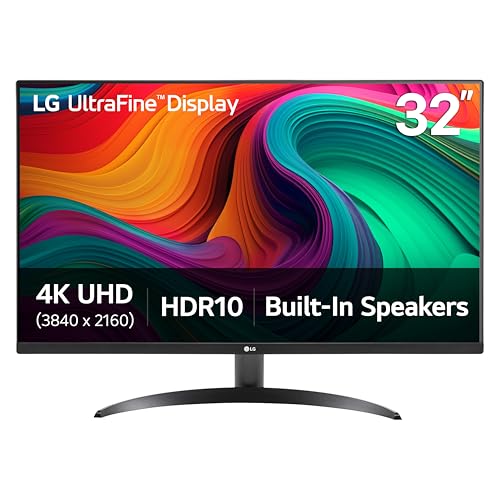
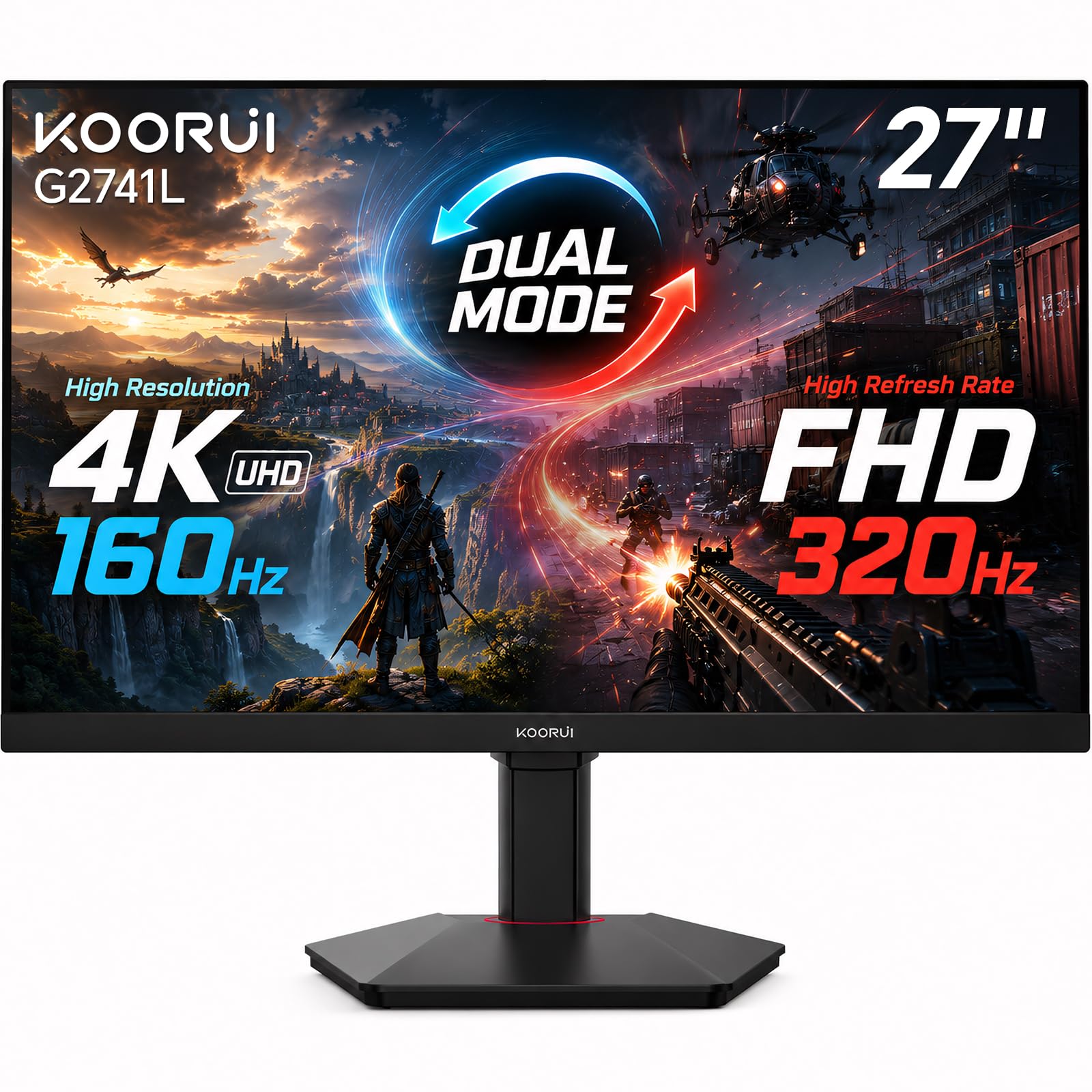
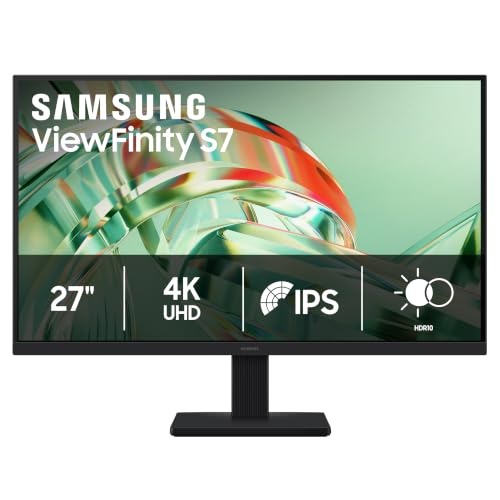
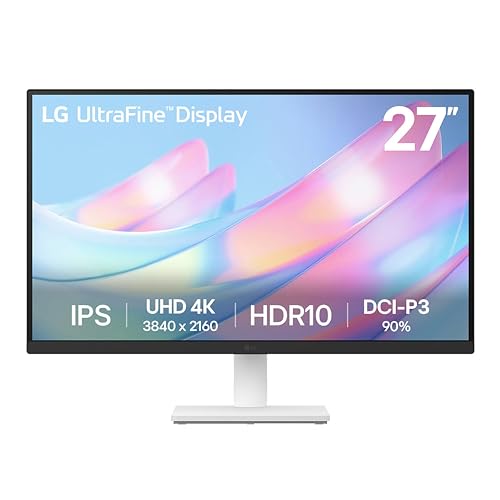
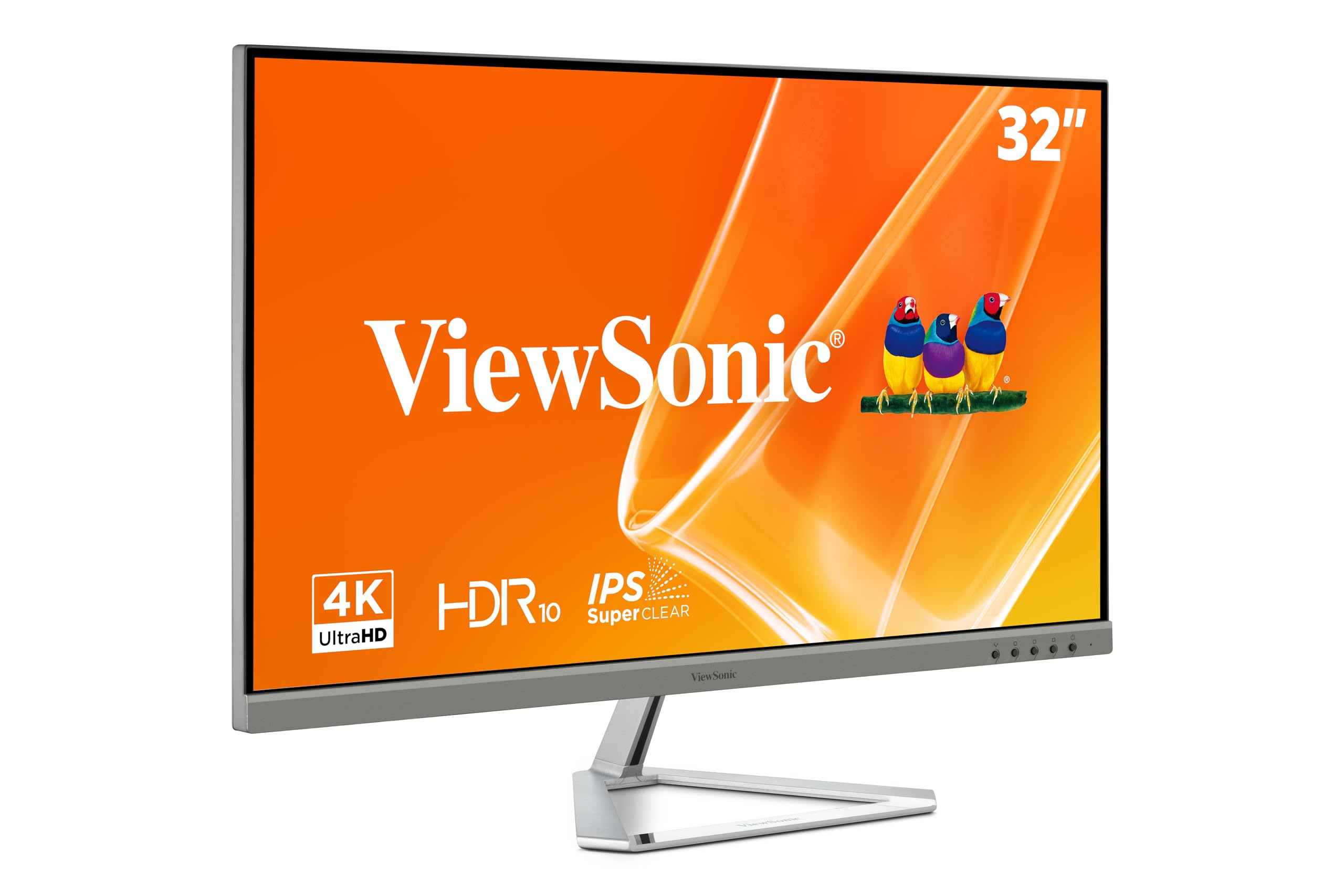

Types of 4K Monitors Compared
Every model at this price is a compromise, so the useful question is which compromise suits you. The best 4k monitors under 300 fall into four broad types.
| Type | Best For | Pros | Cons | Typical Price |
|---|---|---|---|---|
| Productivity IPS | Work and study desks | Sharp text, wide viewing angles | Modest contrast | about $180 to $260 |
| Gaming VA or IPS | Console and PC play | Adaptive sync, quick response for the class | Usually 60Hz at 4K | about $220 to $300 |
| Large screen 32 inch | Deep desks, shared viewing | Big picture, easy reading at distance | Lower pixel density | about $240 to $300 |
| OLED | Dark room film and games | Perfect blacks, instant response | Rare at this price new | about $300 and up |
Productivity and Ultrawide Displays
The workhorse type is a 27 inch IPS panel built for text, spreadsheets, and long reading. Ultrawide screens sit in this family too, but at this budget they trade resolution away, running 2560 by 1080 or 3440 by 1440 instead of 4K. If a wide screen is the goal, that trade can be worth it for side by side windows. If sharp 4K detail is the goal, the standard 27 inch shape works hardest for this money.
OLED Displays
OLED is the type everyone wants and the type this budget rarely buys. Each pixel makes its own light, so blacks are perfect and motion is instant, but new OLED monitors start above this price. Treat any listing that promises OLED well under $300 with care and check the panel line of the spec sheet, because some sellers borrow OLED style words for ordinary panels. For most buyers, OLED here is just a reference point for what the other types give up.
Gaming Displays
Gaming models at this price pair a 4K VA or fast IPS panel with adaptive sync, which keeps motion smooth when frame rates vary. Expect 60Hz at 4K as the class standard, with the value coming from low input lag and a proper game mode rather than extreme refresh rates. Players who split time between a console and a PC can compare the wider class in our guide to best 4k gaming monitors under 300.
Large Screen Options
A 32 inch screen spreads the same 4K pixels wider, so it suits a deep desk, shared viewing, or larger text without software scaling. Pixel density falls to about 140 ppi, which still reads sharp past about an arm and a half of distance. Some shoppers cross shop televisions at this size, but a TV is a room display built for viewing from a sofa, not a desk monitor, and that separate class is covered in our guide to best 4k tvs under 300.
Productivity Displays vs OLED Displays: Which Should You Choose?
Put side by side, the two types split on contrast, price honesty, and daily risk. A productivity IPS panel shows steady color from any seat, handles static toolbars without worry, and leaves money for a mount or a second screen. OLED answers with perfect blacks and instant pixel response, which flatter films and dark games, but at this price it usually means a used screen or a listing that needs hard checking.
Choose the productivity type for a mixed work and play desk. Choose OLED only when the panel claim is verifiable and the screen serves entertainment first.
How to Choose the Right 4K Monitor
With the types clear, a short checklist turns them into a single pick.
Size and Pixel Density
Pixel density decides how sharp text and detail look, and size sets it. A 27 inch 4K screen reaches about 163 ppi, so letters stay crisp at a normal desk distance, and a 32 inch 4K screen lands near 140 ppi, which suits a deeper desk. Stated plainly, pixel density governs how close you can sit before individual pixels show. Pick 27 inch for a standard desk and 32 inch when the screen sits farther back.
Panel Technology and the Trade Offs
Every panel at this price trades something. IPS trades deep contrast for wide angles and steady color, VA trades some dark scene smearing for blacks that look richer in a dim room, and OLED trades the whole budget, since honest OLED pricing starts above this class. Read panel choice as a trade you accept, not a ranking. A bright room favors IPS and a dim room rewards VA.
Stand and Mounting
The stand is where this class saves money most visibly. Many models ship with a fixed stand that only tilts, so the screen height is whatever the maker chose, and that fixed class is the norm here. VESA mount holes, usually 100 by 100 mm, let a simple arm or a stack of books solve the height cheaply.
Connectivity and Ports
Ports should match the machines you own today. HDMI 2.0 is enough for 4K at 60Hz from a console or a laptop, and DisplayPort is the safer pick for a desktop PC. A USB C input that carries video can dock a laptop with one cable, though at this price it may not charge the laptop at full speed.
Count inputs before buying if two machines share the screen. Desktop focused options are compared in our guide to best pc monitors under 300.
Refresh Rate and Response Time
At 4K in this class, 60Hz is standard and serves work, film, and most games well. Response time numbers deserve a skeptical read, because makers measure them in the most flattering mode, with no shared standard behind the figures. Judge motion by panel type and adaptive sync support instead of a single millisecond claim. Keener players can weigh the faster options in our guide to best gaming monitors under 300.
What You Can Realistically Get at This Price
Expect a strong 27 inch IPS or VA panel, a basic tilt stand, two HDMI inputs, and an HDR label that adds little. Spend first on the panel and the ports, then on a mount if the stand falls short, and let speakers and lighting extras go. Money saved by skipping a weak extra buys a better class of panel. Buyers who can drop the 4K requirement entirely will find the wider field in our guide to best monitors under 300.
Care and Maintenance Tips
Clean the screen with a dry microfiber cloth, and dampen the cloth with plain water only when a mark refuses to move. Household glass cleaners can strip the anti glare coating, so keep them away from the panel. Turn off the vivid picture mode for daily use, since balanced settings are easier on both the picture and your eyes. OLED owners should run the pixel refresh cycle the maker provides and avoid freezing one image for hours.
No monitor in this class treats eye strain, whatever the comfort badges on the box suggest. Match screen brightness to the room, keep the top of the screen near eye level, and rest your eyes on a distant point regularly during long sessions. Eye strain that persists through those habits deserves an eye exam, not a different monitor.
Frequently Asked Questions
Can you get a good 4K monitor for under $300?
Yes, if good means a sharp 27 inch IPS or VA panel with honest ports and a basic stand. The compromises sit in the extras, since height adjustment, strong HDR, and fast refresh are what this budget drops first. Sales cycles matter here, because last season midrange models often fall into this price with better stands and panels. A short wait for a sale can buy a class above.
What size 4K monitor should I get for my desk?
Measure the desk depth before you decide. A 27 inch screen suits the common desk depth of about two feet, keeping the whole picture in easy view. A 32 inch screen needs a deeper desk or a wall mount, because its corners fall outside relaxed view at close range. When in doubt, the smaller screen at the right distance beats the larger one crowding your face.
Does refresh rate matter if I mostly work and watch video?
For documents and streamed video, 60Hz is enough, because those sources send no more frames than that. A higher rate mainly smooths mouse movement and scrolling, which some people enjoy but few need. Spend the difference on panel quality or a better stand first. One exception is a desk that also hosts fast games, where a higher rate earns its keep every session.
Is 4K worth it at 27 inches?
Yes, because the density of about 163 ppi makes text edges smooth in a way a 1440p screen at the same size cannot match. Photos and interface detail gain the same clarity. The trade is small interface elements, so plan on using system scaling to size text comfortably. Scaling keeps the sharpness while fixing the size, so it is a setting to use, not a flaw to fear.
IPS or VA: which panel suits a small budget?
IPS suits most budget desks because its color stays true from side seats and its response is even across bright and dark scenes. VA suits a single viewer in a dim room who prizes deep blacks for films and night scenes in games. Watch one habit before choosing: if family or coworkers often view from an angle, the VA picture fades sooner. That viewing habit decides more than any spec line.
How long does a budget 4K monitor usually last?
Expect about five to seven years of daily use before the backlight dims enough to notice. Budget models tend to fail at the power supply or a port before the panel itself wears out. Keeping vents clear of dust and brightness below maximum slows the dimming. A warranty with a clear dead pixel term is the practical protection here.
Wrapping Up
Choose by type first and specs second. A 27 inch productivity panel is the safe center of this class, and large screens earn their place on deep desks. The product table above lines the types up for a final check. Pick the trade offs you can live with daily, and the best 4k monitors under 300 become an easy, honest buy.


