Best 24 Inch Monitors for Home Office: Types Compared and How to Choose for 2026
Disclosure: We may earn a commission when you buy through links on this page, at no extra cost to you. As an Amazon Associate I earn from qualifying purchases. Learn more
Best 24 inch monitors for home office, compared by type, panel, ports and comfort features so you can choose with confidence.
Choosing among the best 24 inch monitors for home office work feels confusing because the same screen size comes in very different types. One model targets fast games, another targets low cost, and a third puts picture quality first. The right choice depends on what fills your day, how much desk space you have, and how long you sit in front of the screen.
This guide compares each type by its strengths, limits, and ideal user, then walks through panel, refresh rate, ports, and comfort features. Use the comparison table below for a quick side by side view, then read the sections that match your work.
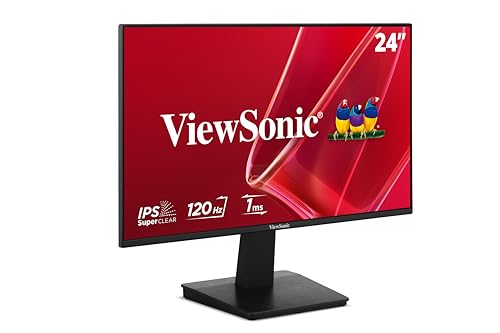


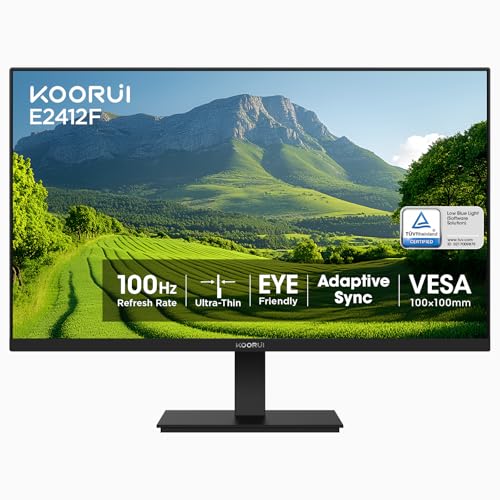
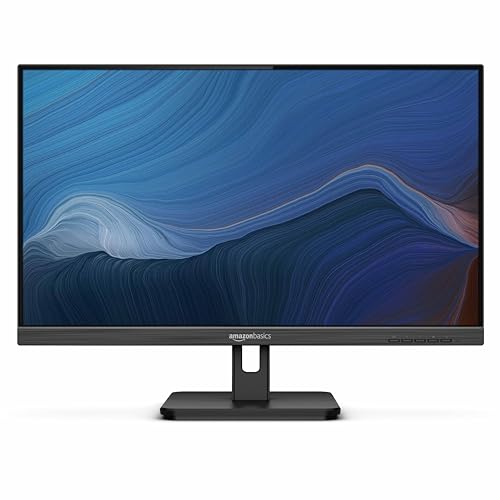
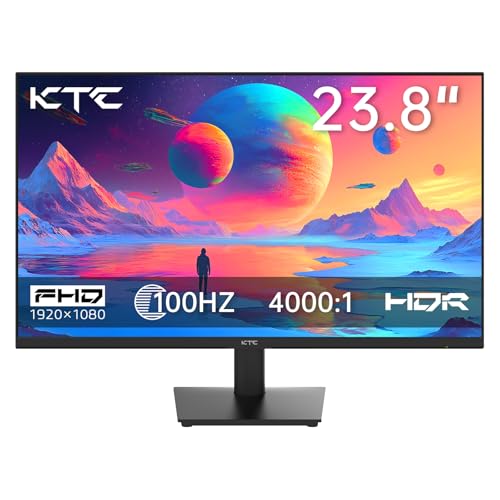
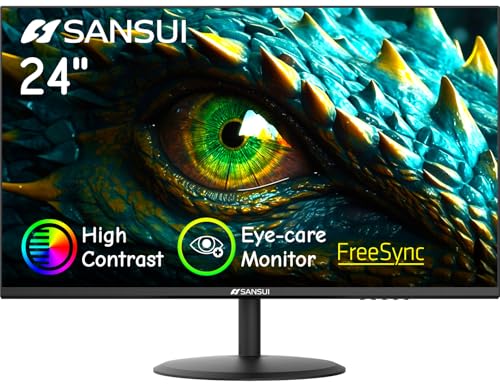

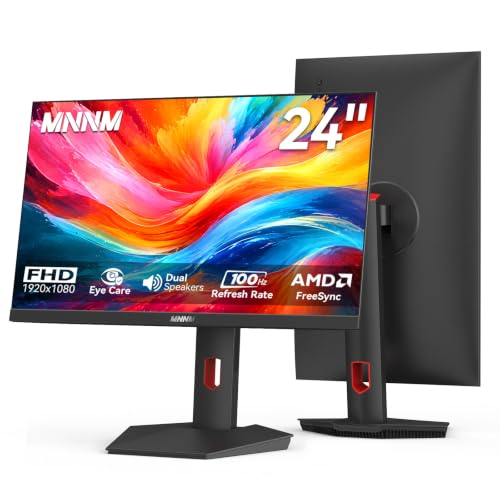
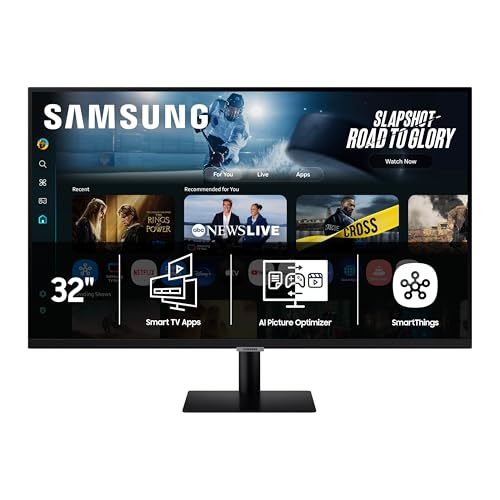
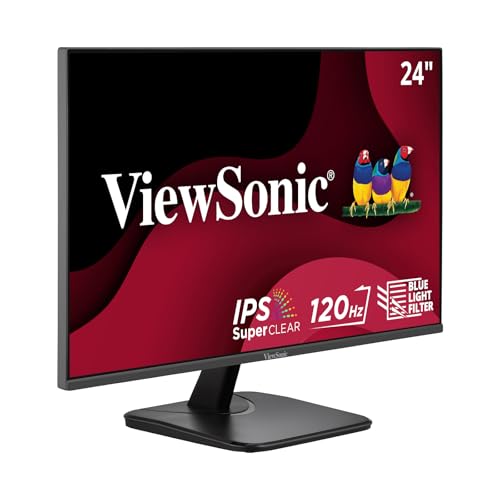
Types of 24 Inch Monitors Compared
A 24 inch screen sits about 21 inches wide, so it fits small desks and pairs well with a laptop. Within that size, types differ in panel, speed, resolution, and price. Readers who want a broader view of this size class for general computer use can also see our guide to the best 24 inch pc monitors for added context.
Gaming Displays
Gaming displays push refresh rate and response time first. Most offer 144 Hz or higher and response times near 1 to 5 milliseconds, so motion looks smooth and screen tearing drops when paired with adaptive sync. That speed helps if you play fast games after work or edit video with quick pans.
The trade off is that some gaming models use panels with weaker color accuracy or narrow viewing angles, and their stands may lack height adjustment. You also pay more for speed you may never use in documents and email. Choose this type if play matters as much as work.
Budget Displays
Budget displays focus on the basics at a low price, often around $100 to $180. Most use IPS or VA panels at 1080p resolution, give clear text for documents and calls, and include HDMI plus DisplayPort inputs. For many home office tasks like writing, browsing, and spreadsheets, that level of performance feels fully adequate.
Savings usually come from a fixed stand with tilt only, modest brightness, and few extra ports. Colors may look less rich, and built in speakers, if present, sound thin. Choose this type for a second screen, a spare room setup, or a tight budget.
Large Screen Options
Some shoppers start with 24 inches and then wonder if a larger screen would serve them better. A bigger display gives more room for two windows side by side and makes small text easier to read without scaling. If that trade off appeals to you, see our guide to the best 27 inch monitors for home office to compare the next size up.
Staying with 24 inches still has clear value. It costs less, takes less desk depth, and keeps your head mostly still while you scan the screen. For very wide layouts or large spreadsheets, you can also see our guide to the best large monitors for home office before you decide.
OLED Displays
OLED displays light each pixel on its own, so blacks look truly black and contrast stands far above LCD panels. Colors look rich, motion stays crisp thanks to very fast response time, and viewing angles stay wide. This type suits photo and video work where contrast and color matter.
The limits are price, lower full screen brightness than many LCD models, and the risk of burn in when static elements stay on screen for many hours each day. Office software has fixed toolbars and taskbars. Choose OLED if picture quality leads your list and you vary your content, use dark mode, and let the built in pixel care tools run.
Gaming Displays vs Budget Displays: Which Should You Choose?
Start with speed. Gaming displays refresh at 144 Hz or more and respond faster, while budget displays most often run at 60 Hz to 100 Hz. If you rarely play games, that gap has little effect on documents, calls, or web work.
Next, compare picture and comfort. Budget models built on IPS panels often match or beat low cost gaming screens on color and viewing angles, while gaming models may add adaptive sync and HDR modes of limited use at this price. Stands vary widely in both groups, so check height adjustment model by model rather than assuming the pricier type wins.
Price and value settle most choices. Gaming types often cost about $180 to $300, while budget types cluster around $100 to $180. Pay the premium only if you play fast games or want smoother motion each day. If your work is text, calls, and browsing, a budget display plus a good stand or arm often gives more comfort per dollar.
How to Choose the Right 24 Inch Monitor
The four factors below shape daily comfort more than headline specs. When you compare the best 24 inch monitors for home office use, these factors separate a screen you enjoy from one you merely tolerate. Readers still weighing size and style across the whole category can see our guide to the best monitors for home office for a wider view before narrowing down.
Panel Technology
IPS panels give accurate color and wide viewing angles, so text and images look consistent from a normal seated position and when you lean to one side. They suit most office work and color tasks. VA panels give deeper contrast and darker blacks, but colors can shift at an angle and motion can smear slightly in dark scenes.
OLED leads on contrast and response time but costs more and needs care with static content, as noted earlier. Mini LED is an LCD backlight method that improves contrast through many small dimming zones, yet it is uncommon at this size. For most buyers, IPS offers the safest balance of color, clarity, and cost.
Refresh Rate and Response Time
Refresh rate counts how often the picture updates each second, written in Hz. A 60 Hz screen suits documents and calls, 100 Hz to 144 Hz makes scrolling and pointer movement feel smoother, and 240 Hz mainly benefits fast competitive games. Your computer and cable must also support the higher rate, or the monitor will run at a lower setting.
Response time describes how fast pixels change, written in milliseconds. Lower values reduce blur behind moving objects. For office work, anything at 5 milliseconds or below looks clean in normal use. Adaptive sync, which matches the screen rate to the source rate, matters most for games and adds little to static work.
Features That Matter for Home Office Use
Comfort features matter because you may sit at this screen for six to ten hours a day. Look for a stand with height adjustment so the top of the screen sits near eye level. Flicker free backlights and low blue light modes can ease strain during long sessions, and an anti glare coating helps if windows or lamps face the screen.
Ports shape how tidy your desk stays. USB C with power delivery lets one cable carry video, data, and laptop charging on supported computers. A small USB hub adds easy access for a keyboard or mouse, and brightness around 250 to 350 nits suits most indoor rooms. For a fuller look at port and hub layouts across computer displays, see our guide to the best computer monitors for home office.
Resolution also belongs here. At 24 inches, 1080p gives large, crisp text that suits most work, while 1440p fits more content on screen but makes text smaller unless you raise scaling in your system settings. Choose 1440p if you often place two documents side by side.
Smart Platform and Sound
Most 24 inch office monitors do not include a smart TV platform such as Google TV or Roku, because your computer already supplies apps, streaming, and calls. A small number of models add streaming features, but they rarely justify a higher price for desk work.
Sound follows a similar pattern. Built in speakers on monitors at this size are usually small, around 2 watts per side, and fine for call voices and alert sounds. If audio quality matters, budget for separate speakers or a headset instead of paying extra for a monitor mainly for its speakers.
Setup and Care Tips
Place the monitor about an arm length away, with the top edge at or just below eye level, so your neck stays neutral. Set picture mode to a standard or custom preset rather than vivid, because vivid modes push color and contrast past accurate levels and can tire your eyes. Adjust brightness to match your room instead of leaving it at full power.
On OLED models, run the pixel refresh cycle when the monitor prompts you, and avoid leaving one static image on screen for hours. Clean any screen with a dry microfiber cloth, or one slightly damp with water only, and never spray liquid straight onto the panel. Dust the vents gently so heat can escape.
FAQs
What features matter most in 24 inch monitors for home office use?
The features that matter most are a height adjustable stand, an IPS panel, and flicker free backlighting for long days. Add USB C with power delivery if you use a laptop, since one cable can simplify your desk. One point often missed is warranty length and dead pixel policy, which vary by brand and matter if a fault appears in the first year.
Is 4K resolution worth it on a 24 inch monitor for home office work?
For most people, 4K is not worth the extra cost on a 24 inch monitor. At this size, 1080p already looks sharp at a normal desk distance, and 1440p offers a useful middle ground. 4K pixels are so small here that you will raise scaling a lot, which cancels much of the extra space.
Is a 24 inch monitor the right size for a home office desk?
A 24 inch monitor fits most home office desks well, including shallow desks around 24 to 30 inches deep. It leaves room for a laptop, notebook, and speakers on either side. Measure the stand footprint as well as the screen, because some stands reach far back. Also check that shelves or drawers above the desk leave clearance for height adjustment.
Does refresh rate matter for a 24 inch home office monitor if you do not play games?
Refresh rate matters only a little if you do not play games. A move from 60 Hz to 100 Hz or 144 Hz makes scrolling, window dragging, and pointer movement feel smoother, which some people find easier on the eyes during long days. It does not make text sharper or colors better, so do not sacrifice stand comfort for speed alone.
How long does a 24 inch monitor for home office use usually last?
A 24 inch monitor for home office use usually lasts about five to eight years of daily work. The backlight slowly dims over time, and ports or buttons tend to wear before the panel itself fails. Keeping brightness below maximum and using sleep mode when you step away can stretch that life.
IPS vs OLED: Which panel is better for a 24 inch home office monitor?
IPS is the better panel for most 24 inch home office monitors because it handles static text and toolbars all day without burn in risk. It also costs less and reaches strong brightness for lit rooms. OLED wins on contrast, black depth, and motion clarity, so it suits mixed work and media use. If your day is mostly documents and calls, IPS gives the calmer long term choice.
Our Verdict
Match the type to your day first, then check panel, stand, and ports in that order. Gaming displays earn their price only when play or fast motion fills part of your routine, while budget IPS models cover most office work with money left for comfort upgrades. OLED rewards viewers who prize contrast and vary their content.
Use the product table above to compare the short list in one view, and favor the model that keeps your posture sound and your desk simple. Chosen with those priorities, the best 24 inch monitors for home office give you a clear, comfortable screen that supports focused work day after day.