Best 4K Monitor for Security Cameras: Budget, Midrange, and Premium Picks for 2026
Disclosure: We may earn a commission when you buy through links on this page, at no extra cost to you. As an Amazon Associate I earn from qualifying purchases. Learn more

Best 4k monitor for security cameras by budget and camera count, with advice on screen size, panel type, inputs and which features are worth paying for.
Prices for 4K monitors run from about $150 to $650, and the spec sheet alone rarely tells you which one will make camera feeds easy to read at a glance. This guide shows you how to choose the best 4k monitor for security cameras for your budget, your camera count, and the room where the screen will sit. You will learn where extra money genuinely improves daily viewing and where it buys features a security setup never uses.
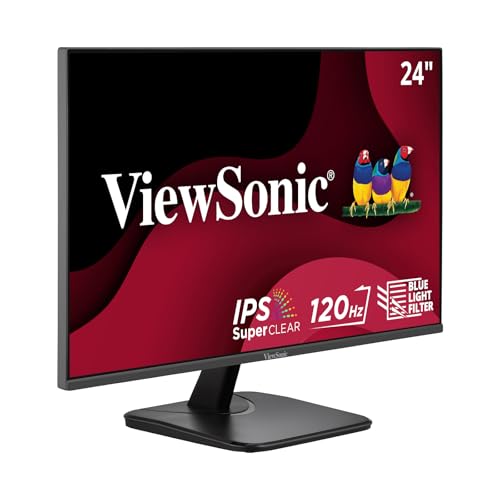
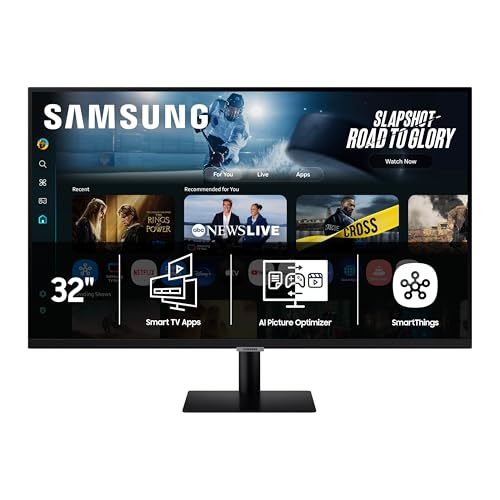
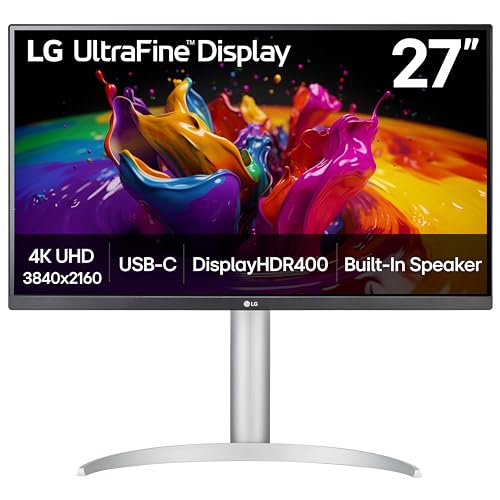
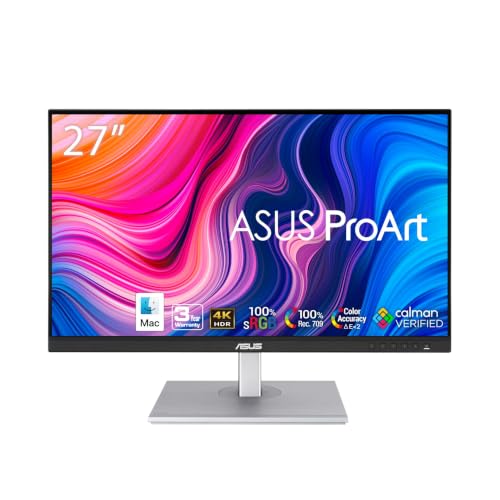
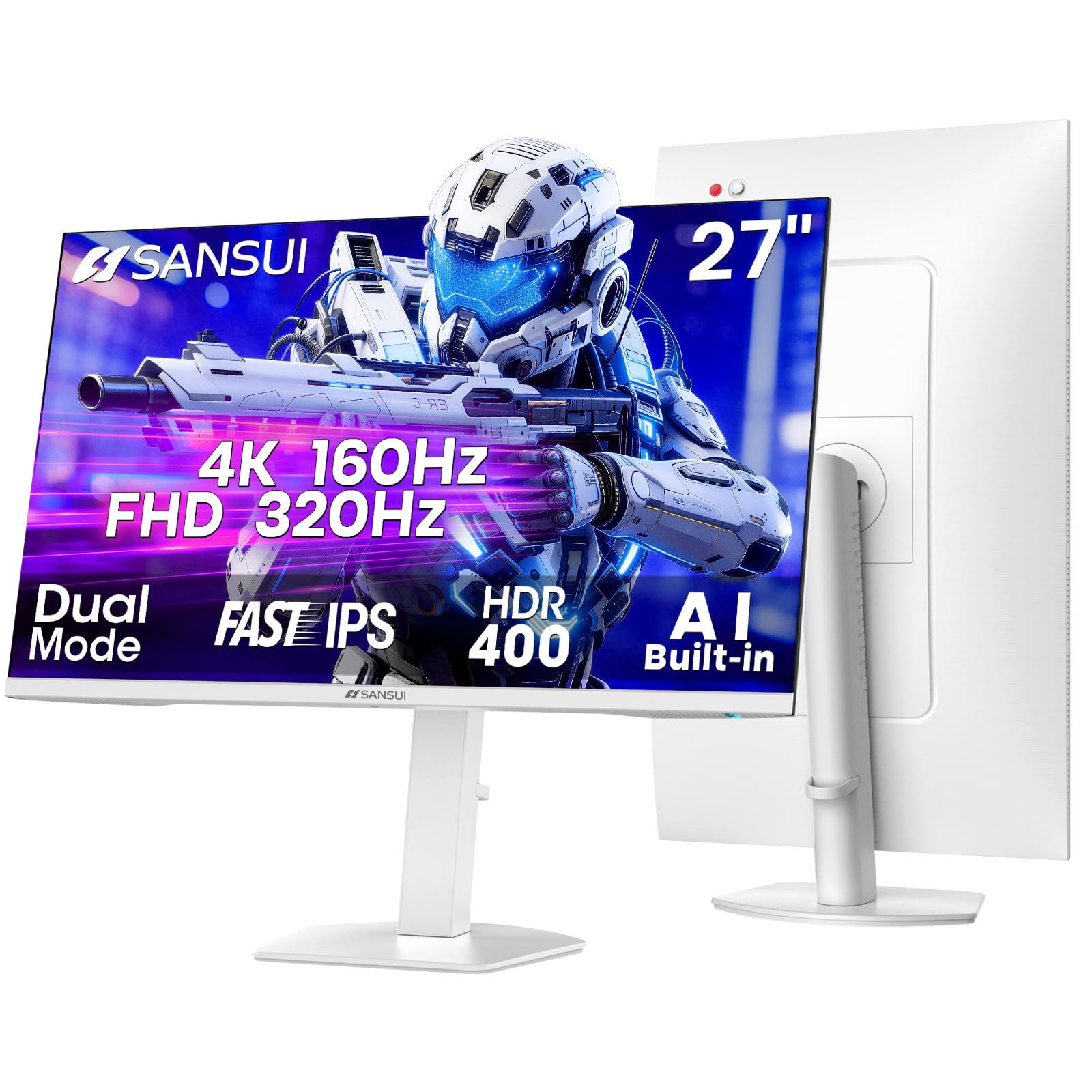
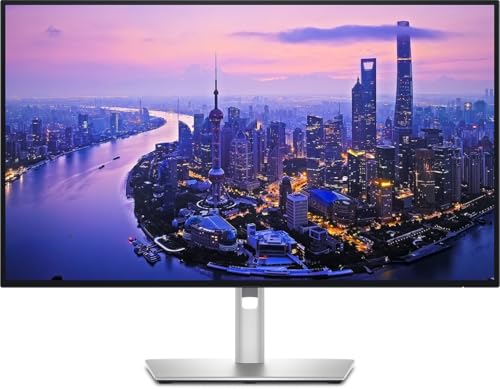
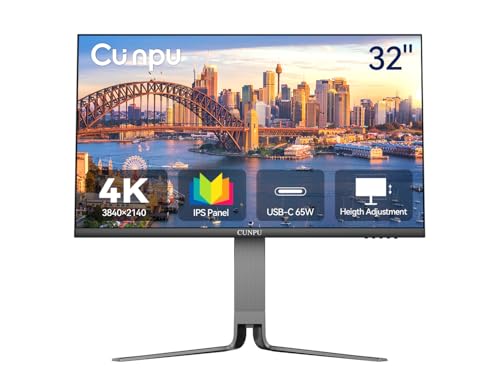
Start by matching the monitor to your recorder and your cameras, not the other way around. The comparison table below is a quick way to compare screen size, panel type, and inputs side by side before you order. Once you know which specs matter for your system, the tiers and features below will help you spend with confidence.




How to Choose by Budget and System Size
Budget only makes sense once you know how many feeds the screen must show at once and how far away you will sit. A single camera viewed from a desk chair asks far less of a monitor than an eight camera grid watched from across a room. Work through your system size first, then use the price tiers in the next section to set a realistic spending range.
Small Systems With One to Four Cameras
With four or fewer cameras, a 27 inch 4K monitor gives each feed enough space to stay readable without crowding your desk. You will spend most of your time in full screen or split views, so a sharp panel and a matte finish matter more than sheer size. If your cameras are 1080p models and you never plan to upgrade them, see our guide to the best monitors for security cameras for lower resolution options that cost less.
Growing Systems With Five to Eight Cameras
At five to eight cameras, most owners live in grid view, and a 32 inch screen becomes much easier on the eyes. Each tile stays large enough to show faces, packages, and vehicle details without constant zooming during playback. This is also the point where wired camera systems feed a central recorder all day, so the monitor may run for long hours and needs a panel that stays clear and cool. If you are building that recorder setup now, see our guide to the best wired 4k security cameras for systems that pair well with a larger screen.
Demanding Systems With Nine or More Cameras
Nine or more feeds on one screen shrink each tile fast, even at 4K resolution. A 40 inch or larger monitor, or two smaller monitors splitting the grid, keeps each view usable for spotting movement and reading details. Stores and large homes often place the screen where several people glance at it from different angles. For that kind of room, viewing angle and brightness deserve as much attention as size, and the premium tier below becomes easier to justify.
What Your Money Gets You at Each Price Tier
The product table above groups current models by price, and the pattern across tiers is consistent. Budget models cover the basics of resolution and inputs, midrange models improve the panel and the stand, and premium models add size, brightness, and comfort features for long hours of viewing.
Budget Tier: What to Expect
Budget 4K monitors, usually about $150 to $250, give you the full 3840 by 2160 resolution with one or two HDMI inputs and a basic fixed stand. Panels are often VA or entry level IPS, so colors can shift when you view from the side and brightness stays modest. These screens suit a single recorder in a home office where one person watches from straight on. Some shoppers at this level also compare bundled kits, and our guide to the best outdoor security cameras with monitor explains what those kits include.
Midrange Tier: The Sweet Spot for Most Buyers
Midrange models, usually about $250 to $450, add a better IPS panel, higher brightness, and a stand that tilts or adjusts in height. You also tend to get three or more inputs, which helps when a recorder and a computer share one screen. Wider viewing angles keep a kitchen or front desk screen readable for everyone nearby. For most homes and small businesses, this tier covers every real need without paying for extras.
Premium Tier: When Spending More Pays Off
Premium monitors, usually about $450 to $650, bring larger sizes, strong brightness for bright rooms, and features such as picture by picture viewing from two sources at once. Build quality improves too, with sturdier stands, slimmer bezels, and better cable routing for a clean install. This tier pays off when the screen runs all day in a shared space, shows many cameras at once, or doubles as a main computer display. A private office with four cameras rarely needs this tier.
Features Worth Paying For and Ones to Skip
Monitor marketing borrows heavily from gaming and office products, and much of it means little for camera feeds. High refresh rates, curved panels, and built in webcams add cost without improving a security picture. The features below are the ones that change what you see on screen every day.
Display Quality That Matters for Camera Feeds
Panel type decides how your grid looks from real viewing positions. IPS panels hold color and contrast when you stand off to the side, VA panels give deeper blacks for dim scenes but can smear fast motion, and TN panels are cheap yet wash out quickly at angles. Aim for brightness of about 250 to 350 nits for indoor rooms, and choose a matte finish so ceiling lights and windows do not reflect across the feeds.
Weather Resistance and Where the Monitor Lives
Ratings such as IP65 describe the camera, not the monitor, and the distinction matters when you plan placement. An IP65 camera resists dust and water jets outdoors, while the monitor itself belongs indoors in a dry room away from direct sun and heat vents. If you are choosing cameras for porches, driveways, and yards, see our guide to the best 4k outdoor security cameras for models built for that exposure. For the monitor, a shaded spot with airflow will do more for its lifespan than any rating.
Storage Choices: Local Recording Versus Cloud Plans
The monitor only displays footage, but your storage choice shapes what you can review on it. Local recording to a hard drive inside a network video recorder keeps playback fast on the big screen and carries no monthly fee, while cloud storage keeps short clips online for viewing on a phone. Many systems mix both, saving full footage locally and sending motion clips to the cloud. Plans that add person detection often live in the cloud tier, so decide whether phone alerts matter before you pay for them.
Video Resolution and Field of View
A 4K monitor shows its full value only when the recorder outputs a true 4K signal and the cameras record at high resolution. Feeds shot at 2K resolution still look decent on a 4K screen, but fine detail such as faces across a yard will stay softer. Field of view matters too, because a wide 130 to 160 degree lens squeezes more scene into each tile and bends detail near the edges. To feed the screen properly, see our guide to the best security cameras 4k and match camera resolution to the display.
Night Vision: Infrared Versus Color
After dark, infrared cameras send a black and white picture, while models with a spotlight or a sensitive starlight sensor can hold color longer into the evening. The monitor affects both, because contrast and black levels decide whether shadows hide detail or reveal it. A panel with strong contrast keeps a dark driveway readable, and a low brightness setting for night hours reduces glare in a bedroom or office. Indoor cameras benefit as well in dim rooms with deep shadow.
Long Term Costs to Factor In
The purchase price is only part of what a security monitor setup costs over its life. A longer HDMI cable, a wall mount that fits the VESA pattern on the back, and a small surge protector are common extras that add about $30 to $80 to the first order. Power use also counts, because a screen running all day can draw as much electricity in a year as several smaller devices. Checking the wattage on the spec sheet helps you estimate that cost before you buy.
Plan for replacement parts as well. Stands and power adapters are cheap to replace, but a cracked panel usually means a new monitor, so a longer warranty has real value for screens that run around the clock. Recorders and drives may need attention first, yet the monitor often outlasts them and moves to the next system. A screen with spare inputs and a standard mount protects that future move.
Frequently Asked Questions
What features matter most in a 4K monitor for security cameras?
The features that matter most are true 4K resolution, an IPS panel, enough HDMI inputs for your recorder, and a size that keeps every feed readable. One check many buyers miss is the output setting on the recorder itself, which may ship set to 1080p and soften every feed until you change it to 4K. Set that first, then judge brightness and viewing angle in your actual room, because showroom lighting flatters almost any screen.
Can a 4K monitor setup for security cameras be hacked?
A 4K monitor setup for security cameras is hard to attack through the screen itself, because a monitor only receives video and stores nothing. The real risk sits in the recorder, the cameras, and the account you use for remote viewing. Use a strong router password, turn on two factor sign in for the camera app, and disable remote access you do not use. Those steps close the doors that attackers actually try.
Is a wired or wireless connection more reliable for a 4K monitor for security cameras?
A wired connection is more reliable, because an HDMI cable carries a steady signal with no delay between the recorder and the screen. Wireless casting and app based viewing depend on WiFi strength, and thick walls or a busy network can cause pauses right when you want a live look. Wireless cameras can still record well to a recorder, but keep the final link to the monitor wired whenever the room layout allows it.
Does a 4K monitor for security cameras need a cloud subscription?
No, a 4K monitor for security cameras never needs a cloud subscription to show live feeds or play back local recordings. Subscriptions pay for cloud clip storage and phone based smart alerts, which are camera services rather than monitor features. One detail worth knowing is that some brands reserve their best person detection alerts for paid plans, while the live grid on your monitor stays fully available for free. Skip the plan unless those phone alerts solve a real problem for you.
How much storage does a 4K monitor for security cameras system need?
The storage a system needs depends on camera count, resolution, and whether recording runs all day or only on motion. Motion only recording can stretch a single drive several times further than continuous recording at the same quality. Most recorders overwrite the oldest footage automatically once the drive fills, so choose capacity based on how many days you want to look back. Two weeks of history is a practical target for most homes.
Wrapping Up
Choosing well comes down to three checks: match the screen size to your camera count, pick an IPS panel with the inputs your recorder needs, and spend into the midrange tier only when the room or the hours demand it. The product table above pulls those factors together so you can compare current models quickly. For most homes and small businesses, the best 4k monitor for security cameras is the one that keeps every feed readable all day without paying for gaming extras you will never use.