Best 24 Inch Monitors under 200 in 2026: Types Compared and How to Choose
Disclosure: We may earn a commission when you buy through links on this page, at no extra cost to you. As an Amazon Associate I earn from qualifying purchases. Learn more
Compare the best 24 inch monitors under 200 by panel type, refresh rate, ports and stands for office, study and gaming use.
A 24 inch screen looks simple to buy until you compare panels, refresh rates and stands side by side. The best 24 inch monitors under 200 balance clear text, honest color and a stand that fits your desk, rather than chasing one headline spec. This guide compares the main types first, so you can read the product table with a clear short list in mind.
Start with your main use. Office work rewards sharp text and stable viewing angles. Movies reward deep contrast in a dim room. Games reward motion clarity and sync support. The sections below match each use to the panel and features that matter most at this price.

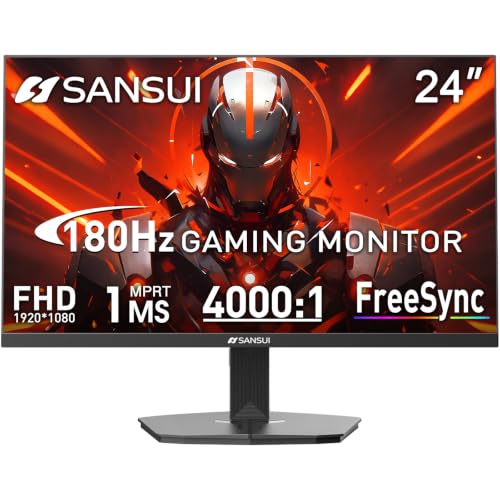
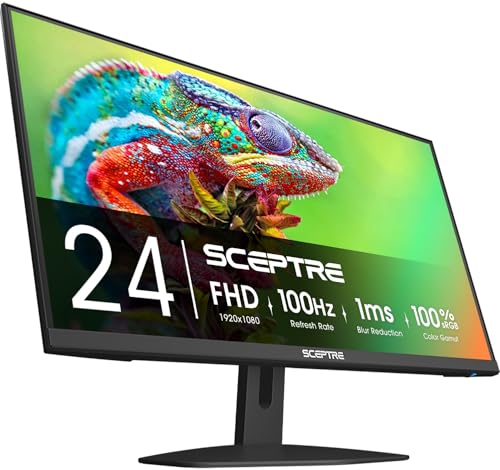
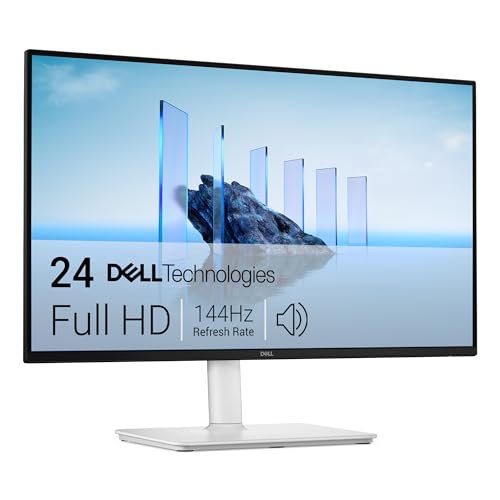
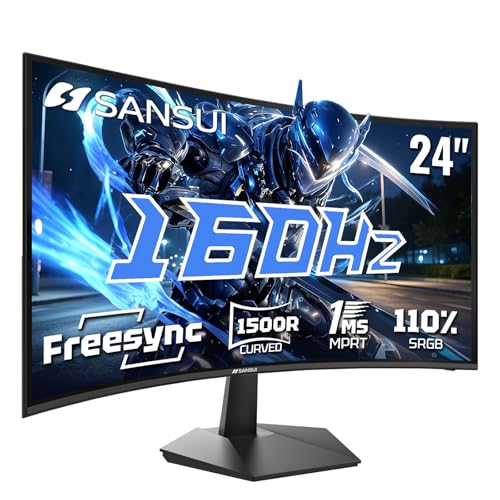
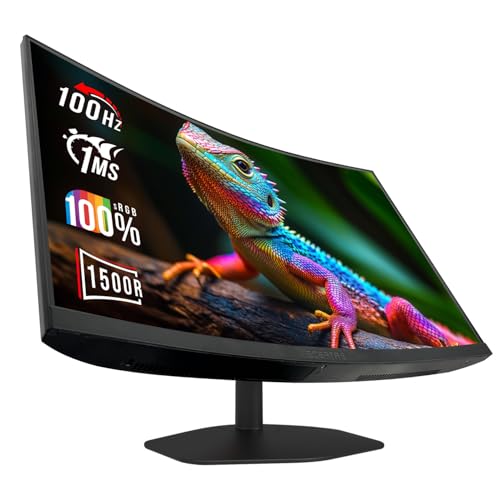
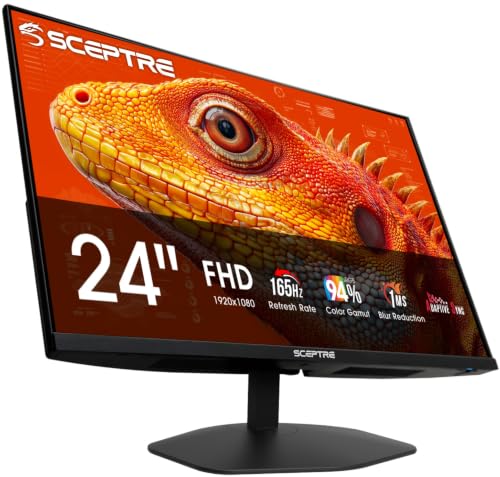
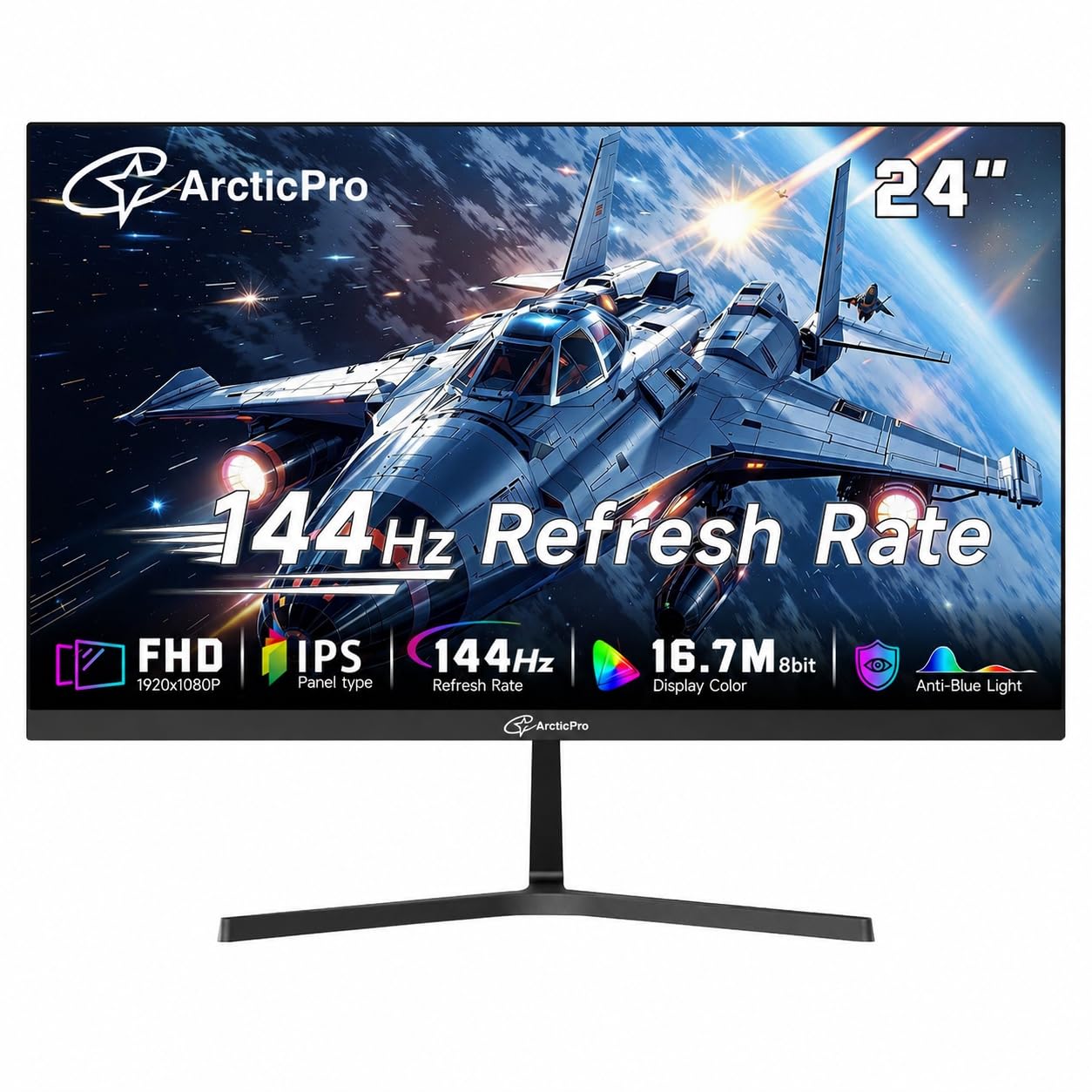
Types of 24 Inch Monitors Compared
At this size and price, you will meet three broad types again and again. They share a similar screen area, so the panel and refresh rate create most of the real difference you will notice each day.
IPS Displays for Office and Study Work
IPS panels keep color and brightness steady when you shift in your chair or share the screen with someone beside you. Text stays crisp at the edges, and documents look even across the full width. Contrast is modest, so black areas can look gray in a dark room. Choose this type if you read, write, code or study for long stretches in normal room light.
VA Displays for Movies and Evening Use
VA panels produce much deeper black levels than IPS panels at this price, so films and dark scenes carry more depth at night. Colors are still rich, though they can shift more from a sharp side angle. Motion can show slight blur in fast scenes. Choose this type if evening video is your main use and you usually sit centered.
Fast Panels for Gaming on a Budget
Fast gaming panels raise the refresh rate to about 144 to 180 Hz and shorten response time, so movement looks smoother and controls feel more direct. Many use IPS technology, while some older designs use TN panels with weaker color and viewing angles. You may give up USB C ports or a height adjustable stand to pay for speed. Choose this type if you play fast paced games often.
IPS, VA or Fast Gaming Panel: Which Should You Choose?
Pick IPS if you split time between documents, browsing and video calls, because its viewing angles suit varied use. Pick VA if you watch most content at night and want stronger contrast for films. Pick a fast panel if games are the reason for the purchase and your computer can deliver high frame rates. If you do a bit of everything, a standard IPS model is usually the safest balance, and you can narrow the wider market by reading our guide to the best monitors under 200.
How to Choose the Right 24 Inch Monitor
Work through the factors below in order. Panel, resolution and refresh rate shape the picture every minute, while stand and ports shape how pleasant the screen is to live with.
Panel Technology and Color
Panel choice sets contrast, viewing angles and color behavior before any menu setting can help. IPS models often cover most of the sRGB color space, which suits web work, office apps and casual photo editing. VA models trade some angle stability for contrast that can reach about 3000 to 1. Look for a matte anti glare surface if your desk faces a window, because reflections can wash out dark content.
Resolution and Pixel Density at 24 Inches
Most models at this price use 1920 by 1080 resolution, often called Full HD. On a 24 inch screen that gives you sharp enough text for office work without forcing your apps to scale. A 2560 by 1440 screen packs more detail and workspace, but it is uncommon under $200 and makes text smaller unless you raise scaling. For most buyers, clean 1080p with good brightness beats a rare higher resolution paired with a weak stand.
How Refresh Steps From 75 Hz to 180 Hz Feel in Use
Refresh rate tells you how often the picture updates each second. About 75 to 100 Hz feels smoother than the basic 60 Hz for scrolling and casual play, while about 144 to 180 Hz suits competitive games. Response time affects blur behind moving objects, and maker figures use ideal conditions, so treat very low claims with care. Adaptive sync, most often FreeSync at this price, matches the screen to your graphics card and reduces tearing.
The Panel and Brightness a 24 Inch Budget Buys
A fair budget for this class buys a solid 1080p IPS or VA panel, brightness around 250 to 300 nits and at least one HDMI port plus DisplayPort on many models. Expect to give up true HDR impact, USB C video input on most models and wide color for pro print work. Do not save money by accepting a dim panel or a stand that wobbles, because you feel those cuts every day. Spend first on panel quality and stand stability.
Stand, VESA Mount and Desk Fit
Many low cost stands only tilt, so the screen may sit too low for good posture. A height adjustable stand lets you place the top of the screen near eye level, which helps your neck during long work. If the stand is fixed, look for a VESA mount pattern, commonly 100 by 100 mm, so you can add a monitor arm later. Measure desk depth too, so the keyboard still fits without pushing the display too close.
Connectivity, Ports and Speakers
HDMI connects almost every laptop, console and desktop, while DisplayPort often gives you the full refresh rate on gaming models. USB C with video support is handy for a single cable laptop setup, but it is less common at this price, so check the port list closely. Built in speakers save desk space for calls, yet they sound thin for music and films. If you step up in size later, compare the best 27 inch monitors under 200 to see what the same budget buys on a larger screen.
Common Mistakes to Avoid
Most regrets at this price come from one unchecked detail rather than a bad panel.
- Buying a fast gaming panel for office work alone leaves you paying for speed while living with a fixed low stand.
- Ignoring port limits means your laptop may need an adapter every day or your console cannot use the full refresh rate.
- Choosing by brightness claims alone can hide weak contrast, so dark films look flat at night.
- Skipping the VESA pattern check blocks a later monitor arm and locks you into a poor screen height.
- Placing the screen too close on a shallow desk makes the edges hard to read and strains your neck.
- Expecting strong HDR under $200 leads to disappointment, because most panels lack the brightness HDR needs.
Setup and Care for a 24 Inch Monitor
Set the screen so your eyes sit about an arm length away, with the top edge at or just below eye level. In the picture menu, choose a standard or sRGB mode instead of a vivid mode, because vivid settings push color past accurate levels. Lower brightness until white areas feel calm rather than glowing. If your work is all on a computer, our guide to the best pc monitors under 200 covers that narrower use, while readers who want this exact size for a desktop setup can also see the best 24 inch pc monitors.
Clean the panel only with a dry or slightly damp microfiber cloth, and press lightly. Keep drinks away from the lower bezel and the port area, and leave space behind the screen so heat can escape. Recheck cable seating if the picture flickers, because a loose HDMI or DisplayPort plug is a common cause.
Frequently Asked Questions
Can you get a good 24 inch monitor for under $200?
Yes, you can get a good 24 inch monitor for under $200 for office work, study and casual gaming. The key is to accept 1080p resolution and modest extras, then protect panel quality and stand stability. Many 100 Hz and faster IPS or VA models now fit this budget.
How long does a 24 inch monitor usually last?
A 24 inch monitor usually lasts about five to eight years with normal home or office use. The backlight slowly dims over time, so an older screen may need a higher brightness setting to look the same. Keeping brightness below maximum for routine work can slow that fade.
Does refresh rate matter for office work on a 24 inch monitor?
Refresh rate matters a little for office work, mainly when you scroll long documents or move windows often. A 75 to 100 Hz screen feels calmer to follow than a 60 Hz screen, even though your text itself does not change. It will not fix eye fatigue from poor lighting or a screen set too low, so fix position and brightness first.
Is 1440p worth it on a 24 inch monitor under $200?
1440p can be worth it on a 24 inch screen if you want extra workspace for code, design or side by side documents. Text and images gain fine detail, and modern systems can scale the interface so it stays readable. Under $200 such models are rare, so check that the panel is not dim.
What desk depth suits a 24 inch monitor for daily work?
A desk depth of about 24 to 32 inches suits most people using a 24 inch monitor each day. Shallower desks push the screen close enough that you turn your head to read the corners. If your desk is shallow, a slim stand base or a VESA arm can reclaim several inches and put the screen at a calmer viewing distance.
Final Thoughts
Decide by panel first, then by refresh rate, then by stand and ports. IPS suits most mixed use, VA suits evening viewing and fast panels suit regular gaming. Use the product table to confirm resolution, refresh rate and mount pattern for the models on your short list.
When you compare the best 24 inch monitors under 200 with those priorities set, the right type is usually obvious. Buy the balanced screen you will sit with happily each day, not the one with the longest spec list.