
Best Affordable Monitors for Home Office in 2026: Types Compared and How to Choose
Disclosure: We may earn a commission when you buy through links on this page, at no extra cost to you. As an Amazon Associate I earn from qualifying purchases. Learn more

Compare the best affordable monitors for home office by size, resolution, panel type and ports, with a checklist for sharp text and comfort.
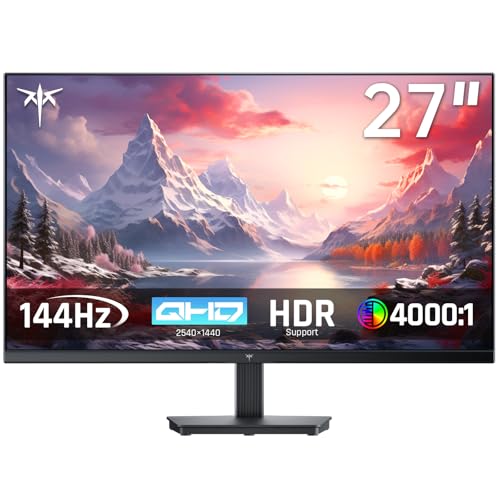
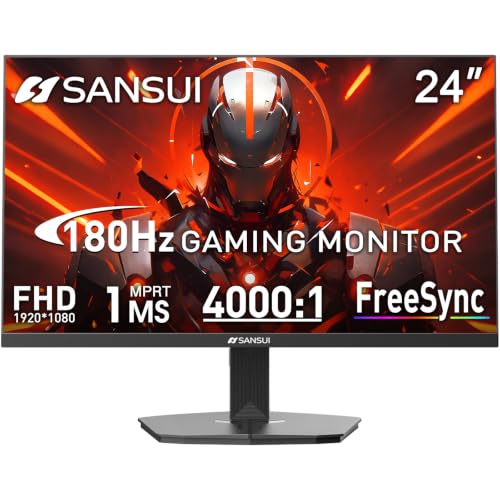
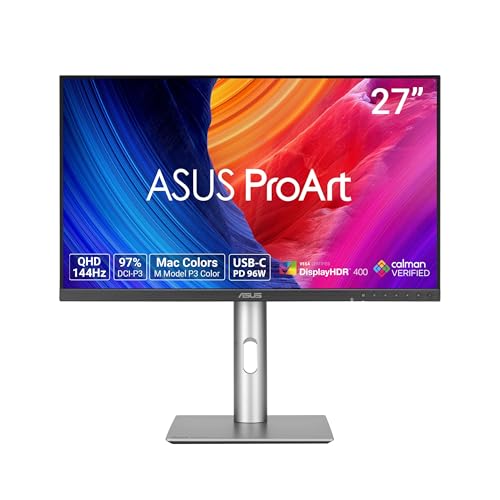
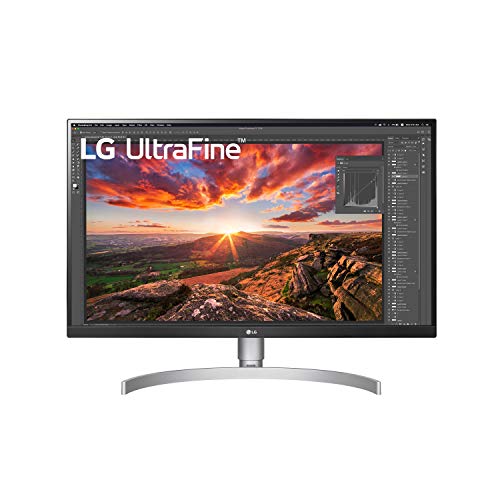
Listings lead with gaming numbers and premium panel names that matter little at a desk. The best affordable monitors for home office work is simpler than that pitch suggests. You need sharp text, a stand that fits your posture, and ports that match your laptop. Use the comparison table below to check those basics first.
Start with how you actually work. A day of documents and email asks for different strengths than a day of spreadsheets, design proofs, and video calls. The sections below match each work style to a monitor type, a sensible size, and the features worth paying for.




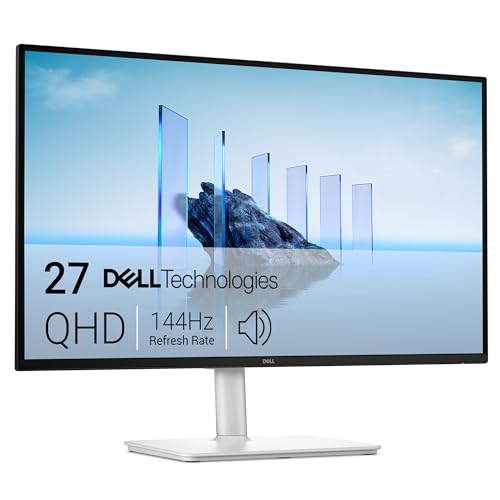
Who Should Buy an Affordable Monitor for Home Office Work?
Pick by the task you repeat most often, not by the longest spec list. Your desk depth, your laptop ports, and your hours on calls will point you to the right type.
Document and Email Workers Who Live in Text
You read and write for most of the day, so text clarity and eye comfort decide your purchase. Choose a 24 inch or 27 inch IPS monitor with a matte anti glare coating and flicker free backlight. A height adjustable stand matters more for you than extra ports. On a shallow desk, stay at 24 inches.
Spreadsheet and Research Workers Who Need Two Screens
You keep a document open beside a data table, a browser, or a chat window, and one small laptop screen slows you down. A pair of matched 24 inch monitors often costs less than one large premium screen. If that setup sounds right, see our guide to the best dual monitors for home office for layout ideas.
Call Heavy Workers Who Share Their Screen Often
You present slides and review documents with a team, and shared text must stay readable at a normal seating distance. Choose a 27 inch screen with wide viewing angles and built in speakers that are clear for voices. A USB C input also keeps your desk free of extra docks and cables.
Types of Affordable Monitors Compared
Three broad types cover almost every home office on a budget. Each type trades size, contrast, and price in a different way, so compare them by your main task first.
Standard IPS Monitors for Everyday Desk Work
An IPS panel is the default choice for office work because text stays sharp and colors stay steady when you shift in your chair. Most affordable models are 24 inches at 1080p or 27 inches at 1440p, and both handle documents and calls well. Contrast is modest, but for lit office hours that trade is easy to accept.
Value VA Monitors for Mixed Work and Evening Viewing
A VA panel gives you deeper contrast than IPS at a similar price, so dark scenes in training videos and films look richer after work. Colors shift more from the side, and text can look slightly softer on some budget VA screens. Choose VA if you mostly sit centered and work alone. Choose IPS instead if you share your screen often.
Large and Ultrawide Monitors for Wide Spreadsheets
A 32 inch screen or a 34 inch ultrawide gives timelines and side by side documents room to breathe without a second monitor. That space only helps if your desk is deep enough to keep the edges in view. Prices often run about $250 to $400. See our guide to the best wide monitors for home office and our guide to the best large monitors for home office for more on this route.
Key Features to Compare
When you compare the best affordable monitors for home office listings, work through these factors in order. Size and resolution shape your whole day, while ports and extras matter once those basics fit.
Screen Size and Resolution for Sharp Text
Size and resolution work as a pair. At 24 inches, 1080p looks clean for documents and email. At 27 inches, 1440p is the sweet spot because text stays crisp, while 1080p at that size can look grainy up close. A 4K screen gives the sharpest text, but your laptop must scale the image so menus stay readable.
Panel Type, Brightness and Eye Comfort
Look for brightness of about 250 to 300 nits, which suits a lit room without harsh glare. A flicker free backlight and a low blue light mode help during long reading sessions, though posture and breaks matter just as much. An anti glare matte finish spreads window reflections so you can keep working at midday.
Ergonomics, Stand Adjustment and VESA Mounting
The top of the screen should sit at or just below eye level, about an arm length away. Many budget monitors only tilt, so your neck pays for that saving within a week. Prefer a stand with height adjustment, or confirm a VESA mount pattern, usually 100 by 100 mm, so you can add an arm later. Pivot to portrait helps if you read long documents or code.
Connectivity and Ports for Laptops and Desks
One HDMI port covers a basic laptop, while DisplayPort suits many office desktops and docks. USB C with power delivery is the most useful upgrade at this price because one cable can carry the picture and charge your laptop. A small USB hub keeps a keyboard receiver and a webcam off your laptop ports.
What Low Cost Home Office Screens Include for Desk Work
Under $150, expect a solid 24 inch 1080p IPS screen with tilt only and basic ports. About $150 to $250 is where value improves most, adding 27 inch 1440p options, height adjustment, and sometimes USB C. About $250 to $350 can add 4K or an ultrawide shape. Do not cut corners on the stand or on text clarity to gain speakers or decorative lighting.
How to Measure Your Desk and Plan Your Setup
Measure desk width and depth before you order, and mark the screen footprint with tape so you can test the viewing distance while seated. Leave room behind the monitor for cables to bend without strain. If you use a laptop as a second screen, raise it to a similar height.
For a single screen, center it on your chair rather than on the desk, because an off center screen twists your neck over a full day. For two screens, angle them slightly inward and place the join to one side if one document matters most. Our broader guide to the best monitors for home office covers desk layouts in more depth.
Common Mistakes to Avoid
- Buying a 27 inch 1080p monitor for close desk work leaves text grainy and tiring to read.
- Choosing a tilt only stand to save money leads to neck strain and books stacked under the base.
- Paying extra for high refresh gaming specs brings no benefit for documents, email, and video calls.
- Ignoring your laptop ports means a new monitor may need an adapter you did not budget for.
- Placing a large glossy screen opposite a bright window makes reflections wash out your work all afternoon.
- Skipping the VESA pattern check locks you out of a monitor arm when you later want more desk space.
Care and Maintenance for Home Office Monitors
Clean the screen only with a dry or lightly damp microfiber cloth, and never spray liquid straight onto the panel. Turn the monitor off first, because dust and smudges show more clearly on a dark screen and wipe away with less pressure. Keep vents at the back clear of papers and dust.
Set a neutral picture mode rather than a vivid store mode, and lower brightness to match your room. Check cables every few months for loose plugs that cause flicker. Store the original box if you can, because it is the safest way to move the monitor later.
Questions About Choosing a Monitor for Home Office Work
What features matter most in an affordable monitor for home office work?
Sharp text, a height adjustable stand, and the right ports matter most in an affordable home office monitor. Start with the size and resolution pair that fits your desk, then confirm flicker free output for long reading days. Built in cable routing is a small bonus worth noting, because a tidy desk edge keeps the screen steady.
How long does an affordable home office monitor usually last?
An affordable home office monitor usually lasts about five to seven years of daily use. The backlight slowly dims over time, so a screen that once suited a bright room may later need a shaded spot. Buttons and stands often wear before the panel does. Keep the warranty terms, because budget models often carry shorter coverage.
Is 4K resolution worth it on an affordable home office monitor?
Yes, 4K is worth it on an affordable home office monitor if you read fine text all day at 27 inches or larger and your laptop handles scaling well. Text edges look smoother, and more of a document fits at once. On a 24 inch screen the gain is small, so put that money toward a better stand.
Should you choose IPS or VA for an affordable home office monitor?
Choose IPS for an affordable home office monitor if you share your screen or check colors in documents and photos. Choose VA if you sit centered, work alone, and value deeper contrast for video after hours. Read the return terms before you buy, because budget panel quality varies more between units.
What monitor size fits a small home office desk best?
A 24 inch monitor fits a small home office desk best when the desk is under about 24 inches deep. It leaves room for a keyboard, a notebook, and a laptop to the side. If your desk is deeper, a 27 inch 1440p screen gives more working space without crowding. A monitor arm can free the footprint entirely on narrow desks.
Our Verdict
Match the type to your main task, the size to your desk depth, and the ports to your laptop, and the right choice becomes clear. Standard IPS covers most people, VA suits solo video heavy work, and a large screen replaces two smaller ones. Use the product table above to confirm price and connections.
Chosen with those points in mind, the best affordable monitors for home office setup will feel clear, calm, and easy on your budget for years of daily work.

