Best 24 Inch Monitor with Speakers: Buying Guide for 2026
Disclosure: We may earn a commission when you buy through links on this page, at no extra cost to you. As an Amazon Associate I earn from qualifying purchases. Learn more

A tidy-desk guide to the best 24 inch monitor with speakers, covering sound, panel type, resolution, ports and stand fit.
A small desk fills up fast once a laptop, keyboard and separate speakers compete for the same space. Choosing the best 24 inch monitor with speakers removes one set of boxes and cables, and gives you a clear screen for work, study and video. This guide explains what built in sound can and cannot do, and how to use the product table with confidence.
Start with how you spend your screen time. Long calls reward clear voices more than loud music, and small rooms reward a compact stand. The sections below match speaker quality, panel type, resolution and ports to those daily needs.
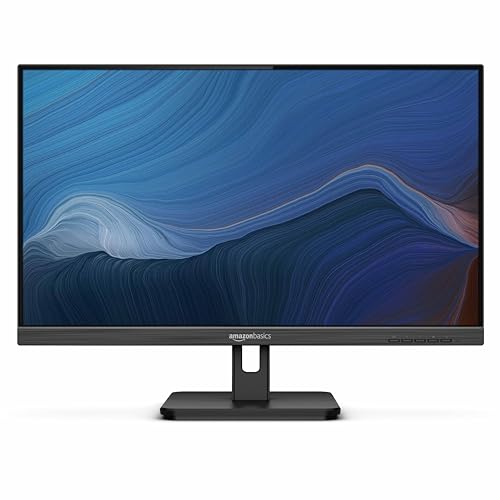
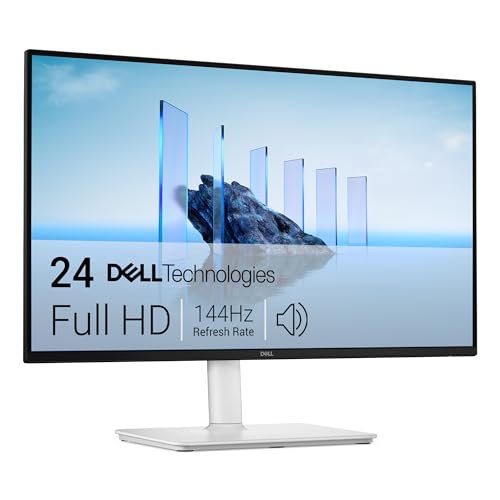
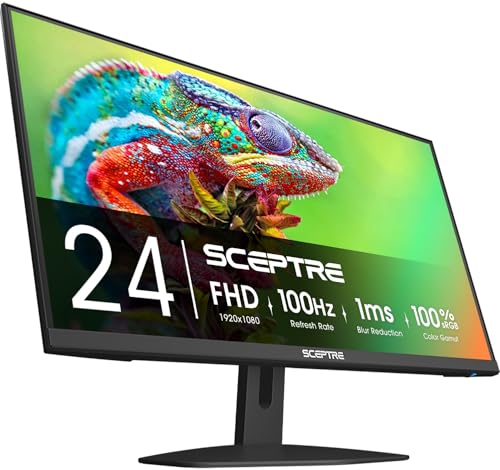
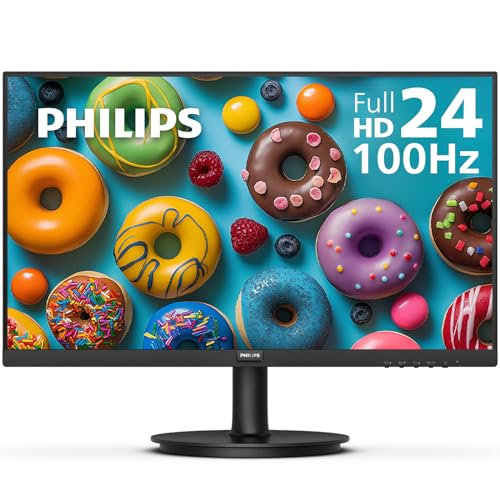
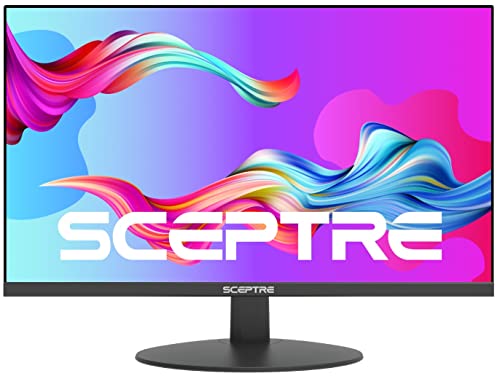
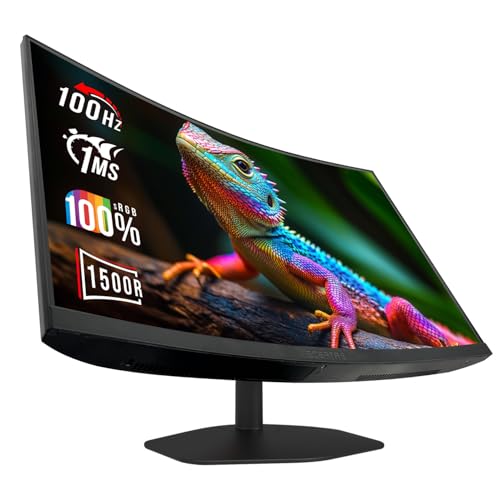


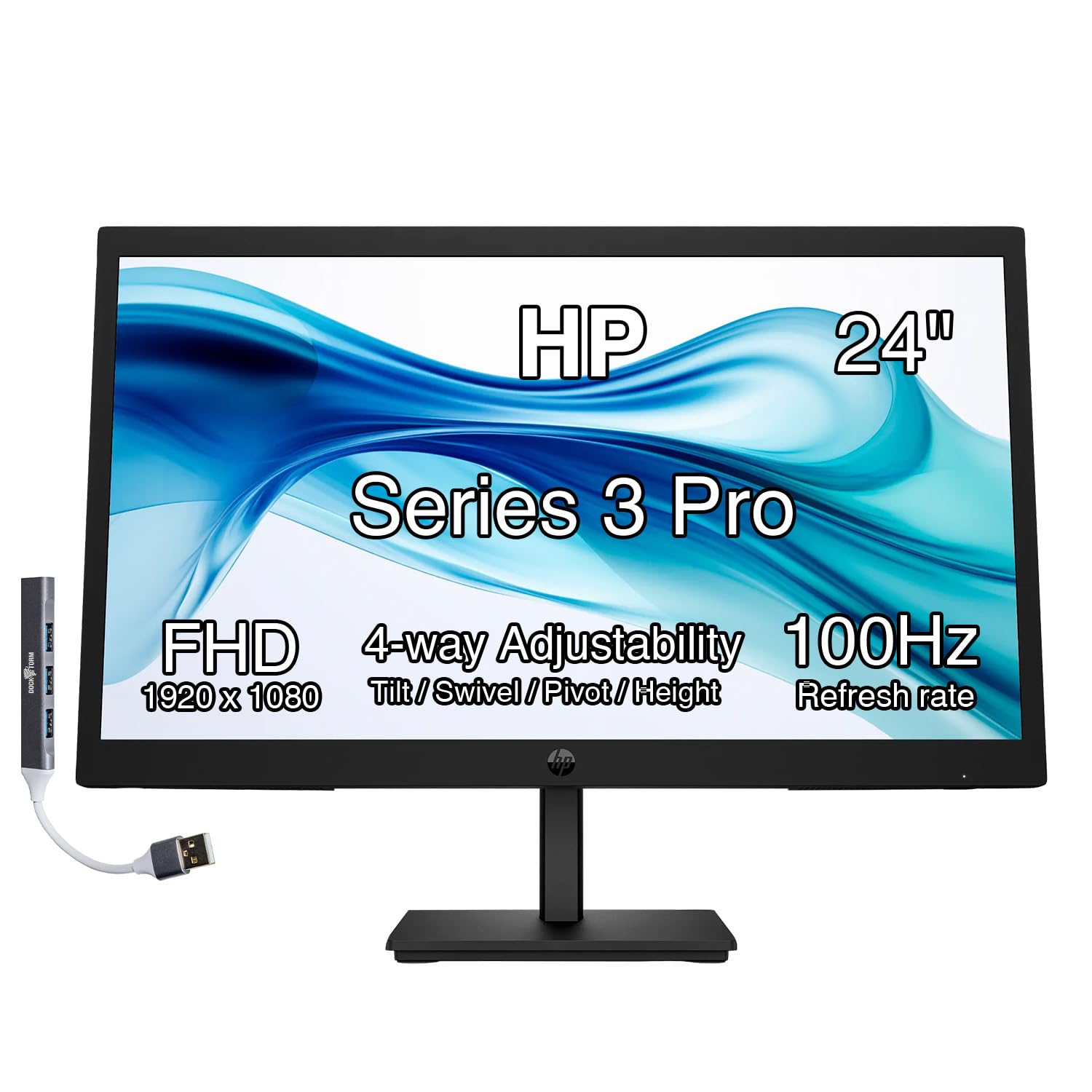
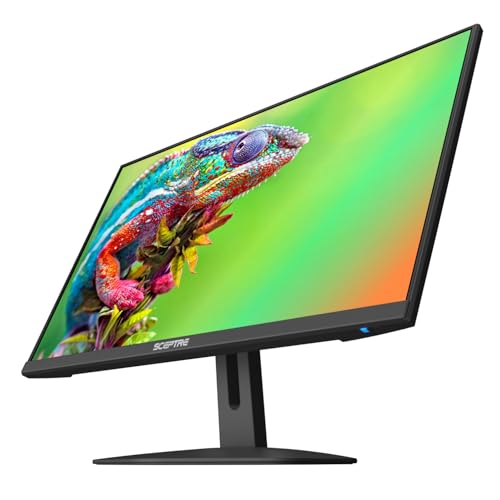
Who Should Buy a 24 Inch Monitor With Speakers?
Pick by the job the monitor does most days. Sound matters in different ways for calls, lessons and games, and a compact screen leaves little room for extra gear.
Desk Workers Who Join Calls All Day
You need voices that stay clear at modest volume, hour after hour. Look for speakers that face forward or sit near the front edge, because sound aimed at you is easier to follow than sound aimed at the desk. A headphone jack also helps, since you can switch to private listening without reaching behind the screen.
Students in Dorm Rooms and Small Bedrooms
Your monitor may serve for classes, homework, films and music in one small room. Built in speakers save shelf space and the cost of a separate set, and they keep the setup easy to move at the end of term. Choose a compact stand, and check that the speakers stay clear at low volume for late study in a shared room.
Casual Players and Video Viewers on Compact Desks
You want one screen for light gaming, streaming and browsing without a desk full of audio gear. Built in speakers cover game menus, dialogue and casual play, and they keep the desk clear for a controller or notebook. Look for a faster refresh rate if you play, and plan on headphones for sessions when housemates sleep nearby.
Key Features to Compare
Compare these factors in order, starting with sound. A bright screen cannot fix voices you strain to hear.
Speaker Power, Placement and Voice Clarity
Most monitors in this size carry speakers rated at about 2 to 5 watts each, enough for calls, lessons and casual video at a normal desk distance. The best 24 inch monitor with speakers for your desk will aim that sound toward you, through front firing or down firing slots near the front, rather than out of the back panel. Front placement gives clearer speech, and wattage alone does not promise rich bass.
Panel Type and Viewing Angles
IPS panels are the common choice at this size because colors stay steady when you lean back or share the screen with someone beside you. VA panels give deeper contrast for films in a dim room, but their picture can shift more from the side. TN panels cost less and respond quickly, yet colors often look washed out. For mixed work and video, IPS suits most buyers.
Resolution and Text Clarity at 24 Inches
Full HD at 1920 by 1080 is the standard at 24 inches and gives crisp text at a desk distance of about 2 to 3 feet. A 1440p screen fits more rows and windows on the same desk, which helps with spreadsheets and split screen study. 4K looks very sharp but makes text small unless you raise scaling in your settings. If that step appeals to you, see our guide to the best 24 inch 4k monitors.
Refresh Rate, Response and Adaptive Sync
A 60 Hz or 75 Hz screen is fine for office work, classes and streaming, where motion is gentle. Screens at 100 Hz or higher make scrolling and pointer movement feel smoother, and games look cleaner in motion. Adaptive sync lets the screen match the frame rate of a game, which reduces tearing when the pace changes. Response time figures vary by measurement method, so treat them as a guide.
Brightness, HDR and Eye Comfort
Look for brightness of about 250 to 350 nits, which suits most indoor desks. A matte anti glare surface helps if a window or lamp sits behind you, because it spreads reflections instead of mirroring them. Many models list HDR support, but at this size HDR rarely changes films the way it does on a large television, so treat it as a bonus. Low blue light modes and flicker free backlights can ease reading sessions.
Connections, Stand Adjustment and VESA Options at 24 Inches
One HDMI port covers most laptops and consoles, while DisplayPort suits many desktop computers. A USB C port that carries video can cut cable clutter for a modern laptop, though not every such port does this, so check the listing closely. An audio out jack lets you add headphones later. Prefer height and tilt adjustment, and check for a VESA mount pattern, often 75 by 75 mm or 100 by 100 mm.
Types of 24 Inch Monitors With Speakers Compared
The three groups below cover most desks. If 24 inches feels too small once you compare, see our guide to the best 27 inch monitor with speakers for the next size up.
Office and Study Displays
These models focus on clear text, steady colors and simple controls, with speakers tuned for calls and lessons rather than music. They suit shared home desks and homework corners. If your search started with general desktop screens, see our guide to the best 24 inch pc monitors to compare office models without built in sound.
Gaming Displays for Compact Desks
Gaming models pair a faster refresh rate with adaptive sync and a game mode that sharpens dark scenes. Their speakers handle dialogue and menu sounds well, though serious players still switch to headphones for detail. Choose this type if you game at a small desk and want smooth motion without giving up built in sound.
Budget Displays for a Simple Second Screen
Budget models keep the panel at 1080p, the stand simple and the speakers basic, a trade that suits a second screen for chat or reference pages. Expect sound that suits speech and short clips rather than full films. Prices often run about $75 to $180. Choose one if low cost matters more than rich sound.
Common Mistakes to Avoid
Most regrets with this purchase come from sound and fit, not from the panel itself.
- Expecting monitor speakers to fill a room like a soundbar leaves films sounding thin and distant from the sofa.
- Buying on wattage alone ignores placement, so a louder rated speaker can still sound muffled facing the wall.
- Ignoring stand height forces you to stack books under the monitor, wasting the desk space a compact screen was meant to save.
- Skipping the port check leaves a USB C laptop with no simple video option and a desk full of adapters.
- Choosing 4K without raising text scaling leaves menus tiny and hard to read at a normal desk distance.
Care and Maintenance for a Monitor With Speakers
Clean the screen with a soft microfiber cloth, dry or barely damp with plain water, and never spray liquid directly on the panel. Keep drinks away from the speaker slots along the lower edge, because a spill there can damage both sound and electronics. Dust the slots gently with a soft brush.
Check cables every few months and replace one that cuts out when it moves, since a loose connection can mimic a speaker fault. Leave the vents uncovered so heat can escape, and lower the volume if speech distorts, because steady distortion strains small speakers.
FAQ
Is 4K resolution worth it on a 24 inch monitor with speakers?
For most buyers, no, 4K is not worth the extra cost at 24 inches. You sit close enough that 1440p already looks clean for text and video. One point buyers miss is that 4K raises the demands on computer graphics, which can make older laptops run their fans more during video calls. Spend the difference on clearer speakers instead.
Does refresh rate matter for office work on a 24 inch monitor?
Yes, refresh rate matters a little for office work, though not in the way game advertising suggests. A step from 60 Hz to 100 Hz makes documents scroll more smoothly and reduces the smeared look of moving windows. It will not make static text sharper, and it does not change speaker quality. On a tight budget, protect panel and sound choices first.
Are built in speakers on a 24 inch monitor loud enough for films?
Built in speakers on a 24 inch monitor are loud enough for films at a desk, but not for a room full of people. Dialogue stays clear at arm length, while action scenes lose the deep notes small cabinets cannot produce. Judge by the distance to your chair rather than room size, because volume needs rise fast across a room.
Can a 24 inch monitor with speakers work with a laptop that has only USB C?
Yes, a 24 inch monitor with speakers can work with a USB C only laptop if the monitor has a USB C video input or you use an HDMI adapter. Sound travels with the video signal, so no separate audio cable is needed. Check charging too, because only some monitors send power back to the laptop through the same cable. Without that feature, keep your charger connected.
How long does a 24 inch monitor with speakers usually last?
A 24 inch monitor with speakers usually lasts about five to eight years of daily use. The panel ages slowly, while buttons, ports and small speakers tend to show wear first. Keeping volume below distortion and vents clear slows that wear. If sound fails late in life, the screen can still serve with headphones from your computer, extending its life as a second display.
Final Thoughts
Match the monitor to your desk first: clear speech for calls, a panel that suits your light, and ports that match your computer. Speaker placement and stand fit shape comfort more than claims.
When you review the best 24 inch monitor with speakers options in the product table, choose the simplest model that sounds clear at your chair and fits your space. That balance gives you a tidy desk and sound that is ready every time you sit down.