Best 24 Inch PC Monitors in 2026: Which Type Is Right for You?
Disclosure: We may earn a commission when you buy through links on this page, at no extra cost to you. As an Amazon Associate I earn from qualifying purchases. Learn more
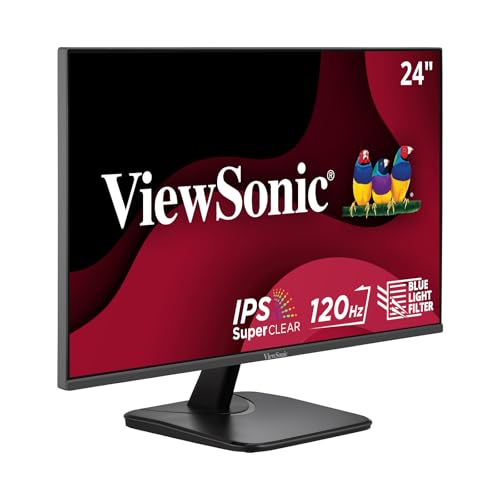
Compare IPS, VA, and high refresh types to find the best 24 inch PC monitors for work, study, or play at your desk.
A 24 inch PC screen is a popular choice because it fits most desks, keeps text readable, and works well for work, study, and games. The hard part is not the size, but the type, since panels, resolutions, and refresh rates change how the screen feels in daily use. If you are comparing best 24 inch pc monitors, the product table and the type comparison below can help you sort the main options before you look at prices.
This guide compares the main types side by side, then explains how to choose based on your tasks, your room, and your computer. It focuses on the traits that matter after the first week, when the novelty fades and comfort takes over.
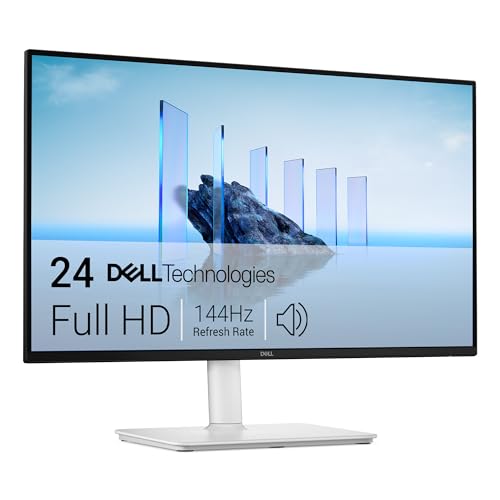
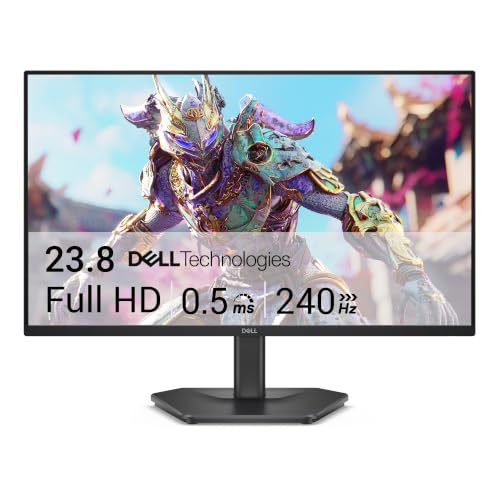
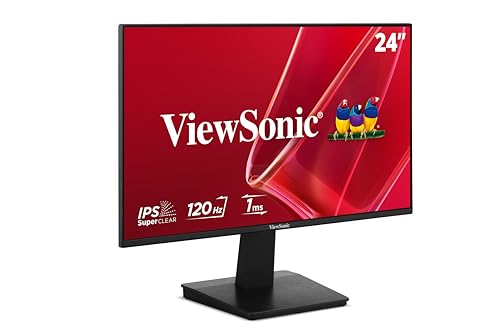

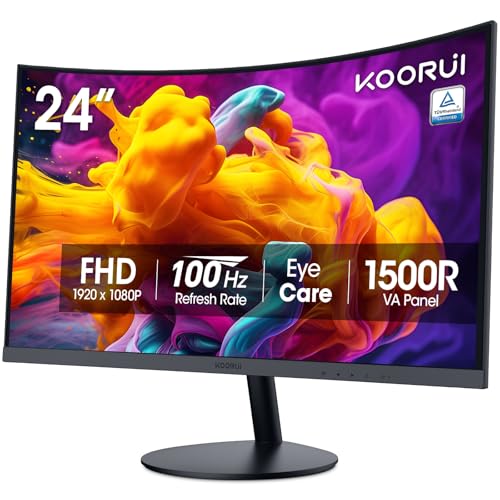
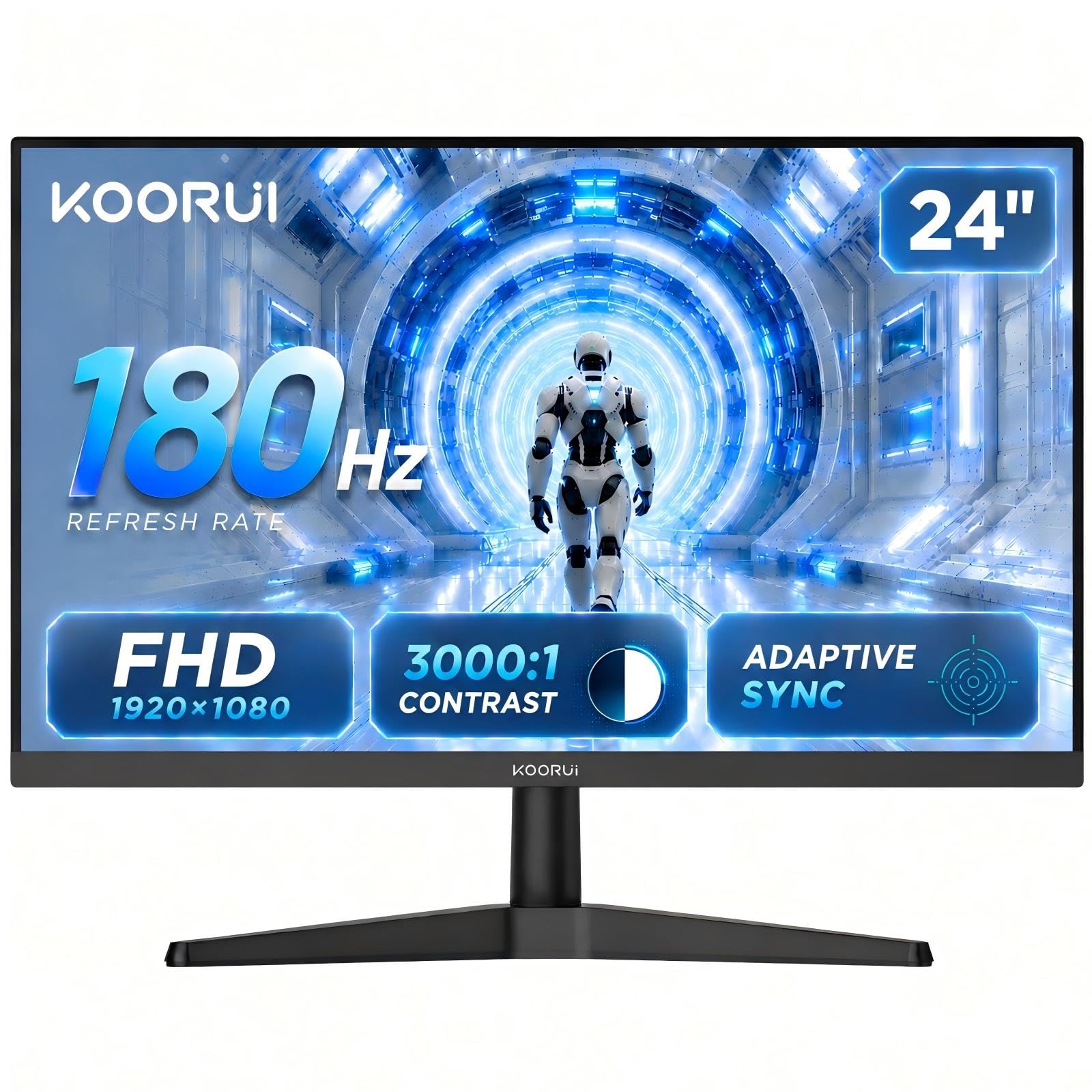


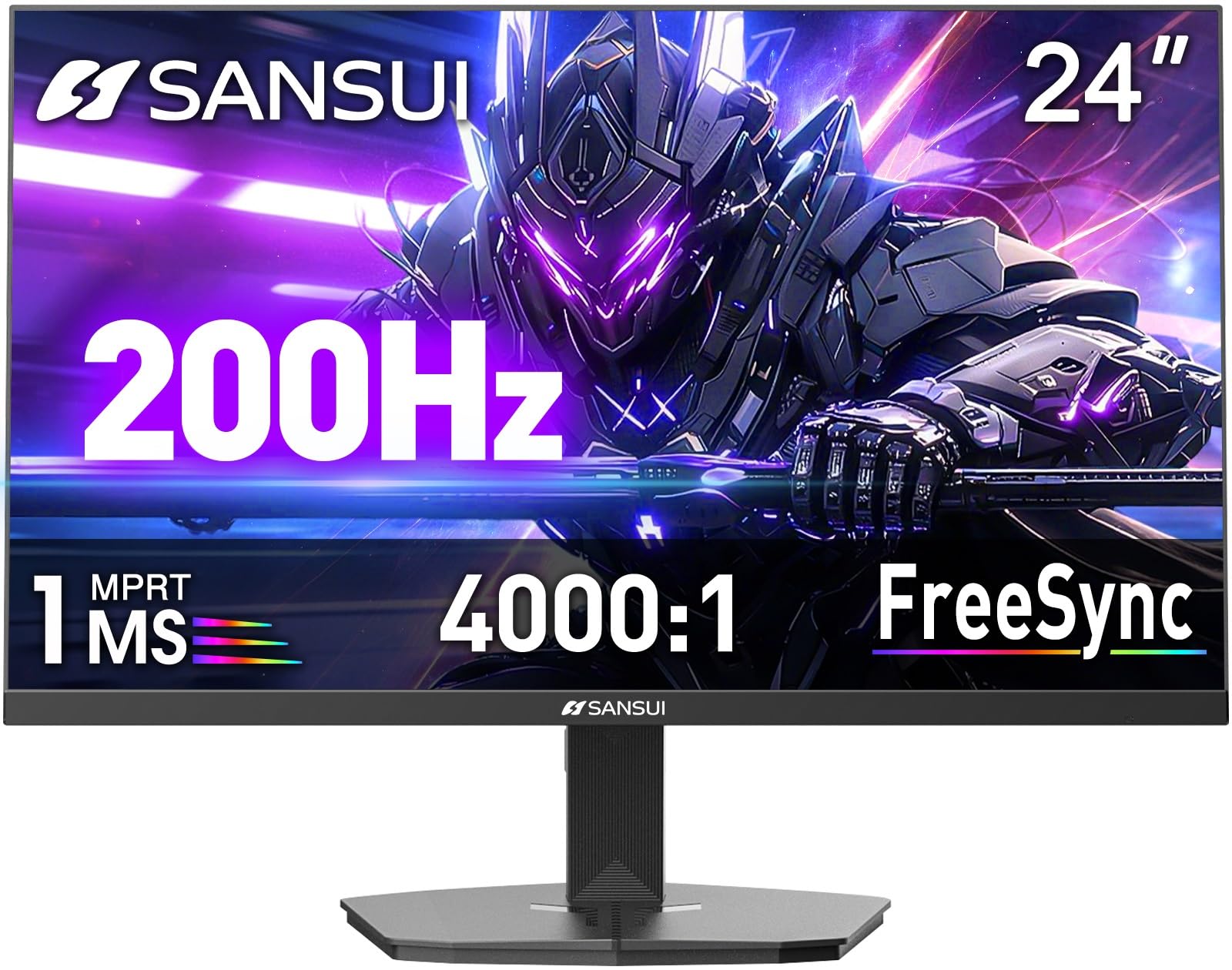
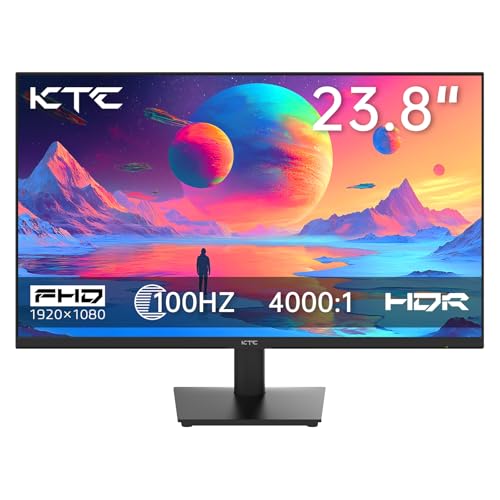
Best 24 Inch PC Monitors by Type
Most 24 inch PC screens fall into a few broad types, even though makers use many marketing names. The type affects color, contrast, motion, and how well the screen suits your routine. Use the table as a quick overview, then read the type notes to see which trade offs fit you.
| Type | Best For | Pros | Cons | Typical Price |
|---|---|---|---|---|
| IPS office and study | Documents and multitasking | Sharp text and wide viewing angles | Modest contrast | around $90 to $250 |
| VA and curved | Movies and dark rooms | Deeper blacks and strong contrast | Narrower viewing angles | around $70 to $130 |
| High refresh gaming | Fast games and smooth scrolling | 120Hz to 240Hz motion and adaptive sync | Extra features add little for office work | around $75 to $200 |
IPS Office and Study Displays
IPS displays prioritize clear text, stable colors, and a comfortable viewing angle over flashy motion specs. They suit writing, spreadsheets, coding, and video calls, where you stare at words and numbers for hours. Look for a sharp resolution, an adjustable stand, and eye comfort features such as a flicker-free backlight.
IPS colors stay steady when you lean to one side or share the screen with a colleague. Many models now add 100Hz or 120Hz, which makes scrolling smoother. If your day is mostly documents and browsers, this type usually gives the best value.
VA and Curved Displays
VA panels produce deeper blacks and stronger contrast than IPS, which helps movies, shows, and games in a dim room. Many 24 inch VA screens also have a gentle curve that wraps the image toward you at a normal desk distance. The trade off is narrower viewing angles, so colors can shift if you sit off center.
VA is a good fit for a single user who sits straight in front of the screen. If you often share the display or edit photos, IPS is the safer choice.
High Refresh Gaming Displays
High refresh gaming displays focus on motion, with 144Hz, 180Hz, or 240Hz speeds, quick response times, and adaptive sync. They suit fast shooters and racing games, and they also make everyday scrolling feel fluid. At 24 inches, 1080p is the usual resolution, which keeps frame rates high on a modest graphics card.
The main drawback is that these extras matter little if you only work in documents. Check that your graphics card and cable can actually deliver the higher refresh rate before paying for it.
IPS Compared With VA: Which Should You Choose?
Choose IPS when your priority is steady text, accurate color for documents, and wide viewing angles. Choose VA when your priority is contrast and a darker, richer image for media at a lower price. The difference is mostly about how you sit and what you watch.
Think about your room light as well. A matte screen handles bright rooms and window glare better in many cases, while deep blacks stand out most in controlled light.
If you work near a bright window all day, glare control may matter more than peak contrast. For a sharper panel option, see our guide to best 24 inch 4k monitors and compare text clarity at your usual distance.
How to Choose the Right 24 Inch PC Monitor
Choosing well means matching a few core specs to your tasks, rather than chasing the highest number on every line. Resolution affects text sharpness, refresh rate affects motion smoothness, and panel type affects color and viewing angle. Work through the factors below in order, and let your main task decide which one wins when two specs conflict.
Resolution and Screen Size
At 24 inches, 1080p looks clean at a normal distance, 1440p looks sharper for detailed work, and 4K looks very fine but may need text scaling. Your seating distance matters as much as the pixel count, since a close seat makes lower resolutions look softer. Sit about an arm length away for most work, and step back a little for media viewing. If you compare sizes, our guide to best 27 inch pc monitors can help you judge whether a larger screen fits your desk.
Stand, Mounting, and Ergonomics
A good stand lets you set height, tilt, and swivel without tools or strain. This matters because the top of the screen should sit near eye level, with a slight downward gaze for comfort. If the included stand is basic, check for a standard VESA mount pattern so you can add an arm later. A wobbly stand is a daily annoyance, so give build quality real weight in your choice.
Adaptive Sync and Gaming Features
Adaptive sync helps games look smoother by matching the screen to the output from your graphics card, which reduces tearing. It is most useful for fast games and less important for office work or streaming. Some screens also add low latency modes and game presets, which can help but should not replace core traits such as resolution and color. If you rarely play games, treat these features as a bonus.
Refresh Rate and Response Time
Refresh rate, measured in hertz, sets how many images the screen can show each second. A 60Hz screen is fine for office work, while 100Hz to 144Hz feels smoother for games and fast scrolling. Response time affects how quickly pixels change color, and a slow response can leave a faint trail behind fast moving objects. For most buyers, a 100Hz to 144Hz screen with a reasonable response time is a good middle ground.
Panel Technology and Connections
IPS panels offer wide viewing angles and steady colors, while VA panels offer deeper blacks with narrower angles. For a first PC screen, IPS is often the safest all round choice, while VA suits dark room media. Check color coverage if you edit photos, since a narrow color range can hide subtle shades. Also match the ports to your computer: HDMI is common, DisplayPort is handy for higher refresh rates, and older VGA is only needed for legacy devices.
Choosing 24 Inch PC Monitors for Your Situation
Your situation should narrow the field quickly. A student on a small desk needs a different screen from a gamer with a deep desk, and a home office worker needs different traits from a media viewer. Use the notes below to match the type to your routine, then return to the core specs to finalize the choice.
Best 24 Inch PC Gaming Monitors
Best 24 inch pc gaming monitors differ from office screens mainly in motion handling, refresh rate, and adaptive sync support. Look for a fast refresh rate, a quick response time, and a low latency mode if you play competitive games. A sharp resolution still matters, but a very high resolution can strain a modest graphics card, so balance detail with smooth frame rates. For game focused options, see our guide to best 24 inch gaming monitors and compare refresh rates at your budget.
Speaker quality is another practical point for gamers. Many PC screens include small speakers that suit casual play, but they rarely match separate speakers or a headset for dialogue and effects. If you play with friends online, a clear microphone setup matters more than built in audio. A screen with speakers can still be handy for quick sessions, as our guide to best 24 inch monitor with speakers explains.
Care and Maintenance Tips
Good care keeps a screen looking sharp for years. Clean the screen with a soft microfiber cloth only, and avoid harsh cleaners or paper towels that can scratch the coating. Turn off vivid picture modes that push brightness and saturation too high, since they can make colors look harsh and tire your eyes.
Place the screen away from direct heat and keep vents clear so it stays cool. Use a sleep setting when you leave the desk. If you notice persistent eye pain or vision changes, talk with an eye care professional, since screen settings alone may not solve the issue. Regular breaks and a comfortable viewing distance help more than any single setting.
High refresh rate fans may also want to compare fast panels in our guide to best 24 inch 144hz monitors before deciding how much motion performance they truly need. A faster panel is enjoyable for games, but it is not required for most office tasks.
Frequently Asked Questions
Is 4K Worth It for a 24 Inch PC Display?
4K is worth it for a 24 inch PC display when you edit photos, read fine text, or work with detailed designs every day. The extra sharpness makes small text easier to read and gives precise control in editing apps. For general browsing, email, and streaming, 1440p or 1080p can feel just as good at a normal distance. Consider your graphics card as well, since 4K needs more power for smooth games and video.
What Size Works Best for My Room or Desk?
A 24 inch screen works best when you sit about an arm length away and your desk depth is modest. It keeps the full image in view without forcing you to turn your head, which helps during long work sessions. Measure desk width, depth, and stand footprint before you buy, and leave room for a keyboard, mouse, and notebooks. If your desk is very deep or you share the screen often, a larger size may feel more natural.
IPS or VA: Which Panel Suits a PC Desk Better?
IPS usually suits a PC desk better because it offers wide viewing angles and steady color for work, study, and casual games. VA suits a PC desk better when contrast for movies and dark room gaming is your top priority and you sit directly in front of the screen. VA models are often cheaper and may be curved. For a first PC screen, IPS is the lower risk choice.
How Long Should a 24 Inch PC Display Last?
A 24 inch PC display commonly lasts many years with normal use, though brightness may fade gradually. Lifespan depends on daily hours, heat, and build quality more than on the panel label. Keep the screen cool, avoid maximum brightness all day, and use sleep settings when you step away. Check the warranty terms, and if colors shift strongly or brightness becomes uneven, replacement is usually more practical than repair.
Does Refresh Rate Matter for People Who Do Not Game?
Refresh rate matters only a little for people who do not game, mainly by making scrolling and window movement feel smoother. A 120Hz screen can feel more fluid than a 60Hz screen during everyday use, but the gain is subtle for reading and email. Resolution, color, and stand comfort usually matter more for office work. If you game even occasionally, a faster refresh rate becomes a more meaningful upgrade.
Wrapping Up
Start with your main task, then let panel type, resolution, and stand quality narrow the choice. An IPS screen suits long document days, VA suits contrast rich media, and a high refresh screen suits fast motion. There is no single best type for every desk, only a best fit for your routine.
Before you buy, check ports, mount options, warranty terms, and return policy, and use the product table to compare the options side by side. When those practical details match your setup, best 24 inch pc monitors stop feeling overwhelming, and you can choose a screen you will enjoy using every day.