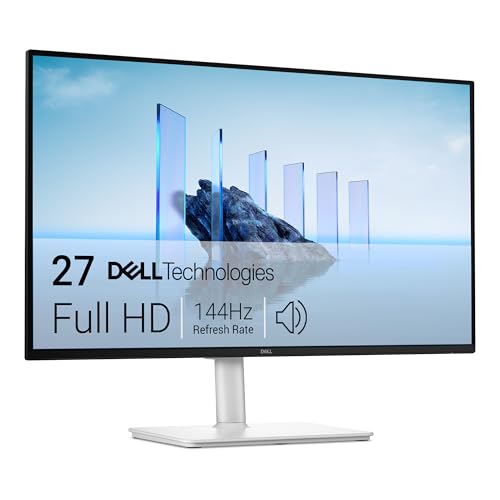
Best 1440p Monitors for PS5: A First Time Buyer's Guide for 2026
Disclosure: We may earn a commission when you buy through links on this page, at no extra cost to you. As an Amazon Associate I earn from qualifying purchases. Learn more

Shopping for the best 1440p monitors for ps5 for the first time? Learn the terms, compare options, and avoid rookie mistakes with this easy guide.
Buying your first gaming monitor feels harder than it should, mostly because the spec sheet speaks a language nobody taught you. Resolution, refresh rate, panel type, sync, HDR: each term hides a simple idea, and this guide translates all of them before you spend anything. If you are shopping for the best 1440p monitors for ps5 as a first time buyer, you are in the right place.
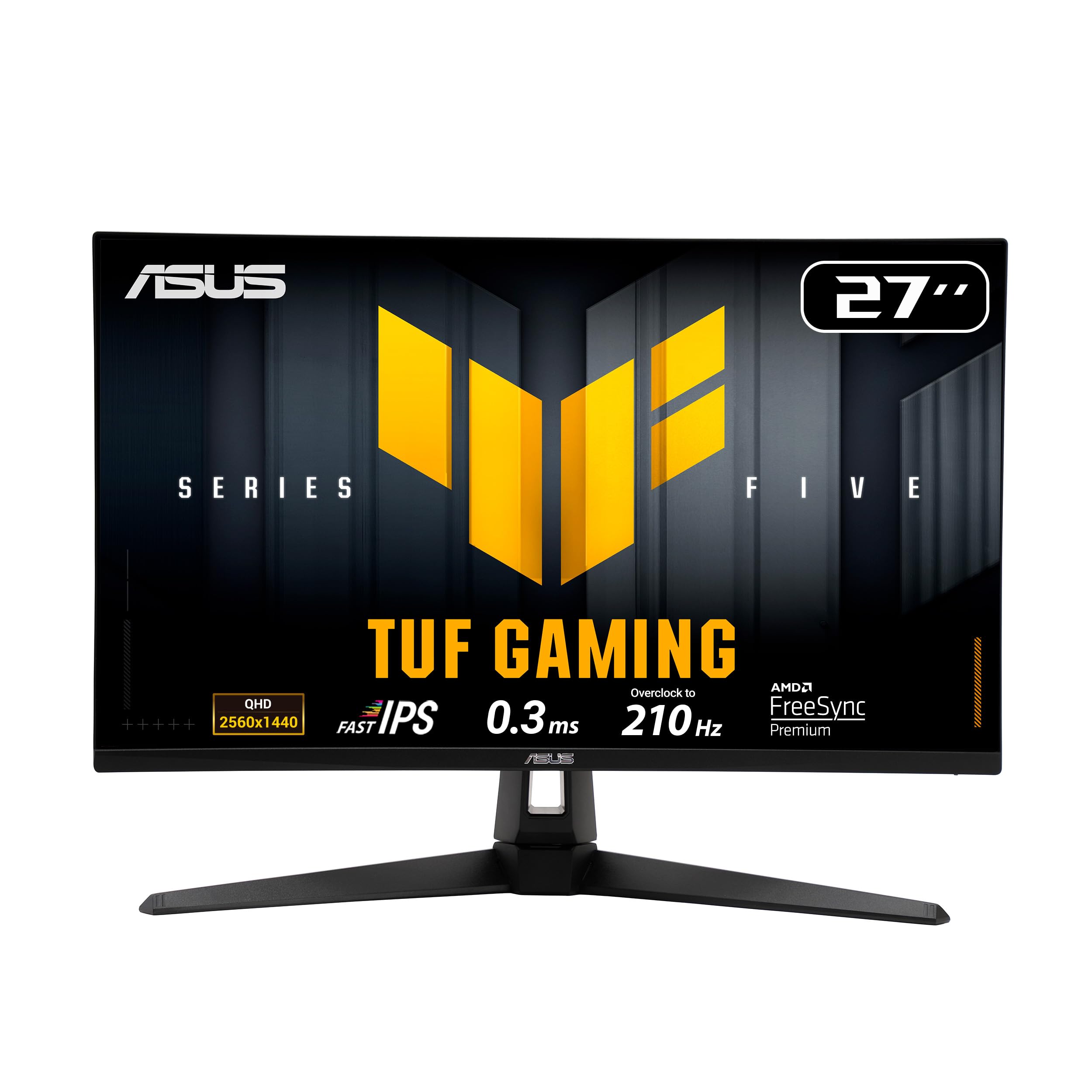
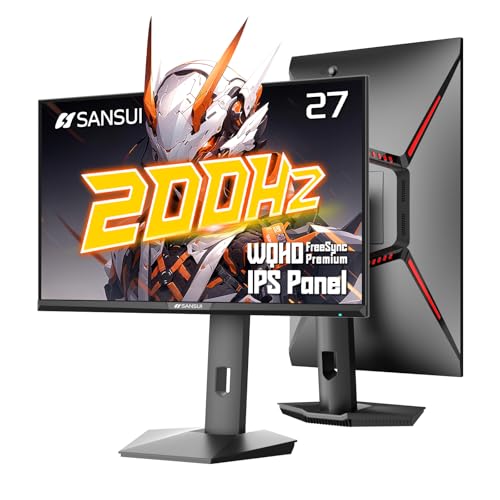
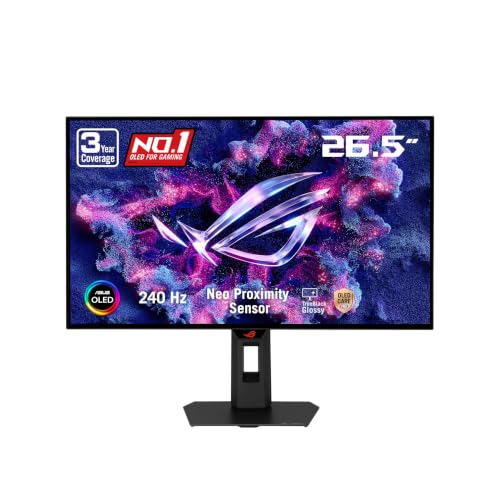
We will start with the basics, explain each spec in plain English, and flag the rookie mistakes that waste money. The product table lines up the picks so you can see how the classes differ.



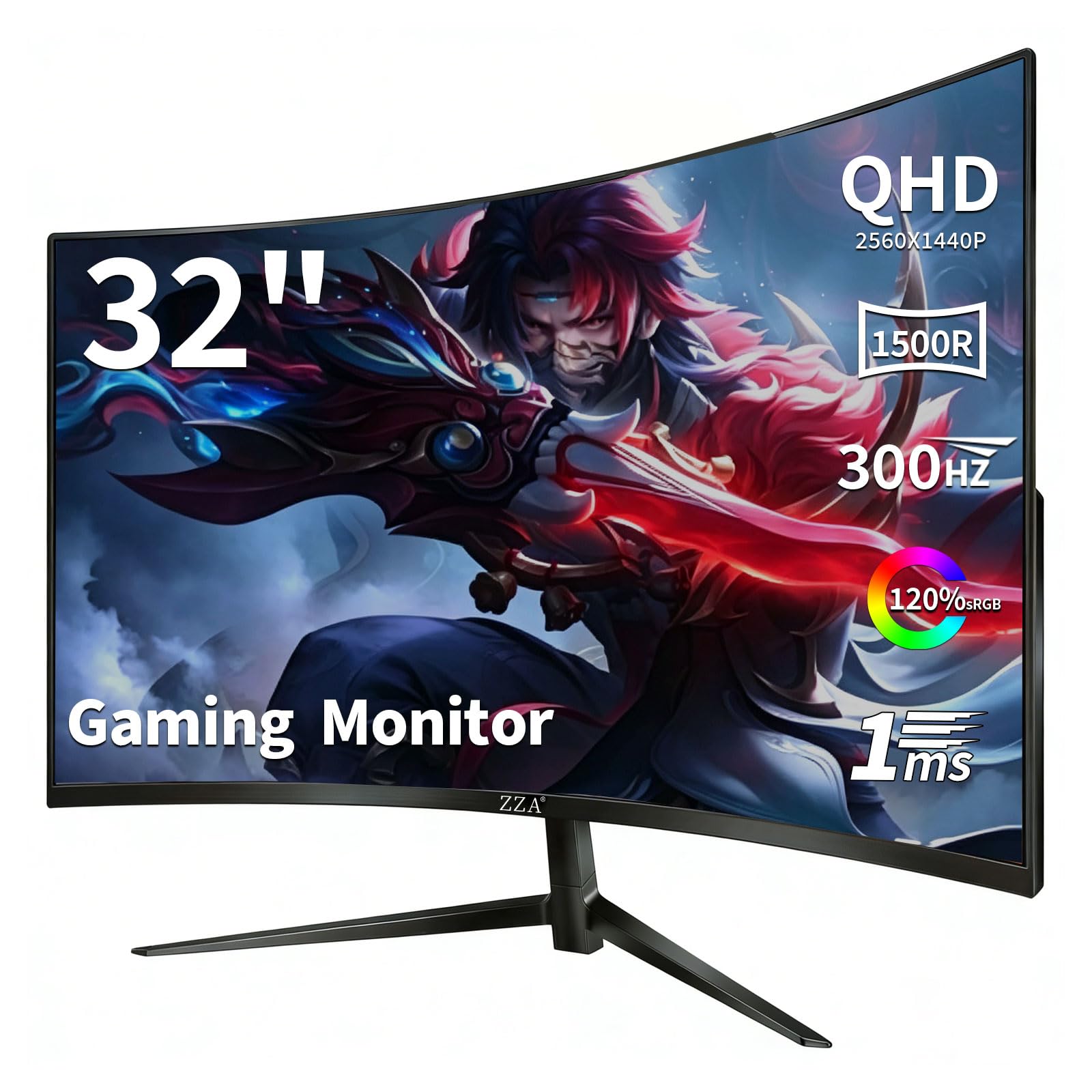

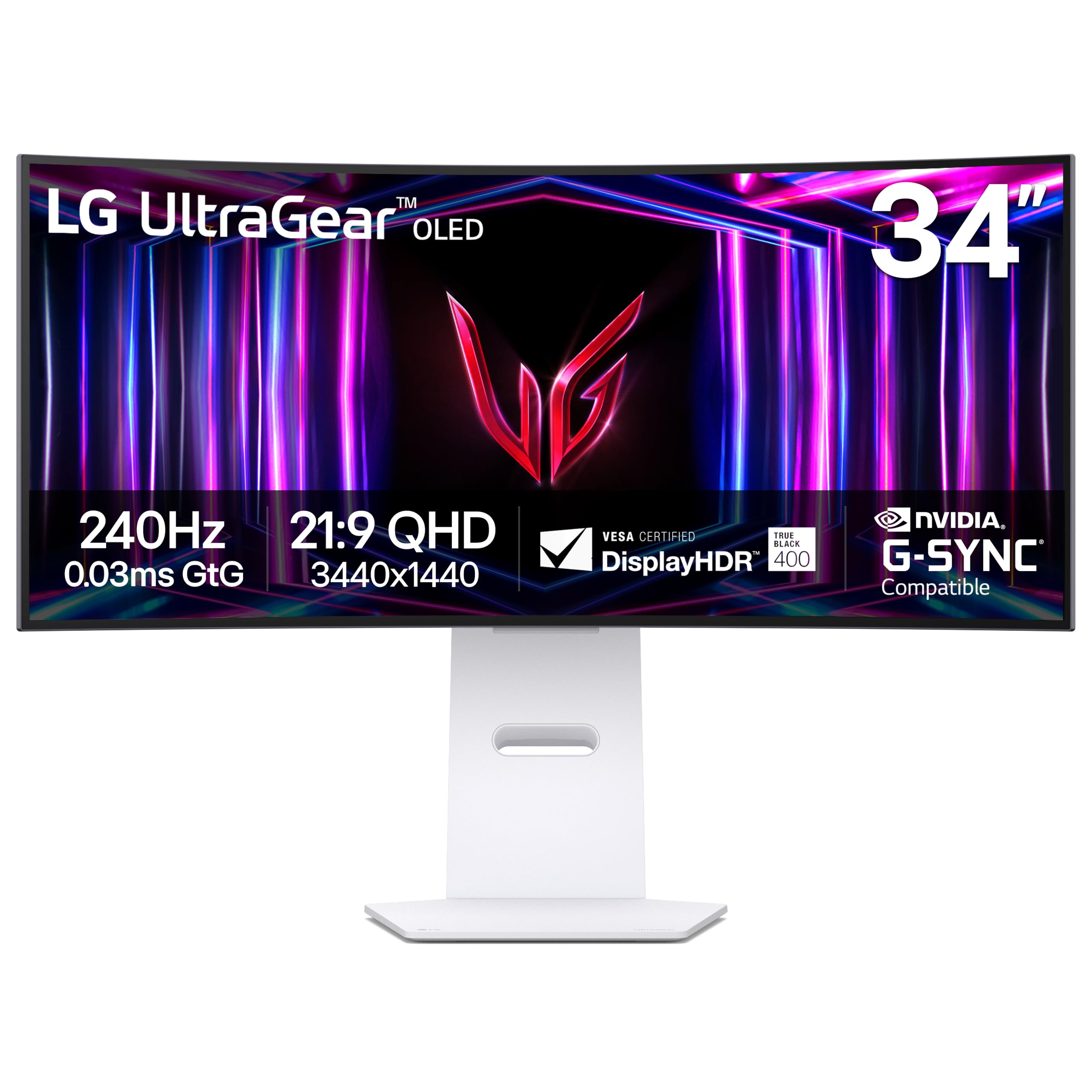

1440p Monitors 101: The Basics
A 1440p monitor shows a picture made of 2560 by 1440 pixels, which is why you will also see it called QHD. That is roughly four times the pixel count of an old 720p screen and noticeably sharper than 1080p, without asking the console to push a full 4K image. The PS5 supports a 1440p output, so the console sends exactly the picture the panel displays, with no upscaling blur.
One comfort point belongs at the start: no monitor treats eye strain, whatever the marketing suggests. Comfort comes from matching screen brightness to your room light, sitting a sensible distance away, and taking regular breaks. Treat any low blue light mode as a mild convenience, not as protection.
Key Specs of the Best 1440p Monitors for PS5, Explained
One idea unlocks most of the spec sheet: a refresh rate class governs motion clarity, because the rate states how many fresh images the panel can show each second. The console itself caps the frame rate, and on PS5 that ceiling is 120 frames per second, with many games running at a steady 60. A monitor rated above what the console can send adds cost without adding smoothness, so match the panel to the console. That matching exercise runs through the best 1440p monitors as a whole, not just the gaming corner.
Features That Matter for PS5
The console asks for a few specific things, starting with an HDMI input that accepts a 1440p signal at 120 hertz, which an HDMI 2.1 port guarantees and some HDMI 2.0 ports also manage, so check the port specification rather than the port count. Variable refresh rate support keeps motion smooth when a game dips below its target, automatic low latency switching saves you from digging through menus, and dedicated comparisons of the best gaming monitors for ps5 treat exactly these three items as the entry ticket.
Panel Technology: IPS, VA, OLED, and Mini LED
The panel decides how the picture actually looks: IPS panels give accurate colour and wide viewing angles, which suits a shared desk, though their blacks can look grey in a dark room. VA panels deliver deeper contrast for moody games but can smear dark motion. OLED panels switch each pixel off completely for true black and near instant response, at higher prices and with a small burn in risk from static images. Mini LED backlights add many dimming zones behind IPS or VA panels for stronger HDR.
Screen Size and Pixel Density
Size only makes sense together with pixel density, measured in pixels per inch. A 27 inch 1440p class sits at about 109 ppi, which looks crisp at a normal desk distance and suits most PS5 players. Stretch the same resolution across 32 inches and density falls to about 92 ppi, fine from a little farther back. A smaller 24 inch screen at 1080p also lands near 92 ppi, which is why 27 inch 1440p feels like a genuine sharpness jump.
| Screen class | Resolution | Density |
|---|---|---|
| 24 inch | 1080p | about 92 ppi |
| 27 inch | 1440p | about 109 ppi |
| 32 inch | 1440p | about 92 ppi |
| 27 inch | 4K | about 163 ppi |
Adaptive Sync and Gaming Features
Adaptive sync lets the panel adjust its refresh timing to match the game, which removes screen tearing. On PS5 this arrives as variable refresh rate over HDMI, so confirm the monitor lists VRR support rather than assuming it. Response time figures deserve a sceptical read: the printed millisecond number is a maker figure measured under ideal settings, and pushing overdrive too hard can add ghosting instead of removing blur. That is why the best gaming monitors now treat VRR support as a baseline rather than a premium extra.
Connectivity and Ports
Count the ports against everything you own, not just the console. You want at least two HDMI inputs if a PC, a streaming stick, or a second console shares the screen, plus a headphone socket you can reach. DisplayPort matters for PC use but does nothing for the PS5, and USB ports are a convenience for charging rather than a reason to buy. Most monitors have weak built in speakers, so budget for a headset or a small soundbar if sound matters.
HDR and Brightness
HDR promises brighter highlights and richer dark detail, but the entry level HDR labels guarantee very little. A panel needs real local dimming and peak brightness around 600 nits or more before HDR looks clearly better than standard picture. Below that, HDR can look washed out, and many owners switch it off. For ordinary room play, a standard dynamic range picture with brightness around 300 to 400 nits is perfectly comfortable.
Smart Platform and Sound
First time buyers coming from a TV are often surprised here: a monitor is not a TV, and most gaming monitors ship with no smart apps, no remote control, and no tuner, because the console itself provides the streaming apps and the menus. Nothing about that is a flaw, but it changes how you use the screen day to day, and our wider look at the best monitors for ps5 covers the TV comparison in full. Plan to run everything through the PS5, and treat sound as a separate purchase, since monitor speakers are usually small and quiet.
Rookie Mistakes to Avoid
- Paying for a 240 hertz panel when the console tops out at 120 frames per second, buying headroom you will never see.
- Assuming any HDMI port will do, then discovering the port will not accept 1440p at 120 hertz.
- Choosing a 32 inch screen for a shallow desk, where the edges sit too close and fast games tire your eyes.
- Trusting the box HDR logo without checking for local dimming, and ending up with a dimmer picture than standard mode.
- Forgetting the sound plan, then relying on feeble built in speakers for dialogue heavy story games.
Getting Started: Setup and First Use
Setup takes about fifteen minutes. Connect the console with its supplied cable, then open the screen settings and check the video output information so the PS5 confirms what the monitor accepts. In the same menus, switch on 120 hertz output and variable refresh rate where your monitor supports them.
Next, fix the picture. Choose the standard or game picture mode and turn off the vivid setting, which oversaturates colour and crushes shadows. Set brightness so whites match your room light, and enable the performance mode inside each game that offers one, since many titles default to a prettier 30 or 60 frame mode. On an OLED, let the panel run its built in pixel refresh routine when it asks.
Questions Answered
What features matter most in a 1440p monitor for PS5 gaming?
An HDMI input that accepts 1440p at 120 hertz, variable refresh rate support, and a panel type that suits your room matter most. Beyond the spec sheet, check the stand: a monitor that tilts and adjusts in height keeps your neck comfortable through long sessions, and many budget models skimp here. A stand upgrade costs extra later, so a good stand in the box is quietly worth money.
How long does a 1440p monitor for PS5 last?
A monitor used daily typically serves five to eight years before backlights dim or electronics tire. The panel will almost certainly outlast the console generation, which is one reason to buy for your desk rather than for one machine. Keep the firmware updated where offered, since early 1440p support on some models improved noticeably through software.
What size 1440p monitor should I get for my desk?
For most desks, 27 inches is the right answer, pairing about 109 ppi with a screen that fits inside your natural field of view. Measure your desk depth before ordering: if your eyes sit closer than about 60 centimetres to the screen, even 27 inches can feel large during fast games. A wall mount or desk arm reclaims the space a bulky stand eats, and the VESA pattern states which mounts fit.
Does refresh rate matter for PS5 games that are not fast paced?
Refresh rate matters less in slow, story led games, where a locked 60 frames per second already looks smooth and the prettier graphics mode is often the better choice. The benefit of 120 hertz shows up in aiming, turning, and racing. A useful habit is deciding per game: pick the quality mode for looks in calm titles and the performance mode whenever the action speeds up.
Is 4K worth it over 1440p for PS5 gaming?
At desk distances, 4K adds cost faster than it adds visible sharpness, and many games render below 4K internally before upscaling anyway. The money saved by choosing 1440p covers a good headset or a second controller, which most players feel more. Pick 4K if you watch films on a large screen from a sofa, because distance, not the spec sheet, decides whether the extra pixels show.
IPS vs OLED: which panel is better for PS5 gaming?
OLED wins on contrast and response, and night scenes in games look strikingly deep, but it costs far more and asks you to vary content to limit burn in risk. IPS wins on price, brightness in lit rooms, and carefree use with static menus and desktop work. For a first monitor that also serves study or office hours, IPS is the safer choice; OLED earns its premium in a dedicated gaming corner used after dark.
Wrapping Up
Keep three checks in front of you when you shortlist the best gaming monitors 1440p: an HDMI input that truly accepts 1440p at 120 hertz, a 27 inch panel at about 109 ppi, and variable refresh rate for smooth motion. Get those right and the best 1440p monitors for ps5 become an easy shortlist rather than a spec sheet puzzle. Compare your finalists in the product table, set the console output correctly on day one, and enjoy the sharper picture.