
Best Wifi Range Extender for Gaming in 2026: Which Type Is Right for You?
Disclosure: We may earn a commission when you buy through links on this page, at no extra cost to you. As an Amazon Associate I earn from qualifying purchases. Learn more

WiFi extenders, powerline, MoCA and mesh compared to find the best wifi range extender for gaming with low lag.
Lag spikes and dropped matches often come from a weak WiFi signal in the room where your console or PC sits. Shoppers can choose plug in WiFi extenders, WiFi 7 extenders, powerline adapters, MoCA coax adapters or a full mesh system, and each one handles gaming traffic differently. This guide to the best wifi range extender for gaming compares each type side by side so you can pick the one that cuts lag in your home, not just the one with the biggest speed number on the box.
We start with a comparison table, explain each type, compare wireless extenders with wired alternatives, then cover how to choose, setup tips and answers to common questions. Every device in the table above is sold new on Amazon US. One key fact up front: TP-Link notes that wireless extenders improve coverage, not speed, and that speeds through an extender can be 50% or less of your current speed, so wired options often work better for competitive gaming.


Types of WiFi Range Extenders Compared
Plug in WiFi 6 extenders are the cheapest fix, WiFi 7 extenders add speed for new routers, powerline and MoCA adapters bring a wired connection to your gaming room and mesh systems replace your WiFi with whole home coverage.
| Type | Best For | Pros | Cons | Typical Price |
|---|---|---|---|---|
| WiFi 6 plug in extender | Casual gaming, one weak room | Cheap, easy, Ethernet port | Adds latency, cuts speed | around $55 to $120 |
| WiFi 7 extender | Homes with a WiFi 7 router | Faster links, MLO | Higher price | around $85 to $150 |
| Powerline adapter | Wired link through power outlets | Lower latency than WiFi | Depends on home wiring | around $50 to $110 |
| MoCA adapter | Homes with coax outlets | Near wired performance | Needs coax in both rooms | around $150 to $170 |
| Mesh system | Large homes, many players | Whole home coverage, wired backhaul | Costs more | around $170 to $440 |
WiFi 6 Plug In Extenders
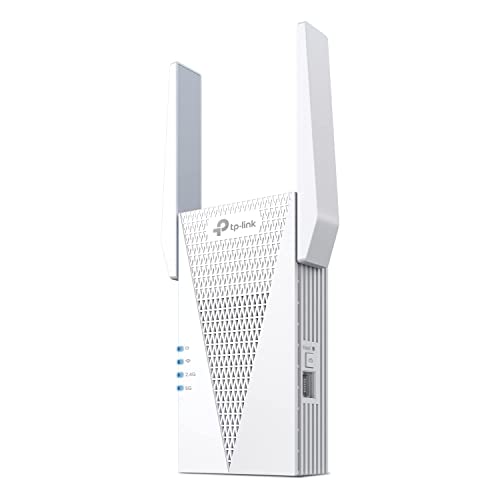
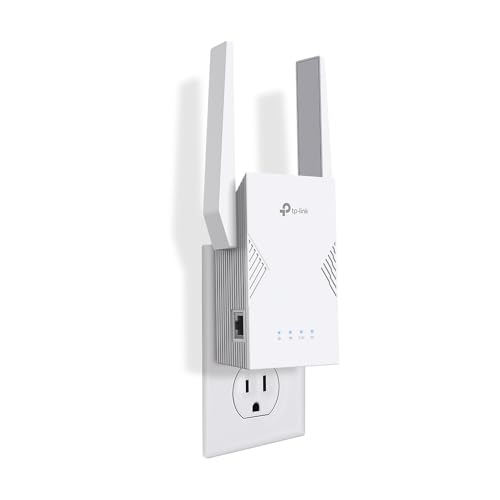
A plug in extender picks up your router's signal and rebroadcasts it farther away. The TP-Link RE715X, at around $120, lists AX3000 WiFi 6 with up to 2404 Mbps on 5 GHz, coverage up to 2,400 square feet, two high gain antennas with beamforming, a Gigabit Ethernet port and EasyMesh support with compatible routers.
The Ethernet port is the key gaming feature: plug your console into the extender with a cable instead of using WiFi for the last hop. Extenders suit casual players and one weak room, but they add a wireless hop that raises latency.
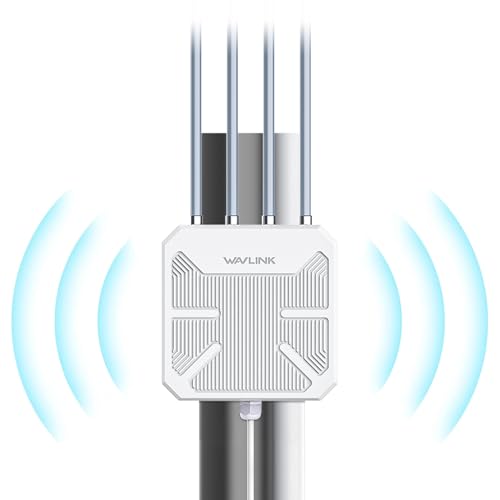
Smaller WiFi 6 models cost less: TP-Link's RE515X, at around $54, lists coverage up to 1,800 square feet with a Gigabit port. Outdoor extenders, like the WAVLINK AX1800 with an IP67 weatherproof rating at around $160, can reach a detached garage or backyard game room.
WiFi 7 Extenders
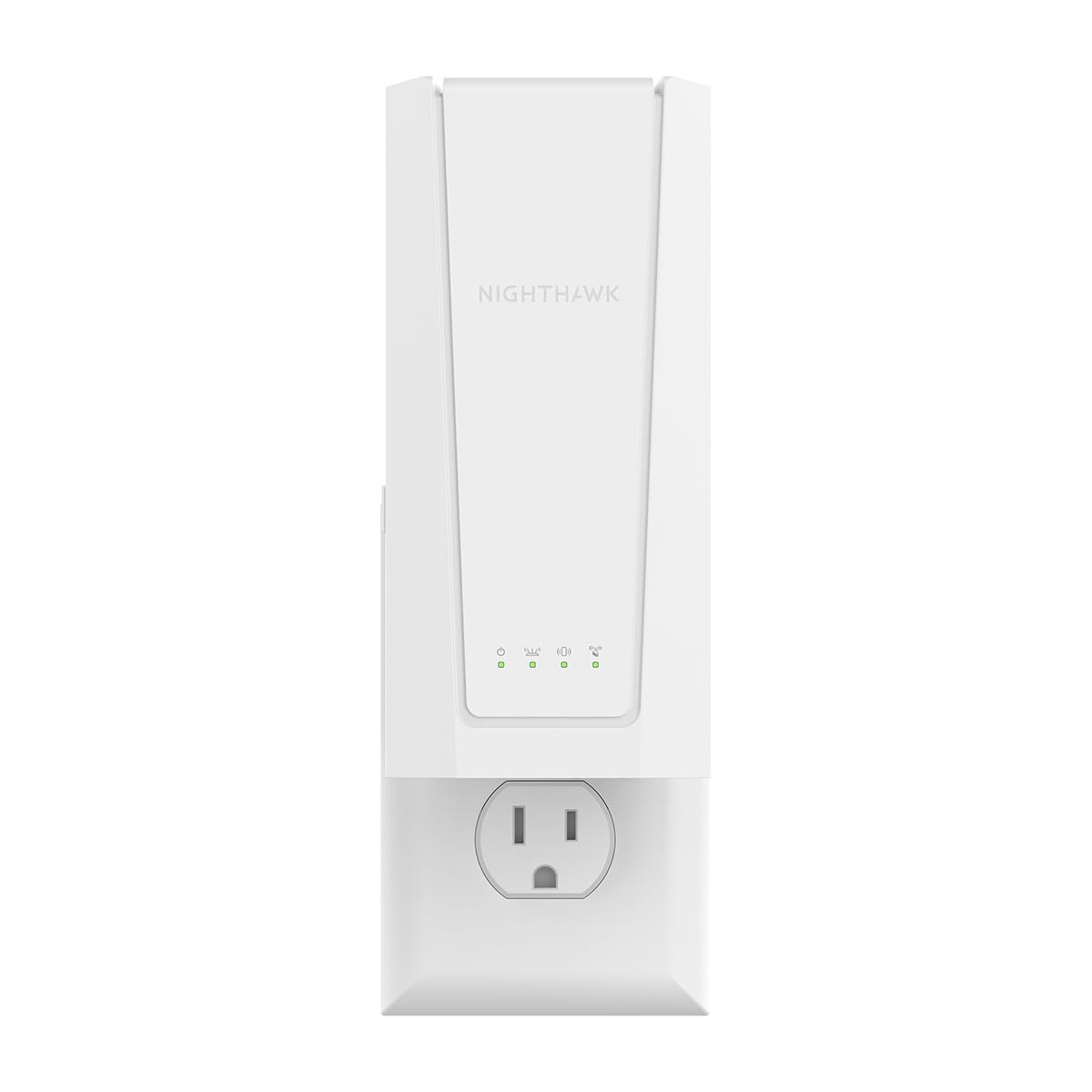
WiFi 7 extenders pair with WiFi 7 routers for faster, more stable links. The TP-Link RE223BE, at around $85, lists Multi Link Operation, 160 MHz channels, up to 2594 Mbps on 5 GHz, coverage up to 2,400 square feet and an Ethernet port, but TP-Link notes it does not support the 6 GHz band. The NETGEAR Nighthawk EXS27, at around $149, lists WiFi 7 coverage up to 1,500 square feet and up to 5 Gbps.
They make the most sense if you already own a WiFi 7 router.
Powerline Adapters
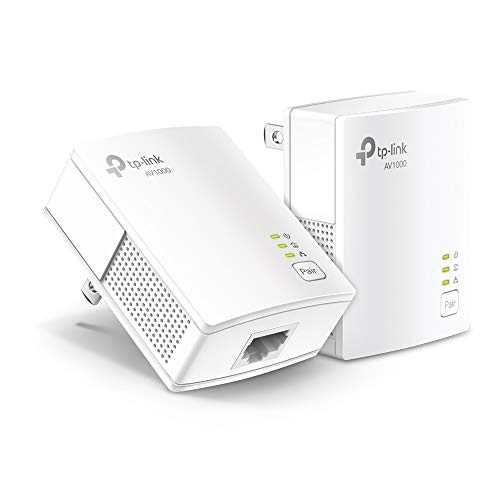
Powerline adapters send your network through your home's electrical wiring. The TP-Link AV1000 kit, at around $50, lists HomePlug AV2 speeds up to 750 feet and a Gigabit port, and the NETGEAR PL1000 kit costs around $110. TP-Link notes the adapters must plug directly into wall outlets on the same electrical circuit, not power strips, and that AFCI breakers common in homes built after 2000 can limit or block performance.
Powerline usually offers steadier latency than WiFi, but results vary a lot by home.
Try powerline in your home before relying on it for ranked play. If speeds or ping are poor, return it and consider MoCA or a mesh system instead.
MoCA Adapters and Mesh Systems
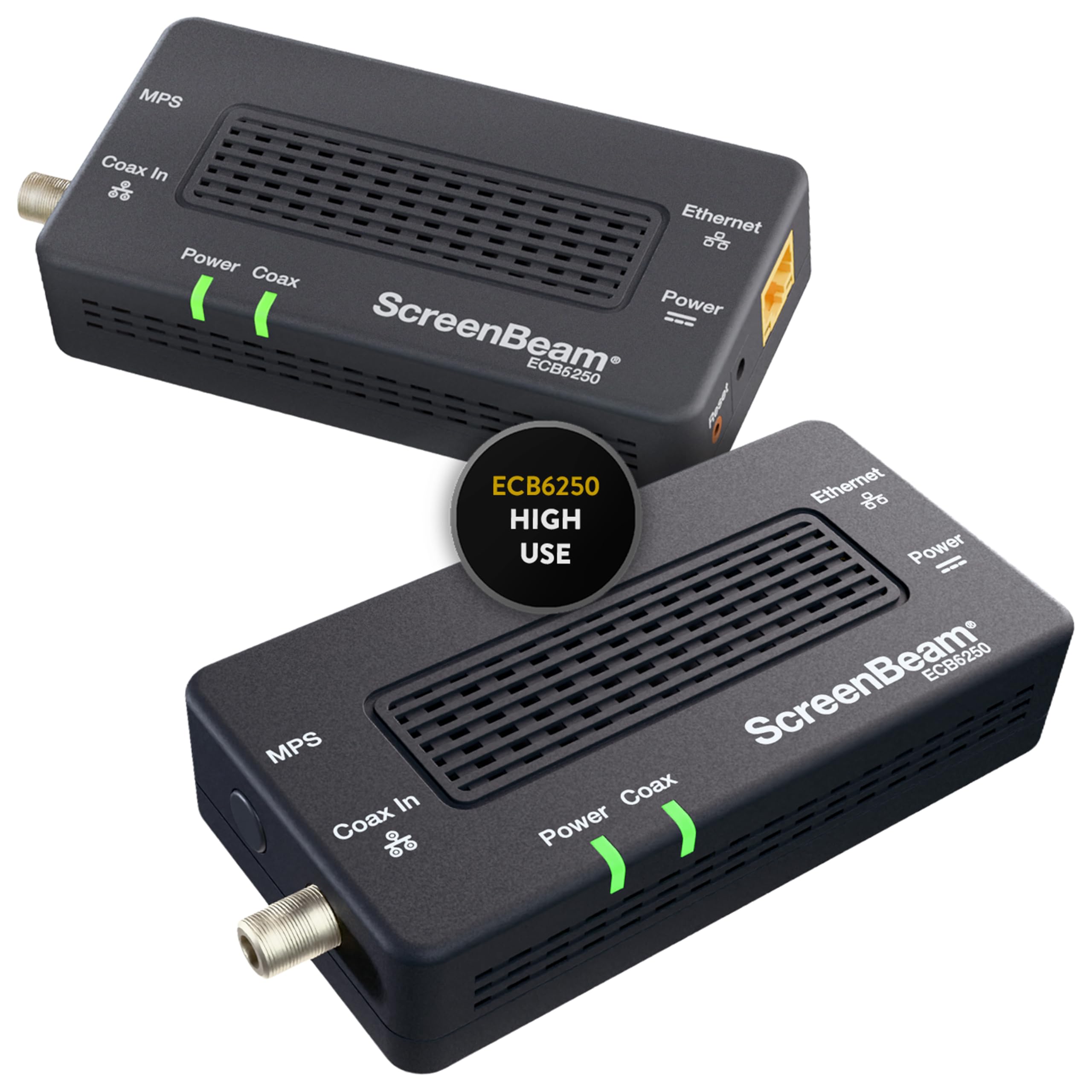
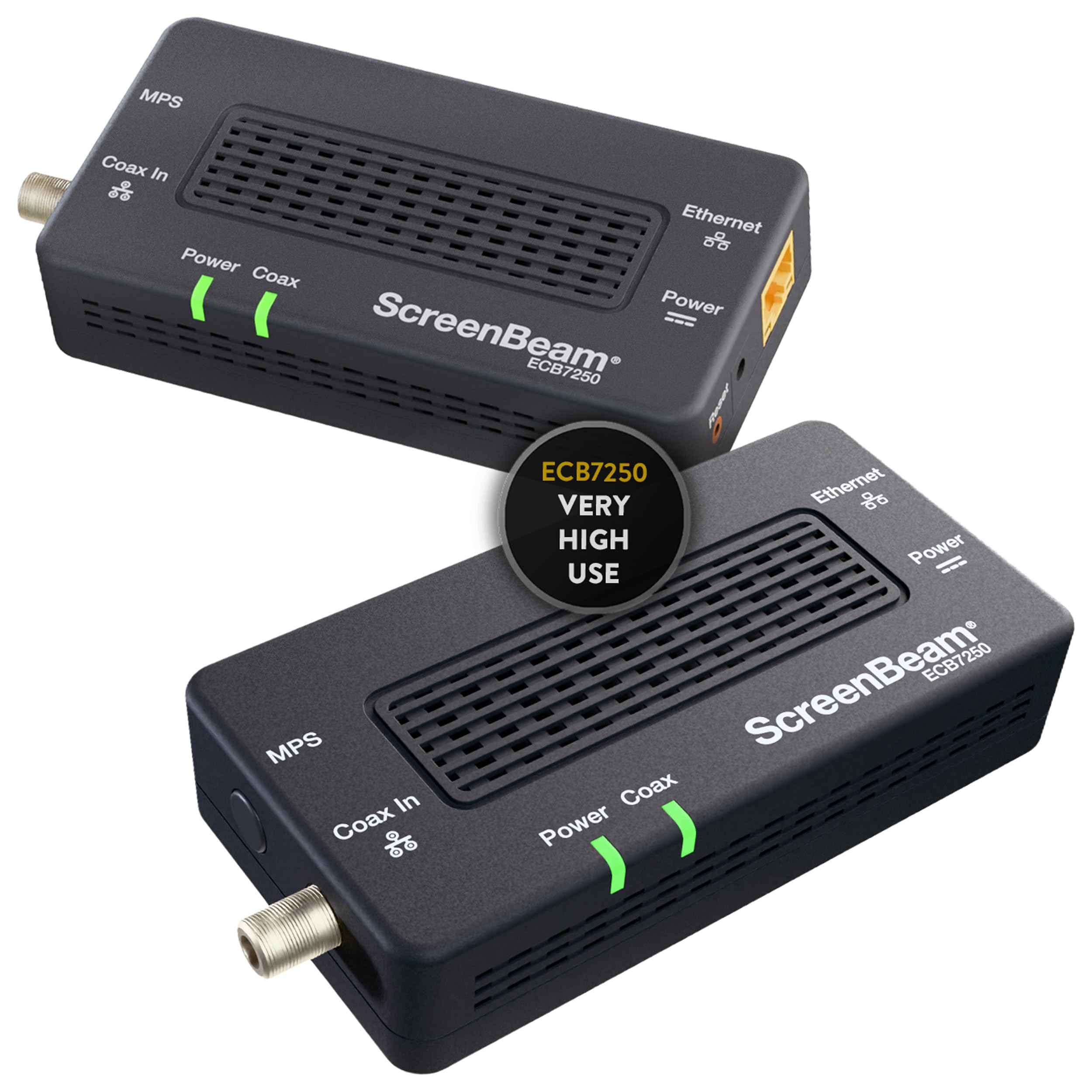
MoCA adapters use your coax TV cable for a near wired connection. The ScreenBeam ECB6250K02 MoCA 2.5 starter kit costs around $150, and the bonded ECB7250K02 kit costs around $170. MoCA needs a coax outlet near both the router and your gaming setup.
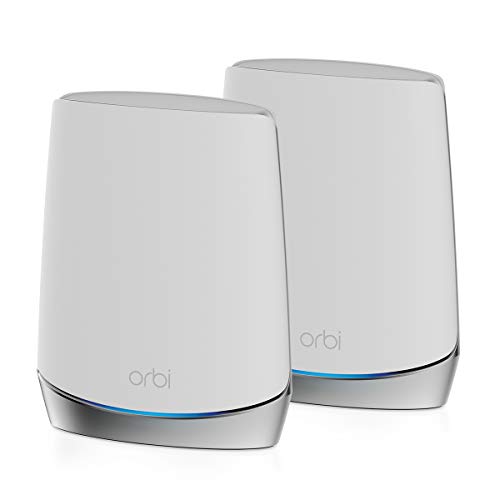
Mesh systems replace your router with several units. The TP-Link Deco X20 3 pack, at around $170, lists WiFi 6 coverage up to 5,800 square feet, up to 150 devices, 6 Ethernet ports total and wired backhaul support. The NETGEAR Orbi RBK752, at around $440, uses a tri band design.
Wired backhaul means the mesh units talk to each other over Ethernet instead of WiFi, which frees all the wireless bandwidth for your devices and lowers latency. If your home already has Ethernet or coax in a few rooms, combining mesh with wired backhaul is one of the best setups for gaming.
WiFi Extenders vs Wired Alternatives: Which Should You Choose?
Choose a WiFi extender if your gaming room is only a little out of range, you play casually and you want the cheapest, easiest fix. Choose powerline, MoCA or a mesh system with wired backhaul if you play competitive online games where latency matters.
On latency, wired options win because they skip an extra wireless hop. On speed, MoCA and good powerline links usually beat extenders, since TP-Link says extender speeds can drop by half.
On setup, extenders are easiest. On cost, extenders and powerline kits start around $50. On reliability, MoCA is the most consistent where coax is available.
For most serious gamers, a wired path to the console is the best upgrade.
How to Choose the Best WiFi Range Extender for Gaming
Latency, Ethernet ports, WiFi standard, placement and router compatibility matter most. Here is what to check.
Latency and Connection Type
For gaming, low and stable latency matters more than peak speed. Each wireless hop adds delay, so wired links through powerline or MoCA, or a mesh with wired backhaul, keep ping lower. If you use a WiFi extender, connect your console to its Ethernet port.
Check your ping in the game or with an online tool before and after setup to see whether the change helped. Stable ping matters more than the lowest single reading.
Ethernet Ports
Look for at least one Gigabit Ethernet port on extenders, like TP-Link's RE715X and RE615X. Powerline adapters, like the TP-Link AV2000 with two Gigabit ports, let you connect a console and a PC at once.
If you have several wired devices in one room, add a small Ethernet switch to the extender or adapter.
WiFi Standard and Router Match
Match the extender to your router. A WiFi 7 extender only shows its benefits with a WiFi 7 router. TP-Link extenders work in EasyMesh mode with compatible routers but not with Deco mesh systems.
Placement and Coverage
Place an extender about halfway between the router and the gaming room, where the router signal is still strong. Putting it in the dead zone itself only repeats a weak signal. Coverage claims, like 2,400 square feet, assume open spaces; walls and floors reduce range.
Keep extenders and mesh units off the floor and away from metal objects, fish tanks and microwaves, which weaken WiFi signals.
Setup and Care Tips
Update the extender or adapter firmware after setup. Use the maker's app or signal indicator to find a good spot.
Plug powerline adapters straight into wall outlets, away from large appliances. Give each device a clear network name, or use the same name for seamless roaming. Restart devices occasionally if speeds drop.
WiFi Range Extenders: Your Questions Answered
What features matter most in WiFi range extenders for gaming?
A Gigabit Ethernet port, dual band or newer WiFi, a strong link to your router and stable latency matter most. For competitive play, a wired option like powerline or MoCA often beats any wireless extender.
Do WiFi extenders increase lag?
They can. Each wireless hop adds some delay, and TP-Link notes extender speeds can be 50% or less of current speeds. Using the extender's Ethernet port for your console reduces the impact.
Placing the extender where it has a strong link to the router also helps.
Is powerline better than a WiFi extender for gaming?
Often, yes, because it avoids an extra wireless hop and usually gives steadier latency. Results depend on your home's wiring, and AFCI breakers can limit performance.
Should I buy mesh instead of an extender?
Choose mesh if you have a large home, several dead zones or many players. A single extender is enough for one weak room in a smaller home.
Mesh costs more up front but often replaces both your router and extenders.
How long does a WiFi extender last?
Many extenders last several years. Replace one when it stops getting firmware updates, when you upgrade to a much newer router standard or when performance drops.
Can I use an extender with any router?
Most extenders work with any standard router. Mesh features like EasyMesh need a compatible router, and some extenders, like TP-Link's RE models, do not work with Deco mesh systems.
Final Thoughts
The best wifi range extender for gaming gets a fast, stable connection to your console with as few wireless hops as possible. Use a WiFi extender with an Ethernet port for casual play, powerline or MoCA for competitive gaming and a mesh system with wired backhaul for large homes.
For more networking and gaming guides, see the best routers for spectrum, the best mesh wifi router for large home, the best wireless routers for home and the best 4K TV for gaming. Then compare current prices in the product table above.


