
The Best AC Wifi Routers: A Buying Guide for 2026
Disclosure: We may earn a commission when you buy through links on this page, at no extra cost to you. As an Amazon Associate I earn from qualifying purchases. Learn more

Use this buying guide for the best ac wifi routers to compare speed classes, coverage, ports, and security, then choose the right fit for your home.
Dead zones in the bedroom, a video call that freezes the moment someone starts a download, a smart TV that buffers during the best scene: these are the everyday signs that a router has fallen behind the home it serves. Shopping for the best ac wifi routers is really about fixing those moments. This guide explains the specs that matter, in the order they matter, so you can match a router to your floor plan, your internet plan, and your household habits.
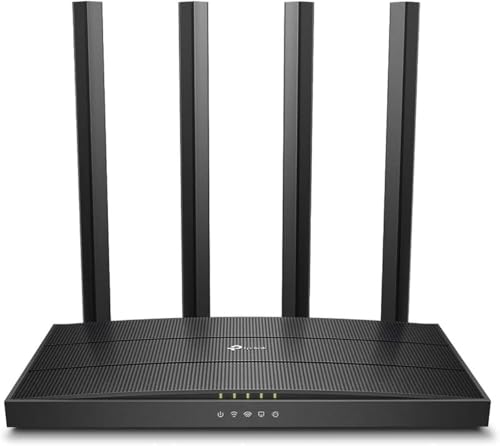
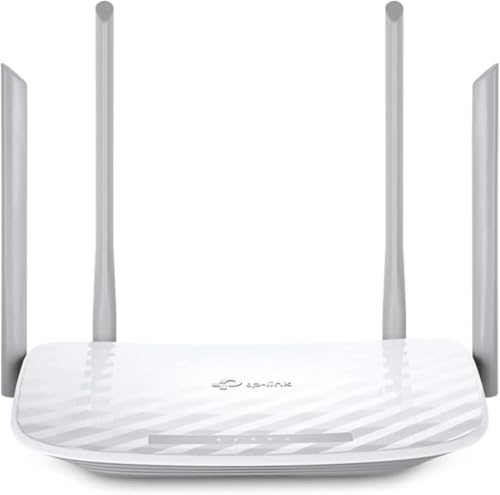
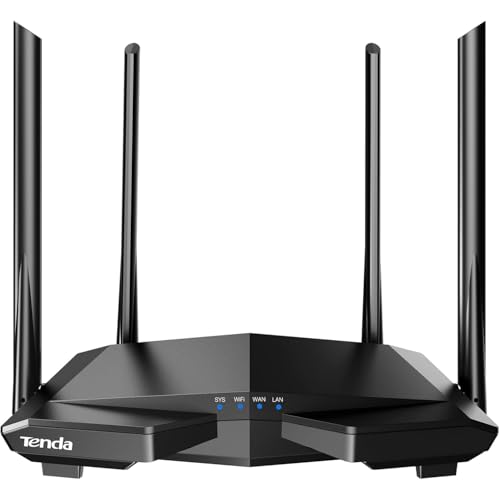
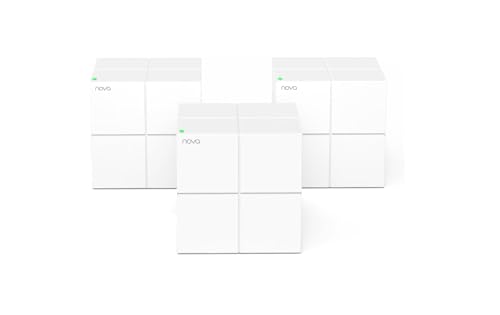
AC routers use WiFi 5, a mature and affordable standard that still fits many homes well, especially smaller ones with moderate plan speeds. The comparison table below lets you scan the field quickly. After that, we will walk through standards, coverage, ports, and gaming features one at a time.




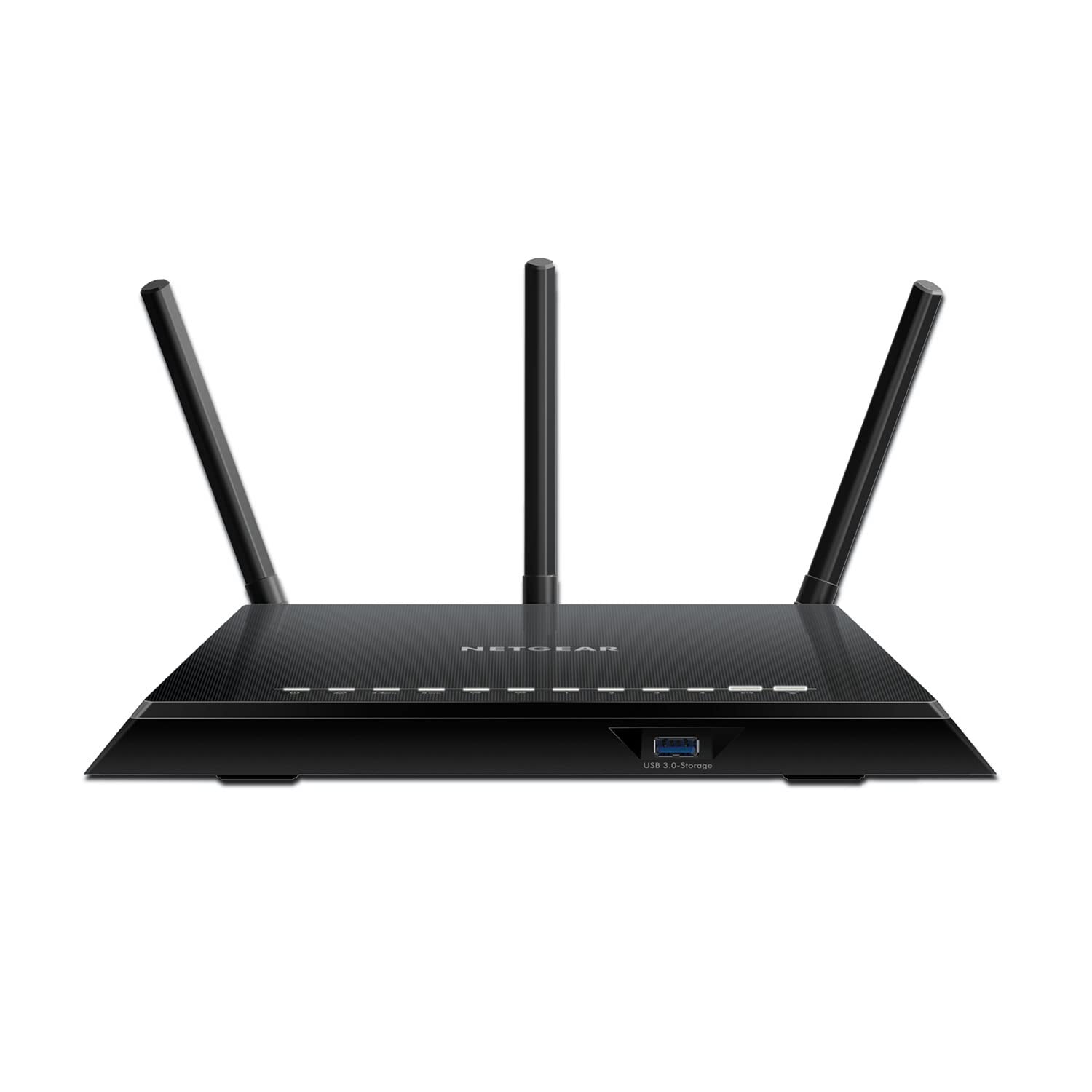

Router Styles Worth Considering
The Single Router for Compact Homes
A single standalone router is the simplest and cheapest route for apartments and small houses. One box, one setup, and no extra nodes to manage. Choose this style when your living space is mostly open, your plan speed is moderate, and the router can sit near the center of the home. Its limit shows up in long ranch layouts, homes with several floors, and rooms cut off by brick or stone walls, where no single device, however strong, can bend a signal around solid obstacles.
The Mesh System for Larger Homes
Mesh systems use two or three matching units that work as one network, handing your devices from node to node as you move. They shine in larger homes and floor plans with stubborn dead zones. The tradeoff is cost and a little more setup, plus nodes that need power outlets in sensible spots around the house. If dead zones are your main complaint rather than raw speed, our guide to the best wifi 6e routers shows how newer mesh and router options handle bigger spaces, and it is worth comparing before you commit.
The Gaming Focused Router
Gaming routers add traffic controls and often a striking design, but their real value is software: tools that put game traffic first so a roommate streaming video does not spike your match. They suit competitive players on wired or close range wireless connections. Casual players usually gain more from a strong general router and a cable for the console. Readers whose main goal is play should also see our guide to the best wifi routers for gaming, which focuses entirely on latency and match stability.
The Budget Router Done Right
A budget router can be a smart buy when it keeps the essentials: dual band WiFi, gigabit ports, current security, and a maker that still ships updates. Where cheap units cut corners is processing power and memory, which shows up as slowdowns when many devices connect at once. For a small household with a modest plan, that trade may be perfectly fine. Our guide to the best affordable wifi routers explains which corners are safe to cut and which ones cause daily frustration.
How to Choose the Best AC Wifi Routers: The Buying Guide
WiFi Standard and What AC Really Means
AC means WiFi 5. It runs on 2.4 GHz for range and 5 GHz for speed, and it handles streaming, browsing, and remote work comfortably. WiFi 6 improves efficiency when dozens of devices compete, and WiFi 6E and WiFi 7 add a 6 GHz band for short range, low congestion links on supported devices. None of that makes an AC router a bad buy today. It makes it a value buy: proven, inexpensive, and well matched to plans under a few hundred megabits per second. Buy a newer standard when your devices support it and your plan is fast enough to feed it.
Speed Ratings Versus Your Internet Plan
Router boxes advertise combined numbers such as AC1200 or AC1900, built by adding the theoretical top speed of every band together. Your phone connects to one band at a time, and real world speeds land well below the printed number once walls, distance, and interference join in. The practical rule is simple: pick a class comfortably above your plan. On a plan of about 100 to 300 Mbps, a mid class AC router will not be the bottleneck. On a gigabit plan, an AC router will leave speed on the table, and a newer standard makes more sense. Naming patterns are similar across brands, as our guide to the best routers ac explains in its breakdown of speed classes.
Coverage and Home Size
Judge coverage by your walls and floors, not by the square foot claim on the box. Studios and small apartments need little. A two story house with the router at one end needs a lot, and thick masonry can defeat even strong units. Count your problem rooms first: if it is one room, moving the router or adding a single node may solve it; if it is half the house, plan on mesh from the start. Height helps too, since a router on a shelf spreads signal over furniture instead of into it. Be honest about your floor plan now and you will not buy twice.
Wired Ports and Multi Gig Options
Wired connections remain the fastest and most stable option for devices that do not move. Four gigabit Ethernet ports cover a TV, a console, a desktop, and a network drive for most homes. If your plan runs faster than a gigabit, look for a 2.5 Gbps WAN port so the router can actually accept the full feed, a feature more common on newer models than on AC era gear. Also check for a USB port if you want to share a printer or simple storage across the network. Ports are cheap to include and annoying to lack, so count your stationary devices before you order.
Gaming Features and Traffic Priority
Quality of Service, usually shortened to QoS, lets the router decide which traffic goes first when the connection is busy. Good QoS keeps a game or a work call smooth while a big download finishes in the background. Look for simple preset modes rather than pages of manual rules you will never touch. Wired play still beats wireless play for serious matches, so treat gaming features as polish on top of a sound setup, not a substitute for plugging in. Also value a router that shows you which device is using the bandwidth, because finding the culprit is half of fixing congestion.
Security and Parental Controls
Choose a router that supports WPA3, or at least WPA2 with a clear update path, and turn on automatic firmware updates so security fixes arrive without effort. A guest network keeps visitors and cheap smart gadgets away from your main computers and storage. Parental controls range from free bedtime schedules to paid subscriptions with detailed filtering, so confirm what is included before the box arrives. One more habit matters as much as any feature: change the default admin password on day one, since default credentials are public knowledge and automated scans look for them.
Tips to Get the Most From Your AC Wifi Router
- Place it centrally and elevated. A shelf near the middle of the home beats a floor corner every time, because signal spreads outward and slightly downward.
- Update firmware regularly. Updates fix security holes and often improve stability, so enable automatic updates or check monthly.
- Change default passwords. Set a new admin password and a long WiFi password during setup, before you connect everything else.
- Use the 5 GHz band close up. Keep nearby devices on 5 GHz for speed and let distant or smart home devices use the longer reach of 2.4 GHz.
- Reboot when things feel off. A monthly restart clears memory glitches on many units, and it takes less than two minutes.
- Wire what never moves. Every TV or console on a cable frees wireless capacity for the devices that truly need it.
Frequently Asked Questions
Do I need WiFi 7 yet?
No, WiFi 7 is a want for most homes, not a need. It pays off with very fast plans, many new devices that support it, and heavy local traffic such as large file moves between computers. If your phones and laptops are a few years old, they cannot use its new band anyway. An AC or WiFi 6 router sized to your plan will feel just as quick for streaming, calls, and browsing today.
Mesh or a single router: which is better?
A single router is better when your home is compact and the router can sit near its center, because it costs less and is easier to manage. Mesh is better for large, multi floor, or oddly shaped homes where one signal source leaves dead zones. Think of it as a coverage question, not a speed question. If one far room is the whole problem, try placement changes first before spending on a full system.
How often should I replace my router?
Most routers serve well for about four to six years. Replace yours when security updates stop, when you upgrade to a plan it cannot feed, or when dead zones and dropouts persist after better placement and a factory reset. Wireless standards also move on, and a new router often improves busy hour stability in device heavy homes even when top speeds look similar on paper.
Will a new router speed up my internet?
It can, but only up to the limit of your plan. If your current router is old, single band, or stuck in a corner, a modern dual band unit in a better spot can transform day to day speed in the rooms you actually use. Run a wired speed check at your modem to see your true ceiling. If that wired number disappoints, the problem sits with the plan or the line, and no router purchase will fix it.
Final Thoughts
Start with your plan speed, then your floor plan, then your device count, and let those three answers rank every other feature. That order keeps you from paying for headline speeds your plan cannot use or coverage your walls will defeat. Check the product table above with those filters set, and choosing your best ac wifi routers becomes a calm ten minute decision instead of a weekend of second guessing.


