
Best Mesh WiFi Router for Large Home: Complete Buying Guide
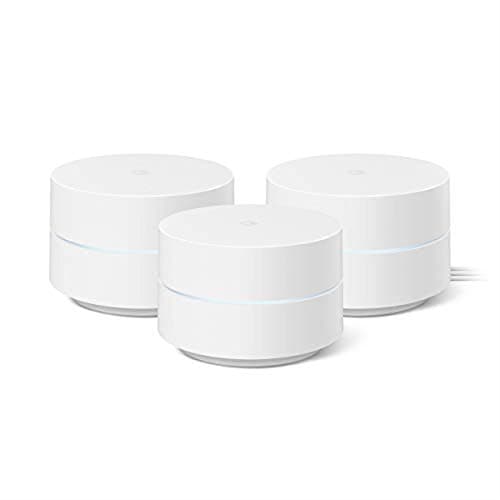
A single router, no matter how expensive, was never built to push a strong signal through three floors, a finished basement, and a detached garage office. That's the specific problem a mesh system solves: instead of one radio trying to shout across the whole house, you spread several small units around the property so every room sits close to a signal source instead of far from one. For a large home, that shift in approach matters more than any spec sheet number.
The tricky part is that "mesh" gets marketed as a plug-and-forget upgrade, when in practice how well it works depends on decisions most buyers never think about: how many nodes you actually need, whether those nodes talk to each other over Wi-Fi or Ethernet, and where you physically set them down. Get those three things right and a large home can have genuinely even coverage from the primary bedroom to the far end of the yard. Get them wrong and you've just bought three routers with the same dead zone problem you started with.

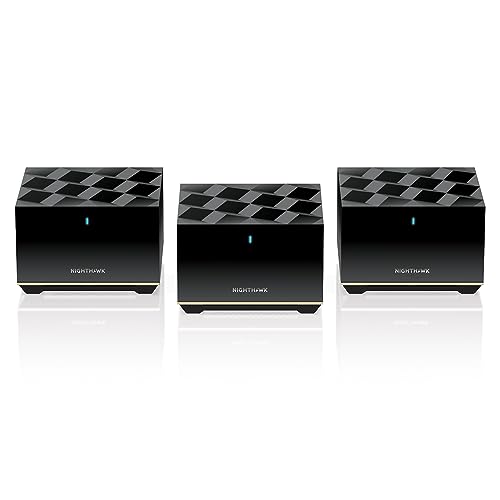





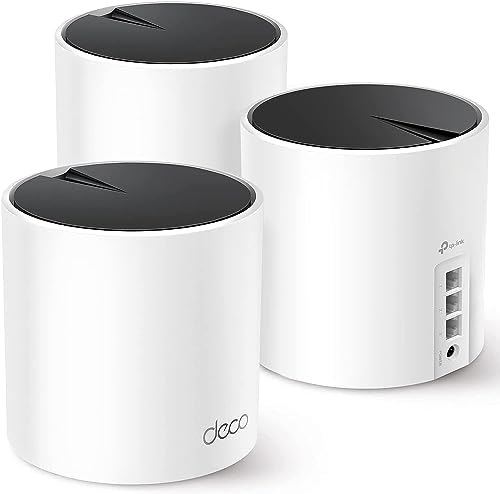

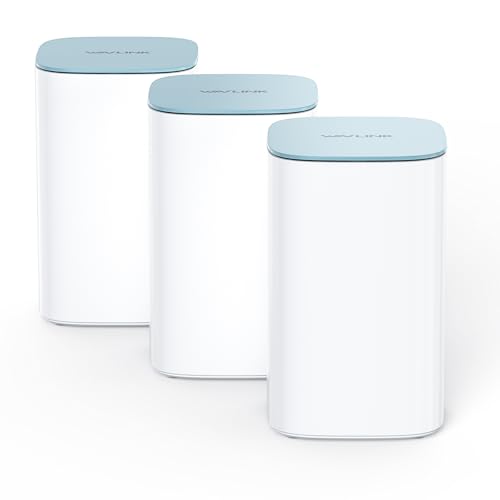



How Much Ground a Single Mesh Node Really Covers
Coverage numbers on the box assume a fairly open floor plan with drywall interior walls and no major obstructions, and large homes rarely match that description. Two load-bearing walls, a brick or stone exterior, in-floor heating, or a staircase between floors can all knock down a node's effective range well below the advertised figure. Multi-story construction is its own challenge too, since Wi-Fi signals lose strength moving through floors and ceilings even more than they do moving horizontally through a hallway.
A more realistic way to think about it: treat the marketed square footage as a best-case number for a single, mostly open level, then plan for meaningfully less once you account for multiple floors, thicker walls, and anything metal or dense sitting between rooms. That's why large-home shopping guides increasingly talk about system coverage rather than per-node coverage. A system built around several modest nodes placed thoughtfully will almost always beat one built around fewer, more powerful nodes placed carelessly.
Sizing a System: How Many Nodes a Large or Multi-Story Home Actually Needs
Square footage and story count are the two biggest inputs when deciding how many nodes to buy, and the general guidance holds up well in practice. Homes in the 1,500 to 3,000 square foot range, especially single or two-story layouts, generally do fine with two nodes. Once you're in the 3,000 to 5,000 square foot territory with multiple floors, three nodes becomes the realistic starting point rather than an upsell. Beyond 5,000 square feet, or in homes with an unusual layout, thick masonry walls, or more than two stories, four or more nodes is often what it actually takes to close every dead zone.
Household device count factors into this too, since more connected devices spread across more rooms means each node is doing more work and needs to be positioned where it can serve a cluster of devices well, not just cover empty hallway space. If your household leans heavy on smart TVs, game consoles, laptops, and a growing list of smart home gadgets, it's worth reading through what changes in a wifi router built for multiple devices before you finalize how many nodes and which tier of system you buy, since the underlying capacity questions overlap directly with sizing a mesh system for a large household.
It's also worth buying a system that lets you add a node later rather than committing to a fixed two or three-pack. Large homes have a habit of growing their Wi-Fi needs over time, whether that's finishing a basement, converting a garage into an office, or adding a shed or pool house that suddenly needs a signal too.
Wired vs. Wireless Backhaul: Why It Matters More as the House Gets Bigger
Backhaul is the connection nodes use to talk to each other and back to your main router, and it's one of the least understood specs on a mesh box. Most affordable systems use wireless backhaul, meaning the same radio that serves your phones and laptops is also relaying traffic between nodes. That shared-radio setup can eat a significant chunk of your real-world speed, since the node has to split its attention between serving devices and passing data down the chain to the next node.
Better tri-band systems dedicate a separate radio band purely to backhaul traffic, which keeps that penalty much smaller. The difference becomes more noticeable exactly in the situations a large home creates: nodes spaced farther apart, three or more stories, and dozens of active devices at once. If your home fits that profile, running an Ethernet cable between nodes where you can, even just for the two units farthest from your main router, will usually do more for consistent speed than upgrading to a pricier wireless-only system.
Radio technology matters here as well, since newer Wi-Fi generations handle simultaneous client traffic and backhaul more gracefully than older ones. If you're weighing how much of a difference the underlying radio standard actually makes, our breakdown of what separates the best wifi 6 routers from older hardware covers the tradeoffs in more detail, and most of that reasoning carries over directly to choosing a mesh system's node hardware.
Mesh vs. Traditional Range Extenders for Whole-House Coverage
It's tempting to solve a large home's coverage gaps by just buying a cheap plug-in extender for the worst room, and for a small, single-story house that can genuinely work. For a large or multi-floor home, it tends to create a different frustration: most extenders broadcast their own separate network name, so your phone has no way of knowing it should switch over, and it often keeps clinging to the original router's weak signal instead of the stronger extended one nearby. That's the source of a very common complaint: walking to the far end of the house and watching a phone stay stubbornly connected to a signal that's barely there.
A mesh system avoids this because every node operates as part of one unified network. Your devices roam between nodes automatically, the same way a phone hands off between cell towers, without you ever seeing more than one Wi-Fi name to connect to. If you're currently on a router that's simply outgrown your square footage rather than one that's failing outright, it's worth checking whether your current setup is genuinely maxed out before replacing it. Our guide to what a wifi router under $200 can realistically cover walks through where a strong single router tends to run out of room, which is a useful gut check before jumping straight to a full mesh purchase.
Extenders also tend to cut your effective speed by roughly half compared to what your main router delivers, since they're rebroadcasting rather than relaying over a dedicated connection. By the time you buy an extender good enough to avoid that penalty, you've usually spent close to what a proper two or three-node mesh kit costs anyway.
Node Placement and Roaming: Avoiding Dead Zones and Sticky Connections
Where you physically set nodes down matters more than which system you buy. The most common mistake is placing a new node in the room that already has weak signal, on the theory that it needs the help most. That backfires because the node itself needs a decent connection back to the previous node to relay data well. A better approach is placing each node roughly halfway between your main router and the edge of where coverage starts to fade, then checking signal strength in the rooms around it before locking it in permanently.
Spacing also affects something less obvious than raw coverage: how smoothly your devices roam between nodes. Nodes placed too far apart weaken the backhaul link and drag down performance for anyone connected through the farther node. Nodes placed too close together create the opposite problem, sometimes called a sticky client, where a phone or laptop keeps clinging to the first node it connected to instead of switching to a closer, stronger one as you walk through the house. This is especially common in large homes with connected security cameras, thermostats, and other always-on smart devices scattered across multiple rooms, since those devices often have weaker roaming logic than a modern phone. If your household relies on a lot of connected hardware in fixed locations, it's worth reviewing how a smart home hub fits into your network layout, since centralizing some of that traffic can ease pressure on individual mesh nodes.
Most systems handle the actual handoff automatically through band steering and roaming protocols built into the hardware, but that automation only works well when the physical placement gives it a clean signal to work with in the first place. No amount of software can fully compensate for a node stuck behind a refrigerator or tucked inside a closet.
Frequently Asked Questions
How many mesh nodes does a 4,000 square foot house need?
Most homes in that range do well with three nodes, assuming a fairly typical two-story layout. A fourth node is often worth adding if the home has more than two stories, unusually thick or dense walls, or an irregular floor plan that creates extra corners for signal to travel around.
Is wireless backhaul good enough for a large home, or do I need wired?
Wireless backhaul can work fine for a two-story home under roughly 3,000 square feet with good node placement. Once you're dealing with three or more stories, dozens of active devices, or nodes that need to sit far apart, running an Ethernet cable between at least the farthest nodes makes a noticeable difference in consistency.
Can I mix mesh nodes with an existing router instead of replacing it?
Most mesh systems work best when the main unit replaces your existing router entirely, or when the old router is switched into a pass-through mode. Running two separate networks side by side usually recreates the same sticky-connection problems that mesh is meant to solve.
Will a mesh system slow down my internet speed compared to a single router?
Not meaningfully if it's set up correctly, though systems relying entirely on wireless backhaul can lose some throughput at nodes farthest from the main unit. A tri-band system or wired backhaul largely eliminates that gap.
Matching Your Mesh Setup to How Your Home Is Actually Built
The right mesh system for a large home isn't necessarily the one with the biggest coverage number printed on the box. It's the one sized to your actual square footage and story count, connected with backhaul that matches how far apart your nodes need to sit, and placed with some thought given to where devices cluster rather than just where an outlet happens to be. Get those three pieces right and the result feels less like a router upgrade and more like the dead zones simply stopped existing.