Best Power Supply for Gaming PC at Every Price: What Your Money Really Gets You
Disclosure: We may earn a commission when you buy through links on this page, at no extra cost to you. As an Amazon Associate I earn from qualifying purchases. Learn more

The best power supply for gaming PC by budget: MSI, Corsair and ASUS picks plus wattage, efficiency and ATX 3.1 explained.
Gaming PC power supplies range from about $60 for a basic 850W Gold unit to $350 or more for flagship Platinum models with fancy heatsinks. The power supply feeds every part in your build, so cutting corners can mean crashes, noise or a dead GPU, but overspending buys little extra frame rate. This guide to the best power supply for gaming pc shows what you get at each price, which features are worth paying for and which picks offer the most value.
We cover three top picks by budget, what each price tier delivers, the features worth paying for, long term costs and answers to common questions. Every unit in the table above is sold new on Amazon US. Never open a power supply, since its capacitors can hold a dangerous charge, and use only the modular cables that came with your unit, because cables from other models can have different pin layouts and damage components.


Top 3 Picks by Budget
Our picks are the MSI MAG A750GL as the budget pick, the Corsair RM850x ATX 3.1 as the midrange pick and the ASUS ROG Strix 1000W Platinum as the premium pick.
We compared wattage, efficiency rating, ATX 3.1 compliance, native 12V-2x6 connectors, modularity, fan design, warranty and price, along with the overall pattern in owner feedback. We did not install these units ourselves; the notes reflect maker specifications.
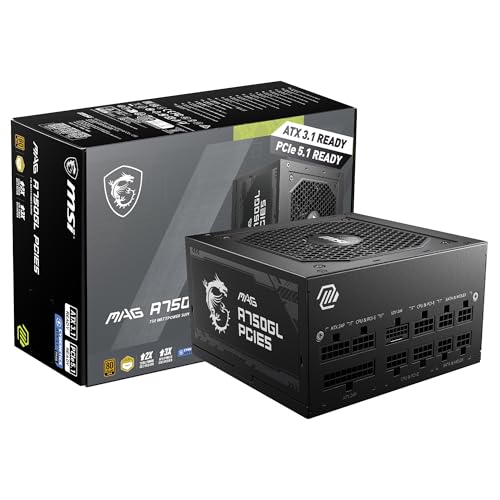
Best Budget Pick: MSI MAG A750GL
The MSI MAG A750GL suits mid range gaming builds that need reliable power without paying for extras, at around $90. MSI lists 750 watts, 80 Plus Gold certification, a fully modular design, ATX 3.1 and PCIe 5.1 readiness, a native dual color 12V-2x6 cable for modern graphics cards and a 10 year limited warranty.
Two strengths stand out: a long 10 year warranty at a budget price and a native GPU cable with no adapter.
The limitation is 750 watts, which leaves less headroom for top tier GPUs. Skip it if you plan to run a flagship card.

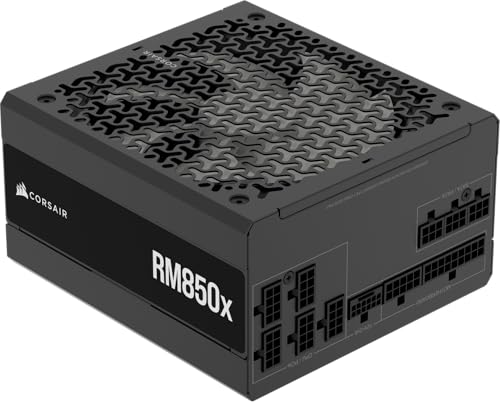
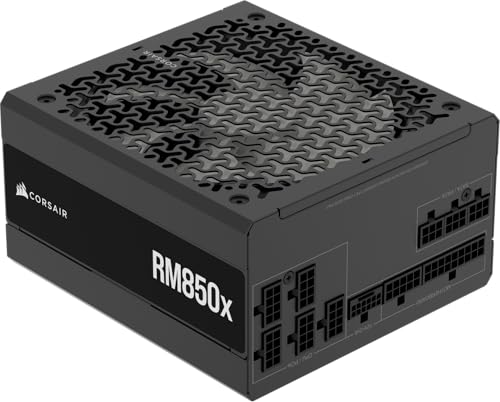
Best Midrange Pick: Corsair RM850x ATX 3.1
The Corsair RM850x is for most gaming builds with a strong graphics card, at around $140. Corsair lists 850 watts, Cybenetics Gold certification with up to 91% efficiency, a fully modular design, ATX 3.1 compliance with PCIe 5.1 support and resistance to transient power spikes, a native 12V-2x6 connector and flexible embossed cables with low profile combs.
Its strengths are quiet operation and clean cable management from a long standing PSU line.
The trade off is a higher price than other 850W Gold units.
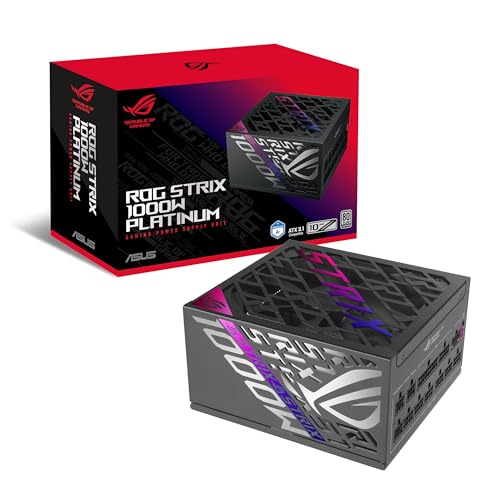
Best Premium Pick: ASUS ROG Strix 1000W Platinum
The ASUS ROG Strix 1000W Platinum suits high end builds and enthusiasts who want efficiency and quiet, at around $215. ASUS lists 1000 watts, 80 Plus Platinum and Cybenetics Lambda A+ ratings, ATX 3.1, GaN MOSFETs for better efficiency and cooler operation, GPU First voltage sensing, large ROG heatsinks, dual ball bearing fans that can last up to twice as long as sleeve bearings, 0dB fan mode for light loads and a 10 year warranty.
The appeal is high efficiency, silent light load operation and headroom for top GPUs.
The limitation is price, since most builds do not need 1000 watts.

What Your Money Gets You at Each Price Tier
Gaming PC power supplies fall into three rough price tiers. Here is what to expect.
Budget Tier: What to Expect
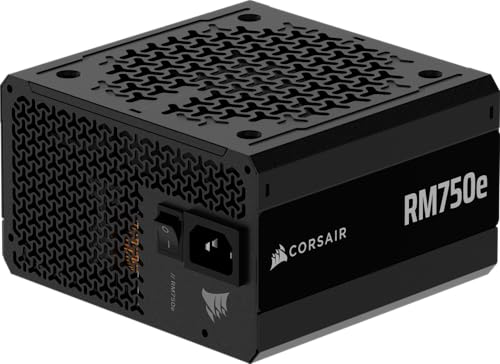
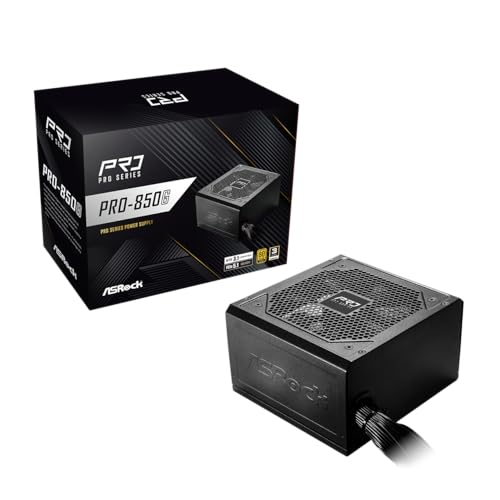
Around $60 to $90 buys 750W to 850W Gold units with ATX 3.1 support. The ASRock PRO 850G, at around $61, lists 80 Plus Gold, ATX 3.1, a native 12V-2x6 connector, a 120mm low noise fan and a 3 year warranty. The Thermaltake GF1 750W, at around $70, adds a 140mm fluid bearing fan with Smart Zero Fan mode, and the Corsair RM750e, at around $90, lists 105°C rated capacitors and a fully modular design.
The trade off is shorter warranties and simpler fans on some models.
Budget units suit 1080p and 1440p gaming builds with mid range graphics cards. Stick with known brands and ATX 3.1 compliance even at this price, since the power supply is not the place to gamble.
Midrange Tier: The Sweet Spot for Most Buyers
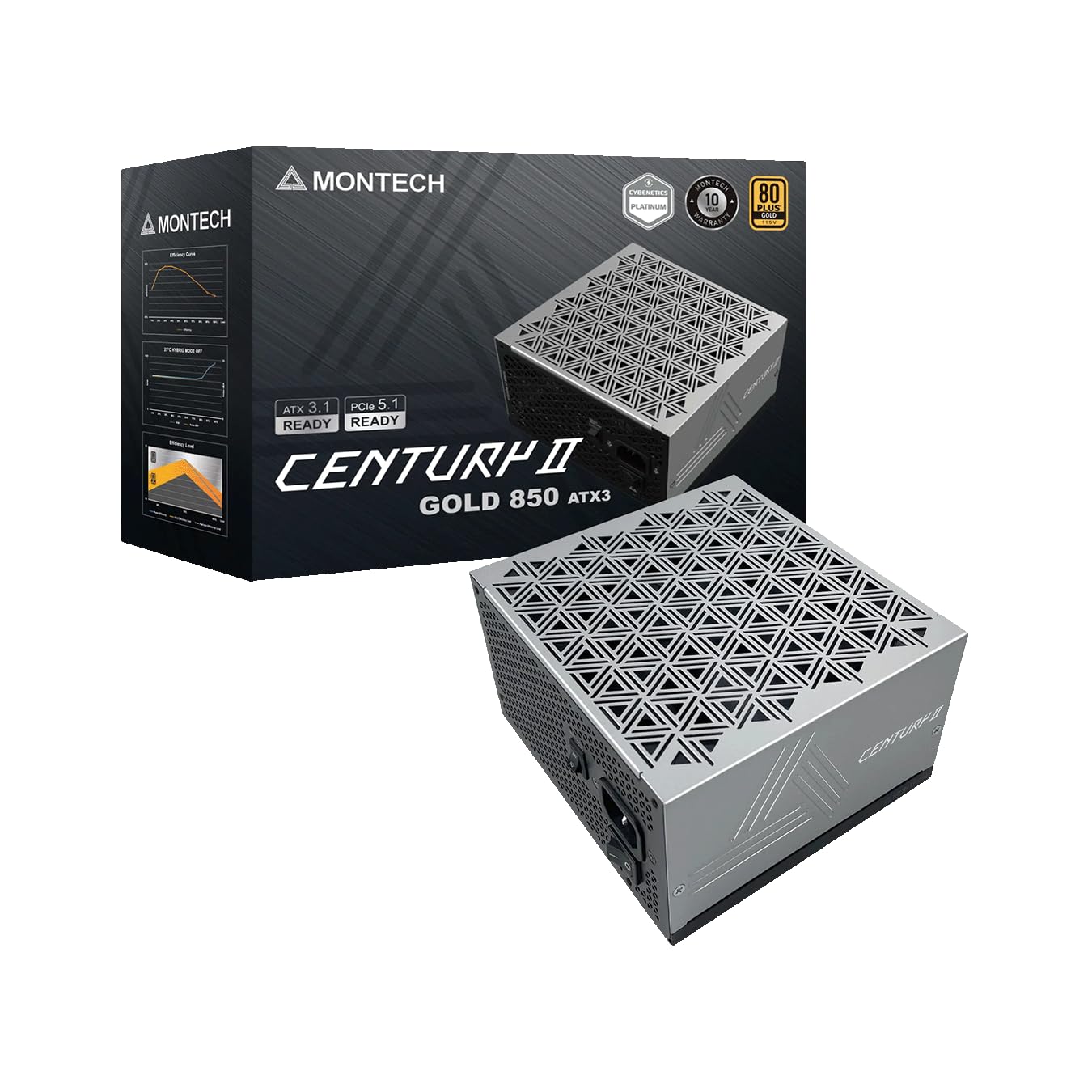
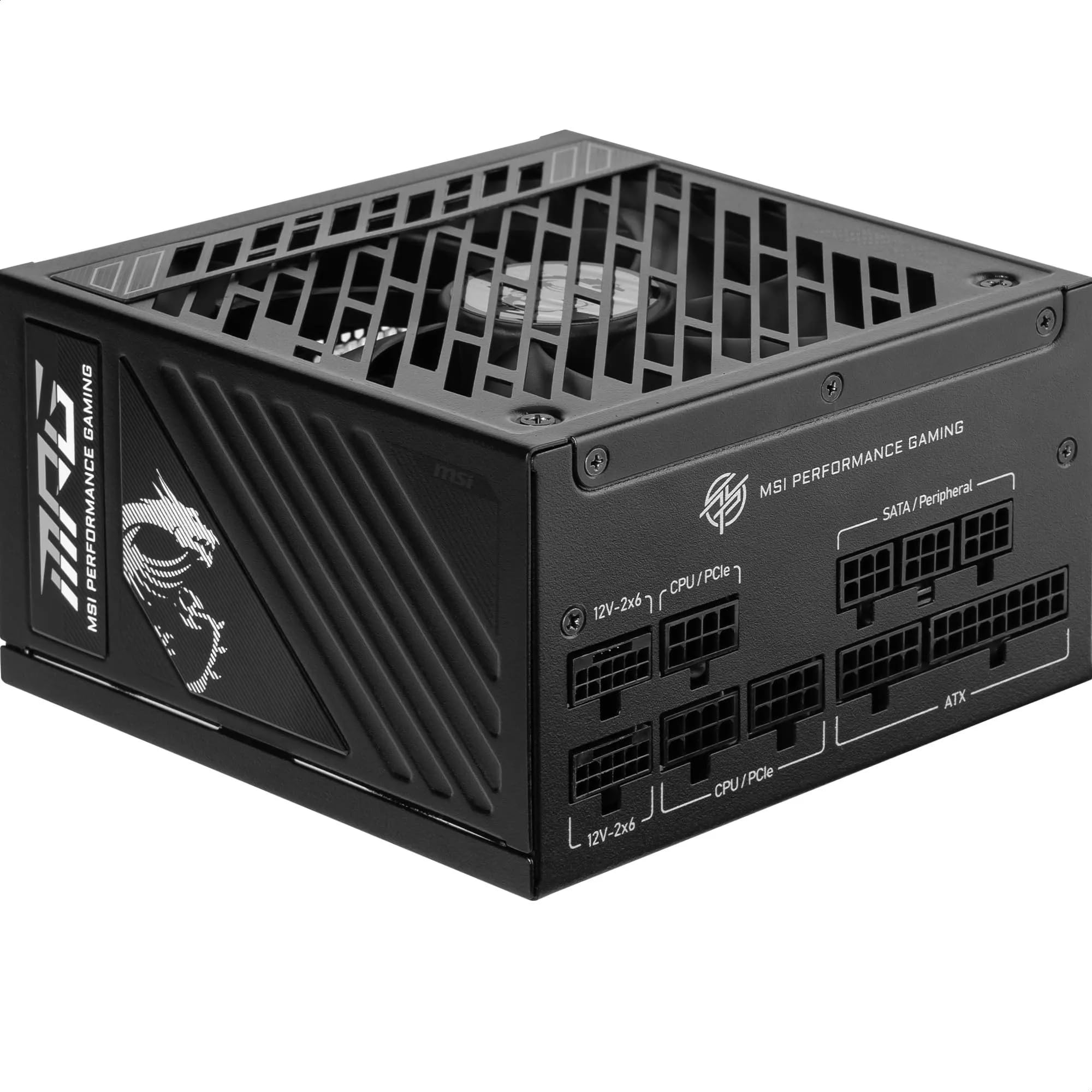
Around $90 to $150 buys quality 850W Gold units. Options include the Thermaltake Toughpower GT 850W at around $90, the MONTECH Century II 850W at around $90, the MSI MPG A850GS at around $100 and the Corsair RM850x at around $140. Thermaltake lists up to 90% efficiency, a single high amperage 12V rail and a 5 year warranty on the GT 850W.
This tier offers the best balance of wattage, efficiency, noise and warranty for most gamers. An 850W Gold unit covers the majority of single GPU builds with room to upgrade the graphics card later.
Premium Tier: When Spending More Pays Off
Around $140 and up buys 1000W and Platinum units, plus compact SFX designs. The be quiet!
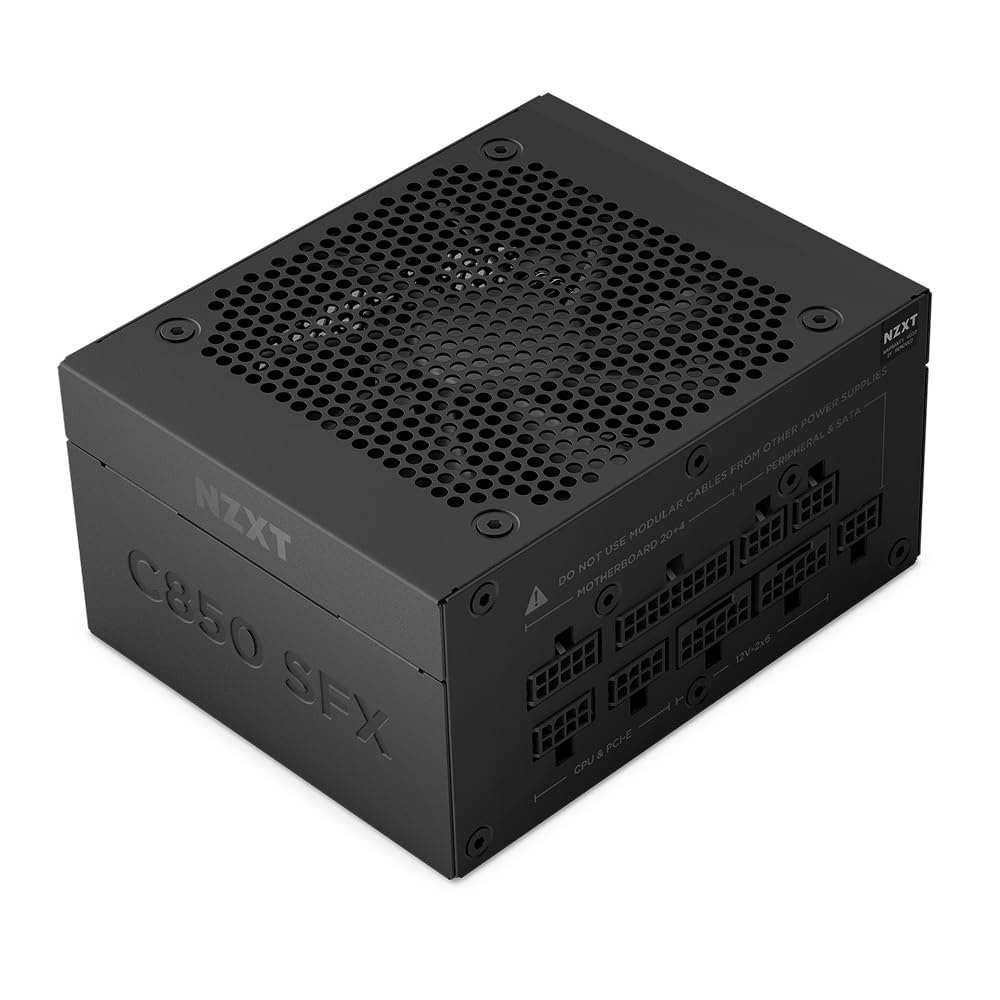
Pure Power 13 M 1000W, at around $140, lists up to 94.4% efficiency, 4 PCIe 6+2 pin connectors and zero RPM cooling. The NZXT C850 SFX Gold, at around $150, fits small form factor cases. Spending more pays off for top tier GPUs, very quiet builds and compact cases.
Small form factor builders should note that SFX units, like NZXT's C850, cost more per watt than ATX units, but they are the only option for many compact cases. Check your case's PSU size support before buying.
Features Worth Paying For in the Best Power Supply for Gaming PC
Enough wattage, a good efficiency rating, ATX 3.1 with a native 12V-2x6 connector, a quiet fan and a long warranty are worth paying for. RGB lighting and extreme wattage you will not use are not.
Wattage and Headroom for Your GPU
Your graphics card draws the most power. Check the GPU maker's recommended PSU wattage, then add some headroom. Most single GPU gaming builds do well with 750W to 850W, while top tier cards and heavily overclocked systems may call for 1000W. Running a PSU far below its limit also keeps it cooler and quieter.
Add up your parts with an online PSU calculator as a starting point, then compare the result with the GPU maker's recommendation and use the higher number. Leave room if you plan to upgrade to a more power hungry card later.
Efficiency Ratings (80 Plus and Cybenetics)
Efficiency ratings show how much wall power becomes usable power instead of heat. Gold units, like Corsair's RM850x with up to 91% efficiency, are the value sweet spot. Platinum units, like ASUS's ROG Strix 1000W, waste less power and run cooler but cost more.
Cybenetics ratings, used by Corsair, be quiet! and ASUS, measure efficiency across a wider range of loads and also rate noise, so they can be a more detailed guide than 80 Plus alone.
ATX 3.1 and the 12V-2x6 Connector
ATX 3.1 units handle short power spikes from modern GPUs; Corsair says its RM750e withstands 2x transient power excursions. A native 12V-2x6 cable, found on MSI, Corsair, Thermaltake and ASRock models, connects newer graphics cards without an adapter. Push the connector in fully until it clicks.
Modularity, Fans, and Noise
Fully modular units let you connect only the cables you need, which improves airflow and looks cleaner. Zero RPM modes, like Thermaltake's Smart Zero Fan and be quiet!'s semi passive cooling, stop the fan at low load. Fluid dynamic and ball bearing fans last longer than sleeve bearings.
Single rail designs, like Thermaltake's high amperage +12V rail, deliver stable power to hungry GPUs without balancing loads across rails.
Long Term Costs to Factor In
A more efficient PSU uses slightly less electricity, which adds up for PCs that run many hours a day. Long warranties, like MSI's and ASUS's 10 years, reduce replacement risk. A quality unit can carry over into your next build, while a cheap one may need replacing with your next GPU upgrade. A surge protector or UPS adds cost but protects the whole system.
FAQs
What features matter most in power supplies for gaming PCs?
Enough wattage for your GPU, an 80 Plus Gold or better rating, ATX 3.1 support with a native 12V-2x6 connector and a long warranty matter most. Modular cables and quiet fans are nice extras.
How many watts do I need for a gaming PC?
Most single GPU gaming PCs need 750W to 850W. Check your graphics card maker's recommended wattage, add headroom for upgrades and choose 1000W for top tier GPUs.
Is a fully modular power supply worth it?
Usually, yes. Fully modular units cost only a little more in the midrange and make building, cable management and airflow easier. Budget builders can save with semi modular or non modular units.
Is Platinum worth it over Gold?
For most gamers, Gold is enough. Platinum units waste less power as heat and often run quieter, but the energy savings are small unless the PC runs many hours a day under heavy load.
How long does a gaming PC power supply last?
A quality power supply often lasts many years, and warranties of 5 to 10 years reflect that. Replace it if it becomes noisy, smells hot or causes random shutdowns.
Keep dust filters clean so the PSU fan does not have to work as hard.
The Bottom Line
The best power supply for gaming pc gives your GPU enough wattage with headroom, carries an 80 Plus Gold or better rating, supports ATX 3.1 with a native 12V-2x6 cable and comes with a long warranty. The MSI MAG A750GL is a strong budget pick, the Corsair RM850x is the sweet spot and the ASUS ROG Strix 1000W Platinum is a premium choice.
For more PC guides, see the best computer fans, the best gaming monitors 1440p, the best mouse for gaming and the best gaming headphones. Then compare current prices in the product table above.