Best Digital Wifi Picture Frame: A Complete Buying Guide
Disclosure: We may earn a commission when you buy through links on this page, at no extra cost to you. As an Amazon Associate we earn from qualifying purchases. Learn more

A phone camera roll fills up fast, and most of those photos never get seen again once they scroll past the first week. The best digital wifi picture frame fixes that by pulling new pictures straight from a companion app and putting them somewhere you actually pass every day, whether that is a kitchen counter or a hallway table. What separates a frame that gets used daily from one that ends up unplugged in a closet usually comes down to a handful of specs most shoppers never think to check, plus a few practical questions about who controls the photos once they leave your phone. This guide walks through what actually matters, from screen quality to account privacy, so you can pick a frame that fits how your family really shares pictures.










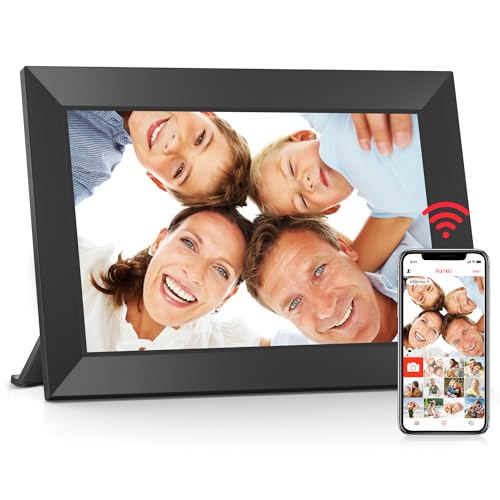
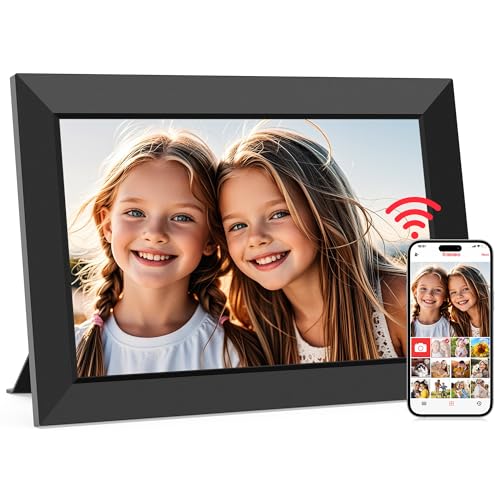
Display Quality and Wifi Reliability: The Specs That Matter Most
Two things determine whether a frame looks good and behaves reliably day to day: the screen itself and how well it stays connected. Retailers tend to bury both under marketing language, so it helps to know what the numbers actually translate to once the frame is sitting in your living room.
Resolution and Panel Type
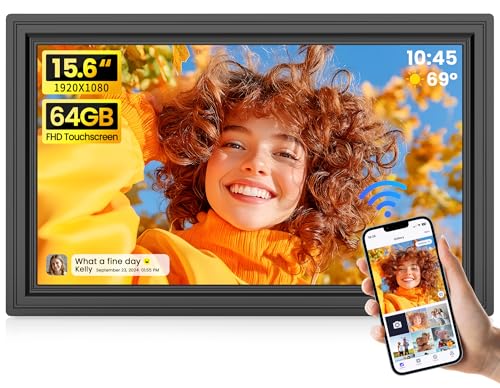
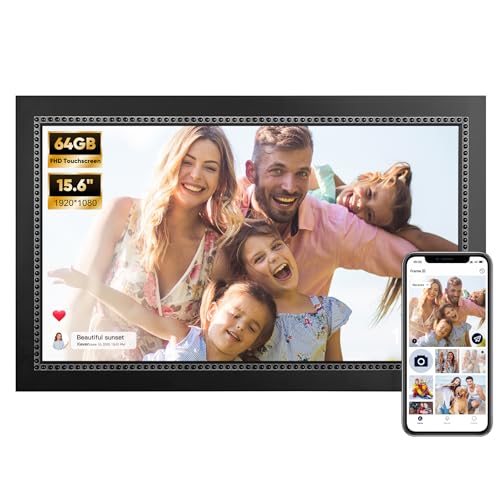
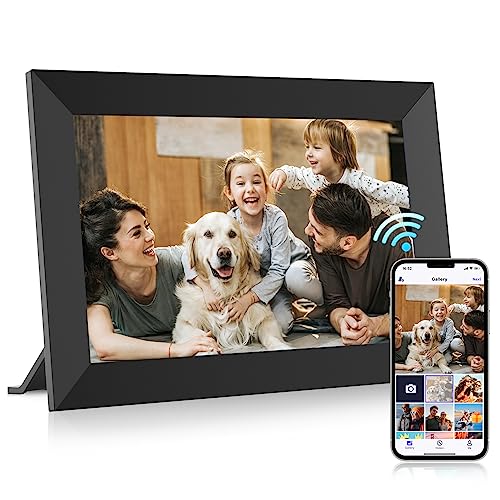
A resolution of at least 1280x800 keeps most family photos looking sharp, and anything lower starts to show soft edges once the screen passes about 10 inches. Panel type matters just as much as the pixel count. An IPS display holds its color accuracy from an angle, which matters for a frame sitting on a shelf that gets viewed from across the room rather than head-on. A glossy finish can look punchy under even lighting but picks up glare fast near a window, so check for a matte or anti-glare coating if the frame will sit somewhere bright.
Wifi Band and App Stability
Most frames only support the 2.4GHz band, which is fine in the vast majority of homes but worth confirming if your router setup has moved entirely to 5GHz. App reviews tell you more than spec sheets here. Look for recent feedback on sync speed and dropped connections rather than just star ratings, since a frame that loses its wifi link every few days becomes a source of frustration fast. Households with weak coverage in the room where the frame will sit may want to pair it with a mesh wifi router built for larger homes rather than relying on a single router in another part of the house.
Storage, Cloud Sync, and Sharing With Multiple Family Members
Storage numbers look like the headline spec, but for most buyers the more important question is how photos actually get onto the frame and who is allowed to send them.
Onboard Storage vs Cloud Storage
Built-in memory on most frames runs between 8GB and 32GB, which sounds limiting until you realize the majority of modern frames lean on cloud sync instead of local storage. What matters more is whether the free cloud tier is genuinely unlimited or capped at a certain photo count, since a family sharing photos for years will eventually hit a ceiling on some plans. If printed keepsakes matter to your household as much as the screen, it is also worth knowing that a compact photo printer can turn a favorite frame photo into something you can hand someone directly, which a screen alone cannot do.
Letting More Than One Person Send Photos
The appeal of a connected frame largely comes down to this feature: grandparents, siblings, and cousins in different households all sending pictures to the same screen without a group chat. Confirm the app supports multiple contributors without requiring everyone to share one login, and check that it works equally well on iOS and Android, since mixed-device families are the norm rather than the exception.
Privacy and Security Considerations Before You Buy
This part gets skipped in most buying advice, but it deserves real attention before photos of your kids or your home end up synced to a company's servers. Security researchers have flagged real vulnerabilities in some budget frame software, including cases where outdated apps accepted unverified network certificates or connected to unexpected servers on startup.
What Happens to Your Photos in the Cloud
Once a photo is sent wirelessly, it typically passes through the manufacturer's servers before landing on the frame, even if the frame itself never leaves your house. That means the company's security practices matter as much as the frame's hardware. Look for brands that publish clear privacy policies, support two-factor login, and have a track record of pushing security updates rather than shipping a frame and moving on.
Questions to Ask About Account Access
Before setup, check whether photo permissions are tied to invited accounts only or whether anyone with a shared code can upload images. Also check how easy it is to remove a contributor later, since family situations change and you may want to revoke someone's access without resetting the whole frame.
Sizing, Placement, and Aspect Ratio for Your Space
Size decisions get made on gut feel more often than any other spec, but the wrong size for the room usually shows up as regret within a week.
- A 10 to 12 inch frame fits a desk, bookshelf, or nightstand and reads clearly from a few feet away.
- Anything 15 inches or larger works better as a wall piece or console table centerpiece meant to be seen from across a room.
- Check whether the display auto-rotates based on a photo's orientation, since a frame built mainly for landscape shots will crop or letterbox portrait photos otherwise.
- Households already leaning into a broader connected setup sometimes consider a smart display built for video calling instead of a dedicated frame, since it covers similar photo-sharing ground while adding voice assistant and calling features, though it trades away the simplicity of a screen built for one job.
- Confirm cord length and mounting options before buying if the frame needs to sit somewhere without a nearby outlet.
Frequently Asked Questions
What is a digital wifi picture frame?
It is a screen that connects to your home network and receives photos wirelessly through a companion app, letting family and friends send images remotely instead of transferring files by hand.
How do photos get sent to a wifi picture frame?
Most frames use a dedicated app where you pick photos from your phone's camera roll and send them straight to the frame over wifi, often appearing on screen within seconds.
Do wifi picture frames require a subscription?
Usually not. Most brands include free cloud storage for a reasonable photo count, though some offer optional paid tiers for extra storage or features like video clips.
Can more than one person send photos to the same frame?
Yes, most apps support multiple contributors, which is one of the main reasons extended families choose these frames over group texts or shared albums.
What size digital picture frame is best?
A 10 to 12 inch frame works well for a desk or shelf, while 15 inches or larger suits a wall display meant to be viewed from across the room.
Are wifi picture frames safe from a privacy standpoint?
Most are fine if you stick with brands that have a clear privacy policy and a history of security updates, but it is worth checking account permission settings before inviting the whole family to send photos.
Do digital picture frames work without wifi?
Many models can display photos loaded from a USB drive or SD card without a connection, but remote sharing from someone else's phone requires wifi.
Making It a Gift Your Family Will Actually Use
The best digital wifi picture frame for your household comes down to matching screen quality, storage habits, and privacy expectations to how your family actually shares pictures day to day. A sharp display and stable wifi connection get the frame turned on, but clear account controls and a trustworthy app are what keep it running smoothly for years. Get those pieces right and the frame stops being a gadget people forget about and becomes something everyone genuinely checks throughout the day.