Best Mini Photo Printers: How to Choose the Right One
Disclosure: We may earn a commission when you buy through links on this page, at no extra cost to you. As an Amazon Associate we earn from qualifying purchases. Learn more

Not every printed photo needs to come from a photo lab or a bulky home printer. A new generation of pocket-sized devices lets you turn phone photos into physical prints in under a minute, with no cartridges, no computer, and no trip to the store. If you have been comparing the best mini photo printers and feel unsure where to start, you are not alone. These gadgets vary a lot in print technology, paper cost, and real-world battery life, and the spec sheets rarely explain what actually matters once you are using one daily. This guide walks through the technology, the sizing choices, the connectivity quirks, and the ongoing costs so you can pick a mini photo printer that fits how you actually plan to use it.
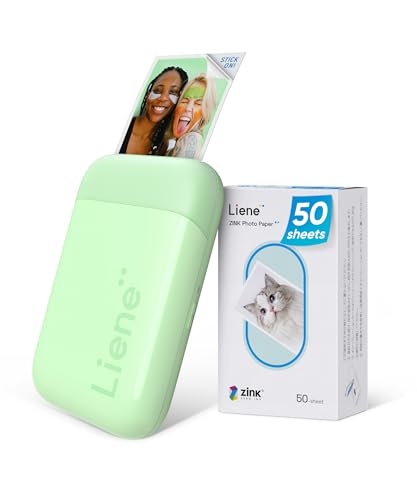

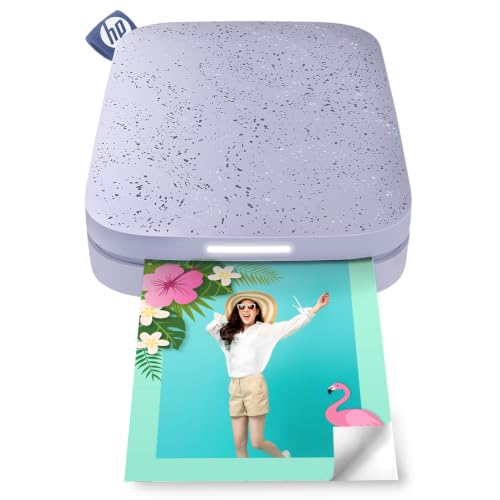
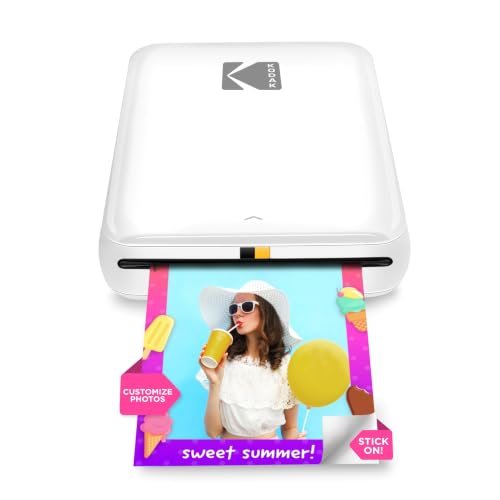
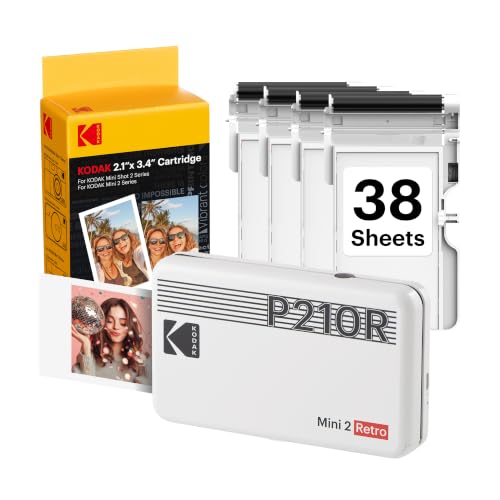
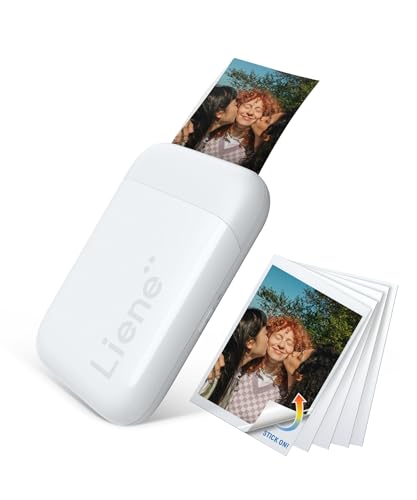
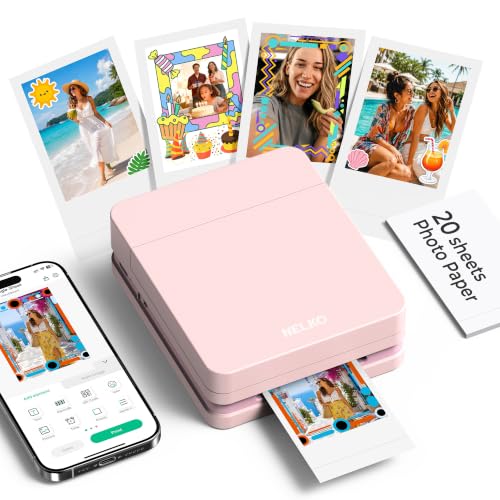
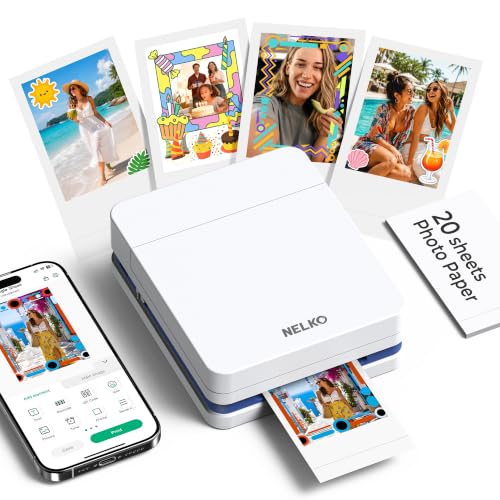
Print Technology: ZINK, Dye-Sublimation, or Thermal Transfer?
The single biggest factor separating one mini photo printer from another is how it actually gets color onto paper, and it is not always obvious from the box. Most models on the market today use one of two core technologies, ZINK or dye-sublimation, and each comes with different tradeoffs for cost, speed, and how long your prints will hold up.
How ZINK (Zero-Ink) Printing Works
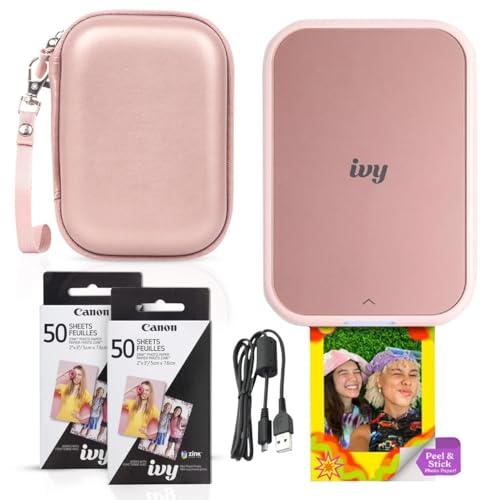
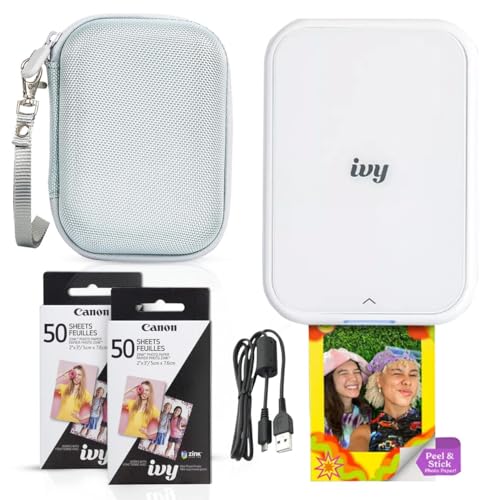
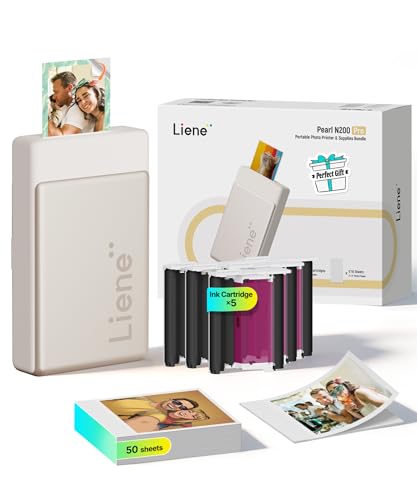
ZINK, short for zero ink, uses paper embedded with color crystals that activate when heated, so there is no cartridge or ribbon to replace. This keeps the printer small, light, and nearly silent, which is why most pocket-sized models rely on it. The tradeoff is that ZINK prints tend to fade faster over time than other methods, and the paper itself costs more per sheet than standard photo paper, so factor that into your budget before you buy.
Why Dye-Sublimation Costs More but Lasts Longer
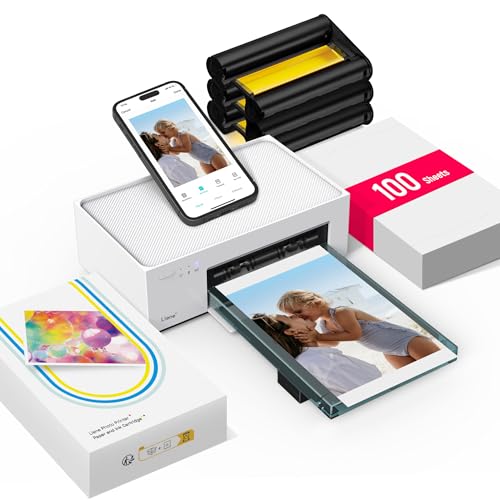
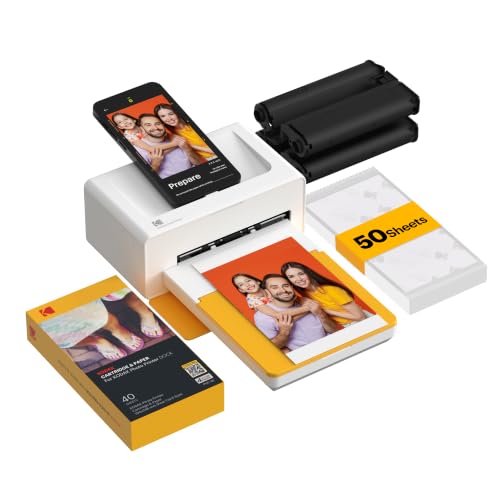
Dye-sublimation printers use heat to transfer dye from a ribbon onto specially coated paper, building up color in layers for smoother gradients and richer skin tones. Prints come out water-resistant and dry to the touch immediately, and many are rated to resist fading for decades rather than years. These printers tend to run a bit bulkier and slower, often taking closer to a minute per print, and you will need to keep paper and ribbon stocked together since one runs out with the other.
Photo Size, Resolution, and Print Quality
Once you have settled on a print technology, size is the next decision that shapes everything else, from the price of the printer to how much you will spend on paper refills. A mini photo printer that only outputs small square stickers serves a different purpose than one built for full sized prints you would frame or mail.
Common Print Sizes and What They're Good For
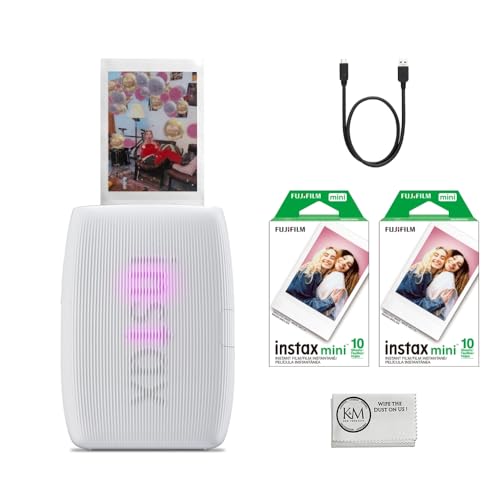
- 2 x 3 inch prints, common on ZINK models, work well for wallets, planners, and scrapbook pages
- 4 x 6 inch prints, mostly found on dye-sublimation printers, are closer to a standard photo size and hold up better for framing or mailing
If you plan to switch between a point-and-shoot camera and your phone as the photo source, check that the printer's app can pull images from both, not just a built-in camera roll.
Resolution Numbers That Actually Matter
Marketing materials throw around resolution figures that mean little without context. What actually matters is print resolution, usually listed in DPI, since that determines how sharp fine details like text or faces look once printed. Anything below 300 DPI tends to look soft under close inspection, while 300 DPI and above holds up well even for images with small text or intricate patterns.
Connectivity, Battery Life, and App Experience
How a printer connects to your phone affects nearly every print you make, since a shaky connection means retyping settings or repeating failed jobs. If you mostly need to print documents, boarding passes, or shipping labels rather than photos, a general-purpose mobile printer built around inkjet or thermal technology is usually a better fit than a photo-focused mini printer.
Bluetooth vs Wi-Fi Direct Pairing
Bluetooth is the standard for these devices since it pairs quickly and does not require a shared network, though range and reliability vary between brands. A handful of printers also offer Wi-Fi Direct or NFC tap-to-print, which can speed up repeat sessions once the initial pairing is done. If you plan to print in a group setting, like passing the printer around at a party, look for reviews that specifically mention how the app handles repeated reconnects.
Battery Life You Can Actually Count On
Manufacturers list battery life as a number of prints per charge, but that figure usually assumes ideal conditions and drops once you factor in higher-coverage images or a long printing session. A printer rated for 20 prints per charge might realistically deliver closer to 12 to 15 once you are actually using it. If battery life matters for your trips, look for a model with a swappable or higher-capacity battery rather than trusting the headline number alone.
Matching a Mini Photo Printer to How You'll Use It
The right printer depends less on specs and more on how you actually plan to use it day to day.
Travel and Everyday Carry
For travel, weight and durability matter more than print quality. Look for a model with a protective shell or case, since these devices tend to ride around loose in a bag alongside keys and chargers. Packing a spare portable charger alongside your printer means neither device dies halfway through a trip, which matters if you are documenting a multi-day vacation and want prints along the way rather than after you get home.
Scrapbooking, Journaling, and Gifting
For scrapbooking and journaling, ZINK's sticker-backed paper is a real advantage since you can peel and stick prints directly onto a page without glue or tape. Smaller 2 x 3 inch prints work well here since they fit naturally into planner layouts and journal margins. If you are printing gifts for someone else, like a set of photos for a grandparent, favor a printer with simple one-tap printing so the recipient does not need to learn an app to keep using it.
Parties, Events, and Kids
At parties or family events, speed and battery capacity matter more than resolution, since you are often printing back to back for a line of people. Choose a model with a large paper tray so you are not reloading every few prints. If kids will be using it, a rounded, drop-resistant design and simple app controls go a long way toward keeping the device usable after a few accidental drops.
What Photo Paper Really Costs Over Time
The printer's price tag is only part of the cost. Photo paper for these devices is proprietary, meaning you generally cannot swap in a cheaper third-party pack, and per-print costs typically land somewhere between 30 and 60 cents depending on the brand and finish. That adds up quickly if you print often, so it is worth estimating your expected monthly print volume before choosing a printer based on its upfront price alone. Glossy finishes tend to cost less than adhesive, sticker-backed sheets, so factor in which finish you actually prefer rather than defaulting to whatever ships in the box. Buying paper in bulk packs usually brings the per-sheet cost down noticeably compared to smaller starter packs.
Frequently Asked Questions
Do mini photo printers need ink?
Most do not. ZINK models use heat-activated paper with no cartridge, while dye-sublimation printers use a ribbon instead of liquid ink. Either way, you will not deal with clogged nozzles or ink drying out between uses.
How long do the prints actually last?
ZINK prints typically start fading within a few years under normal light exposure. Dye-sublimation prints hold up far longer, often rated for decades, since the dye is embedded in layers rather than sitting on the paper surface.
Are mini photo printers worth the cost?
For travel journaling, scrapbooking, or handing out physical photos at events, most owners find them worth it. If you rarely print photos or mainly want wall-quality enlargements, the ongoing paper cost may not justify the purchase compared to an occasional print-shop order.
What print sizes are available?
Most compact models output 2 x 3 inch prints, while a smaller group of dye-sublimation printers produce 4 x 6 inch prints closer to a standard photo size.
How long does the battery last?
Battery life varies widely by model and is usually listed as a number of prints per charge. Real-world results tend to run lower than advertised, especially with photo-heavy sessions, so treat the number as a rough ceiling rather than a guarantee.
Can I print from any phone?
Most models work with both iOS and Android through a dedicated app connected over Bluetooth. Always check that the app supports your phone's operating system version before buying, since older phones occasionally lose compatibility with newer app updates.
Making Your Decision
There is no single best mini photo printer for everyone, since the right pick depends on how you plan to use it and how much you are willing to spend on paper over time. Start by choosing between ZINK and dye-sublimation based on how long you want prints to last, then match size and connectivity to your actual habits, whether that is travel, scrapbooking, or printing at events. Getting those basics right matters far more than any single spec on the box.