Best Compact Cameras for Video in 2026: What Each Budget Level Adds
Disclosure: We may earn a commission when you buy through links on this page, at no extra cost to you. As an Amazon Associate I earn from qualifying purchases. Learn more

Compare compact cameras for video by stabilization, autofocus, audio and battery life, and learn what each budget level adds before you spend on a new camera.
Video prices stretch across a wide range, and the most expensive camera is not automatically the right one for your channel, your clients or your travel bag. The best compact cameras for video are the ones that record steady, clean sounding footage in the places you actually shoot, and the comparison table below sets out the main types so you can see the trade offs clearly.
This guide looks at what each budget level adds, which features are worth paying for, and which ones you can safely skip. It covers stabilization, autofocus, audio, battery life and long term costs, so you can spend where it shows up on screen and save where it does not. A small amount of planning before you buy usually saves a costly upgrade later, because the right camera is the one that matches your format, your locations and your editing routine.


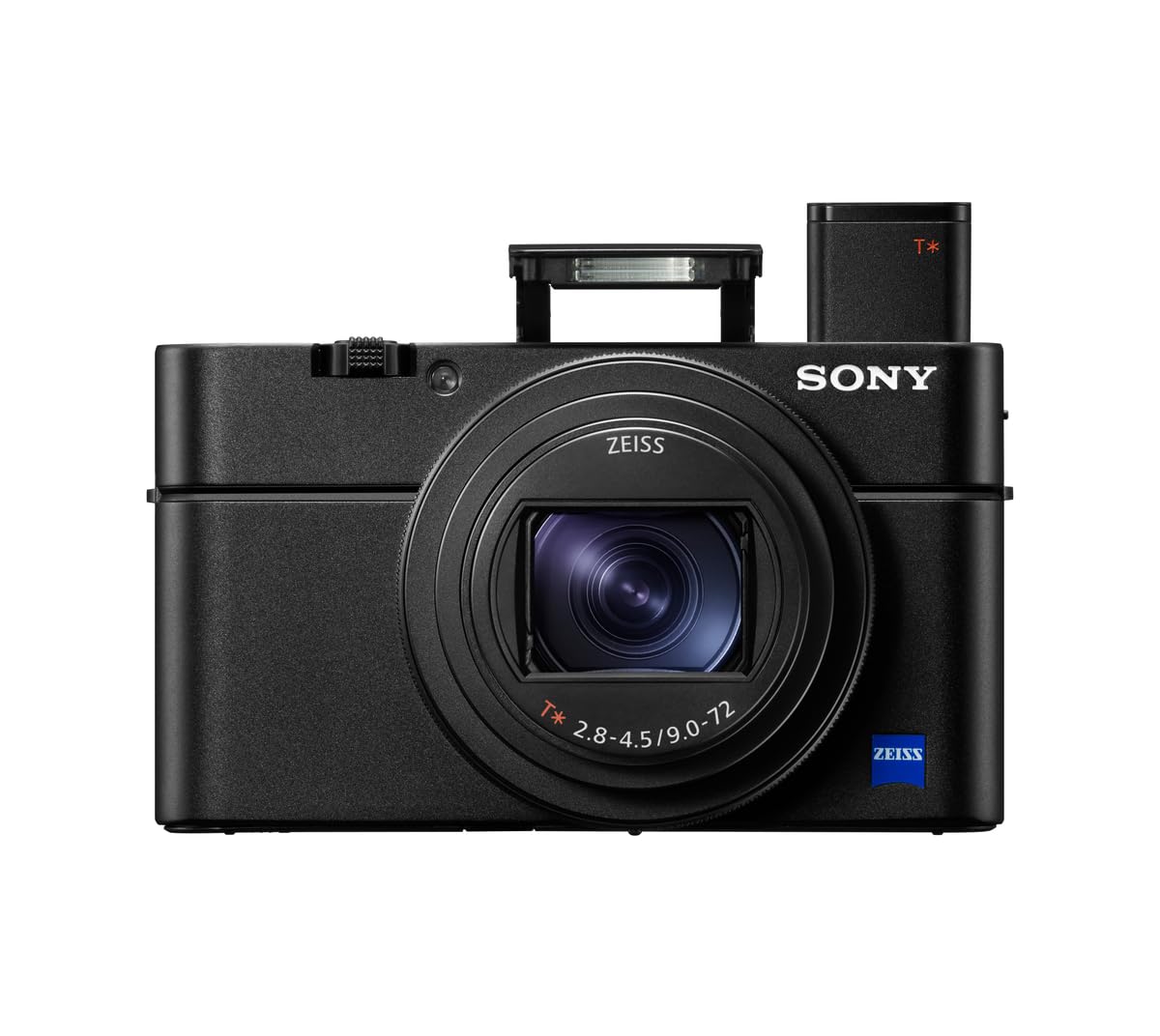


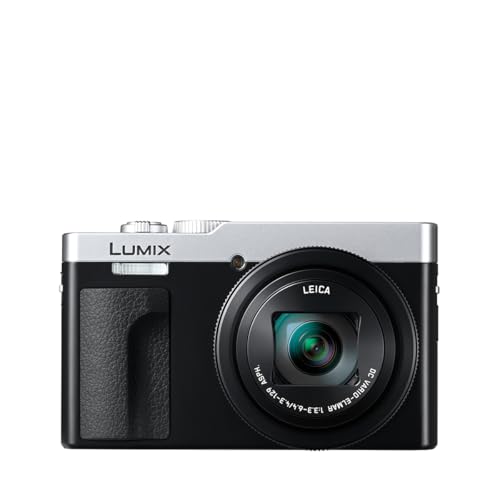


What Your Money Gets You at Each Price Level
A Sensible Starting Budget
At a starting budget, expect solid 4K recording in good light, basic stabilization and simple autofocus, which is enough for vlogs, tutorials and family videos. You may give up advanced low light performance, a fully articulating screen or a microphone input, so check those points carefully if you record indoors or interview people. For many new creators, a camera at this level plus a small tripod and good lighting delivers better results than a pricier body used in a dark room.
The Comfortable Middle Ground
The middle ground is where most regular creators land, because it adds the features that show up in everyday footage. Look for stronger stabilization, faster and stickier subject tracking, a flip screen you can see while recording yourself, and a microphone input for cleaner interviews. Battery life and heat handling also improve here, which matters for long takes, and the jump in low light quality is often the most visible upgrade over a starting budget camera. For creators who publish regularly, see our guide to the best cameras for video blogging for a format focused comparison.
When a Higher Budget Makes Sense
A higher budget makes sense when video pays the bills or when you shoot in demanding conditions. Larger sensors, higher frame rates, professional color profiles and better audio controls give you more room to edit and more consistent results across locations. You also gain tougher weather sealing and longer recording limits, but only spend at this level if your projects truly need that latitude, since a midrange camera already covers most online and client work.
Features Worth Paying For (and Ones to Skip)
Not every headline feature improves your footage. Stabilization, reliable autofocus, clean audio and sensible battery life almost always earn their cost, while extreme zoom ranges, novelty filters and megapixel counts rarely change how a video looks. Use the sections below to judge each feature by the shooting you do, not by the specification sheet, and skip anything that solves a problem you do not have. A feature only earns its price when it appears in your finished videos week after week, so be wary of paying for headline numbers that never survive the edit.
Low Light Performance
Low light performance decides whether indoor footage looks clean or noisy, and it depends on sensor size, lens brightness and processing together. A larger sensor with a bright lens gathers more light than a small sensor pushed to a high sensitivity setting, so compare sample clips in dim rooms rather than trusting a single number. If you mostly shoot outdoors or in bright rooms, you can save money here, but regular indoor creators should treat it as a priority.
Size, Weight, and Ergonomics
A compact camera earns its name only if you carry it and hold it comfortably for long takes. A light body with a good grip reduces fatigue, while a camera that is awkward to hold leads to shaky footage no matter how good the stabilization is. Check button placement, screen visibility in sunlight and how the camera balances on a small tripod, since those everyday details shape more footage than any single specification. For a broader comparison, see our guide to the best cameras compact.
Checking Fit Before You Buy
Measure the bag, pocket or rig where the camera will travel, and compare the camera with its lens extended as well as retracted. A camera that fits your everyday bag but not your jacket pocket may still suit planned shoots yet fail as a spontaneous vlogging camera. Also consider the weight of batteries, a microphone and a mount, because the full kit, not the bare body, is what you carry and hold all day.
Features That Matter for Video
Video work rewards continuous autofocus that tracks faces without hunting, stabilization that smooths walking shots, and frame rate choices for slow motion or standard delivery. A microphone input, a headphone jack and manual audio levels matter as soon as you record interviews, while clean HDMI output helps for live streaming or external recording. Check recording time limits and heat behavior too, since a camera that stops mid take can ruin an otherwise good setup. For a general comparison, see our guide to the best cameras for video.
Sensor Size and Image Quality
Sensor size affects depth of field, low light quality and how much you can crop or stabilize in editing, usually more than the megapixel count does. A one inch sensor is a strong step up from a phone, while larger sensors offer cleaner footage and more editing latitude at a higher price and size. For online delivery, a midrange sensor with good stabilization often beats a larger sensor in a camera that is hard to carry, so weigh image quality against the shooting you actually do.
Picking the Right Compact Camera for Different Uses
Different uses pull the choice in different directions, so start from your main format. Vloggers need a flip screen, strong stabilization and good audio, while travel creators need battery life and weather resistance, and event shooters need low light performance and long recording times. When a camera covers your main format well and handles your second format acceptably, it is usually a better buy than a specialist camera that fails at everyday shooting. If you also record fast action, see our guide to the best action video cameras.
Best Compact Cameras with Video: Where Your Money Goes
Cameras that pair a stills focused body with serious video features suit creators who need both photos and clips from one camera. Here your money goes toward video autofocus, stabilization, microphone support and heat handling, rather than toward stills features you may rarely use. If video is only an occasional extra, a simpler camera may serve you better, but if clients expect both formats, a hybrid camera saves you from carrying two bodies.
Long Term Costs to Factor In
The camera body is only part of the total cost, so budget for the items you will need over its life. Fast memory cards, spare batteries, a charger, a microphone, a small tripod and a protective case add up quickly, and a larger sensor camera may also need costlier cards and storage for bigger files. Warranty terms and repair support matter as well, since a camera used weekly will eventually need service, and the product table above is worth checking again once you know your total budget. Planning for these costs now keeps a good camera affordable over its full working life.
Frequently Asked Questions
What features matter most in compact cameras for video?
Stabilization, autofocus, audio support and battery life matter most, because they decide whether footage is watchable rather than merely recorded. A steady shot with clear sound beats a sharper but shaky and muffled clip every time, and a camera that overheats or runs flat mid take creates gaps no edit can fix. Beyond those basics, weigh low light performance, screen type and frame rate options against the videos you make most, and skip features that never appear in your finished work.
Which compact camera is better for low light video?
The better low light video camera usually pairs a larger sensor with a brighter lens and effective stabilization, rather than relying on a high sensitivity number alone. Watch sample clips shot indoors at night, and pay attention to noise in shadows and skin tones after compression, since those flaws survive to the final upload. Good lighting still helps more than any sensor upgrade, so a modest camera plus a small light often beats a pricier camera used in a dark room.
Is a smartphone enough instead of a compact camera for video?
A smartphone can be enough for quick social clips, especially in bright light, but it falls short where video work is judged closely. Its small sensor limits low light quality and editing latitude, its audio depends heavily on placement, and long takes can bring heat and battery limits. A dedicated compact camera gives you a larger sensor, better stabilization, microphone support and manual control, which matters when a client or an audience expects consistent, polished footage.
What do zoom and focal length numbers mean for video?
Zoom and focal length numbers describe the field of view, with smaller numbers giving a wider view and larger numbers bringing distant subjects closer. A wide angle suits vlogging and interiors, while a longer range suits travel and events, but longer zooms often bring a smaller aperture and softer footage in low light. Check how sharp and steady the lens stays across its range, since a long zoom that wobbles or darkens indoors may be less useful than a shorter, brighter one.
How much should I spend on my first compact camera for video?
A first compact camera for video often costs about $400 to $900, with the middle of that range adding stabilization, a flip screen and a microphone input that most creators use daily. Spending less can still work for bright outdoor vlogs, but indoor and interview work benefits from the step up. Reserve part of the budget for a microphone, a spare battery and a fast card, since clean audio and uninterrupted recording improve finished videos more than a slightly larger sensor alone.
Wrapping Up
Start with stabilization, autofocus, audio and battery life, then let low light performance and sensor size narrow the choice within your budget. The best compact cameras for video are the ones you carry willingly, that keep recording through a full session, and that deliver clean sound as well as clean pictures. Compare the types in the product table above, total up the accessories you will actually need, and choose the camera that fits your videos rather than the most expensive option on the list.