
Best Color Printers for Photos 2026: A Buying Guide
Disclosure: We may earn a commission when you buy through links on this page, at no extra cost to you. As an Amazon Associate I earn from qualifying purchases. Learn more

The best color printers for photos balance ink type, print size and paper handling against how often you actually print.
Choosing the best color printers for photos starts with a simple question: how will your prints actually be used? A printer that makes lovely small snapshots for an album has different strengths from one that produces large framed prints for a wall. The comparison table below gives an overview, and this guide explains what to check before you spend money.
Photo printing rewards patience. Paper choice, ink type, and color settings all change the result, sometimes more than the printer itself. This guide walks through the features that matter, the running costs that catch buyers by surprise, and the mistakes that lead to faded or muddy prints.
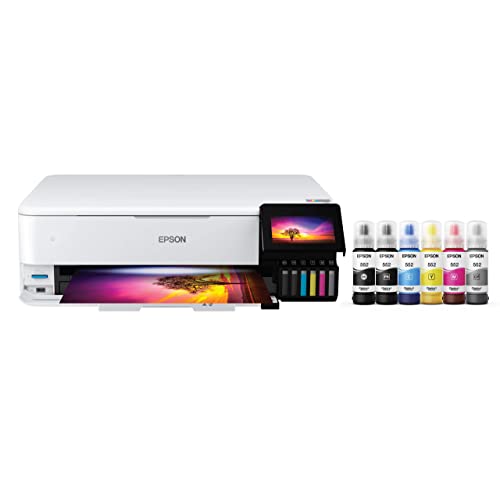
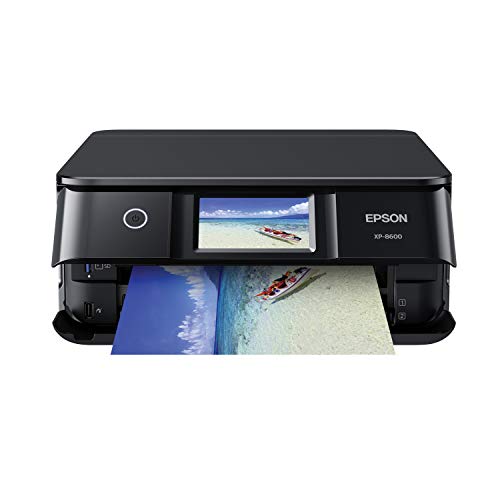

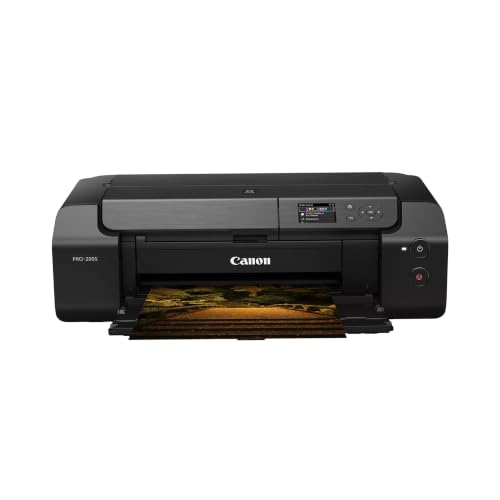

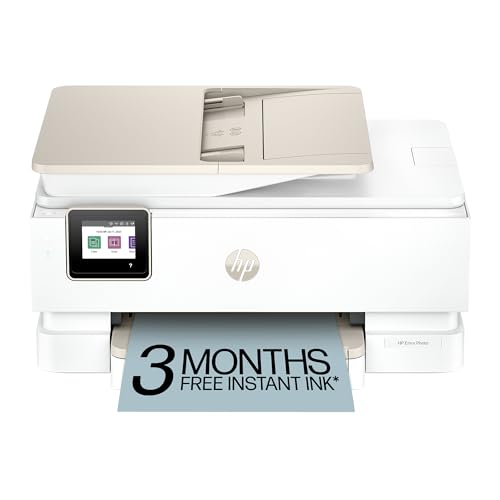

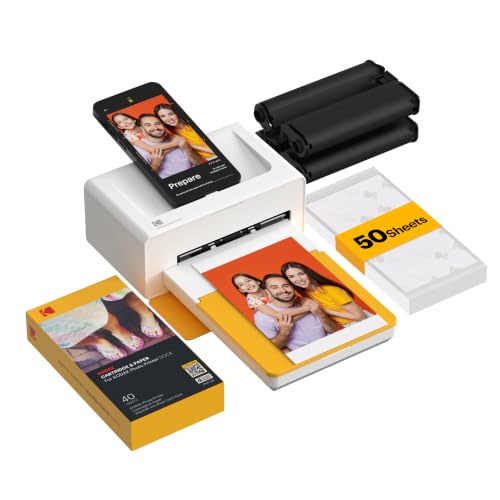
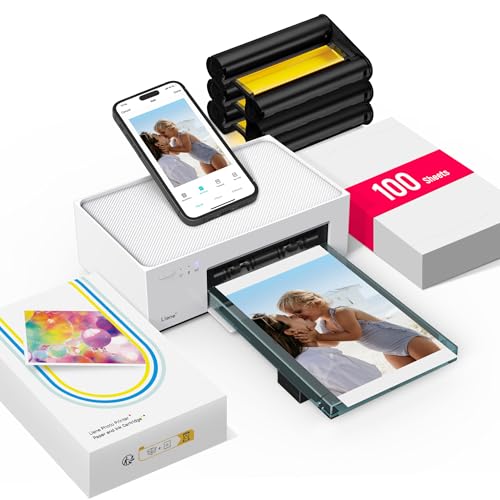
Who Should Buy a Dedicated Photo Printer
A photo printer makes sense when printed pictures matter to you beyond the screen. Families who fill albums, photographers who sell or gift prints, and crafters who make cards and scrapbooks all get steady value from one. If you print only a few photos a year, a general home printer or a local print service may serve you better and cost less overall.
Think about volume honestly. Ink and photo paper cost money on every page, so a printer that sits unused for months can dry out or clog, which wastes ink on cleaning cycles. Regular use keeps the print head healthy and keeps your cost per print closer to what you expect. If you print at least a few times a month, ownership starts to make sense.
Key Features to Compare
Start with print resolution and ink setup. More ink colors usually mean smoother skin tones and richer gradients, especially in shadows and skies. Dye based inks tend to give vivid color on glossy paper, while pigment based inks often resist fading better. Neither is right for everyone, so match the ink type to whether your prints will be displayed, stored in albums, or handled often.
Print Size and Borderless Printing
Check the largest size you can print and whether borderless printing is supported at that size. Many home photo printers top out at a standard photo size or a letter page, while wider models handle larger sheets. If you dream of big wall prints, confirm the maximum size before you buy, since it cannot be upgraded later.
Borderless printing matters more than it sounds. A white edge can look fine in a frame with a mat, but full bleed prints look far more polished when displayed without a frame. Confirm which paper sizes support borderless output, because some printers only offer it on smaller sheets.
Paper Handling and Connectivity
Look at how paper loads and how many sheets each tray holds. A rear feed path that keeps thick photo paper flat usually gives better results than a tight curved path. If you switch between plain paper and photo paper often, separate trays or an easy swap save time and reduce jams.
Connectivity should fit your household. Wireless printing from a phone is convenient for quick snapshots, while a wired or memory card option helps when a network is slow. If you print from a phone often, check that the companion app supports full resolution files rather than compressed copies.
Understanding Price Tiers
Budget models keep the purchase price low but often cost more per print, because their ink cartridges hold less ink. They suit light use, such as occasional snapshots and school projects. Midrange models usually add better color handling, larger cartridges, and more paper choices, which makes them a sweet spot for regular home printing.
Premium models target people who print often or sell their work. They may offer wider color range, larger formats, and sturdier paper paths. The extra cost only pays off if you actually use those strengths. For most families, a midrange model with good paper and fresh ink produces prints that look excellent on a wall or in an album.
Running costs deserve as much attention as the sticker price. Compare cartridge prices and stated yields, then estimate your yearly print count. A printer that seems cheap can quietly cost more over two years than a pricier model with efficient ink use. Keep an eye on paper costs too, since branded photo paper adds up fast.
Color Accuracy and Print Longevity
Color accuracy depends on profiles and paper as much as hardware. Use the paper setting that matches the paper you loaded, because the printer adjusts ink amounts based on that choice. A mismatch is a common cause of prints that look too dark, too warm, or washed out compared with the screen.
For prints you plan to display, think about fading. Direct sunlight fades prints faster, and some ink and paper combinations hold up better than others. Framing behind glass and keeping prints out of strong sun helps any print last longer. If longevity matters most, ask about pigment inks and archival rated paper options.
Calibration and sample prints help. Print a small sample print on the paper you plan to use before committing to a large run. Small adjustments to brightness or warmth on a sample sheet cost little and prevent a stack of disappointing full size prints.
Common Mistakes to Avoid
One common mistake is judging a printer by its headline resolution alone. Resolution numbers tell only part of the story, since ink quality, paper, and color management matter just as much. Another mistake is buying the cheapest ink or paper available without checking compatibility, which can clog heads or shift colors.
Skipping maintenance is another trap. Run the occasional nozzle check if prints show banding, and store paper flat in a dry place. Curled or damp paper causes jams and uneven ink coverage. A little routine care keeps print quality steady over the life of the machine.
If you want a laser based option for mixed office and photo work, see our guide to best color laser printers for photos. For printing from Apple devices, our guide to best color photo printers for mac covers compatibility details. Broader shoppers may also compare best color printers and best photo quality printers, and if your main goal is simply getting pictures onto paper, see best printers to print photos.
Setting Up for Great Prints
Start by placing the printer on a stable surface with room for paper to feed and exit without bending. Keep photo paper flat in its packaging until use, since curled sheets cause jams and uneven ink coverage. Load only the amount you plan to print soon, so paper stays clean and dry inside the tray.
Install the full driver software rather than relying on basic system drivers alone. Full software usually unlocks paper profiles, borderless options, and maintenance tools that basic drivers hide. Take a few minutes to explore color settings before your first important print run.
Print a small sample strip on your chosen paper before committing to large sizes. Compare the sample under normal room light, not just screen glow, and adjust brightness or warmth in small steps. One careful sample saves a stack of disappointing full size prints.
Caring for Prints and the Printer
Let prints dry fully before stacking or framing, since fresh ink smudges easily on glossy surfaces. Handle prints by the edges and store spares in sleeves or albums away from sunlight and humidity. These habits protect color far longer than any single printer feature.
Run a nozzle check if you notice banding or missing colors, and clean only when needed rather than on a fixed schedule. Excess cleaning wastes ink, while ignored clogs harden and worsen. A short print every week or two keeps ink flowing and heads healthy.
Keep spare ink on hand for large projects, and note which cartridges run out fastest in your use. Photo printing often drains color cartridges unevenly, so tracking use helps you stock wisely and avoid mid project shortages.
Questions to Ask Before You Order
Ask yourself what sizes you print most, how often you print, and whether prints will be framed or stored. Those answers point to the right size range, ink system, and paper handling without guesswork. Write them down before browsing, so marketing features do not steer you off course.
Ask about total running costs, not just the machine price. Compare cartridge yields, paper prices, and cleaning frequency for your expected volume. A slightly pricier printer with efficient ink often costs less over two years of regular printing.
Ask about support and parts availability, since printers need occasional service. A maker with clear guides, reachable support, and available cartridges protects your investment far better than a bargain model with scarce supplies.
Match paper, ink, and size to your habits, and the best color printers for photos will give you prints that last instead of ink bills that surprise you.
Frequently Asked Questions
Do I need a dedicated photo printer, or will a regular printer do?
A regular printer can handle occasional snapshots, but a dedicated photo printer usually gives smoother tones, better color depth, and more paper choices. If you print photos weekly or display them, the dedicated model is worth it. For rare prints, a general printer or a print service costs less overall.
Why do my prints look darker than my screen?
Screens glow, while paper reflects light, so prints almost always look a little darker. Raising brightness slightly for print, using the correct paper setting, and viewing sample prints in normal room light usually closes the gap. Avoid judging prints under a single harsh lamp.
Is glossy or matte paper better for photos?
Glossy paper gives punchy color and deep blacks, which suits vivid landscapes and portraits. Matte paper reduces glare and fingerprints, which suits framed display in bright rooms. Try both in small packs before buying in bulk, since taste plays a large role.
How can I lower the cost per print?
Use standard sizes for everyday prints, save large formats for your best shots, and buy paper in packs that match your real usage. Keep the printer in regular use to reduce cleaning cycles, and compare cartridge yields rather than cartridge prices alone.
How long will my photo prints last?
Longevity depends on ink, paper, display conditions, and handling. Prints kept in albums away from sunlight last far longer than prints in sunny windows. Pigment inks and archival paper improve resistance to fading, and framing behind glass adds further protection.
Final Thoughts
The right choice balances print size, ink type, paper handling, and running costs against how often you actually print. Focus on the features you will use every week, not the headline specs you will rarely need. The product table above gives a useful starting point, and the checks in this guide help you narrow it to a model that fits your home and your budget.
When you are ready, pick the best color printers for photos for your routine, stock up on the right paper, and print a sample sheet before your first big run. Good prints come from a good match between printer, paper, and settings, and that match is worth taking time to get right.

