Best Color Laser Printers for Photos 2026 Tips Guide
Disclosure: We may earn a commission when you buy through links on this page, at no extra cost to you. As an Amazon Associate I earn from qualifying purchases. Learn more
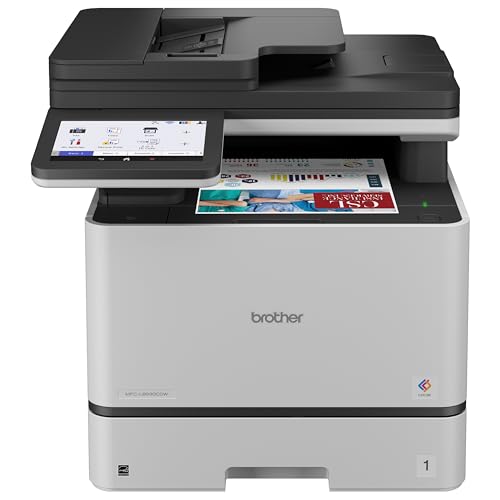
The best color laser printers for photos suit flyers, event prints and proofs; fine art prints still call for a dedicated photo printer.
Choosing best color laser printers for photos requires honest expectations: laser printers excel at sharp documents and vibrant graphics, but they do not match dedicated photo printers for fine art prints. A color laser printer can still produce attractive everyday photos, event prints, and marketing images, especially on the right paper. The key is knowing where laser output shines and where it falls short.
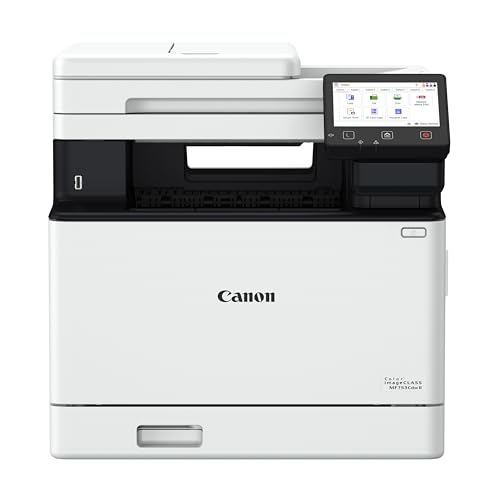
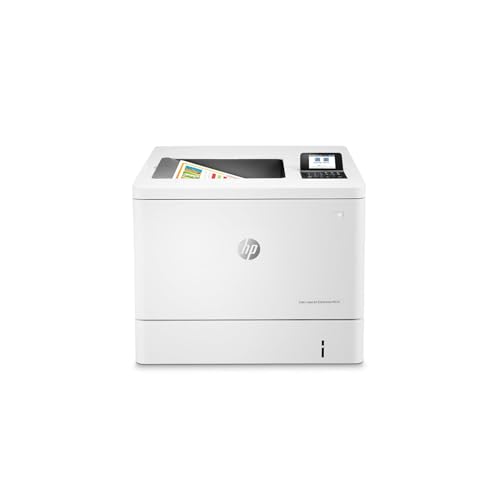
The comparison table below outlines the main color laser styles for photo use, and the sections that follow explain how to judge them. You will learn how color accuracy, paper choice, and resolution affect photo results, and when to choose a different printer type.

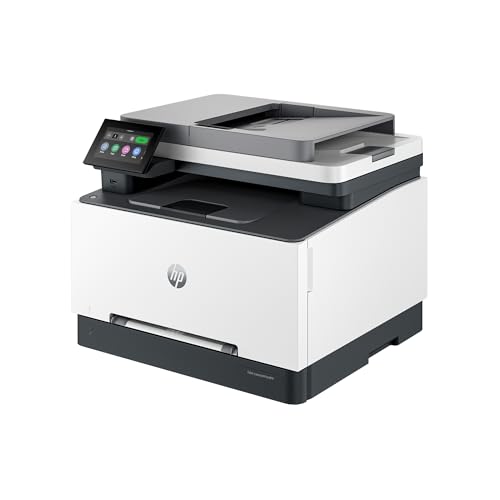

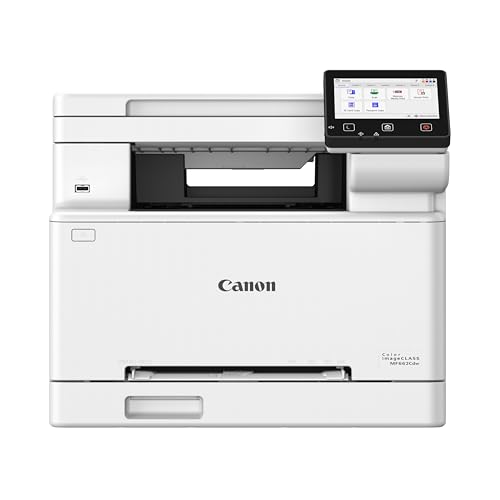

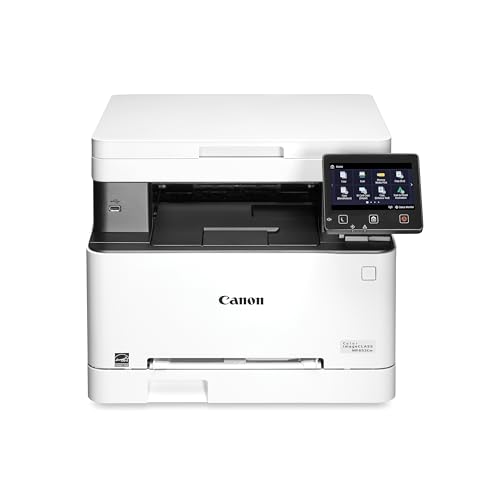
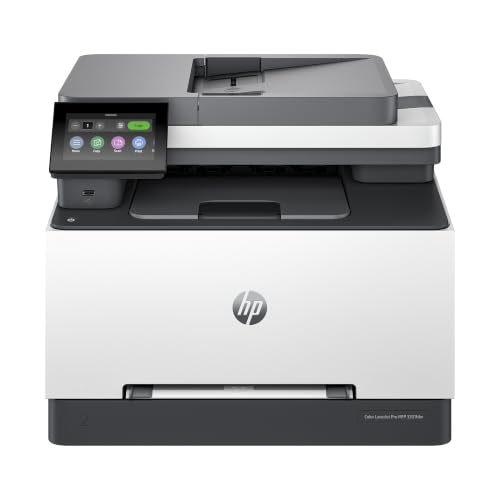
What Laser Printers Do Well for Photos
Laser printers produce sharp edges, consistent color, and fast output, which suits photos used in reports, flyers, and everyday albums. They handle text overlaid on images cleanly, and prints resist smudging once cooled. For mixed documents with photos and text, laser output often looks more professional than a basic inkjet print.
Color laser printers also handle larger print runs efficiently. If you need many copies of an event photo or a marketing image, laser speed and cost per page can be attractive. Prints dry quickly, so you can stack or file them without waiting.
Laser prints suit well lit display and handling, but they may show banding or limited smooth gradients in large sky or skin areas. Judge photo quality on your own images, not just on sample pages, because skin tones and gradients reveal limits more clearly than bold graphics.
Color Accuracy, Paper, and Resolution
Color accuracy depends on calibration, paper, and driver settings. Use the printer color profile for your paper type, and check whether the driver offers photo or vivid modes. A vivid mode may look appealing for graphics but oversaturate skin tones, so try both settings with portrait photos.
Paper choice changes photo results more than many buyers expect. Coated laser photo paper gives smoother color and deeper blacks than plain paper, while matte paper reduces glare for display. Check that your printer supports the paper weight you plan to use, because heavy paper can jam in some models.
Resolution numbers alone do not guarantee photo quality. A high dots per inch figure helps detail, but toner placement, color blending, and paper interaction matter just as much. Print a sample photo with skin tones, foliage, and sky to judge real output before you commit.
When a Dedicated Photo Printer Suits Better
A dedicated photo printer suits fine art prints, large portraits, and work where smooth gradients matter most. Inkjet photo printers use more ink colors and finer droplets, which can reproduce subtle skin tones and skies more smoothly than laser toner. If photo quality is your main goal, a photo printer may be worth the slower speed and higher ink cost.
Hybrid setups work well for many households. Use a color laser printer for documents and everyday photos, and a photo printer or a print service for special images. This approach gives you speed for daily work and quality for keepsake prints without forcing one machine to do both jobs.
For photo focused laser options, compare best color printers for photos and best laser printers for photos to see how laser photo output differs across models. General color laser choices appear in best color laser printers, while multifunction options are covered in best multifunction color laser printers and best mfp color laser printers.
Cost, Storage, and Print Care
Cost per photo depends on toner coverage and paper price. Full color photos use more toner than documents, so estimate photo volume separately from document volume. High yield toner helps for frequent photo printing, but it does not turn a laser printer into a low cost photo lab.
Store laser photo prints away from direct sunlight and moisture to preserve color. Avoid stacking prints while still warm, and use sleeves or albums for keepsake images. Laser prints resist water better than many inkjet prints, but they still benefit from careful storage.
Check print quality regularly, especially after toner changes or long idle periods. A quick sample photo can reveal calibration drift or paper issues before you print an important batch. Keep a reference print to compare future output against your first good result.
Getting More From Your Choice
Think about lighting for viewing prints, because a photo that looks good under office lighting may look different at home. View prints in natural daylight and in the room where they will be displayed, and check skin tones and shadow detail in both settings. A print that looks too dark in a dim room may look fine in bright light, so judge color under the conditions where the photo will actually live.
Consider file preparation, because image resolution and color space affect laser photo output. Use high resolution files, avoid heavy compression, and check whether the printer driver expects a particular color profile. A low resolution file will look soft no matter how good the printer is, while a well prepared file gives the printer its best chance to produce a pleasing result.
Think about print sizes and borders, because laser printers handle certain sizes better than others. Standard photo sizes with a small border often print more reliably than borderless prints, which some laser models do not support. Check border options before you promise a full bleed print, and try a sample at the exact size you plan to use regularly.
Plan for consistent output across a batch, because color can shift slightly as a printer warms up or as toner levels change. Print a sample image at the start of a large batch, and compare later prints against it. If color drifts noticeably, pause and check toner, paper, and calibration before continuing, rather than printing a whole batch with inconsistent color.
Consider display and framing, because glass, mounts, and room light all affect how a laser photo appears. Matte paper under glass can reduce glare, while a mount can separate the image from the frame and improve presentation. Choose display methods that suit the print finish, and avoid hanging prints in direct sunlight where color can fade over time.
Finally, keep a sample book of your best laser photo prints, with notes on paper, settings, and image type. That book helps you repeat successful results and compare new paper or toner changes against a known good output. Over time, the sample book becomes a practical reference that saves sample prints and guesswork.
Keep expectations realistic and the best color laser printers for photos will serve you well for flyers, event prints, and proofs rather than gallery work.
Frequently Asked Questions
Can a color laser printer print good photos?
Yes, for everyday photos, marketing images, and mixed documents, a color laser printer can produce sharp, vibrant results. For fine art portraits with smooth gradients, a dedicated photo printer usually performs better. Judge quality on your own photos, especially skin tones and skies.
What paper should I use for laser photo prints?
Use coated laser photo paper for smoother color and deeper blacks, or matte laser paper for glare free display. Avoid inkjet photo paper in a laser printer, because heat can damage coatings not made for laser use. Check paper weight limits in the manual.
Why do laser photos look different from screen photos?
Screens use light, while printers use toner on paper, so colors and brightness differ naturally. Calibration, paper type, and driver settings all affect the result. Print a sample image and adjust settings, rather than expecting an exact screen match.
Are laser photo prints durable?
Laser prints resist smudging and handle moisture better than many inkjet prints, once cooled. Store them away from sunlight and heat to preserve color over time. For archival keepsakes, use sleeves or albums and avoid prolonged sun exposure.
Should I buy a laser printer mainly for photos?
Only if you also print documents often and value speed and low per page cost. If photos are your main goal, a dedicated photo printer or a print service may give better quality. A hybrid setup often serves mixed needs best.
Final Thoughts
Use a color laser printer for sharp everyday photos and mixed documents, choose coated or matte laser paper, and check skin tones and gradients before you commit. For fine art keepsakes, consider a dedicated photo printer or a print service alongside your laser machine.
With realistic expectations, best color laser printers for photos can cover most daily photo needs efficiently. The product table above can help you compare laser styles before you decide.