
Best Color Laser Printers 2026
Disclosure: We may earn a commission when you buy through links on this page, at no extra cost to you. As an Amazon Associate I earn from qualifying purchases. Learn more
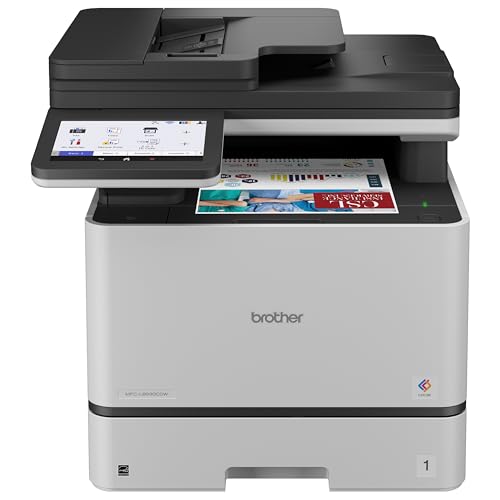
The best color laser printers suit offices and busy homes that print documents and charts, where toner cost and duplex matter more than photos.
The best color laser printers are the ones that match the pages you actually print, not the ones with the longest feature list. Color lasers suit offices and busy homes that print documents, charts, and handouts in volume, so toner cost, duplex printing, network setup, and paper handling matter more than photo quality. They print fast, resist smudging, and sit ready for weeks without drying out.
This guide explains how color lasers work, how the main types differ, what to check before you buy, and which mistakes make a cheap printer expensive. The product table gives you the current options once you know what to look for.

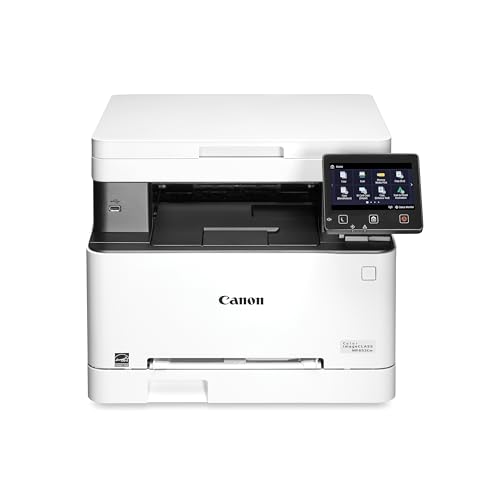

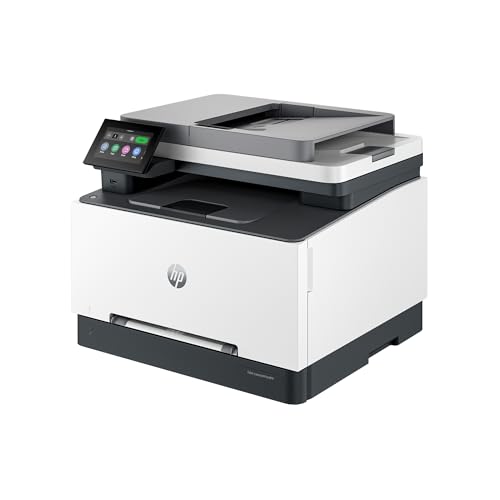
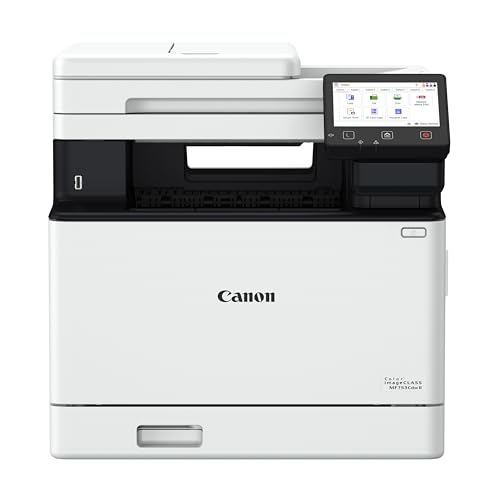

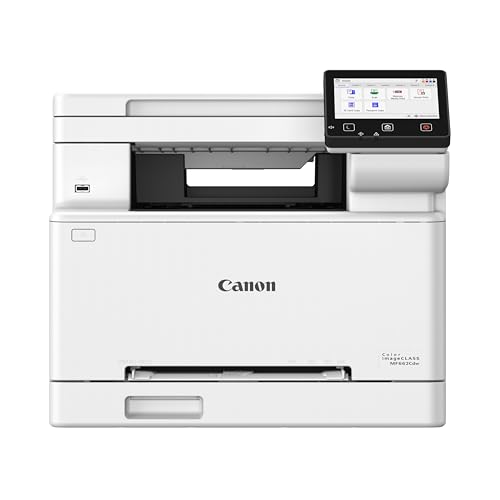


How a Color Laser Printer Works
A color laser builds each page in four passes of cyan, magenta, yellow, and black toner. A laser or LED array draws the image on a drum, toner clings to the drawn areas, and a heated fuser bonds it to the paper. Because toner is a powder bonded by heat rather than liquid soaked into fibers, pages come out dry and sharp, and a highlighter will not smear the text.
That design explains the strengths and limits. Laser output is excellent for text, tables, charts, and flat graphics. Smooth photo gradients look less rich than on a photo inkjet, and the machines are larger and heavier than inkjets because of the drums, toner cartridges, and fuser inside.
Types of Color Laser Printers
Print-Only Models
These do one job and do it simply. They cost less, take less desk space, and have fewer parts to maintain. They suit households or offices that already own a scanner or rarely copy documents.
Multifunction Models
These add scanning, copying, and often fax, usually with an automatic document feeder. They replace several devices and are the practical choice for a home office that handles paperwork, forms, and signed pages. The extra parts mean more to maintain, so check warranty and support.
Compact and Workgroup Models
Compact printers fit a shelf and suit one or two users. Workgroup models add larger paper trays, faster output, and higher recommended monthly volumes for shared teams. Choose by user count and monthly pages rather than by small speed differences.
Features to Compare
Toner Cost and Page Yield
Toner decides what a laser really costs. Divide the cartridge price by its page yield for each color to get a cost per page, and compare high yield cartridges when you print often. Starter cartridges included in the box often hold less toner, so the first replacement can come sooner than expected. A cheap printer with expensive toner can cost more within a year than a pricier machine with affordable supplies.
Speed and Duplex
Check color speed separately, since color pages usually print slower than black pages. Automatic duplex printing saves paper and makes reports easier to file. If you print many short documents, first page time matters more than long-job speed.
Paper Handling
A standard tray of a couple hundred sheets suits most homes and small offices, while a second tray helps if you switch between plain paper and letterhead. A manual feed slot handles envelopes, labels, and thicker card. Check the maximum paper weight before printing special media.
Network and Security
Wi-Fi, Ethernet, and phone printing make sharing easier. In a shared space, look for a PIN release or a simple way to clear stored jobs, and keep firmware updated as the maker advises.
What Different Budgets Buy
Entry level color lasers start around $150 to $250 and handle light printing, though starter toner and trays are small. Mid-priced models, roughly $300 to $500, usually add duplex, scanning, and larger trays, which suits most home offices. Above that, you are paying for speed, capacity, and management tools meant for teams. Match the tier to your monthly pages, and spend extra only for a feature that solves a problem you actually have.
Mistakes to Avoid
- Judging a laser by photo quality, which is not its main strength compared with a photo inkjet.
- Ignoring toner yield, which makes a cheap printer costly for frequent use.
- Putting the printer in a closed cabinet or dusty corner without ventilation.
- Buying a machine rated far below your busiest month, which wears parts faster and jams more.
Care and Daily Use
Store paper flat and dry, keep vents clear, and replace toner when pages visibly fade rather than at the first low warning. Clear jams gently by following the paper path diagram, and keep firmware updated. Recycle used cartridges through the maker program, and keep toner away from children and heat.
For related comparisons, see the best multifunction color laser printers and the best mfp color laser printers for scan and copy models, the best color laser jet printers for HP style machines, the best small color laser printers for tight spaces, and the best inexpensive color laser printers for lower budgets.
Remember that the best color laser printers are rated by cost per page and reliability, not by the longest feature list on the box.
Frequently Asked Questions
Are color laser printers good for photos?
They print sharp documents and good color graphics, but photo quality is usually less rich than from a photo inkjet. Many homes use a laser for documents and a print service or photo printer for keepsake prints.
How much does toner cost per page?
Divide the cartridge price by its stated page yield. Color pages cost more than black pages because they use several toners, and heavy coverage costs more than light text.
Should I choose a multifunction laser printer?
A multifunction model adds scanning and copying, which suits home offices and small teams. If you already own a good scanner, a print-only printer costs less and takes less space.
Do laser printers need regular maintenance?
Very little day to day. Keep paper dry, clear jams carefully, replace toner on schedule, and check the maker guide for drum and fuser replacement intervals, which come up after thousands of pages.
Is a laser printer noisy for home use?
Lasers can be louder than inkjets during warm-up and printing, though many offer a quiet mode. Place the printer away from bedrooms and avoid enclosed cabinets so warm air can escape.
Final Thoughts
Decide your monthly page count, compare toner cost per page, and confirm duplex, paper handling, and connectivity before you order. Use the product table to compare current models, and the best color laser printers for you will be the ones that keep documents crisp and running costs predictable over years of use.


