
Best Cameras for Zoom Calls in 2026: Which One Fits the Way You Use It?
Disclosure: We may earn a commission when you buy through links on this page, at no extra cost to you. As an Amazon Associate I earn from qualifying purchases. Learn more
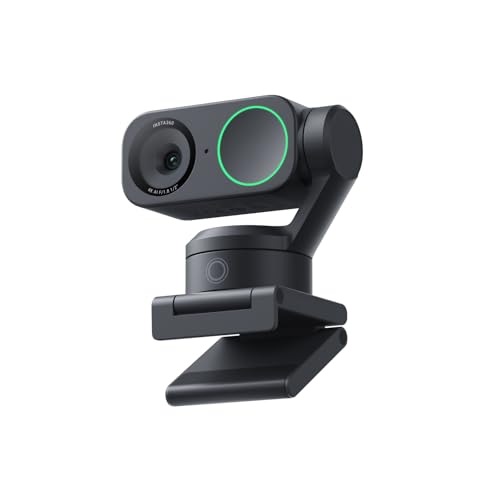
Compare the best cameras for zoom calls by framing, light, connection, and sound, so the camera fits your desk, your room, and the way you actually meet.
A call camera succeeds or fails at the other end of the line. Your colleagues never see your spec sheet; they see a framed face, a lit room, and whatever your microphone sends them. The best cameras for zoom calls are simply the ones that make that view easy to watch for an hour, and the comparison table below groups the main options by how you work.
Fit matters more than flagship numbers here. A camera that suits a quiet home office can annoy a teacher who stands and moves, and a setup built for travel answers different needs again. Work through framing, connection, and sound in that order, and the right price band usually picks itself.
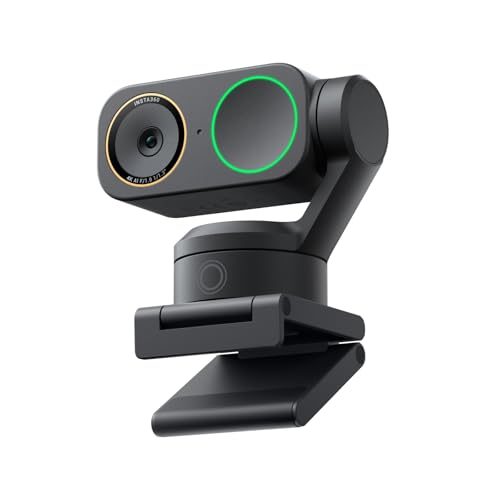

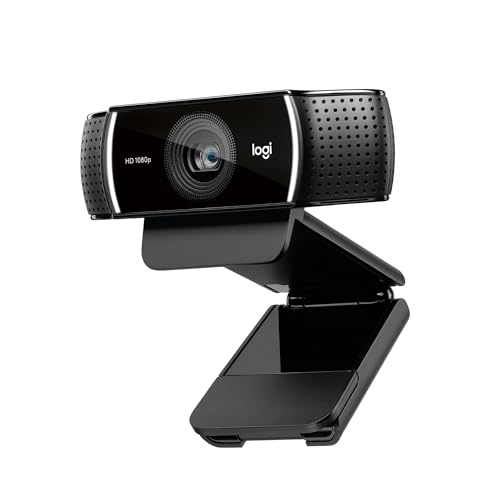

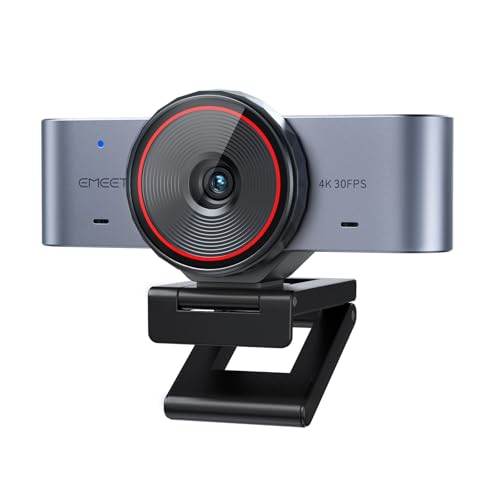

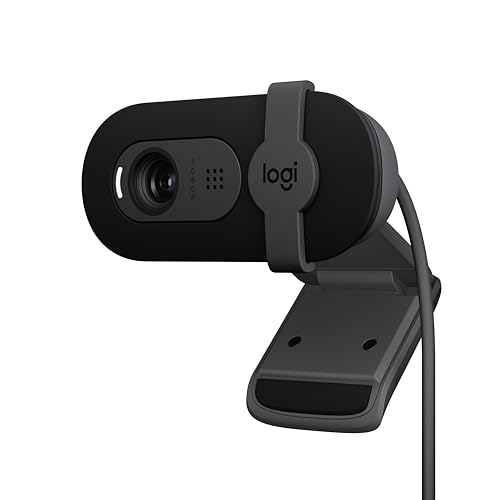
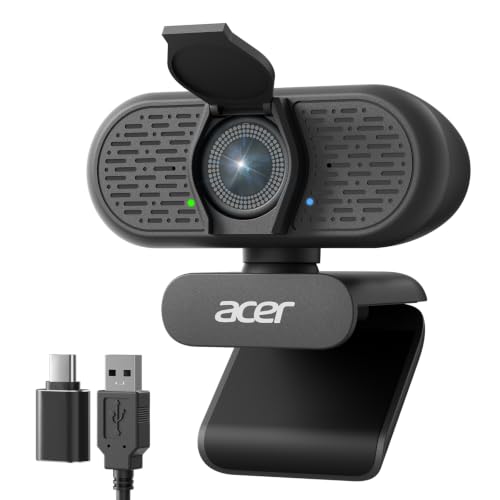

Who Should Buy Which Cameras?
For Remote Workers in Back to Back Meetings
If calls fill your calendar, reliability is your feature list. Choose a camera that wakes instantly, holds focus on your face without hunting, and keeps exposure steady when clouds cross your window. A larger sensor webcam or a compact camera with clean output, about $150 to $300, earns its keep here, because nobody on a call forgives a frozen frame or a face that pulses brighter and darker.
For Students and Everyday Users
If you join a few classes or family calls a week, a simple webcam at about $60 to $120 covers you well. Look for honest 1080p, a microphone that keeps your voice clear at arm length, and a mount that grips a laptop lid without wobble. Spend the money you save on a small lamp instead, since light improves a basic camera more than a price jump improves a dark room.
For Presenters, Teachers, and Creators
If you stand, gesture, or share a board, framing freedom becomes the purchase. A wider field of view, tracking that follows you, or a camera on a small tripod across the room keeps your hands and your materials in shot. Budgets run about $300 to $800 once a tripod and a separate microphone join the setup, and that freedom is exactly what the extra money buys.
Key Features to Compare
Framing and Field of View Come First
Read every call camera by the view at the other end, because that view is the product. Field of view decides how much of you and your room shows: about 65 to 78 degrees frames one person at a desk, while wider angles suit two people or a presenter who moves. A camera placed below eye level aims up your nose, so height and tilt matter as much as the lens itself.
One warning about the word zoom. Guides to best zoom lens cameras cover interchangeable lenses for photography, a different purchase from a call camera. Lists of best optical zoom cameras rank how far a lens can reach outdoors, which says nothing about a meeting. Roundups of best cameras with zoom lenses serve photographers who change distance, not people who sit at one desk all day.
Connection and Platform Fit
The connection is the setup. Most call cameras connect by USB and appear to the platform as a standard webcam, which is why they work everywhere with no fuss. A camera the platform refuses, or one that needs converter boxes and drivers before it appears, is a paperweight on meeting day no matter how good its sensor is. Shoppers comparing best cameras for zoom should confirm the camera is recognised with no extra software, and that any companion app is optional rather than required.
Microphone and Sound
The microphone is half the call, because people forgive a soft picture long before they forgive echoing sound. Built in webcam microphones suit one person in a quiet room at close range. A separate USB or lavalier microphone wins in echoing rooms, shared offices, and any setup where you sit back from the desk. Judge cameras with sound in mind, since a model with clean audio or a microphone input saves a later upgrade.
Resolution, Autofocus, and Low Light
Platforms send most calls at 720p or 1080p, so resolution past 1080p mainly buys room to crop. Autofocus that locks onto a face and stays there beats a sharper sensor that hunts. Low light behaviour matters in real rooms, because a larger sensor holds colour and detail under a desk lamp while small sensors smear and grain. Shoppers stepping up to interchangeable lens bodies will find the parent topic of best digital cameras useful, since those bodies double as call cameras with the right output.
Mounting, Desk Space, and Size
A call camera lives on your desk, so footprint is a feature. Monitor mounts suit fixed desks, small tripods suit standing setups and shared rooms, and a camera that folds flat travels in a laptop sleeve. Check the cable length against your desk layout, because a short cable quietly decides where the camera ends up sitting. A privacy shutter is worth having, since a covered lens ends any debate about whether you are visible.
Ease of Use for Your Skill Level
The best setup is the one you can run half awake before a morning call. Auto exposure and auto white balance handle most rooms, and a single preset beats a deep menu you have to dig through. If you enjoy control, manual focus and exposure locks stop the camera from reacting to every passing cloud. Beginners should value a camera that looks good on full auto, because call days rarely leave time for settings.
Price Bands: What the Money Changes
About $60 to $120 buys a competent webcam with honest 1080p and a workable microphone. About $150 to $300 buys a larger sensor, steadier exposure, and autofocus you can trust in dim rooms. About $400 to $800 builds a mirrorless or compact camera setup with a tripod and a separate microphone, the tier presenters and creators actually need. Past that point, money mostly buys lenses and lighting rather than a better meeting.
Common Mistakes to Avoid When Buying Cameras
- Buying 4K first, so you pay for resolution the platform never sends while your room stays dark.
- Sitting with a bright window behind you, so the camera exposes for the window and turns your face into a shadow.
- Skipping the test call, so you meet your framing and echo problems live in front of clients.
- Judging by the box microphone claims, so a camera that sounds fine at one foot disappoints across a desk.
- Mounting the camera at the bottom of the screen, so every meeting looks up at you from the desk.
Tips to Get the Most From Your Camera
Raise the camera to eye level with books or a small stand, and face your main light instead of sitting with it behind you. Open the platform preview before important calls and check what is visible behind you. Keep the lens clean with a lens cloth, since skin oils soften the image slowly over weeks. Set focus and exposure once for your usual seat, then leave them there instead of refighting the settings every morning.
Cameras: Your Questions Answered
What features matter most in cameras for zoom calls?
Framing, light handling, and sound matter most, in that order. A face that fills the frame at eye level reads as present, steady exposure keeps you watchable, and clear audio carries the actual meeting. Resolution ranks lower than most buyers expect. One habit helps more than any spec: open the preview window before a big call, because the platform sometimes crops or flips your picture in ways the camera app never shows you.
Does 4K matter for zoom calls?
Rarely, because the platform compresses and sends most calls at 720p or 1080p whatever your camera captures. A 4K sensor still earns its place in one case, digital cropping. Cropping into a 4K frame lets you sit back and still fill a 1080p window, which suits presenters who move around. Everyone else gains more from spending the same money on a larger sensor or a better microphone instead.
Is a smartphone enough for zoom calls?
A phone is enough for occasional calls, and its camera is often better than a cheap webcam. The catch is the phone itself: calls drain its battery, heat it up over long meetings, and every notification arrives on the same screen you are presenting from. A dedicated camera keeps your phone free and your setup identical every day. Choose the phone for travel days, and a fixed camera for a working desk.
How much should I spend on my first camera for zoom calls?
Start at about $60 to $120 if you take a few calls a week, and about $150 to $300 if calls are your working day. Keep some budget outside the camera line entirely. A small lamp aimed at your face improves a midrange camera more than jumping a tier, and a separate microphone is the upgrade your colleagues will actually notice. Buy the tier that matches your hours on calls, not your job title.
Which is better for a dim room, a basic webcam or a compact camera?
A compact camera with a larger sensor is better in a dim room, because the sensor gathers more light before the software starts smoothing detail away. A basic webcam in the same room leans on gain, which adds grain and washes out colour. Placement helps either way. Turning your desk so a window lights your face from the front can rescue even the cheaper camera, and it costs nothing to try first.
Final Thoughts
Framing, connection, and sound decide a call camera, and resolution finishes a distant fourth. Use the product table above to match those three to your seat, your room, and your meeting hours, and the best cameras for zoom calls for your desk will be the one you forget is even there.