
Best Cameras for Zoom Streaming in 2026: Which One Fits How You Work?
Disclosure: We may earn a commission when you buy through links on this page, at no extra cost to you. As an Amazon Associate I earn from qualifying purchases. Learn more
Compare cameras for Zoom streaming by sensor, autofocus, lens and connection, with setup, framing and light guidance to help you choose with confidence.
A camera that looks sharp in a product photo can still look soft, dark or oddly wide on a live call. The best cameras for zoom streaming solve a specific job: they make your face clear, well lit and easy to follow while Zoom compresses your video. This guide matches camera types to real routines and points you to the comparison table below.
There is no single winner for every desk, classroom and living room. A daily presenter needs fast autofocus and steady framing, while an occasional caller needs simple setup more than extra reach. Read by routine first, then compare sensor, lens and connection.

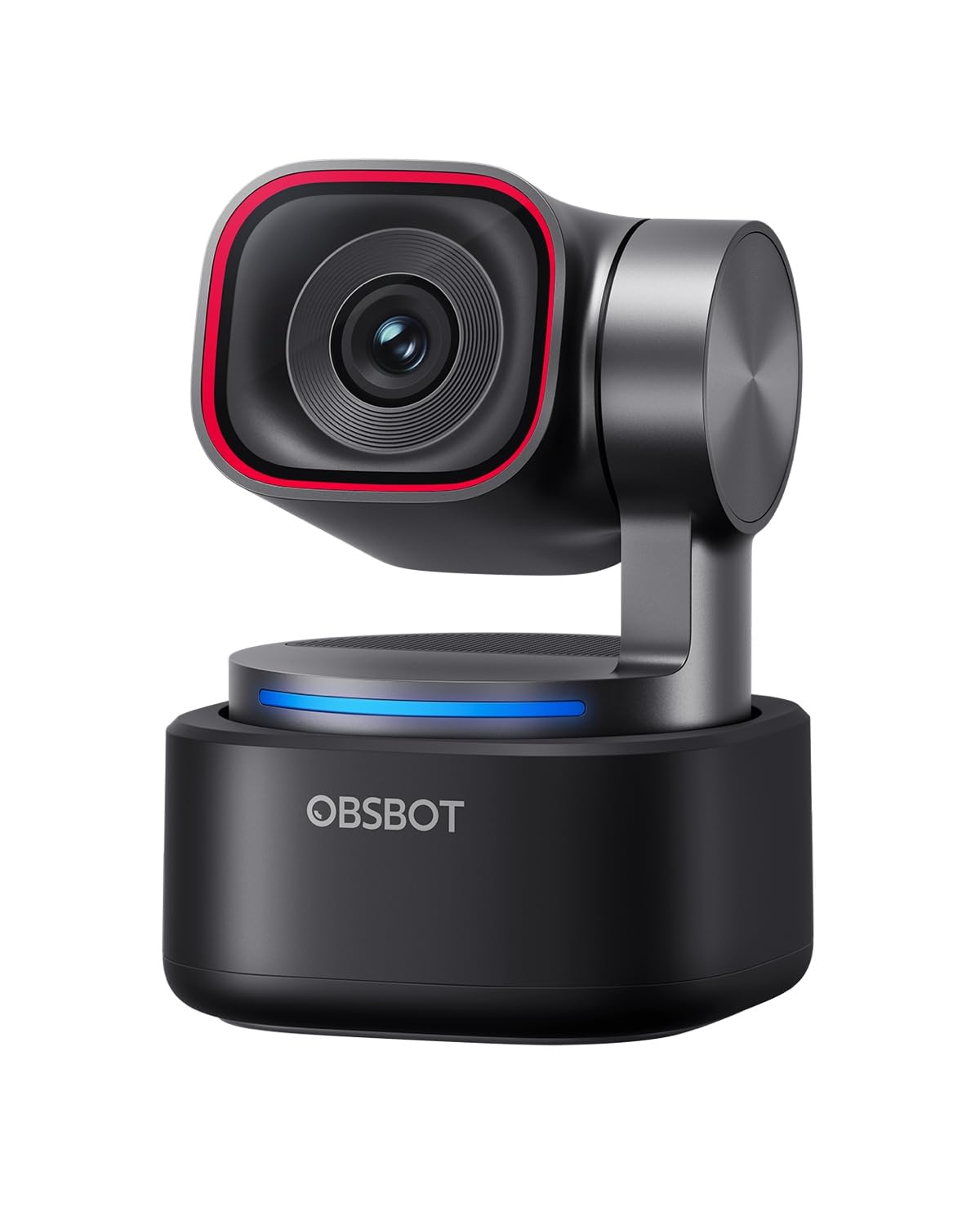
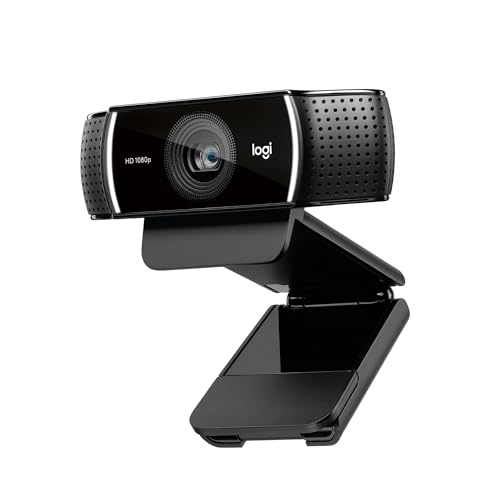

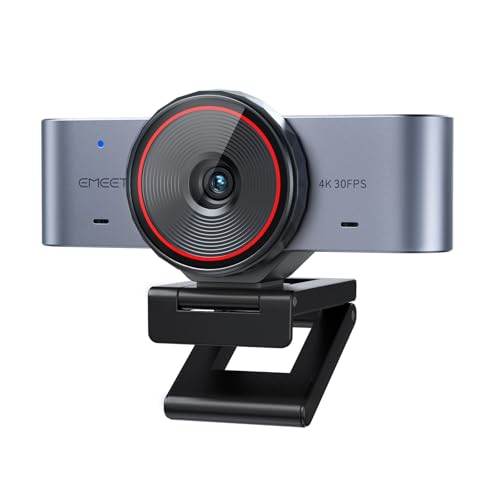


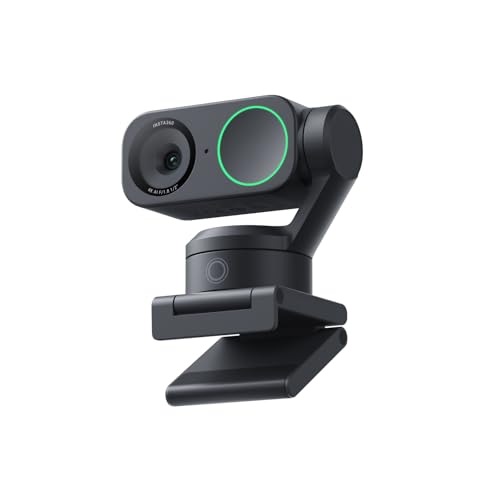
Who Should Buy Which Cameras for Zoom Streaming?
Start with the call you make most often, because that routine decides which traits matter and which extras you can skip. Duration, room size and how much you move change the right choice more than headline resolution does.
Gamers and Creators Who Stream Every Day
You present, teach or play live for long stretches, with your face sharing the screen with slides, code or gameplay. Prioritize 1080p at 60 frames per second, fast autofocus and a clean HDMI output if you use a capture card. Preset framing positions save time when you switch between desk and whiteboard. Stable color under the same lamp matters more than background effects.
Students and Everyday Users With Weekly Calls
You join classes, family calls and occasional interviews at a kitchen table or bedroom desk. Prioritize simple USB setup, honest color in ordinary room light and a field of view that shows face and shoulders without the whole room. A fixed lens model at about $60 to $120 often serves you well. Spend first on placement and light, because a modest camera at eye level beats a costly camera aimed up from a keyboard.
Travelers and Remote Workers Who Call From Anywhere
You take calls from hotels, rented desks and quiet corners, so your camera must pack small and set up fast. Choose a compact body with a folding mount, a tripod thread and a cable long enough for awkward outlets. A narrower view helps in shared spaces, since it shows less of the room behind you. For portable options, see our guide to the best web cameras for streaming for models built around laptop use.
Key Features to Compare
Compare features in the order your calls will expose them: clarity first, then focus, light, reach and connection. The best cameras for zoom streaming earn that label in ordinary rooms, not in studio light.
Resolution and Frame Rate for Zoom Calls
Zoom sends a compressed feed, so clean 1080p usually matters more than a 4K badge. At 1080p your face, slides with small text and hand gestures stay readable without demanding huge upload speed. Frame rate shapes motion: 30 frames per second suits seated talk, while 60 frames per second looks smoother when you write or demonstrate. Choose 4K only if you plan to crop the image or record locally at higher detail.
Autofocus and Auto Framing That Follow You
Autofocus locks onto your face and holds focus as you lean, turn or hold up a document. Fast and calm focus matters, because hunting focus during a sentence distracts viewers more than slight softness does. Auto framing widens or tightens the view as you move, and face tracking keeps you centered when you stand to teach. Choose tracking only when you often stand, pace or share the frame with a second person.
Sensor Size for Cleaner Evening Calls
Sensor size controls how much light the camera gathers, and light decides whether your evening call looks clean or grainy. Larger sensors, such as 1 inch designs in premium models, hold detail with less noise in dim rooms. Aperture helps too, since a lower aperture number lets in more light. Megapixels alone tell you little, because a small sensor with many pixels can still struggle after sunset. If most calls happen at night, rank sensor and aperture above resolution.
Lens, Field of View and Optical Zoom
Field of view decides how much of the room viewers see. A view of about 65 to 78 degrees frames one person at a desk, while about 85 to 95 degrees suits two people or a wider teaching space. Optical zoom changes the lens itself, so a pan tilt zoom camera can move from a wide room view to a tight face view without losing detail. Digital zoom only crops and softens the image. Large rooms and classrooms benefit most from true optical reach. If your main need is reach outside meetings, see our guide to the best cameras for zoom.
Connection, Mounting and Controls for Zoom
Most buyers should choose USB with universal video class support, so the camera works in Zoom the moment you plug it in. HDMI output with a capture device suits creators who mix sources or record at higher quality. Check the mount as carefully as the plug: a flexible monitor clip, a flat base and a tripod thread cover most desks. Built in dual microphones help in a quiet room, while remote controls for pan, tilt and zoom presets help in larger spaces. If you record lessons for later viewing, see our guide to the best streaming camera for setups built around longer sessions.
How to Set Up and Frame Your Camera for Zoom Calls
Place the camera at eye level, about 24 to 40 inches from your face, so viewers meet your gaze instead of your chin or forehead. A small tripod or a stack of books can lift a webcam to that height. Center your face in the upper middle of the frame, with a small gap above your head. Sit about 4 to 6 feet from the wall behind you when space allows, since distance softens clutter.
Put your main light in front of you, slightly above eye level, and close curtains that let bright windows sit behind you. Open Zoom video settings, select the camera, and check exposure and framing with a preview call before an important session. Turn off extra beauty filters at first, then judge skin tone and sharpness honestly. Readers who also shop for still photography can see our guide to the best digital cameras, but a stills camera needs extra checks for clean HDMI output and steady power before it suits live meetings.
Common Mistakes to Avoid
These errors waste money or leave a new camera looking worse than the one it replaced.
- Buying 4K resolution while ignoring light leaves you with a detailed but dark and noisy picture on every evening call.
- Choosing a very wide view for a solo desk shows clutter and makes your face small in the Zoom window.
- Mounting the camera far below eye level forces viewers to look up at you and makes eye contact feel distant.
- Trusting digital zoom instead of optical zoom crops the image and turns fine detail soft during close views.
- Skipping a test call in Zoom hides wrong settings and harsh backlight until the meeting starts.
Care and Maintenance
Clean the lens with a soft lens cloth, not your shirt, because shirt fabric can carry grit that scratches the coating. Blow loose dust away first, then wipe in small circles from center outward. Keep the camera covered near a kitchen or dusty window, and unplug it by the plug rather than the cable.
Store a portable camera in a dry, padded bag with its cable coiled loosely, and keep a spare cable so a lost cord never cancels a call. Check for firmware updates a few times a year, since updates can improve autofocus and exposure. Wipe the mount pads so the clip grips firmly and does not slide mid call.
Zoom Streaming Questions, Answered
What features matter most in cameras for Zoom streaming?
Start with autofocus, sensor size and a field of view that fits your seat, because Zoom compresses every feed before viewers see it. A point many buyers miss is upload speed: a wired connection often improves a modest camera more than a costly upgrade improves a weak one. Test your upload at the hour you usually call.
Which sensor and lens traits help cameras for Zoom streaming in low light?
A larger sensor and a wide aperture help most, since both gather more light before software brightens the image. As a fresh check, sit in your usual evening light and look at your shirt pattern and hair edges in the preview: if both stay clear without a bright halo, the camera handles your room. A desk lamp aimed at a wall can add soft light without new gear.
How much should you spend on a first camera for Zoom streaming?
Most first time buyers do well at about $60 to $150, which covers solid 1080p, reliable autofocus and a useful mount. Spend toward the top of that range if you present daily or teach groups. Keep part of the budget for a basic light and a small tripod, since placement and light change your picture more than a small step up in price.
Is a smartphone enough as a camera for Zoom streaming?
Yes, a recent smartphone can be enough for occasional calls, since its camera and processing are strong in good light. The limits appear in longer sessions: heat can dim the screen, incoming calls can interrupt, and the phone stays tied up when you need notes or two factor codes. Choose a dedicated camera when calls are daily or part of paid work.
Can optical zoom help cameras for Zoom streaming in a large room?
Yes, optical zoom helps in a large room because the lens magnifies the scene before the sensor records it, so faces stay detailed at a distance. It also lets one ceiling or shelf mounted camera serve both a speaker view and a whole room view through saved presets. In a small office, that reach adds cost you will rarely use.
Our Verdict
Match the camera to your routine first: simple USB clarity for weekly calls, fast tracking for presenters, and true optical reach for large rooms. Then confirm sensor, light and mount in a test call, and use the product table above to compare final choices. When you judge best cameras for zoom streaming by the call you make most, the right model stands out without overspending.