Best Cameras for Video Production in 2026: A Simple Guide for First Time Buyers
Disclosure: We may earn a commission when you buy through links on this page, at no extra cost to you. As an Amazon Associate I earn from qualifying purchases. Learn more

Shopping for the best cameras for video production for the first time? Learn the terms, compare options, and avoid rookie mistakes with this easy guide.
Buying your first production camera feels different from buying a camera for snapshots, because a crew, a schedule, or a client may be waiting on the result. The best cameras for video production record clean footage, capture clear sound, and keep working through a full shoot day. This guide explains the terms in plain language and helps you match a camera to your project in the comparison table below.
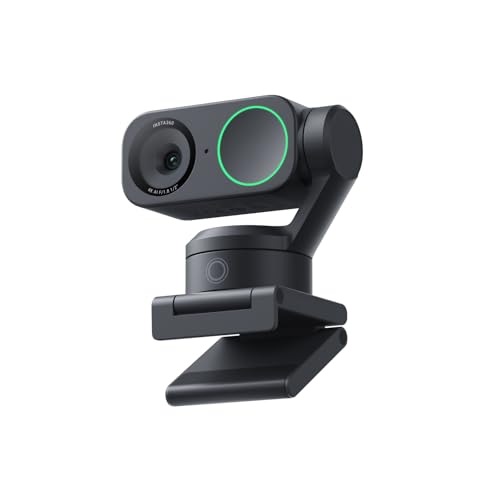
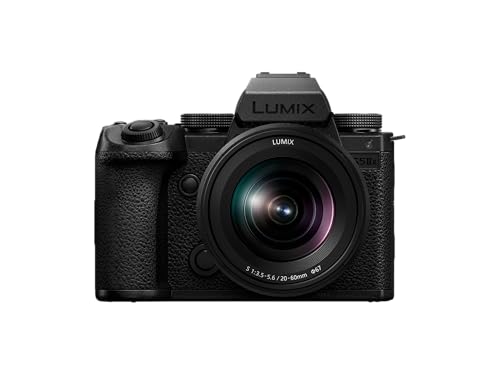
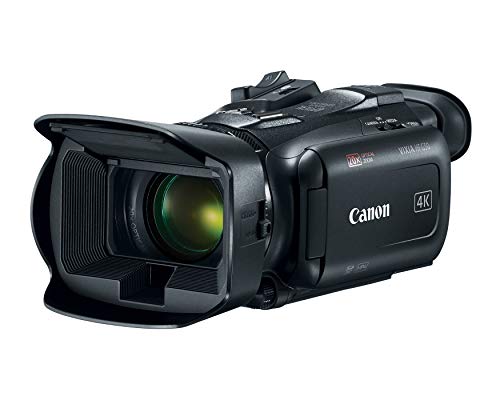
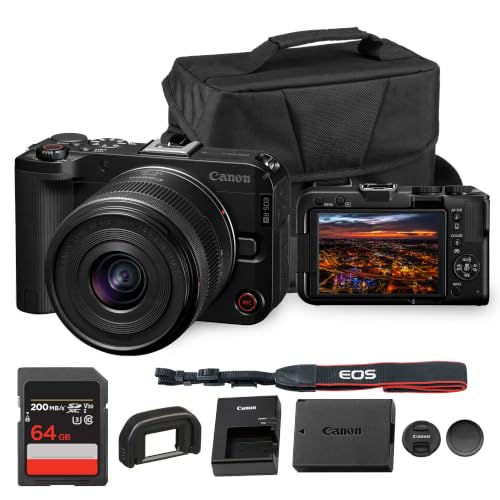
Most buyers choose among mirrorless cameras, camcorders, and compact cinema style bodies. Mirrorless models suit mixed photo and video work, camcorders favor long events with simple handling, and cinema style bodies add pro sound and focus tools. You need the right balance of image quality, lens choice, audio connections, and record time for the stories you plan to shoot.





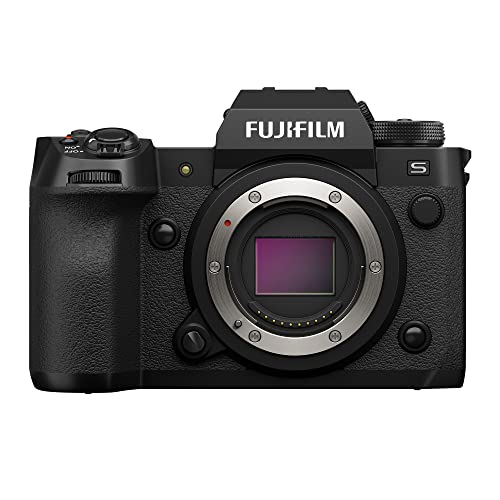
Who Should Buy a Production Camera?
Start with the kind of production you will shoot, because that decides which features earn their cost.
Interview and Documentary Producers Who Record Long Conversations
If you film interviews, podcasts on camera, or documentary scenes, you need long record times and calm, steady autofocus that tracks a seated face. A flip screen helps you frame yourself when you work alone, and a headphone jack lets you hear problems before the guest leaves. If your stories include live music, see our guide to the best cameras for music video production for angles built around performance work.
Business and Brand Shooters Delivering Client Videos
For product stories, training clips, and social ads, clients judge you on clean detail, accurate color, and sound that needs little repair. Choose a body with a microphone input, reliable autofocus for presenters, and a lens mount with affordable zoom lenses. Consistent results matter more than dramatic blur, because offices and shops rarely let you control every light or background.
Aspiring Filmmakers Building a First Production Kit
If you plan short films and narrative scenes, you will light your sets, move the camera, and grade your footage during editing. A larger sensor, manual focus aids, and a flat color profile give you more control over the final look. Start with one versatile zoom lens, because a simple kit you know deeply serves you better than a complex kit you are still figuring out on shoot day.
Key Features to Compare
Sensor Size and How It Shapes the Production Image
Sensor size describes the area that captures light, and common steps for production work are 1 inch, APS C, and full frame. Larger sensors gather more light and make it easier to blur a background behind a subject, which separates a speaker from a busy room. Smaller sensors can still look sharp in good light and often cost less, leaving budget for lighting. Megapixels matter less for video, because a 4K frame uses only part of the sensor resolution.
Low Light Range, ISO and Lens Aperture
Low light performance decides whether evening events and dim interiors look clean or grainy. A sensor that holds detail at higher ISO values gives you freedom when you cannot add lights, while a lens with a wide aperture, such as f/2.8 or wider, lets more light reach the sensor. Test your likely settings before a paid shoot, because noise grows obvious on a large television.
4K Video Detail and Frame Rates for Editing Flexibility
4K video records detail to crop a wide shot into a closer one during editing, which rescues an interview framed too loosely. Frame rate shapes motion: 24 or 30 frames per second suits most dialogue, while 60 or higher lets you slow action smoothly. Higher settings fill cards faster and shorten battery life, so pick the rate each scene needs.
Autofocus Tracking and Stabilization During Takes
Video autofocus must move smoothly and hold a subject without hunting, and eye detection helps keep a presenter sharp. Touch focus on the rear screen lets you shift attention between two people in a scene. Image stabilization in the body or lens calms small hand movements during handheld work, but a tripod or gimbal still gives the steadiest result for interviews and slow push in shots.
Lens Mount, Optical Zoom Range and Future Lens Costs
The lens mount decides which lenses fit now and later, so check that the system offers the focal lengths you need at prices you can grow with. A zoom around 24 to 70 mm covers room views and medium portraits. Optical zoom uses glass to magnify the scene and keeps full detail, unlike digital zoom, which crops the image. Prime lenses trade zoom flexibility for a wider aperture.
Audio Inputs, Monitoring and Long Record Times
Production sound carries dialogue, so a microphone input is essential, and a headphone jack lets you confirm levels while you record. Some bodies also accept XLR adapters for pro microphones. Check the record time limit and card speed, because a camera that stops mid interview or rejects a slow card will disrupt the whole shoot. Dual card slots add a safety copy on paid work.
Choosing a Camera for Your Production Situation
There is no single winner among the best cameras for video production, because an interview series and a training video reward different strengths. For fast moving outdoor scenes, see our guide to the best action video cameras as a small second angle tool.
Best Smartphone Cameras for Video Production: Tips for First Time Buyers
A phone shoots sharp 4K video, uploads fast, and is in your pocket, which makes it a smart tool for tests and social cuts. Add a small tripod, a plug in microphone, and a simple light, and quality jumps at once. If you also publish talking head clips, see our guide to the best cameras for video blogging to compare dedicated options for that style.
Best Professional Cameras for Video Production: Tips for First Time Buyers
A professional body earns its price through dependable autofocus, strong low light range, and pro audio connections that protect footage on paid days. Expect to budget about $2,000 to $4,000 for a body and first lens in this class. If your work leans toward staged sets and larger crews, see our guide to the best production cameras for bodies built around that workflow.
Common Mistakes to Avoid
- Buying on megapixel count alone leaves you with soft lenses and weak sound, and video quality suffers where viewers notice it most.
- Spending the whole budget on the body leaves nothing for a microphone, lights, or media, so the first shoot feels unfinished.
- Ignoring the record time limit means an interview can stop mid answer and break the flow of the conversation.
- Skipping a headphone check means hum and room echo are often discovered only after the subject has gone home.
- Choosing a lens mount with few affordable lenses makes every later upgrade cost more than you planned.
Getting Started: Setup and First Use for Production Shoots
Charge the battery fully, format the memory card inside the camera, and set your resolution and frame rate to match the project before anyone arrives. Fit the lens, check that autofocus and stabilization modes suit the shot, and record a test with real dialogue.
Listen to that test through headphones and adjust microphone levels and white balance while there is still time. Pack a spare battery and a second card, because a production day rarely pauses while you hunt for power or storage space.
Care and Maintenance for Production Cameras
Clean the lens with a lens cloth, not your shirt, because shirt fabric can drag grit across the glass and leave fine scratches. Keep the body in a padded bag, store cards in a hard case, and let a cold camera warm up indoors to reduce condensation. Use a service center if spots appear in every frame, and update firmware only between projects, never the night before a shoot.
Production Camera Questions From First Time Buyers
What features matter most in cameras for video production on a working set?
Reliable autofocus, clean low light footage, and a microphone input matter most, because they protect dialogue and faces. Buyers often miss the color profile: a flat profile gives editors more room to match clips from two cameras, while standard color looks finished straight away. Choose based on whether you plan to grade your footage or publish it quickly.
How much should a first time buyer spend on a camera for video production?
A sensible first budget is about $800 to $1,800 for the body and kit lens, without starving the rest of the kit. Reserve roughly a third of your total spend for audio, lighting, cards, and a tripod, because those items shape the result as much as the sensor does.
Can a smartphone handle a full video production shoot on its own?
A smartphone can handle simple productions, such as a single speaker in good light, with footage that cuts well beside clips from larger cameras. The limits appear on longer days: storage fills quickly, calls and alerts can interrupt recording, and lenses struggle in dim rooms. Many producers use a phone as a second angle beside a dedicated main camera.
Which camera setup handles dim venues and evening productions best?
A full frame camera with a wide aperture lens handles dim venues best, because the sensor gathers more light and the lens passes more of it through. Before you step up a class, try adding one small LED panel near the subject, because raising light on the face often beats a costlier body shooting the same dark room.
What should a beginner check on the morning of a first production shoot?
Check your shot list, charged batteries, empty cards, and microphone levels before talent arrives, because small gaps are easy to fix while the room is still quiet. Roll a one minute rehearsal at your planned settings and play it back with sound, because that single test reveals framing, focus, and echo problems while you can still move a light or the camera.
Our Verdict
Start with the work you will shoot most, then weigh sensor size, autofocus, and sound connections before anything else. A modest body with the right lens, a real microphone, and enough record time serves a first time buyer better than a flagship used with kit compromises. When you are ready to compare models, start with the best cameras for video production in the product table above.