Best Cameras for Twitch 2026: Which One Fits the Way You Use It?
Disclosure: We may earn a commission when you buy through links on this page, at no extra cost to you. As an Amazon Associate I earn from qualifying purchases. Learn more
Match the best cameras for twitch to your streaming routine: clean output, light, long session comfort, honest price bands, and the specs worth skipping.
There is no single camera that suits every stream, because a desk bound gaming session, a chat focused talk show, and a moving cooking stream all ask for different things. The best cameras for twitch are simply the ones whose output, light needs, and stamina match the way you actually broadcast. This guide sorts cameras by routine first, so you can skip the specs that will never show up on your channel.
Start with how long you sit in front of the lens and how controlled your room light is, then compare the types in the comparison table below. Price comes last, because a modest camera in good light often looks better on stream than a costly one in a dim room.




Who Should Buy Which Camera?
New Desk Streamers With a Fixed Setup
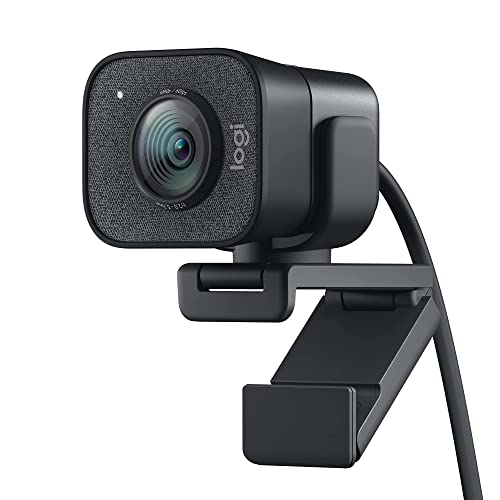
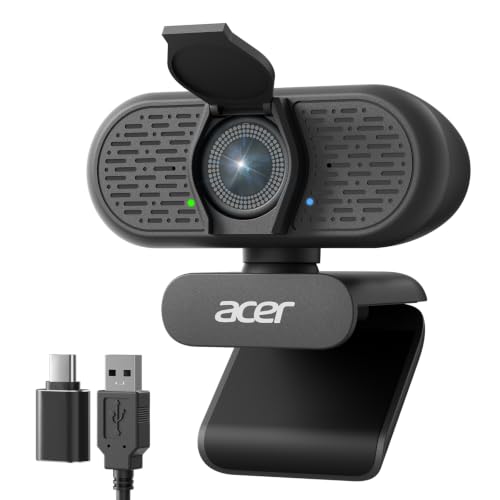
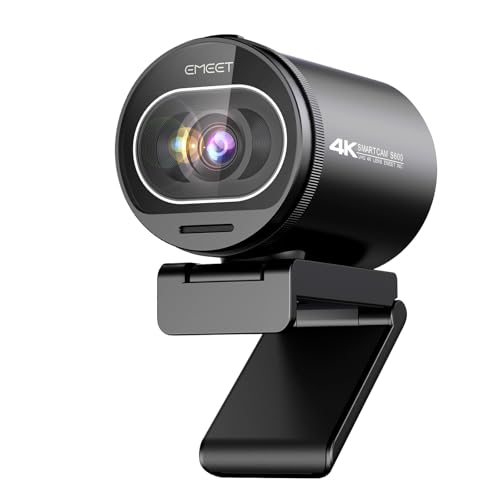
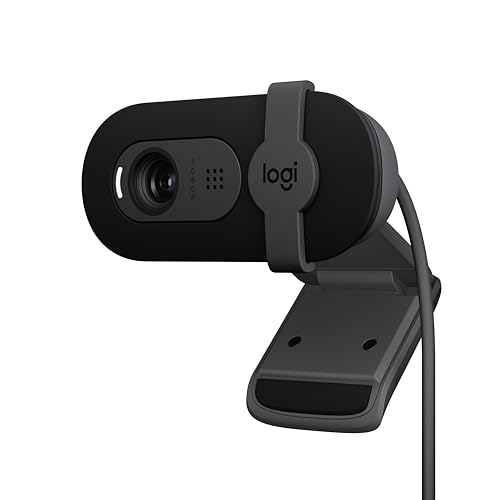
If you stream from one chair with one backdrop, your needs are simple and your budget can stay small. A webcam class camera or a compact with a clean USB feed covers a fixed desk well, because the framing never changes and the distance to the lens stays short. Prioritize reliable autofocus, a mount that sits steady on your monitor, and software that works with your streaming app without extra steps. Most new desk streamers land well in the band of about $60 to $150.
Gameplay Streamers Who Broadcast for Hours
Long gameplay sessions punish cameras that were built for short clips. Heat builds up, batteries fade, and some bodies shut down mid stream to protect themselves. If your routine means three or four hours live at a stretch, look at a mirrorless class body with continuous power from a wall adapter and a clean signal out. The camera becomes part of a fixed rig rather than a gadget you charge nightly, and budgets for this routine usually run about $400 to $900 once the adapter and cables are counted.
Streamers Who Move Around the Room
Cooking, music, and art streams break the desk pattern, because you stand, turn, and hold things up to the lens. You need a wider view, autofocus that tracks a moving face, and a screen you can check from in front of the camera. A compact class body on a small tripod handles this well, and an action class camera can serve as a second angle over a desk or stove. Expect to spend about $250 to $600 for a main camera that keeps up with movement.
Chat Shows and Two Person Streams
When two people share the frame, the camera has to keep both faces sharp and the framing wide enough to feel relaxed. Depth of field matters more here than raw resolution, because a very shallow focus look will drop one speaker soft whenever they lean. A microphone input also jumps up the priority list, since two voices picked up by one built in microphone rarely sound even. This routine usually fits the band of about $300 to $800, with part of the budget reserved for audio.
Choosing Cameras for Your Situation
Best Video Cameras for Twitch: What to Prioritize
Dedicated video bodies and hybrid mirrorless cameras lead this group because they are built to send a continuous picture rather than short clips. Prioritize a clean output signal, a microphone input, and a screen that faces you. If the same body must also shoot stills for channel art and social posts, see our guide to the best cameras for photography for the stills side of the trade offs.
Best PC Cameras for Twitch
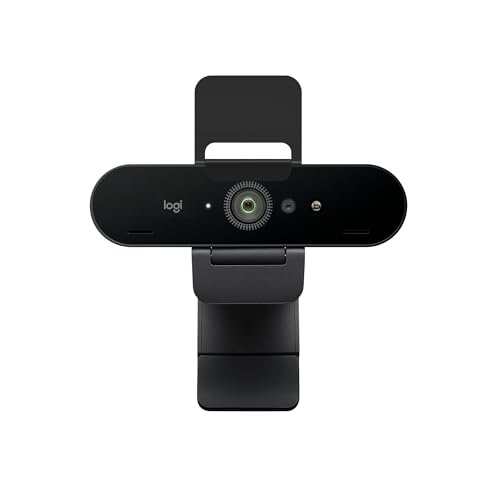
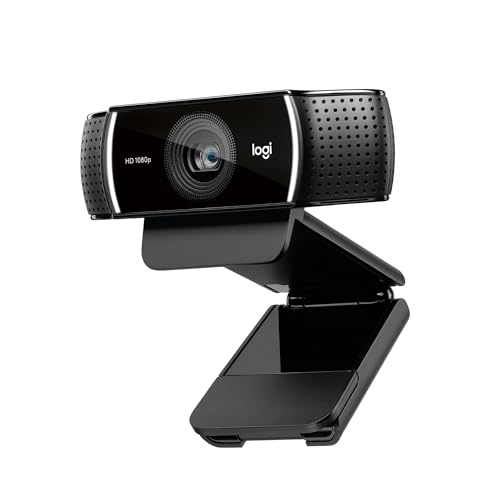
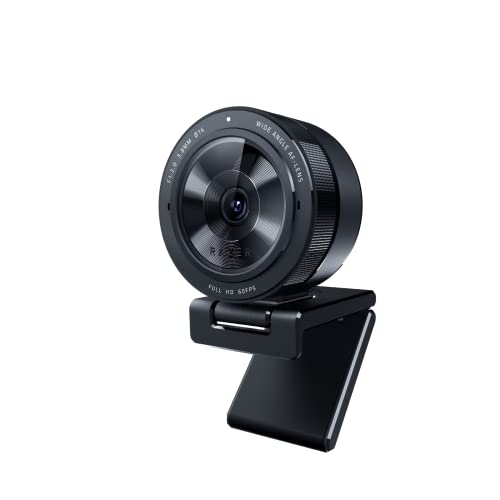
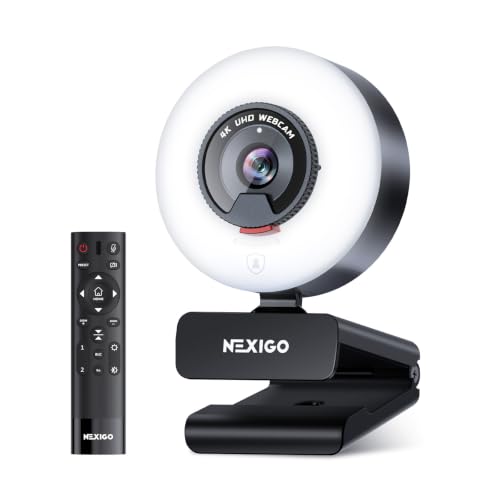
Webcam class cameras built for a PC trade image quality for pure convenience. They plug in over USB, need no capture hardware, and start working the moment your streaming software opens. The ceiling is real, though: small sensors, fixed focus on cheaper units, and no upgrade path beyond buying a different camera. For a desk only routine with decent room light, that trade is often the smart one.
Key Features to Compare
Clean Output Comes First
Clean output decides what your capture chain can record. It is a signal with no menus, focus boxes, or battery icons laid over the picture, sent out over HDMI or USB for your software to use. A camera without it forces workarounds that crop the frame or show your settings to the whole audience. Check this one feature before sensor size, before resolution, and before brand; readers who want the full capture chain walkthrough can see our guide to the best cameras for twitch streaming.
Light Does the Heavy Lifting
Light matters more than any spec sheet line, because it decides how hard a small sensor has to work. Webcams and compacts use small sensors that gather little light, so a dim room turns into grain, soft detail, and hunting autofocus on stream. A simple desk lamp or panel in the band of about $20 to $40, placed in front of you and slightly to one side, improves the picture more than a camera upgrade costing ten times as much. Even the best quality cameras cannot fix light that never reaches your face.
Built for Long Sessions
Long sessions are the part new streamers skip, because they push the heat and power limits of the whole setup. Some cameras overheat after an hour of continuous output, and others run all day without complaint, and the spec sheet rarely tells you which is which. Look for continuous power options, either USB power or a dummy battery adapter, and check the menus for auto shutoff timers you can disable. A camera that stops at the two hour mark will end more streams than any focus problem.
Autofocus and Framing
Autofocus needs differ sharply by routine. A desk streamer sits at one distance, so even a fixed focus webcam stays sharp, while a moving streamer needs face tracking that follows without pulsing. Eye detection autofocus is worth paying for when you lean in and out during gameplay or demonstrations. For framing, a moderate field of view that shows your shoulders and some backdrop feels natural; very wide views shrink your face and expose the whole room.
Sensor Size and Honest Image Quality
Sensor classes run from the small chips in webcams through 1 inch compacts and APS C bodies up to full frame. Bigger sensors gather more light and blur the background more, but streaming platforms compress your picture hard, so much of that advantage never reaches the viewer. A 1 inch or APS C class camera in good light is the honest sweet spot for most channels. Our guide to the best digital cameras covers the wider stills market if you want one body that does both jobs.
Common Mistakes to Avoid When Buying Cameras
- Buying a 4K camera when your stream goes out at 1080p, so the extra resolution is compressed away before anyone sees it.
- Spending the whole budget on the body and leaving nothing for light, so the picture stays grainy in a dim room.
- Choosing a camera with no clean output, then discovering the capture card shows focus boxes to your audience.
- Forgetting continuous power, so the battery dies during the longest and best part of a stream.
- Judging by megapixels, which say almost nothing about how a camera behaves in low room light.
Tips to Get the Most From Your Camera
Clean the front element with a lens cloth rather than your shirt, because shirt fabric drags grit across the coating. Lock your exposure and white balance once the light looks right, so the picture does not brighten and darken every time you lean forward. Run a short private test stream after any change and watch the recording back, since the preview window hides softness and audio delay. Keep a spare cable for your output connection in the desk drawer, because cables fail more often than cameras do.
Frequently Asked Questions
What features matter most in a camera for Twitch streaming?
A clean output signal matters most, followed by autofocus that holds your face and power that lasts the whole session. One point buyers miss is that your upload speed caps what viewers receive, so a faster connection often improves the delivered picture more than a better camera does. Set your stream bitrate to match what your connection sustains on a busy evening, and only then judge whether the camera itself is the weak link.
Is a smartphone enough for streaming on Twitch?
Yes, a recent smartphone is enough to start, and its camera often beats a budget webcam in the same room light. The catch is session length: phones heat up, drain fast, and interrupt the stream when a call or notification arrives. A practical middle path is to start with the phone, set it to do not disturb, keep it plugged in, and add a dedicated camera only when your schedule turns into regular long sessions.
Which camera type handles low light best for a stream?
A larger sensor type, such as an APS C or full frame body with a bright lens, handles low light best because it gathers more light per pixel. That said, the cheaper fix usually wins first: a lamp in front of you lets a modest compact look clean and sharp. Buy light before glass, test the result on a real stream, and upgrade the camera only if the picture still looks grainy.
Do I need a capture card with a mirrorless camera for Twitch?
Not always, because many mirrorless bodies now stream directly over USB with maker software or a built in webcam mode. A capture card still earns its place when you want the full quality of the HDMI signal, lower delay, or a camera that lacks USB streaming support. Check the exact body you are considering, since USB streaming resolution limits vary, and a card in the band of about $60 to $150 removes the guesswork.
What specs matter most for a first streaming camera?
For a first camera, clean output, dependable autofocus, and continuous power matter more than resolution or sensor size. A used body from the previous generation often delivers all three for far less than a new release, because streaming features change slowly. Spend the savings on light and a microphone, since your audience will forgive a slightly soft picture long before they forgive hard to hear audio.
The Bottom Line
Match the camera to the routine: fixed desk streamers can start small, movers need tracking autofocus and a wider view, and long session streamers need clean output plus continuous power above all. Light decides more of your picture than any spec on the box. Compare the types in the product table above against your own schedule and room, and the best cameras for twitch for your channel will usually pick themselves.