Best Cameras for Video Conferencing 2026: Which One Fits the Way You Use It?
Disclosure: We may earn a commission when you buy through links on this page, at no extra cost to you. As an Amazon Associate I earn from qualifying purchases. Learn more

Find the right camera for calls, classes, and presentations. Compare webcams, room cameras, and PTZ options by use case, features, and budget before you buy.
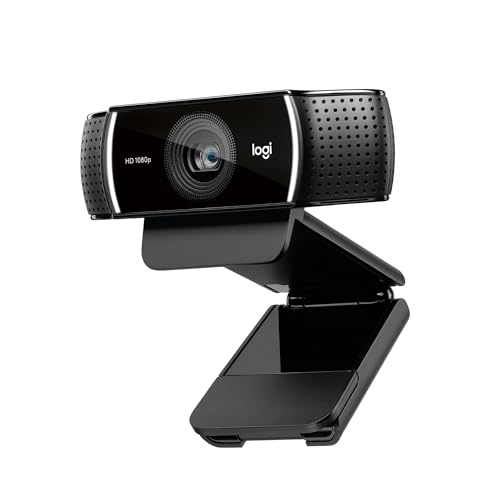
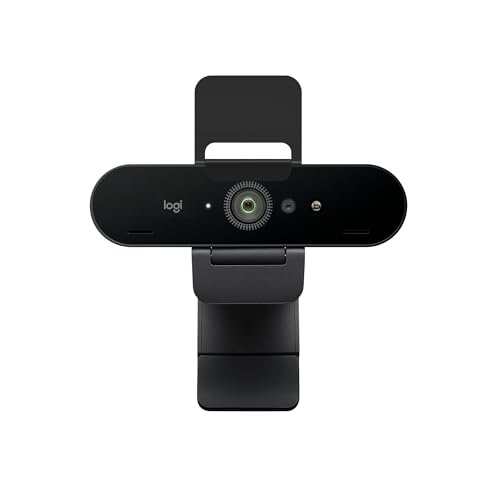
There is no single camera that suits every routine, because a quick daily check in, a long training session, and a formal presentation place very different demands on a lens, a microphone, and a connection. The best cameras for video conferencing are the ones that match how you actually work, the room you sit in, and the platform you use most often. The comparison table below gives a side by side view of the main types, so you can weigh image quality and field of view before spending anything.
A good call camera should make you look clear and sound natural without forcing you to rearrange your desk or learn new software. Think first about light, distance, and background, then about resolution and extras. A camera that works well in a bright office may struggle in a dim corner, and a wide room camera may make a solo speaker look small and distant. This guide walks through the main user groups, the features that matter most, and the mistakes that waste money.



Who Should Buy Which Cameras?
Start with your routine rather than with a specification sheet. The right choice depends on whether you sit alone at a desk, present to a group, or teach from a whiteboard. Each group below highlights the needs that should shape the decision.
For Remote Workers and Daily Callers
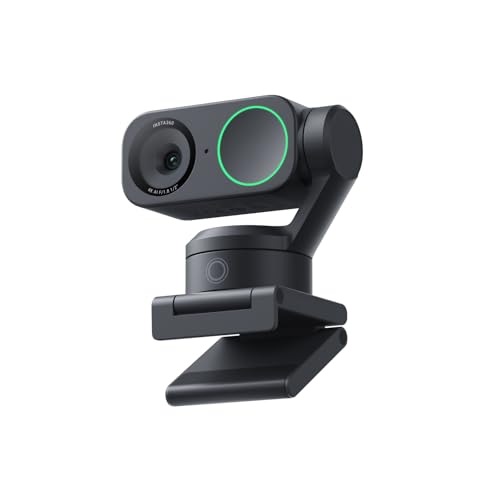
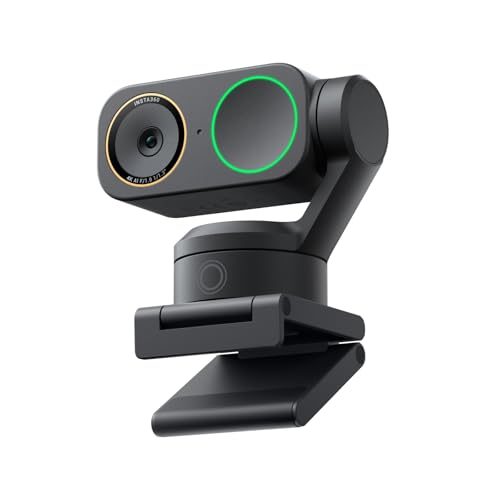
Remote workers need a camera that starts fast, stays reliable through back to back meetings, and keeps the face well framed at arm's length. A compact webcam with autofocus, automatic exposure, and a built in microphone often covers this routine, provided the lens sits at eye level and light falls on the face rather than from behind. Look for a simple monitor mount, a privacy shutter, and a connection your computer recognizes without extra drivers. Check local recording and consent rules before recording any meeting, and tell participants when a call is being recorded.
For Students and Everyday Users
Students and everyday users usually want a camera that is easy to carry between a desk, a library table, and a shared room, with steady performance and a price that leaves room for a headset or a small light. A portable webcam with a flexible mount and a clear built in microphone suits most classes and family calls, while a laptop camera can work for short sessions in a well lit room. Prioritize reliable autofocus, natural color balance, and a cable long enough to reach a comfortable position. Keep the background tidy and the camera steady, since a shaky image distracts more than a slightly softer picture.
For Presenters and Small Teams
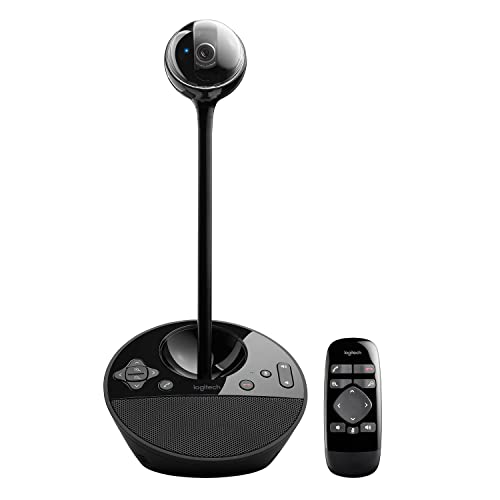
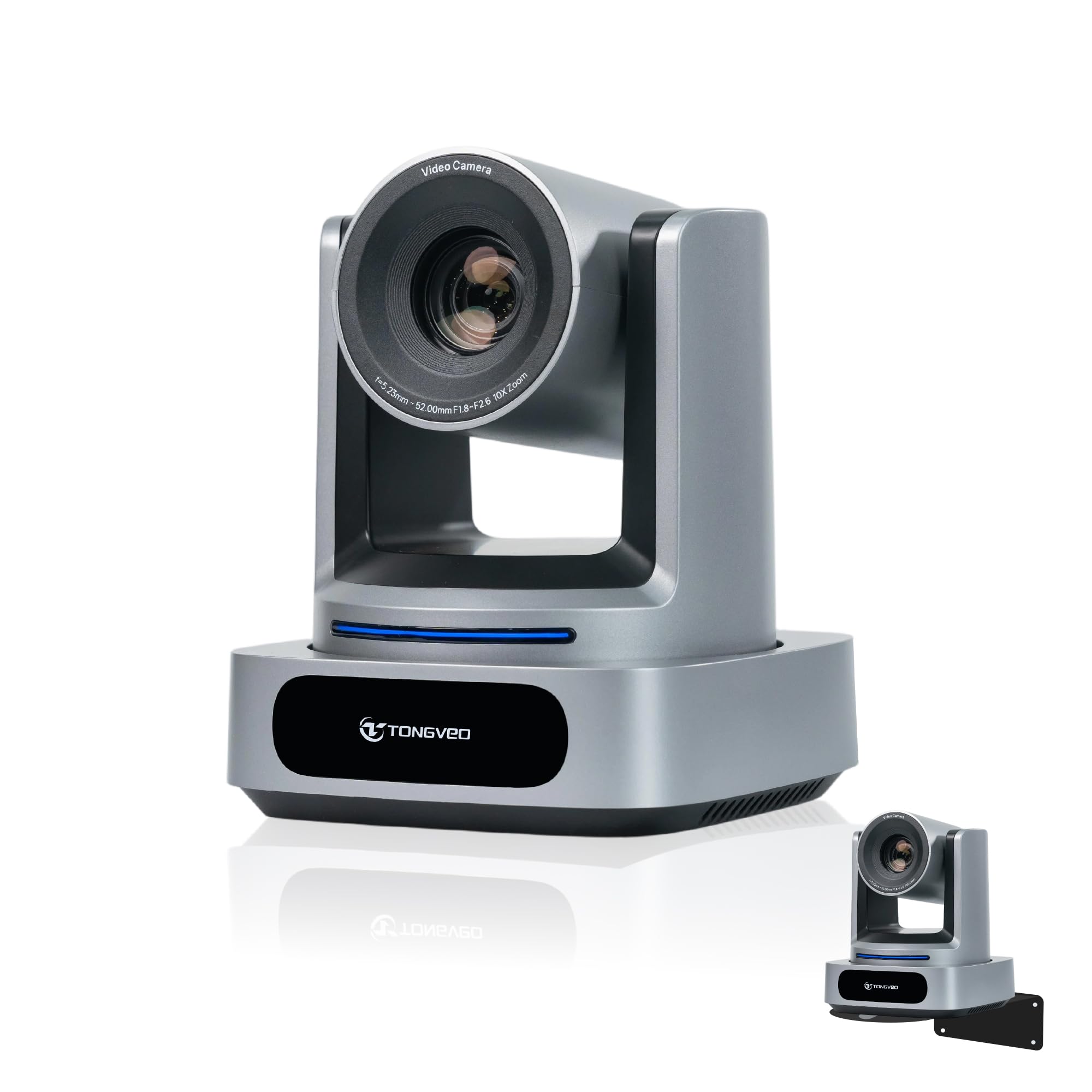
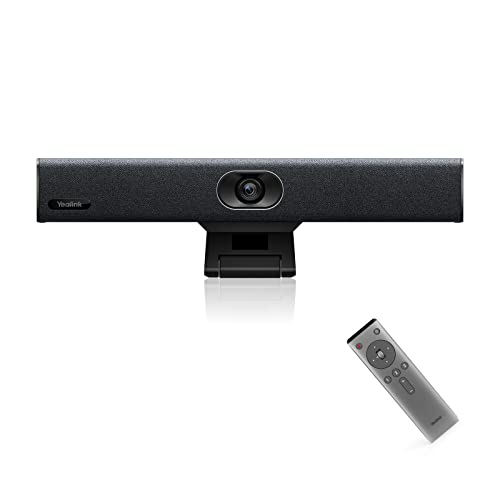
Presenters and small teams need a wider view, clearer audio from more than one speaker, and controls that let the speaker move without leaving the frame. A room camera or a pan tilt zoom camera suits this setting, because it can cover a table, a whiteboard, or a small stage while keeping faces large enough to read. Look for simple presets that return the lens to a saved position, a microphone range that covers the room, and a steady mount at a useful height. Test the setup with your actual meeting platform before an important session.
Best Cameras for Specific Needs
Some routines need a feature that a standard webcam cannot offer, such as following a speaker around a room or covering a large table. This section covers the most useful specialist option for video calls and explains what to prioritize when that need applies to you.
Best PTZ Cameras for Video Conferencing: What to Prioritize
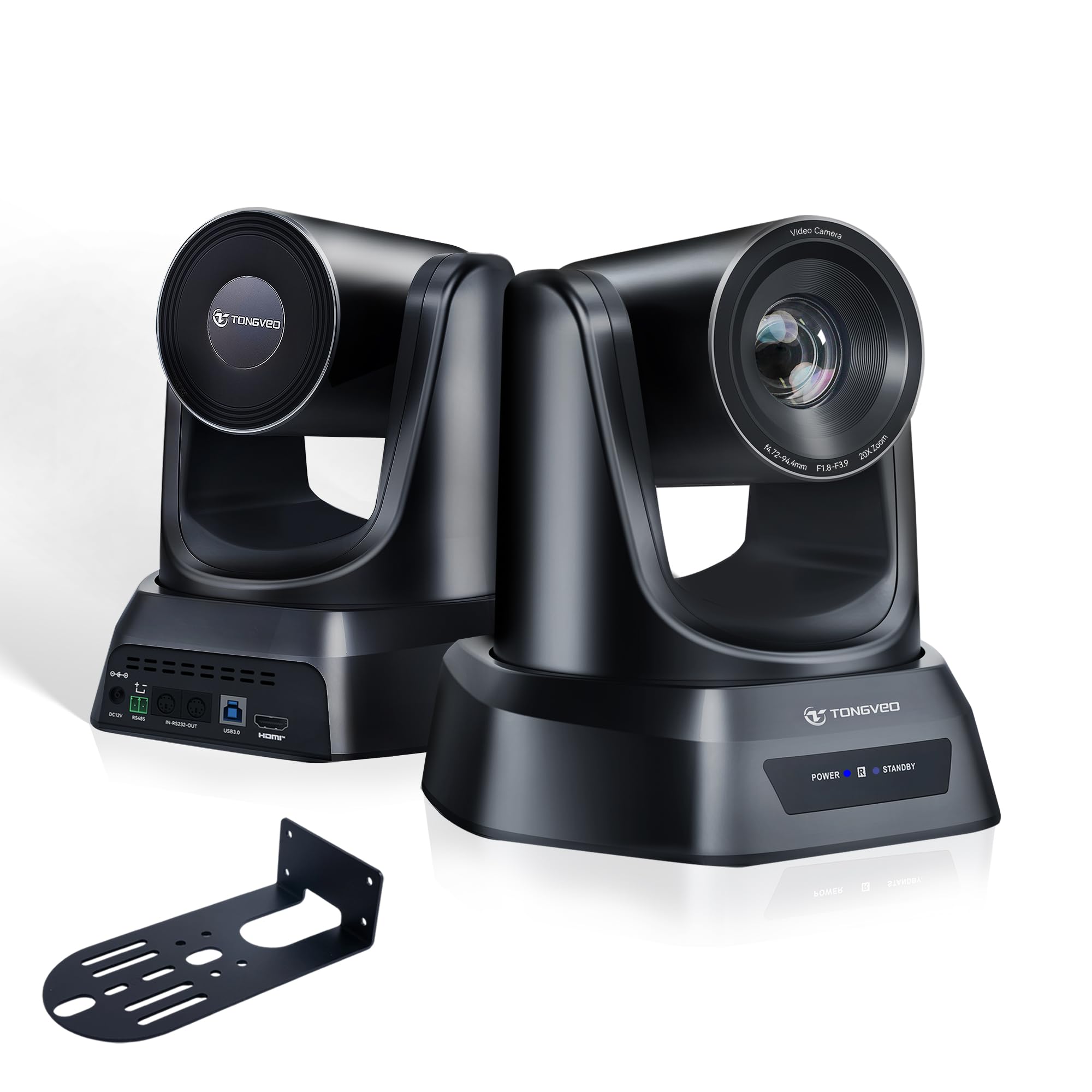
The phrase best ptz cameras for video conferencing points to cameras that can pan, tilt, and zoom under remote control, which makes them useful for training rooms and presentations where the speaker moves. Prioritize smooth and quiet movement, a zoom range that keeps a face clear from the back of the room, and presets that jump to a whiteboard without a long hunt across the scene. Check that the control method fits your platform, and confirm the camera can sit high enough to see over heads without cutting off the front row.
Key Features to Compare
The features below matter more than a single headline number, because they decide how you look and sound in a real room. Read each one against your routine, your light, and your distance from the lens, and spend on the factors that change your daily calls.
Durability and Build Quality
Build quality matters most when a camera travels, gets clipped and unclipped often, or sits in a shared room where many hands adjust it. Look for a sturdy mount that grips without slipping, a hinge that holds its angle through a long call, and a lens cover or shutter that protects the glass in a bag. Weather sealing matters mainly for outdoor cameras, not for a desk camera, so treat it as secondary unless you plan to use the camera outside. A mount that fits both a monitor and a tripod adds value for presenters who move between rooms.
Sensor Size and Image Quality
Sensor size affects how clean the picture looks in low light, but for video calls the difference between sensors is smaller than the difference between good and bad lighting. A larger sensor usually gathers more light and keeps colors natural in a dim room, while a smaller sensor can still look sharp in a bright office. A well lit 1080p image often looks better than a noisy higher resolution feed squeezed through a slow connection, so check that your platform and internet speed can carry the resolution you choose, at a steady 30 frames per second.
Lens and Zoom Range
The lens decides how much of the room appears in frame and how large a face looks at a given distance. A wide lens suits a small team around a table, while a narrower lens suits a solo speaker who wants a tighter crop. Optical zoom keeps detail when you move closer to a whiteboard or a distant speaker, whereas digital zoom simply enlarges the picture and can soften it. For a desk setup, a fixed lens with a natural field of view is usually enough, and zoom matters mainly for room cameras.
Features That Matter for Video Conferencing
Video conferencing places specific demands on a camera that stills photography does not, starting with reliable autofocus that holds on a face when you lean forward or gesture. Automatic exposure and white balance keep skin tones steady when clouds pass or a lamp switches on, and noise reduction helps in a dim room without making the picture look waxy. Audio matters just as much, so look for a microphone that picks up your voice clearly at your usual distance and reduces keyboard noise, or use a separate headset for important calls. A privacy shutter and a status light help you stay in control of what others see and hear.
Ease of Use for Your Skill Level
Ease of use decides whether a camera actually gets used every day or sits in a drawer after a frustrating first setup. Look for a camera that your computer recognizes at once, with settings that live inside your meeting app rather than in a separate program you must learn. Automatic modes suit most users, while manual controls appeal mainly to presenters who want a consistent look across sessions. If you record calls, check that clips save in a format your device can open, and keep a spare cable nearby so a room change does not derail a meeting.
Common Mistakes to Avoid When Buying Cameras
- Choosing on price alone, then discovering the lens cannot cope with your room light or your distance from the desk.
- Ignoring build quality and mounting, so the camera slips, droops, or wobbles through every call.
- Buying a room camera for a solo desk, which makes the speaker look small and distant instead of clear and present.
- Skipping a check of platform compatibility, cable length, and microphone range before an important meeting.
- Assuming a higher resolution will fix bad lighting, when a lamp and a better camera position often help far more.
Setup and Care Tips
Set the camera at eye level and about an arm's length away, with light facing you rather than shining from behind your head. Wipe the lens with a soft lens cloth, not your shirt, since fabric can smear the glass over time. Carry a spare cable and store the camera in a dry, padded bag when it travels. Test audio and framing with a short practice call before a presentation, and keep the firmware and meeting app up to date.
For desk friendly options, see our guide to the best web cameras for video conferencing, which covers mounts, microphones, and low light performance. If you record lessons for later viewing, our guide to the best cameras for video explains recording formats and stabilization. Creators may want the best cameras for video blogging guide, active presenters can compare rugged options in the best action video cameras guide, and the best digital cameras guide gives a broader comparison.
Cameras: Your Questions Answered
What features matter most in cameras for video conferencing?
Reliable autofocus, steady exposure, and clear audio matter most, because they decide whether colleagues can follow you without strain. A camera that holds focus when you move, keeps skin tones natural when light changes, and picks up your voice at your usual distance will serve daily calls better than a model with higher resolution but weak audio. Add a privacy shutter and a mount that holds eye level framing, and test the full setup in your actual room before committing.
What specs matter most for beginners?
Beginners should focus on a steady 1080p picture, a frame rate of 30 frames per second, and a simple plug and play connection that works with their meeting app. A field of view that includes head and shoulders at arm's length matters more than exotic zoom ranges, and a built in microphone saves a separate purchase for short calls. Check cable length and mounting options, since a camera that cannot sit at eye level will frustrate even a capable sensor.
Do I need a separate microphone for video conferencing?
For short calls in a quiet room, the built in microphone on a good webcam is usually enough. For long calls, shared spaces or presentations, a headset or a desk microphone makes your voice clearer and cuts keyboard and room noise, and it often improves a call more than a pricier camera does. Check that your meeting app lets you pick the microphone separately from the camera.
How much should I spend on my first one?
Most first time buyers do well with a camera priced at around $50 to $150, which usually buys reliable autofocus, decent low light performance, and a usable built in microphone. Spending less can still work for short, well lit calls, but the picture may soften quickly when light drops. Spending more makes sense for presenters who need a room camera or a wider field of view for a team. Put any remaining budget toward lighting and a headset, since those upgrades often improve a call more than a pricier lens alone.
Is a smartphone enough instead?
A modern smartphone can handle short calls well, especially on a stable stand in good light with a clear microphone path. It struggles on long calls, where heat, battery drain, and notifications can interrupt the session, and where holding the phone by hand makes the picture shake. A dedicated camera also frees the phone for notes during a meeting. If you use a phone often, add a tripod mount and a headset, and keep the charger connected for calls beyond an hour.
Which is better for low light?
A camera with a larger sensor and a wider aperture usually performs better in low light, because it gathers more light before noise appears. Software noise reduction can help, but heavy processing can soften faces and smear movement, so a modest sensor with good light often beats an aggressive low light mode. Add a small desk lamp facing you, keep the background darker than your face, and avoid sitting with a bright window behind you. Test the camera at the time of day you actually meet.
Final Thoughts
The smartest choice starts with your room, your distance from the lens, and the number of people in frame, then adds resolution, audio, and controls that fit that routine. A solo caller needs steady focus and clear sound, a presenter needs a wider view and reliable zoom, and a traveler needs a light camera that sets up in seconds. Weigh the product table above against those needs, check compatibility with your meeting platform, and leave room in the budget for light and audio. With those points settled, the best cameras for video conferencing for your work will be the model that lets the conversation take over.