Best Cameras for Twitch Streaming in 2026: Which Type Is Right for You?
Disclosure: We may earn a commission when you buy through links on this page, at no extra cost to you. As an Amazon Associate I earn from qualifying purchases. Learn more
Compare camera types for Twitch streaming, including webcams, action cameras and compacts, plus sensor, lens, audio and lighting guidance for a clean stream.
Choosing best cameras for twitch streaming can feel confusing, because every type promises sharp video yet behaves very differently on a live stream. A webcam may be simple and reliable, while an action camera may offer flexibility but need extra setup, and a compact camera may give lovely image quality at a higher cost and effort. This guide compares each type in plain terms, so you can pick the camera that fits your room, your content and your budget.
The comparison table below summarizes the main types side by side, including who each type suits and what it usually costs. Read the type sections first to narrow the choice, then use the buying guide to check sensor, lens, audio and lighting before you buy.
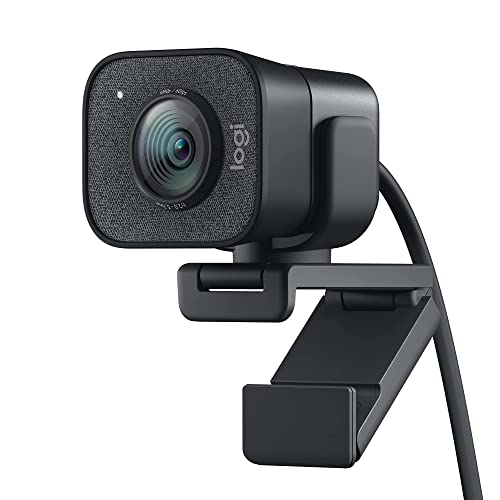
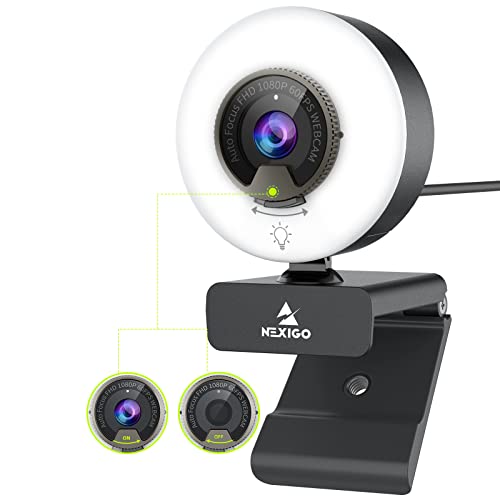
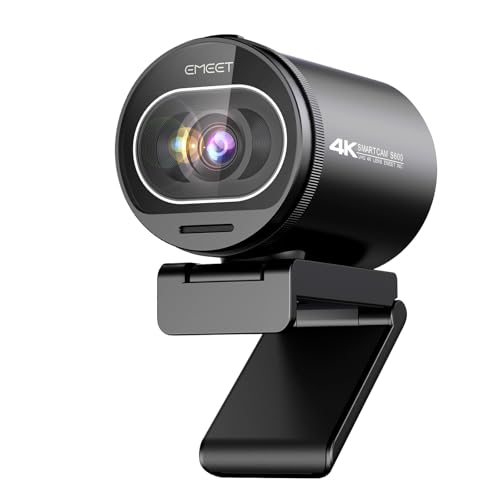

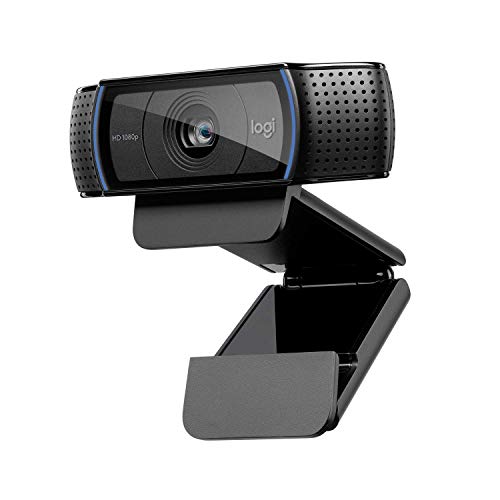

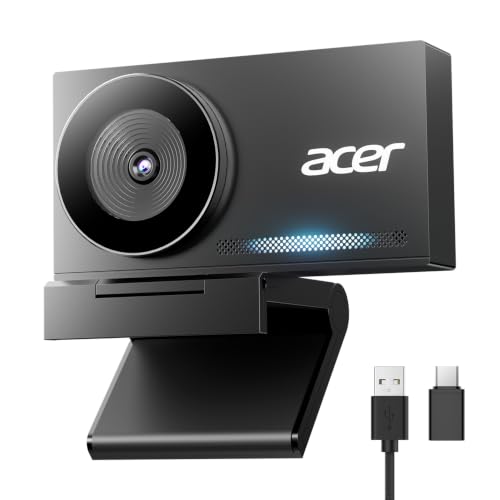


Types of Cameras Compared
Streaming cameras differ in how they connect, how they handle light and how much work they need before going live. The table below gives a quick overview, and the sections that follow explain each type in more detail.
| Type | Best For | Pros | Cons | Typical Price |
|---|---|---|---|---|
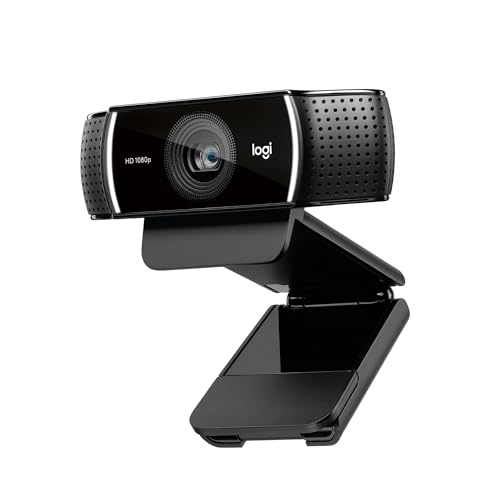
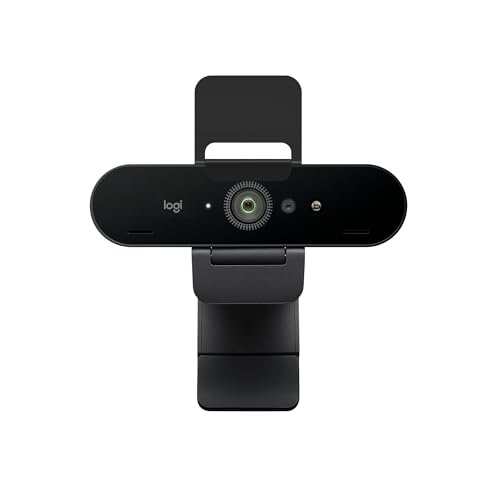
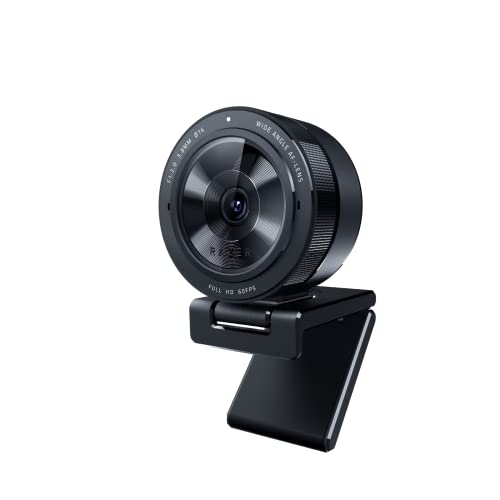
| Webcam | Simple desk streams | Easy setup, low cost | Modest low light quality | About $40 to $150 |
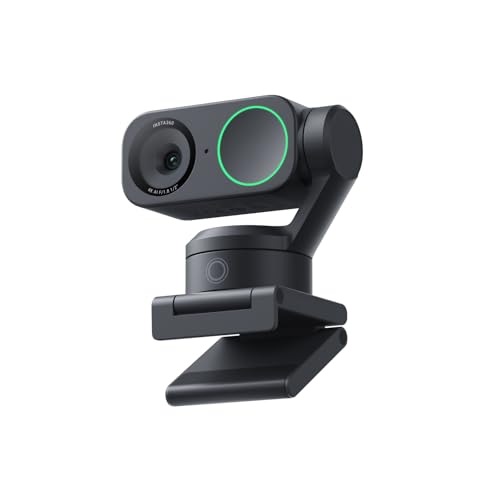
| Action camera | Flexible angles and movement | Small, rugged, wide view | Needs capture setup, shorter battery | About $150 to $400 |
| Point and shoot compact | Better image quality | Larger sensor, nicer color | Higher cost, more setup | About $250 to $700 |
Webcams
A webcam plugs into your computer over USB and shows up in your streaming software with no extra gear, which makes it the simplest route for most new streamers. Modern models offer 1080p video, autofocus that follows your face and a clip or tripod thread for mounting. Their small sensors limit low light quality and background softness, so a soft desk light matters more than a small step up in price.
Action Cameras
Action cameras are small, rugged and easy to mount, which makes them useful for streams that move beyond a desk. They handle wide angles well and survive bumps, but their small sensors struggle in dim rooms and their batteries run down faster than a plugged in webcam. Many action cameras need a capture device or special software to appear as a webcam, so setup takes more time and testing.
Choose an action camera when you want flexible angles, outdoor segments or a second view, and test the full chain before going live. For streaming focused options, see our guide to best streaming camera.
Point and Shoot Compacts
Point and shoot compacts offer larger sensors and better lenses than most webcams, which shows up as cleaner color, softer backgrounds and better low light. They usually need a capture device to stream, and they need a steady mount, a power source and a lens setting that stays put during a long session. Their cost and setup make them a better fit for streamers who already stream regularly and want a clear step up in image quality. Choose a compact when your audience, lighting and desk setup can support the extra effort, and test heat and battery behavior on a long practice stream first.
Webcam vs Compact Camera: Which Should You Choose?
A webcam wins on simplicity: it connects in minutes, runs for hours without a battery and needs no capture device. A compact camera wins on picture quality, with a larger sensor, better lens and softer backgrounds, but it needs a capture device, steady power and more setup before each stream.
Pick the webcam if you stream a few nights a week and want reliability. Move to a compact once lighting and audio are already good and your picture is the next weak point.
How to Choose the Right Camera
The features below decide whether a stream looks clean and professional or soft and distracting. Work through them in order, and give lighting and audio as much weight as the camera itself.
Features That Matter for Twitch Streaming
Twitch streaming rewards cameras that deliver steady focus, natural color and clean video for hours without overheating or dropping frames. A camera that holds focus on your face, handles room light without harsh shifts and connects reliably will serve you better than a camera with impressive specs and unstable software. Check compatibility with your streaming software, your computer and your capture setup before buying.
A camera that works smoothly with your current gear will save hours of troubleshooting and keep streams consistent. For Twitch specific options, see our guide to best cameras for twitch.
Sensor Size and Image Quality
Sensor size affects how much light a camera gathers and how clean the picture looks in a dim room. Larger sensors generally give smoother color and less noise, while smaller sensors keep cameras cheap and compact. Megapixels matter less for streaming than sensor quality, lens quality and processing, because most streams display at modest resolution.
A mid sized sensor with a good lens and decent light will often beat a high megapixel camera in a dark room. Test any camera in your actual room light, not just in bright store light, before committing.
Durability and Weather Sealing
Durability matters less for a desk camera than for a camera that travels, yet build quality still affects long term value. A solid mount thread, a firm cable connection and a body that stays cool during long sessions all reduce mid stream failures. Weather sealing helps cameras used outdoors, but it does not make a camera safe in heavy rain, and maker guidance should be followed for any outdoor use.
For desk streams, focus on heat, cable strain and mount stability rather than waterproof ratings. A camera that stays put and stays cool will outlast a fragile camera with better specs.
Size, Weight, and Ergonomics
Size and weight shape where a camera can sit and how easy it is to adjust during a stream. A light webcam clips to a monitor in seconds, while a heavier compact needs a sturdy tripod or arm that will not sag during a long session. Ergonomics also covers buttons, menus and cable placement, because a camera that is hard to adjust will stay misadjusted.
Think about desk space, monitor height and cable runs before buying, and leave room for a light and a microphone. A tidy setup is easier to repeat every stream, which keeps quality consistent.
Lens and Zoom Range
Lens choice decides framing, background and how much of your room viewers see. A moderate wide angle suits desk streams, because it shows your face and some background without distortion. Optical zoom keeps quality when you need a closer view, while digital zoom softens the picture and should be avoided for live use.
A wider lens opening gathers more light and softens backgrounds, which helps in dim rooms. For webcams, a fixed lens is often enough, while compacts and action cameras offer more framing choice at the cost of setup time. For webcam options that simplify framing, see our guide to best web cameras for streaming.
How to Make Your Camera Last Longer
Long streams punish cameras with heat, cable strain and dust, so simple habits pay off. Use a lens cloth, not a shirt, to clean the lens, because grit and rough fabric can scratch coatings. Carry a spare battery for portable cameras, and store the camera in a dry, padded bag when it travels.
Keep vents clear, avoid leaving a camera in direct sun or a hot car, and check cables and mounts before each stream. Update firmware only from the maker site, and test after any update with a short practice stream before going live.
Cameras: Your Questions Answered
What features matter most in cameras for twitch streaming?
Steady focus, natural color, reliable connection and good low light performance matter most for Twitch streaming. A camera that holds focus, handles room light smoothly and works with your streaming software will produce a clean stream night after night. Audio and lighting matter just as much, because viewers notice bad sound and harsh light before they notice small resolution differences.
Start with those fundamentals, then consider resolution, lens choice and extra features. For broader camera guidance, see our guide to best digital cameras.
Which camera is better for low light?
A camera with a larger sensor, a wider lens opening and effective noise control usually performs better in low light than a small sensor webcam. Good room lighting, however, can lift even a modest camera, so invest in a soft key light before buying a more expensive camera for a dark room. A camera that handles indoor light cleanly will also cope better with evening streams and mixed light. Compare cameras in your own room light, and judge skin tones and background noise rather than spec sheets alone.
Do I need a capture device to stream with a camera?
A webcam does not need one, because it connects over USB. Most compact and action cameras do, since their HDMI output needs a capture device to reach your computer, and a few models can act as a webcam over USB with free maker software. Check the maker support page for your exact camera before you buy, and confirm it can output a clean picture without menus.
How much should I spend on my first streaming camera?
Most new streamers do well starting at about $40 to $150 for a capable webcam, which keeps setup simple and leaves budget for lighting and audio. Spending more makes sense once you stream regularly, understand your framing needs and want better low light or a second angle. A compact camera setup can cost about $250 to $700 plus a capture device and mount, so it suits committed streamers rather than first tests. The product table above shows how each type compares on cost and effort.
Is a smartphone enough instead of a streaming camera?
A smartphone can work well as a first streaming camera, especially when paired with good light and a steady mount. Modern phones offer strong video, reliable focus and easy software, which makes them a practical starting point. A dedicated camera still offers advantages, including longer sessions without calls interrupting, better heat handling and more framing control.
If you already stream from a phone and want steadier quality, a webcam or compact camera is a natural next step. For live streaming options, see our guide to best cameras for live streaming.
What specs matter most for beginners?
Beginners should focus on reliable focus, clean low light, simple connection and stable software rather than maximum resolution. A camera that connects quickly, holds focus and works with your streaming software will produce better streams than a camera with impressive specs and frequent dropouts. Once basics feel easy, a beginner can learn lighting and framing, which improve stream quality more than any single spec.
Our Verdict
The right streaming camera balances image quality, setup effort and cost for the way you actually stream. A webcam suits most new streamers, an action camera adds flexible angles for active content, and a compact camera rewards committed streamers who want a clearer picture. Invest in light and audio alongside the camera, test the full setup before going live, and choose the camera you can run reliably every stream.
With best cameras for twitch streaming as your guide, a thoughtful choice now will keep your streams looking clean as your channel grows. Check the product table above one last time before you decide.