Best Cameras for Sports Videography: A Buyer Checklist for 2026
Disclosure: We may earn a commission when you buy through links on this page, at no extra cost to you. As an Amazon Associate I earn from qualifying purchases. Learn more
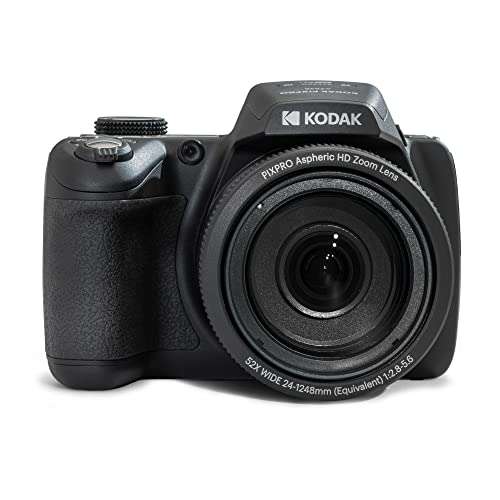
A buyer checklist for the best cameras for sports videography: frame rate classes, tracking autofocus, zoom reach, sideline audio, and recording limits.
Filming sport is a stress test that general video work never applies in the same way. Play moves fast, light changes from one end of a field to the other, and a single match can run for hours without a break in the action. The best cameras for sports videography are the ones that pass a short list of practical tests, and this guide works through that checklist in the order that matters on game day.
Use the comparison table below as a quick reference while you read. If your filming goes beyond sport, the guide to best cameras for videography covers the wider set of video needs, while every section here stays focused on speed, reach, and endurance.

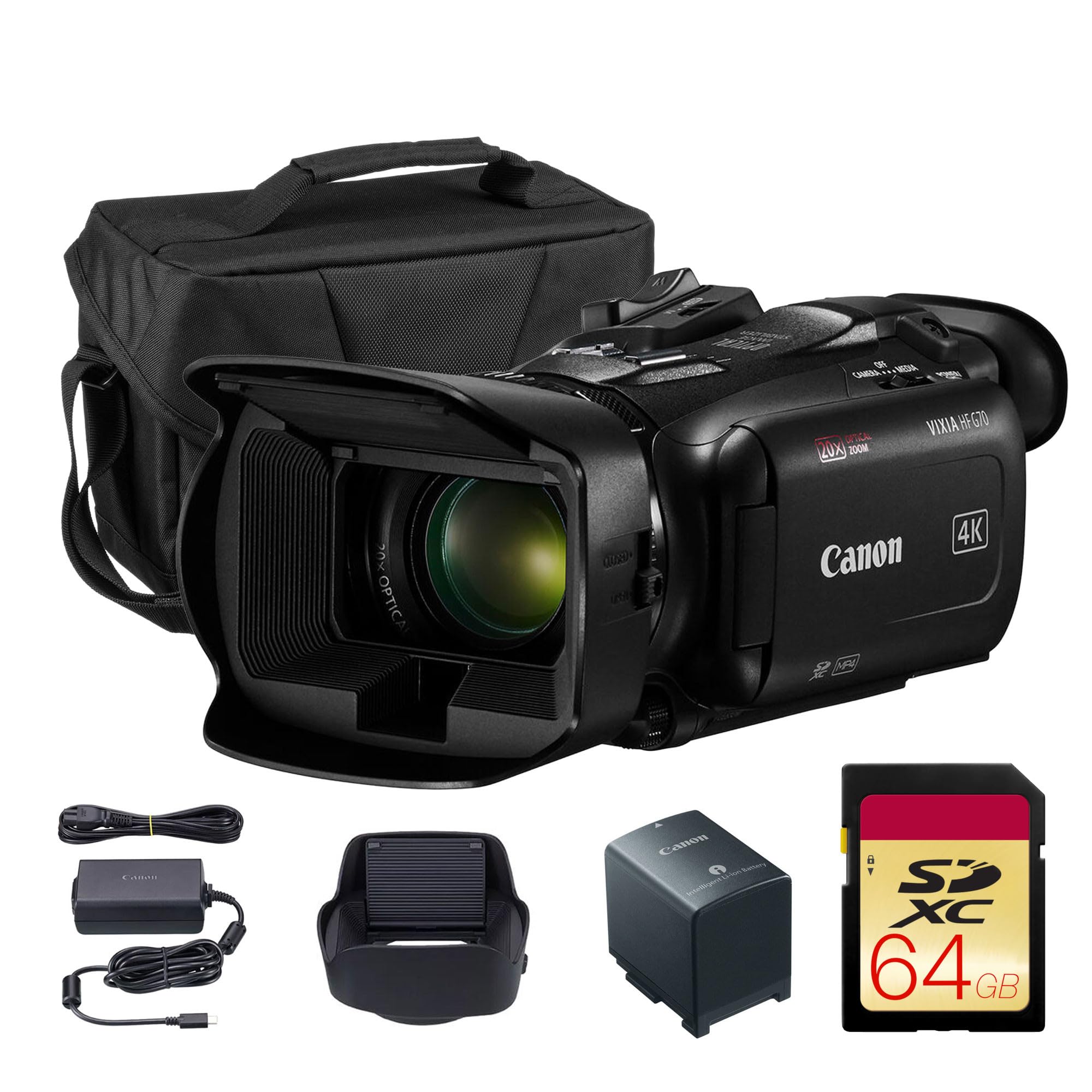
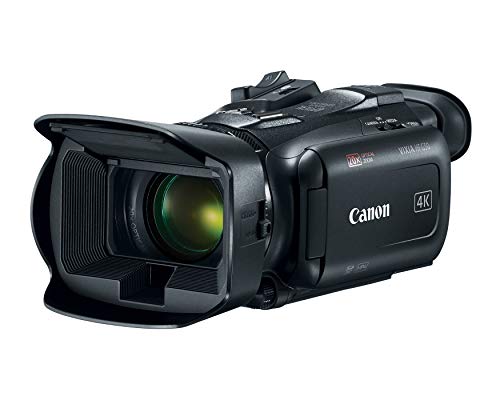



The Sports Videography Checklist
Run each candidate camera through these five checks before you look at anything else. A camera that fails one of them will frustrate you no matter how strong its other numbers look.
Frame Rates Decide Your Slow Motion Options
Normal playback sits at 24 or 30 frames per second, 60 frames per second gives a gentle slowdown, and 120 frames per second or higher produces the strong slow motion that makes a finish or a catch easy to study. Higher frame rates trade resolution and light, stated plainly: many cameras drop to a lower resolution at their top frame rates, and each frame also gets less light because the shutter opens for a shorter time. In a bright stadium that trade is painless, while in a dim school gym it can push the picture toward noise. Check the resolution attached to each frame rate, not just the headline number.
Autofocus Tracking Has to Follow the Play
Sports autofocus is a tracking problem, not a still subject problem. The useful classes detect people and faces and then hold focus on a chosen player while other bodies cross the frame. Systems that hunt, pulsing in and out while they search, ruin more footage than slightly soft lenses ever will.
Touch selection on the screen helps when you need to switch the tracked player quickly. Judge this feature at full zoom, because tracking that looks steady at a wide setting often falls apart at the long end where sports filming actually happens.
Zoom Reach From the Stands
Your seat decides how much reach you need, and reach comes from real optical zoom or from long interchangeable lenses. Integrated zoom classes on compact and bridge style bodies cover a wide range in one package, while interchangeable lens bodies let you rent or buy longer glass as your filming grows. Digital zoom is cropping, and it throws away resolution with every step. Treat the long lens as part of the true price of an interchangeable system, because a body with a short kit lens cannot film the far touchline sharply no matter how good its sensor is.
Sideline Audio Is Its Own Problem
The built in microphone on any camera mostly records the crowd around you, which is fine for atmosphere and useless for commentary or coaching notes. If voices matter, look for a microphone input so a directional microphone can sit on the camera and aim at the field, and a headphone socket so you can hear problems while you record rather than at home. Wind is the other enemy outdoors, and a foam or furry cover over the microphone is a cheap fix that belongs in the kit bag. Cameras without any input lock you into crowd noise forever.
Media and Battery for a Full Match
Continuous recording limits and overheating matter for long sports recordings, stated plainly: some cameras stop each clip at a set length, and others shut down to protect themselves after sustained recording in warm sun. Neither fact appears in headline marketing, so read the stated recording limit and the card speed class the camera requires at your chosen settings. High frame rate and high resolution video fills cards quickly, which makes a second card and a second battery part of the real purchase price. Higher classes add two card slots, which let you keep recording across a swap or write a backup copy as you go.
Specs Behind the Checklist
Once a camera passes the five checks, these are the specifications that separate the classes from each other.
Sensor Size and Image Quality
The common classes are 1 inch sensors in premium compacts, APS C sensors in midrange interchangeable bodies, and full frame sensors in the upper band. Bigger sensors collect more light per frame, which helps most at the fast shutter speeds that sports settings demand. Maker resolution and sensitivity figures are class figures measured under each brand's own conditions, so they are not comparable across brands and should only rank cameras within one maker's range.
All of these classes belong to the broader family of best digital cameras, but sports work narrows the field quickly. Megapixels alone say little, because a moderate pixel count on a large sensor usually beats a huge count on a small one under floodlights.
Size, Weight, and Handling
You will hold or support this camera for the length of a match, often standing. A heavy body with a long lens needs a monopod, which is normal at sports grounds and steadies the picture as a bonus. Controls you can reach without lowering the camera matter, including a zoom ring that turns smoothly and buttons you can find by touch.
In cold weather you may film with thin gloves on, which makes tiny dials and deep menus a real handicap. Weight also decides whether the camera travels to away games or stays at home.
Weather Sealing for Outdoor Fixtures
Outdoor seasons bring rain, dust, and cold, and weather sealing is a class claim judged by each maker's own ratings rather than by any shared standard. Treat a sealed body and a sealed lens as risk reduction, not as permission to film through a downpour. A simple rain cover costs little and protects any class of camera.
Sealing also slows dust reaching the sensor at dry, windy grounds. Check that the lens you plan to use carries the same level of sealing as the body, because the pairing is only as protected as its weaker half.
Action Cameras and Stills Cameras Play Different Roles
The small action class earns its place as a second angle rather than as your main camera. The guide to best sports cameras covers these wide angle bodies, which suit a goal post, a fence line, or a boat mount where a fixed wide view tells the story. Stills and video are different modes with different demands.
A stills camera is judged on burst rate and buffer depth, which is why the guide to best cameras for sports photography scores a different set of features. Casual family stills sit in yet another class, covered by the guide to best cameras for sports pictures.
What Each Price Band Buys
Price bands describe classes of capability rather than individual products. Use them to place a camera before you compare details.
The Entry Band, About $300 to $800
This band holds premium compacts and bridge style cameras with fixed lenses and generous zoom ranges. Expect competent 4K recording at standard frame rates, basic tracking, and shorter continuous recording before heat or clip limits appear. Microphone inputs are rare here, so commentary usually means a separate recorder. For one camera that films a whole season from the stands with no lens purchases, this band is the honest starting point.
The Middle Band, About $800 to $2,000
Interchangeable lens bodies dominate this band, with APS C sensors, stronger subject tracking, and microphone and headphone sockets as standard. High frame rate recording arrives with the resolution and light trades described earlier. This is the band where a long lens purchase makes sense, because the bodies are good enough to reward better glass. Card speeds and battery life also step up, which suits full matches.
The Upper Band, About $2,000 and Up
Full frame bodies and dedicated cinema style classes live here. You gain the best low light margins, two card slots, longer sustained recording, and deeper lens systems built for professional coverage. The costs follow you, because the lenses, media, and support gear in this band are priced for working users. Buy into it when filming is a job or a serious weekly commitment, not for occasional school matches.
Quick Buyer Checklist
- Does the camera record at 120 frames per second or higher at a resolution you accept?
- Can its autofocus track a running player at full zoom without pulsing in and out?
- Does the optical zoom reach the far side of your field from your usual seat?
- Is there a microphone input for commentary or close sound?
- Does the stated recording limit cover the longest period of play without a break?
- Will one battery and one card cover a full match, with spares priced into your budget?
- Does the maker state weather sealing suited to the conditions you film in?
Red Flags to Watch For
- A headline frame rate that only works at a much lower resolution, with the limit buried in fine print.
- Digital zoom advertised as if it were optical reach, which hides the resolution you lose.
- No microphone input on a camera marketed for sports coverage.
- A short clip limit with no clear statement about heat shutdowns during long recordings.
- Sensitivity and frame rate figures compared across brands as if every maker measured them the same way.
Setup and Care Tips
Clean the lens with a proper cloth, not your shirt, because grit in fabric scratches coatings over time. Carry a spare battery and a spare card in the same bag every time, and format cards in the camera only after the footage is safely copied in two places. Store the kit in a dry, padded bag, and let a cold camera warm up inside the closed bag when you come indoors so condensation forms on the bag rather than on the glass.
Sports Videography Questions Answered
What frame rate do I need for smooth slow motion in sports video?
Recording at 120 frames per second and playing back at 30 gives quarter speed motion, which suits most plays. The hidden cost is light: a fast frame rate forces a fast shutter, so an indoor gym can look dark and noisy even when the same camera looks clean outdoors. Many shooters use 60 frames per second indoors for a mild slowdown and save the highest rates for daylight.
Can one camera record an entire match without stopping?
Some classes can, and many cannot, because clip length limits and heat protection vary by design. Plan around the natural breaks in play: swap cards and batteries at half time or between periods, and you will never lose a decisive moment to a full card. Some bodies also accept power from a USB power bank, which stretches a single battery across a long tournament day.
Is a smartphone enough for filming youth sports?
A smartphone is enough for close sideline clips and quick shares, and its video quality in good light is genuinely strong. From the stands it falls short, because its small sensor and digital zoom cannot hold detail at the far end of a field. A practical setup uses the phone as a wide second angle near your seat and a real zoom camera for the main view.
How much zoom do I need from the stands?
The honest answer depends on your distance from the far touchline, which is why your seat matters as much as the lens. Sitting near the halfway line halves the longest distance you must cover, and that positioning trick is worth more than an expensive lens upgrade. Whatever class you choose, support the camera on a monopod at long settings, because small hand movements grow into large shakes at full zoom.
Does weather sealing matter for outdoor sports filming?
Weather sealing matters as insurance, and it is rated by each maker under its own test conditions rather than a shared standard. It lowers the risk from drizzle and dust; it does not make any camera waterproof. A rain cover remains the safer plan for a wet match. After a cold game, leave the camera in its closed bag while it warms up indoors, which keeps condensation off the lens and sensor.
Final Thoughts
Work through the checklist in order: frame rate class, tracking, reach, audio, and then endurance across a full match. The product table above gathers the current options in one place, so compare its entries against those five checks rather than against headline numbers. Chosen that way, the best cameras for sports videography for your seat, your sport, and your budget usually select themselves. Prices and availability can change, so check the product page before ordering.