
Best Camera for Live Streaming DJ Sets in 2026: A First Purchase Guide
Disclosure: We may earn a commission when you buy through links on this page, at no extra cost to you. As an Amazon Associate I earn from qualifying purchases. Learn more

Shopping for the best camera for live streaming DJ sets for the first time? Learn the terms, compare options, and avoid rookie mistakes with this easy guide.
Streaming a DJ set asks more of a camera than filming in a bright room. The booth is dark, the lights change color without warning, and the show may run for two hours or longer. The best camera for live streaming dj sets stays sharp in low light, sends a clean picture to your streaming software, and takes its sound from your mixer. This guide builds from the basics to a calm first purchase, so use the comparison table below as you read.
Begin with your usual set. A home stream from a spare room needs a different setup than a club night with moving lights and a camera above the decks. Note your room size, light level, and set length, since those three facts decide almost every choice that follows.

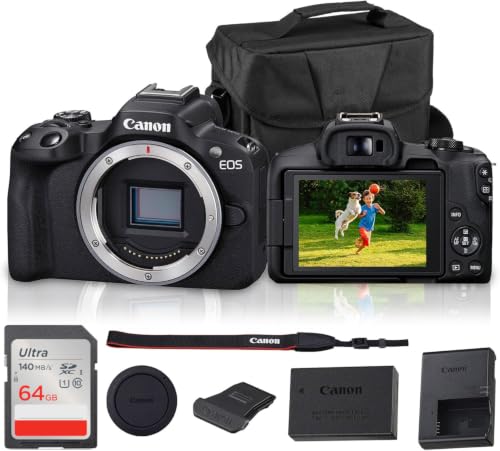


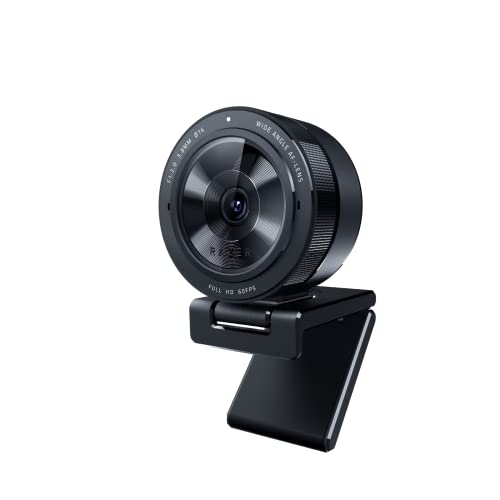
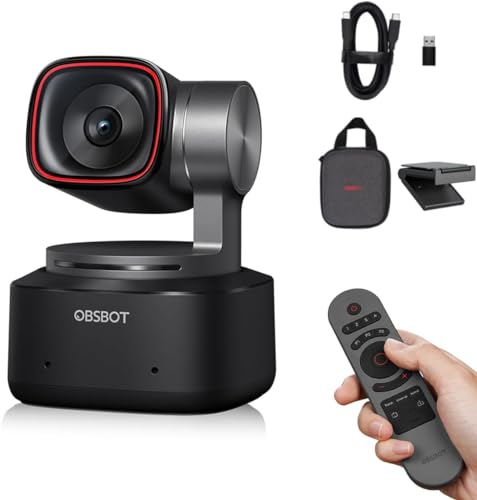
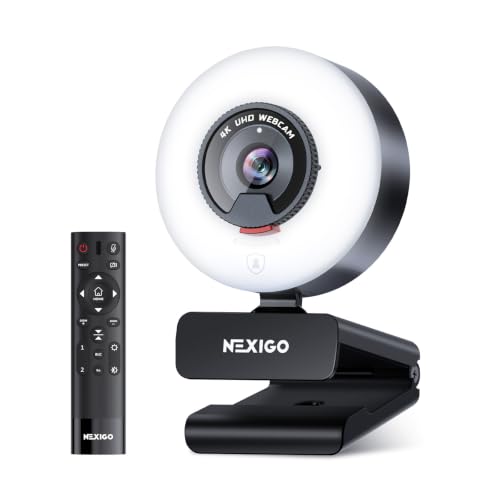
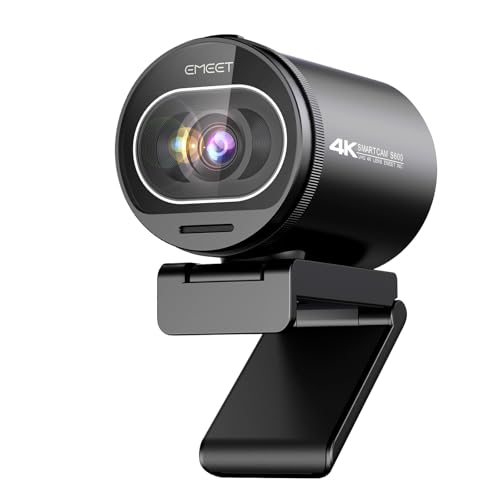
Cameras 101: The Basics for a First DJ Stream
A streaming camera does three jobs at once. Its sensor and lens gather light and turn the scene into an image. Its processor holds focus and balances color as your lights shift. Its output sends the picture onward, by HDMI to a capture device or by USB to your computer and software such as OBS. Fine photo quality alone is not enough if that output is cropped or cluttered with icons.
Who Should Buy Which Camera for a DJ Stream?
Match the camera class to the room you play most often, because a quiet bedroom choice can struggle badly in a dark club.
Bedroom DJs Streaming From Home
You control your lights and space, and your sets are easy to repeat. A good webcam or a compact camera with USB streaming can be enough, since you can add a lamp and test until the picture looks right. Spend first on light and on a cable that brings mixer audio into the stream.
Mobile DJs Playing Clubs and Private Events
You face a new room each week, with house lights you cannot control and little time to test. Choose an interchangeable lens camera with a larger sensor and a fast wide lens, plus a mount that stands safely at the edge of the booth. A flip screen helps you frame the decks, and spare power matters because event sets often run past the plan.
DJs Who Stream Long Sets and Guest Nights
You play for hours, host guests, and may want two angles, one on your hands and one on the room. Choose a camera built for long video work, with clean HDMI, no short recording limit in streaming mode, and power from a wall outlet or a dummy battery. For a second angle, see our guide to the best cameras for live streaming.
Key Features to Compare
Compare these factors in order, since a DJ booth rewards low light strength, steady output, and clean audio far more than photo features.
How Sensor Size Handles Dark Booths and Club Light
The sensor gathers the light, and a larger sensor usually gives a cleaner picture when the booth is dark. One inch sensors suit small home setups with added light. APS C sensors are a strong middle ground for club work, and full frame sensors give the cleanest results at high ISO settings, at a higher price. Megapixels matter less here, because a stream is usually sent at 1080p, and a large sensor gathers more light per pixel.
Clean HDMI, Streaming Output, and Heat Over Long Sets
Clean HDMI means the camera sends only the picture, with no focus boxes, icons, or menus baked into your stream. Check that the output is full frame rather than cropped, and that the camera can stream for hours without a time limit cutting the feed. Heat matters too, because a hot body may shut down mid set. Keep vents clear, and use 1080p if your stream does not need 4K.
Autofocus That Holds You and Your Hands in Changing Light
You cannot ride focus while both hands are on the mixer, so the camera must hold you on its own. Look for face and eye detection that keeps working as colored lights sweep the booth, and a lens that focuses quietly without visible pulsing. A fast lens, rated around f/1.8 to f/2.8, feeds the sensor more light and helps focus stay sure. Test with your own lights fading and flashing before you trust it live.
Lens Choice, Field of View, and a Screen You Can See
Booths are tight, so the lens decides whether viewers see your hands, the decks, and your face in one frame. A wide angle zoom, roughly 16 to 35 mm in full frame terms, suits most booths and lets you reframe without moving the mount. A prime lens gives more light but fixes your framing. A screen that flips toward you lets you check the shot while you play.
Audio Input From Your Mixer
Viewers forgive a soft picture sooner than harsh room sound, so plan the audio path as part of the camera choice when you choose the best camera for live streaming dj sets for your booth. A 3.5 mm input lets you take a line level feed from a record output on your mixer, far cleaner than a microphone hearing the room speakers. Check that you can set the input level by hand and watch levels on screen.
Power, Mounting, and Vibration in the Booth
A standard battery may last an hour of video, while a set can run three times that. Look for power over USB C, a dummy battery that runs from a wall outlet, or easy battery swaps that do not move the camera. Bass can shake a light stand and blur the picture, so use a solid tripod or clamp away from the speakers, tighten every joint, and keep cables clear of snags.
Getting Started: Setup and First Use for a DJ Set
Set the camera at about head height, angled down enough to show your hands without hiding your face. Lock the frame, then set exposure and white balance by hand with your show lights running, since auto settings shift with the lights.
Connect the mixer record output, play a track at full volume, and set levels so peaks stay below the top of the meter. Run a private test stream for ten minutes and watch it back on a phone.
For a small room, see our guide to the best live streaming web cameras for desk based setups, and see our guide to the best camera for dj sets when recording matters as much as streaming.
Rookie Mistakes to Avoid
- Relying on room sound from the camera microphone makes the stream echo and distorts the bass.
- Leaving exposure on auto makes the picture pulse with your lights.
- Running a long set on one battery ends the stream before the music ends.
- Placing the camera on a speaker or shaky stand blurs every shot when the bass hits.
- Framing too tightly hides your hands on the mixer during the set.
- Skipping a private test stream leaves problems to appear live.
Care and Maintenance for a Streaming Camera in a DJ Booth
Wipe the lens with a clean lens cloth, never your shirt, because grit on fabric can scratch the glass. Fog and haze fluid leave a film on the front element, so clean it gently when faces look soft. Keep drinks far from the camera, and give the body air space so its vents can clear heat.
After the night, coil cables loosely, cap the lens, and store the camera in a dry case. Check mount screws and clamp pads now and then, since steady bass loosens them. Keep a spare battery and cable in the bag.
FAQ
What features matter most in a camera for streaming DJ sets in low light?
Low light strength, clean HDMI, and a mixer audio input matter most in low light. One point buyers often miss is monitoring. Choose a setup that lets you hear the exact feed your viewers hear, through headphones on the camera, the capture device, or your software. A level check with your loudest track playing reveals hum that a silent check cannot show.
What specs matter most for a first camera for a DJ stream?
A beginner should start with steady 1080p output, sure autofocus, and simple menus rather than chasing the highest numbers. Add a bright screen you can read at arm length in a dark room, since setup happens fast before doors. Your first lens, lamp, and audio cable shape the stream more than a small step up in body price.
Which is better for low light in a DJ set, a webcam or a mirrorless camera?
A mirrorless camera is better for low light in a DJ set, because its larger sensor and fast lens gather far more light than a webcam sensor. The gap narrows at home if you add a lamp and keep the webcam close. A camcorder is one extra option, with long runtime and easy handling for bright rooms.
Is a smartphone enough instead of a dedicated camera for streaming DJ sets?
A smartphone can be enough for a first home stream, and many phones handle low light well at close range. The limits appear over a long set, since calls and alerts can interrupt the app, the phone grows hot, and mixer audio needs an adapter. Many DJs later use the phone as a second angle once a dedicated camera carries the main shot.
How much should I spend on a first camera for live streaming DJ sets?
Plan on about $300 to $600 for a capable first body or compact camera, then set aside about $150 to $300 more for a lens if needed, a mount, cables, and power. Spending more mainly buys cleaner high ISO pictures and stronger heat handling. If you buy used, check the HDMI port and sensor, since both are costly to repair.
Final Thoughts
Choose for the room you play, not for a spec sheet. A larger sensor for dark booths, clean output that runs for hours, and a direct audio feed from your mixer will shape every stream you send. Match those points to your budget and test in private with your own lights.
When you compare the best camera for live streaming dj sets with those points in mind, the right first camera is usually clear. Check your shortlist against the product table above.

