
Best Business Surveillance Cameras of 2026: Everything to Know Before Your First Purchase
Disclosure: We may earn a commission when you buy through links on this page, at no extra cost to you. As an Amazon Associate I earn from qualifying purchases. Learn more

Shopping for the best business surveillance cameras for the first time? Learn the terms, compare options, and avoid rookie mistakes with this easy guide.
Buying a camera system for a business for the first time feels harder than it should, mostly because the vocabulary is new and every product page assumes you already speak it. This guide starts from zero, covering what the parts are, which numbers matter, and how to match a system to the rooms and risks you actually have, and one honest point belongs at the front. The best business surveillance cameras are a monitoring and recording aid. They show you what happened and alert you while it is happening, but they never prevent theft or loss on their own, so treat them as one layer alongside locks, lighting, and good closing routines.
The comparison table below shows the main system classes side by side. After that, this guide works the way a sensible first purchase should: start with your premises, learn the handful of specs that matter, check the rules about notice and privacy before anything is screwed to a wall, and only then compare prices.
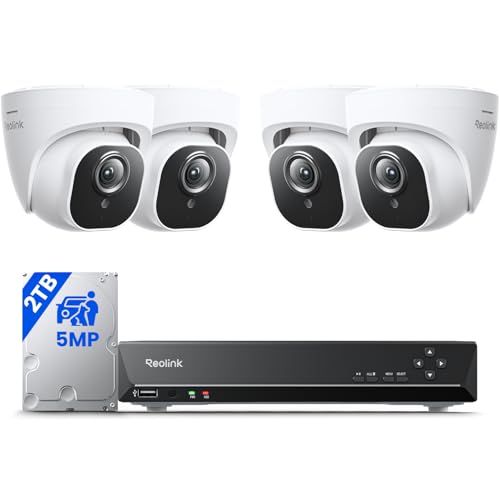
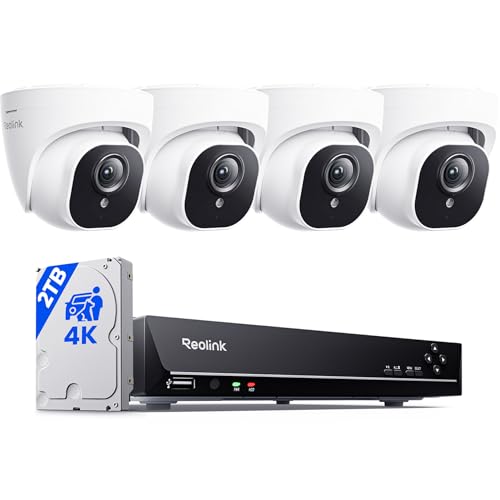
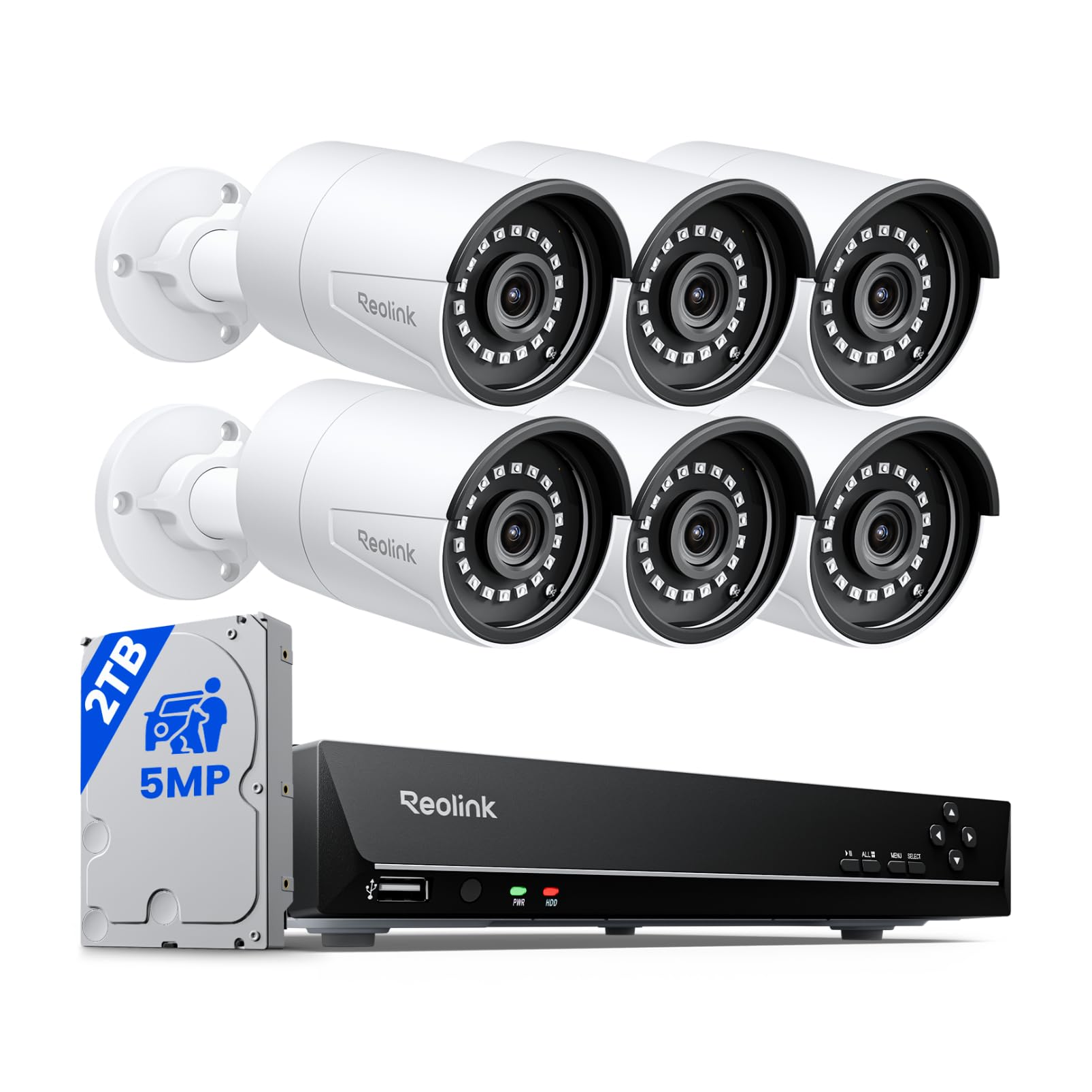
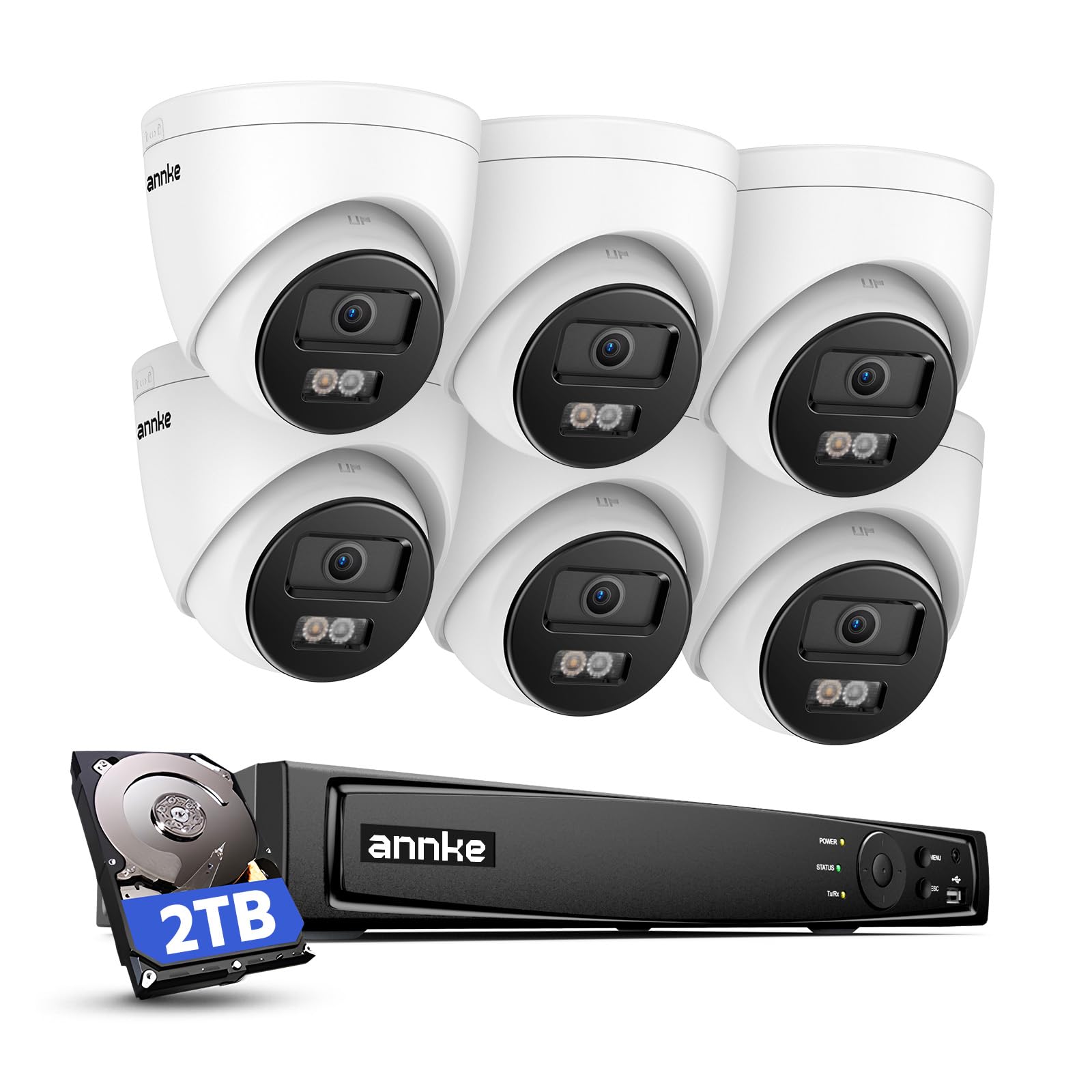
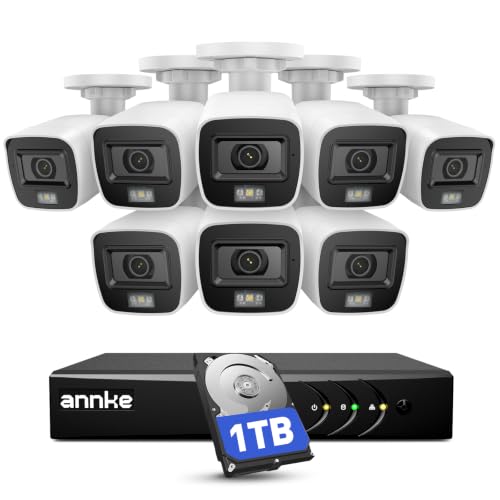

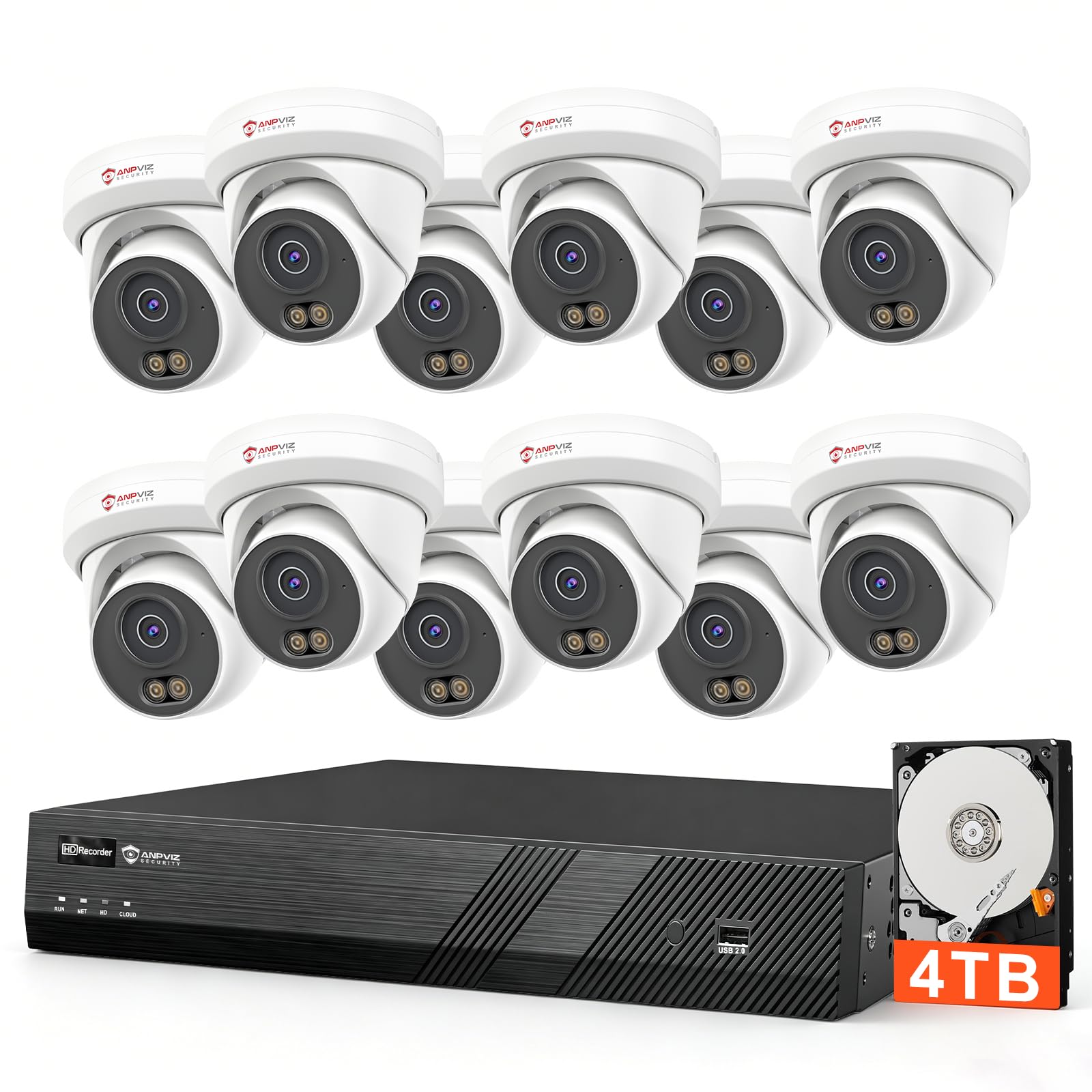


Start With Your Premises: The Places Almost Every Business Covers First
Entrances and Exits
The front door is the first camera position for nearly every business, because it records every face that enters and leaves at a predictable height and distance. A camera here wants a moderate field of view and good detail at about 10 to 20 feet, which is the range where a person can be recognized rather than just seen. Back and side doors matter almost as much, since deliveries, staff entry, and most break in attempts happen away from the street facing side.
The Till and Cash Handling Areas
A camera over the till records transactions, disputes, and the moments when cash changes hands, which makes it the position owners check most after any incident. Detail matters more than width here, so a narrower view aimed at the register and the customer side of the counter beats a wide shot of the whole sales floor. If your business counts cash in a back office, that room is a second till position and deserves the same treatment.
Stockrooms, Aisles and the Car Park
Stockrooms and storage aisles are where shrinkage hides, and a camera that covers the door plus the high value shelves answers most questions without covering every shelf. Aisles in a shop usually need one camera per aisle run, angled along the shelves rather than across them. Outside, the car park and the delivery bay need weather rated cameras with real night range, since that is where vehicles, goods, and people move after dark.
Business Surveillance Cameras 101: The Basics
A business camera system has three parts. The cameras capture video, a recorder or cloud service stores it, and an app or monitor lets you watch live views and search old footage. Systems split into two families: wired camera systems, where each camera runs a cable back to a central recorder, and wireless or WiFi cameras that send video over your network and store to the cloud or a small hub. Wired systems cost more to install and are harder to expand; wireless systems install in an afternoon but lean on your router and often on a subscription.
A few terms cover most of the rest: resolution describes how much detail the sensor captures, and field of view describes how wide an area one camera sees. A recorder is often called an NVR, and cameras that draw power through the same cable that carries their video are called PoE cameras. Do not confuse this category with home equipment: guides to the best home surveillance cameras cover houses and flats, where there are no staff, no customers, and no till to watch, and the buying logic is genuinely different.
Key Specs Explained in Plain English
Video Resolution and Field of View
Resolution and field of view trade against each other, and understanding that trade is the core skill in this purchase. A 2K camera spread over a very wide 160 degree view shows a whole room but may not capture a readable face at the far wall, while the same sensor in a 100 degree view gives far more detail per person. For tills and doors, favor detail: 2K with a moderate view is the sensible floor for a first system. For car parks and stockrooms, width matters more, and adding a second camera beats stretching one wide view thinner.
Weather Resistance Ratings
Outdoor cameras carry an IP rating, two digits that describe sealing against dust and water. IP65 means the housing is sealed against dust and stands up to water jets, which covers ordinary rain and wind driven spray. IP66 adds protection against heavier water, and it is the safer pick for exposed walls, delivery bays, and anywhere a pressure washer is used nearby. Indoor cameras need no rating at all, so do not pay for sealing in a stockroom; spend the difference on storage or a better position instead.
Storage: Local Recorders, Memory Cards and Cloud Plans
Storage decides how much history you can search after something happens. Local storage on a recorder or memory card has no monthly fee and keeps footage on your premises, but the recorder itself can be stolen or damaged unless it is locked away. Cloud storage keeps footage off site and easy to reach from a phone, at the cost of a subscription per camera or per location. How long footage is kept is a storage and policy decision, stated plainly: pick a retention window, commonly about 14 to 30 days for a small business, buy enough capacity to hold it, and write the window down so staff know what exists.
Privacy and Account Security
A camera system is itself something that needs securing. Change every default password on day one, turn on two factor authentication for the viewing account, and keep camera firmware updated, because unpatched cameras are a known way into a business network. Look for systems that encrypt video in transit and at rest, and give staff accounts only the access their job needs. The viewing account should belong to the business, not to one employee phone, so access survives staff changes.
Power Options: Wired, PoE, Battery and Solar
Power decides how much installation work you are really buying. Fully wired and PoE cameras need cable runs to every position, which means drilling and planning, but they then run for years without attention and cannot be defeated by a dead battery. Battery cameras mount anywhere in minutes and suit one or two extra positions, yet they need recharging every few weeks or months and often record only when they detect motion, though solar panels extend battery life where sun reaches the mount. For the main positions in a business, wired power is the reliable default.
Rules to Check Before You Install: Notice, Privacy and Audio
Cameras in a workplace come with duties that cameras at home do not. Staff and visitors should be told cameras are present, usually with clear signs at entrances, and many owners put the fact in writing in staff handbooks or contracts as well. Being open about the system is not just politeness; in many places it is a condition of the footage being usable at all.
Some spaces are simply off limits. Cameras must never cover restrooms, changing areas, or anywhere with an expectation of privacy, and pointing a camera into a neighboring property invites the same problem. Audio recording is the most legally restricted part of any system: many places treat recording conversations far more strictly than recording video, and plenty of first systems are best run with audio off until the rules are clear. Local rules govern all of this and differ enough that a business should check them before installing, not after an incident, and a short conversation with a local installer or adviser who knows your area rules is money well spent.
Business Surveillance Cameras for Specific Needs
Most first systems are bought by small premises, and the needs there are specific enough to deserve their own notes. Broader ranges aimed at larger sites appear in the guides to the best cameras for business, but the advice below is written for a first purchase on a small site.
Best Small Business Surveillance Cameras: Tips for First Time Buyers
The word small changes the buying logic in three ways. First, the budget usually covers four to eight cameras, so each position has to earn its place, and the entry, till, and stockroom order in this guide is the order to fund them. Second, the owner is also the installer and the IT department, which argues for one system from one maker with one app, not a mix of bargains. Third, growth should be planned rather than accidental, so choose a recorder or plan with spare channels so camera nine does not force a second system, and note that the dedicated guides to the best surveillance cameras for small business go deeper on kit sizes for shops, cafes, and small warehouses.
Rookie Mistakes to Avoid
- Covering everything except the till and the door, because wide scenic views feel safer while the two positions that answer real questions go unwatched.
- Mounting cameras too high, which produces clear footage of the tops of heads and hats instead of faces; about 8 to 10 feet, angled down, is the working height.
- Buying storage by guesswork, then discovering the system keeps three days of footage when the incident you need happened last week.
- Leaving default passwords in place and skipping two factor sign in, which turns the security system into the weakest point of the network.
- Recording audio everywhere from day one without checking the local rules, when video alone would have covered the need with none of the legal risk.
Getting Started: Setup and First Use
Begin by walking the premises with the position list from this guide and marking each camera spot, then test each view from a phone or monitor before fixing anything permanently. A ladder, a helper, and ten minutes of checking angles saves the classic first system flaw of beautiful footage of the wrong wall. Outside positions deserve the same care as indoor ones, and the ranges built for yards and car parks in the best surveillance cameras outdoor guides are a useful cross check before you drill.
Once cameras are up, finish the unglamorous steps the same day. Set the retention window you chose, turn on two factor authentication, name each camera by its position so alerts make sense, and put the entrance signs up. Then test the night view after dark, because infrared range and reflections off glass only show themselves at night. Finally, save one clip and practice finding and exporting footage from two weeks back; the time to learn the search screen is before you need it for real.
Frequently Asked Questions
How much storage does a business camera system need?
Work backwards from the retention window you want. Four 2K cameras recording around the clock fill roughly 40 to 80 gigabytes a day in total depending on scene activity, so a 30 day window points to a recorder of about 2 to 4 terabytes. Motion only recording stretches the same drive much further but risks missing slow or subtle events. One extra point: storage fills from the oldest day forward, so check the actual kept days in the app a week after install rather than trusting the estimate.
Wired or wireless: which is more reliable for a business?
Wired is more reliable for the positions that matter most. A cabled camera does not depend on WiFi signal strength, cannot be knocked offline by a router restart, and records continuously rather than in motion triggered clips. Wireless cameras earn their place for one or two awkward spots where cable cannot run, and as a way to test a position before committing to cable. Most sound first systems are wired at the core with the odd wireless camera at the edges.
Does a business camera system need a subscription?
No, a subscription is a storage and features choice, not a requirement. Systems that record to a local recorder work fully without one, and you keep every feature except off site backup and some smart alerts. Cloud plans charge per camera or per site and buy convenience plus footage that survives a stolen recorder. Read the plan terms before buying the cameras, because on some systems the subscription is the only way to view recordings older than a day, which changes the real price of the kit.
How easy is it for someone to hack a business camera system?
An unchanged default password makes it easy, and that is the honest answer behind most camera breaches. With unique passwords, two factor authentication on the viewing account, updated firmware, and the recorder kept off the public internet, a small system is a hard target for the effort involved. Treat the cameras as part of your network hygiene, like the router and the till computer, and review who has viewing access whenever staff leave.
Can business surveillance cameras work without WiFi?
Yes, wired systems record perfectly well with no WiFi at all. The recorder stores footage locally, and you view it on a monitor at the premises or by connecting the recorder to a network later. What you lose without an internet connection is remote viewing on a phone and instant alerts, which for some sites, such as storage yards, is an acceptable trade. Battery wireless cameras are the ones that truly depend on WiFi, since it is their only path to storage.
Final Thoughts
A good first system is a modest one bought in the right order: fund the door, the till, and the stockroom first, choose wired power and enough storage for the retention window you wrote down, and settle the notice and privacy rules before the first hole is drilled. Extra cameras and smarter alerts can be added to that base at any time. When you are ready to compare specific options, the product table above pulls the main classes together, and the best business surveillance cameras for your premises will be the ones whose footage you can actually find, read, and rely on a month after install day.


