
The Best Home Surveillance Cameras: Buying Guide and Top Picks
Disclosure: We may earn a commission when you buy through links on this page, at no extra cost to you. As an Amazon Associate I earn from qualifying purchases. Learn more

The best home surveillance cameras for your property: how to choose resolution, storage and power, plus three picks from budget to premium.
A good camera system lets you check on packages, pets and late night noises from your phone, and it gives you clear footage if something goes wrong. A poor one floods you with alerts about passing cars, misses the moment that matters or locks your recordings behind a monthly fee you never planned for. The best home surveillance cameras are the ones that match your property, your internet setup and how much you want to pay over time.
This guide starts with three picks across price levels, then walks through every buying decision: resolution, smart detection, storage, audio, smart home support, power and privacy. You will also find the main camera types, advice for specific situations such as outdoor coverage or recording to a DVR, and care tips that keep cameras working for years.

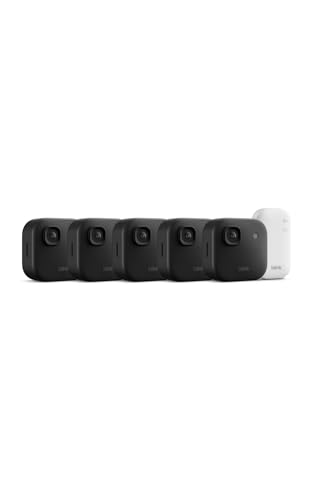
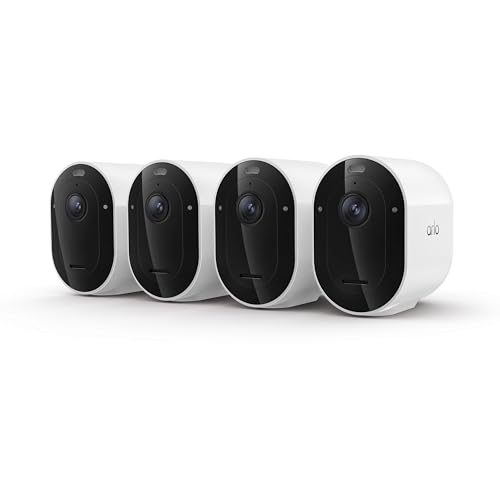
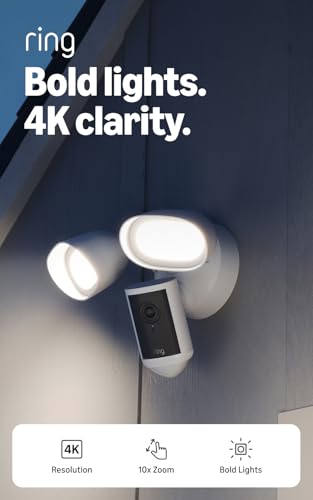

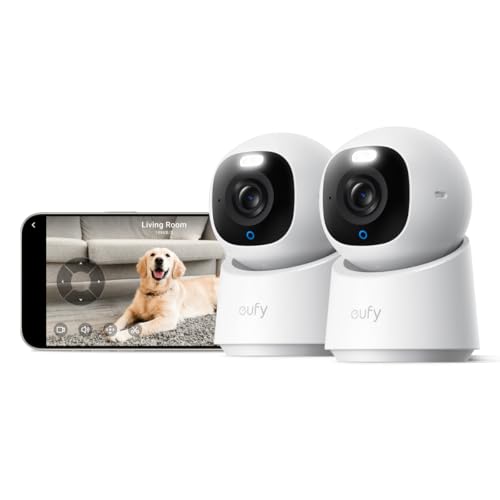

Our Top 3 Picks at a Glance
These three come from the product table above and cover a flexible all around camera, a budget friendly favorite and a full wired system for whole property coverage. Each is a current model sold new on Amazon US from an established security brand with ongoing app support.
We compared verified specifications such as resolution, field of view, power source, storage options and subscription requirements, along with the overall pattern in owner feedback. We did not install the cameras ourselves; the notes below describe what each listing and maker document, and who each camera suits.
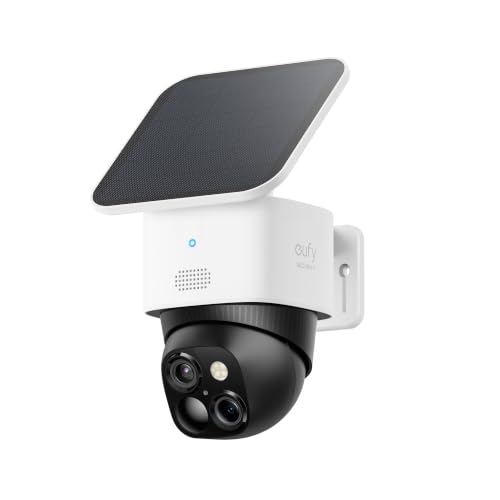
Best Overall: eufy Security SoloCam S340
The eufy SoloCam S340 suits homeowners who want strong outdoor coverage without running wires or paying a monthly fee, at around $160. It combines two lenses for 3K video with zoom up to about 40 feet, a built in solar panel and pan and tilt movement for 360 degree coverage when mounted vertically.
Two things stand out. Local storage means no monthly fee for recordings, and the solar panel keeps the battery topped up in most sunny locations, so you rarely need to take it down to charge. The limitation is shade: in a heavily shaded spot or during long cloudy spells the battery can drain, so place it where the panel gets several hours of daylight. Skip it if you need continuous 24/7 recording, since battery cameras record events rather than every minute.

Best Value: WYZE Cam v4
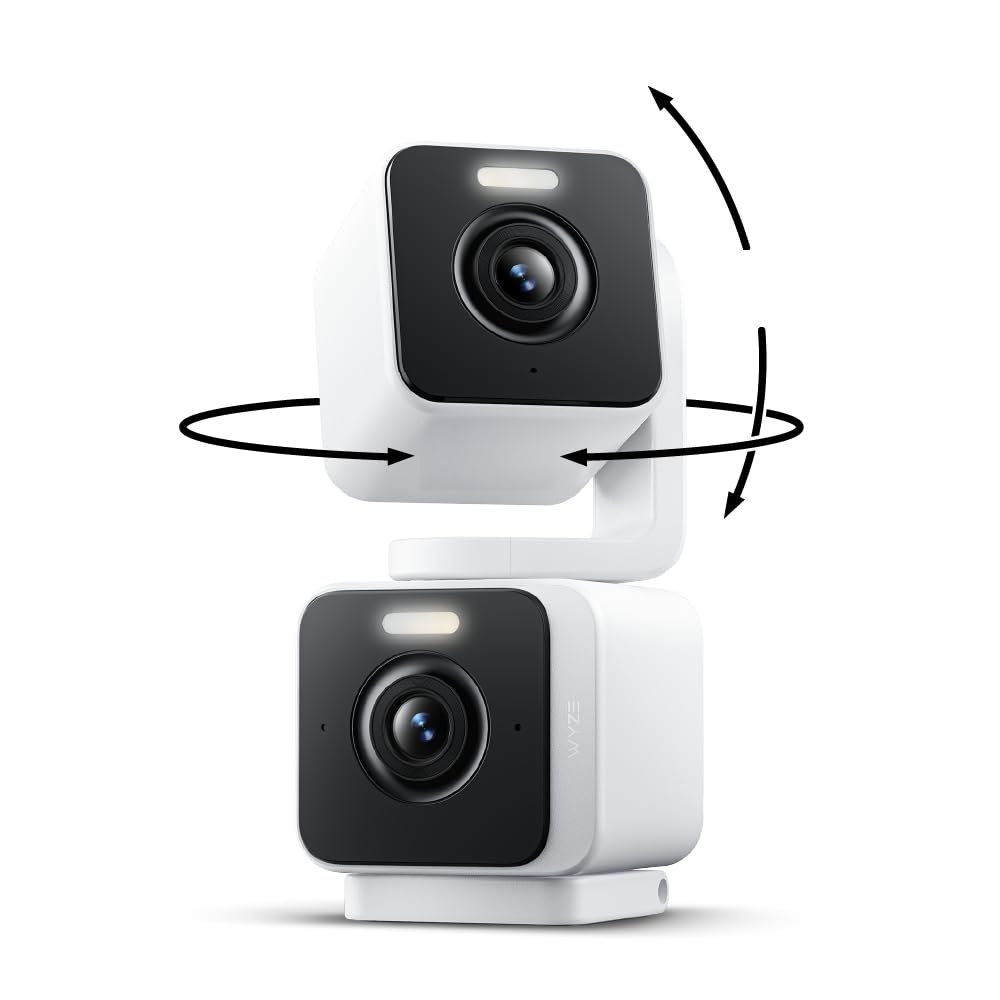
The WYZE Cam v4 is for renters, first time buyers and anyone covering a porch, garage or living room on a budget, at around $45. It records 2.5K video at 2560 by 1440 with a 120 degree field of view, is rated IP65 for outdoor use and includes a motion activated spotlight and siren.
Its strengths are features usually found on pricier cameras: on device AI that separates people, packages, pets and vehicles, color night vision and recording to a microSD card of up to 512GB with no subscription required. The trade off is that it needs a power cable, so outdoor placement depends on an outlet nearby. Skip it if you want a fully wire free camera for a spot far from power.

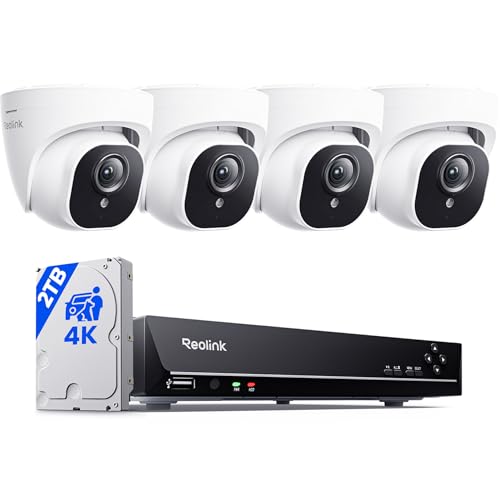
Best Premium Pick: REOLINK RLK8-800D4 4K PoE System
The REOLINK RLK8-800D4 is for homeowners who want a complete wired system with continuous recording, at around $700. It includes 4K, 8MP PoE cameras and an 8 channel recorder with a pre installed 2TB hard drive, expandable with external storage, and each camera connects over a single network cable that carries both power and data up to 330 feet.
The appeal is reliability and privacy: wired cameras do not depend on Wi Fi or batteries, footage stays on the recorder in your home, and person and vehicle detection reduces false alerts. The downside is installation effort, since you need to run cables through walls or eaves. Skip it if you rent or want a setup that takes minutes rather than an afternoon.

How to Choose the Best Home Surveillance Cameras: Buying Guide
Home camera listings are full of numbers and buzzwords. These are the features that decide whether a camera actually helps you, along with what to look for in each one.
Video Resolution and Field of View
Resolution determines how much detail you can see when you zoom in on a face or license plate. 1080p is the minimum today, 2K or 2.5K offers a clear upgrade for most homes, and 4K helps when a camera covers a wide driveway or yard. Higher resolution uses more storage and bandwidth, so balance detail against your internet upload speed.
Field of view decides how much area one camera covers. Wide lenses around 120 to 160 degrees cover more ground but stretch details at the edges, while narrower lenses show distant objects more clearly. Dual lens and pan and tilt cameras combine wide coverage with zoom. Plan placement so cameras overlap at entry points rather than leaving gaps.
Night performance matters as much as daytime resolution. Infrared night vision shows black and white images in total darkness, while color night vision relies on a spotlight or a sensitive sensor. Cameras covering a dark backyard benefit from a built in spotlight, which also acts as a deterrent.
Smart Detection and Alerts
Basic motion detection alerts you whenever pixels change, which means swaying trees, headlights and rain trigger notifications. Smart detection uses AI to recognize people, vehicles, packages and pets, so you only hear about the events you care about.
Look for adjustable motion zones, sensitivity controls and schedules that mute alerts when you are home. Some brands put smart detection on the camera itself, while others require a subscription for it. Check which features work for free before you buy, since alert quality is what makes a camera pleasant or annoying to live with.
Storage: Local vs Cloud Subscription
Local storage saves video to a microSD card, a home base station or a network video recorder, so you pay once and keep footage at home. Cloud storage uploads clips to the maker's servers, which protects footage if a camera is stolen but usually requires a monthly or yearly plan.
Many brands combine both. Ring and Blink lean on subscriptions for saved video and smart alerts, while eufy, Wyze and Reolink support local recording without a fee. Calculate the cost over three years: a cheap camera with a required subscription can cost more than a pricier camera with free local storage.
Think about where the recording device lives, too. A microSD card inside an outdoor camera can be stolen with the camera, while a base station or recorder kept indoors protects footage. Hiding the recorder in a closet and placing the router on a battery backup keeps your system recording during a break in or short power cut.
Two Way Audio and Siren
Two way audio lets you speak through the camera to greet a delivery driver, calm a pet or warn off someone in your yard. Look for clear speakers and noise reduction, since cheap speakers can sound muffled outdoors.
Built in sirens and spotlights add deterrence. A motion activated light often stops trouble before it starts, and a siren you can trigger from your phone gives you an extra tool. Check local rules and be considerate with neighbors, since loud sirens and bright floodlights can be disruptive.
Smart Home Integration
If you use Alexa, Google Home or Apple Home, choose cameras that work with your system. Ring and Blink integrate tightly with Alexa and Echo Show displays, Google Nest cameras work best with Google Home, and some brands support Apple HomeKit Secure Video.
Integration lets you view cameras on smart displays, trigger lights when motion is detected or arm cameras when you leave home. Sticking with one ecosystem keeps apps simple; mixing brands means juggling several apps and notification styles.
Before you commit, open each brand's app in your phone's app store and read recent comments about reliability and update frequency. The app is how you will use the cameras every day, so a clumsy or unstable app can ruin otherwise excellent hardware.
Power Options (Wired, Battery, Solar, PoE)
Plug in cameras need an outlet and are the simplest indoors. Battery cameras install anywhere but need recharging every few months, depending on activity. Solar panels, built in or add on, keep batteries charged in sunny locations.
Power over Ethernet cameras run power and data through one network cable, which makes them the most reliable option for continuous recording and the best choice for large properties. Hardwired floodlight and doorbell cameras use existing household wiring, which may require an electrician if you are not comfortable working with electrical circuits.
Battery life claims assume light activity. A camera facing a busy street or recording long clips drains far faster than one watching a quiet side yard, so adjust motion zones and clip length to stretch time between charges. Spare rechargeable batteries, offered by several brands, let you swap without downtime.
Privacy and Security (Encryption, 2FA)
Cameras that look into your home deserve strong security. Choose brands that support two factor authentication on your account, encrypt video, and release regular firmware updates. End to end encryption, offered by some brands, means only your devices can view footage.
Use a unique password for your camera account, keep the app and firmware updated, and avoid placing indoor cameras in bedrooms or bathrooms. Local storage adds privacy because footage never leaves your home unless you choose to share it.
Be mindful of neighbors and local laws as well. Aim outdoor cameras at your own property rather than into neighboring windows or yards, and check whether your state has rules about recording audio, which is treated more strictly than video in some places.
Types of Home Surveillance Cameras
Most home cameras fall into a few types, each built for a specific job. Many homes combine two or three of them.
Baby Monitors
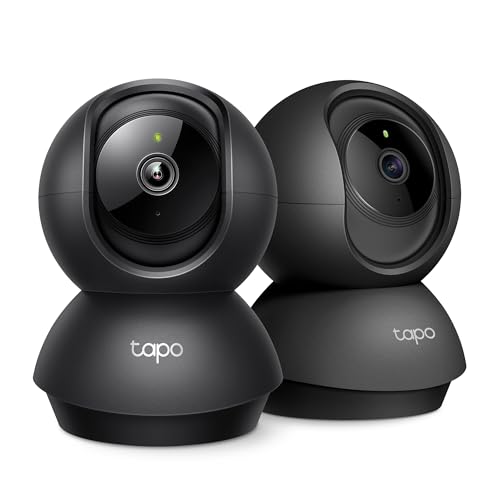
Camera based baby monitors let parents watch and listen to a sleeping child from a phone or dedicated screen. Many indoor security cameras, such as pan and tilt models from Tapo and Wyze, double as baby monitors with night vision and two way audio. Dedicated monitors add features like room temperature readings and a local screen that does not rely on Wi Fi.
Solar Powered Cameras
Solar cameras combine a rechargeable battery with a solar panel, so they run without wiring and rarely need manual charging. They are ideal for driveways, gates, barns and backyards far from outlets. Performance depends on sun exposure, so they work best in open, south facing spots in the United States.
Video Doorbells
Video doorbells replace your doorbell button with a camera, speaker and microphone, so you can see and talk to visitors from anywhere. They are especially useful for package monitoring. Choose wired versions if you have doorbell wiring, or battery models if you do not.
Battery Powered Wireless Cameras
Battery cameras install in minutes with a mount and screws, making them popular with renters and anyone who wants flexible placement. They record motion events rather than continuous video to save power. Expect to recharge them every few weeks to several months depending on traffic.
Placement height affects both coverage and theft risk. Mounting battery cameras around 8 to 10 feet high keeps them out of easy reach while still capturing faces, and angling them slightly downward reduces glare from the sky.
Choosing Home Surveillance Cameras for Your Situation
Different homes need different setups. Here is how to match cameras to some of the most common situations.
Best Home Surveillance Cameras for Home
The best home surveillance cameras for home use cover entry points first: the front door, back door and garage. A typical house needs two to four cameras, often a doorbell camera, one or two outdoor cameras and an indoor camera for the main living area. Choose a single brand so everything lives in one app.
Best Inexpensive Home Surveillance Cameras
The best inexpensive home surveillance cameras, such as the WYZE Cam v4, Blink Mini 2K+ and Tapo indoor models, cost under about $70 each. Look for models with free local storage or free basic alerts so the low price stays low. Budget cameras work well indoors and in covered outdoor spots near an outlet.
Best Home Surveillance Cameras with Dvr
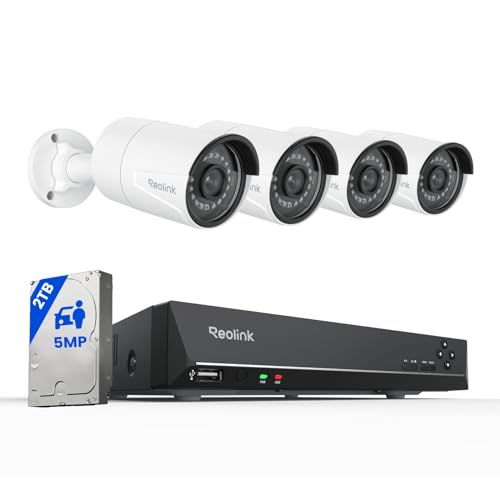
The best home surveillance cameras with DVR or NVR recording, such as Reolink and ANNKE systems, record continuously to a hard drive at home. They suit homeowners who want 24/7 footage without subscriptions. Network video recorders are the modern version of DVRs, using IP cameras over network cables.
Best Outside Home Surveillance Cameras
The best outside home surveillance cameras carry an IP65 or higher weather rating, color or infrared night vision and smart detection to ignore cars and animals. Floodlight cameras, such as the Ring Floodlight Cam 4K Pro, add bright lighting for driveways and backyards, while solar cameras cover spots far from power.
Best Hd Home Surveillance Cameras
The best HD home surveillance cameras record at least 2K, and 4K models such as the Reolink system capture the most detail for faces and plates. Remember that HD depends on bandwidth too; a strong Wi Fi signal or wired connection keeps video sharp instead of pixelated.
How to Make Your Home Surveillance Camera Last Longer
Wipe lenses gently every few months to remove dust, cobwebs and water spots, which blur footage and trigger false alerts. Check mounts after storms and keep firmware updated through the app. For battery cameras, recharge before the battery fully drains and avoid charging in freezing temperatures.
Mount outdoor cameras under eaves where possible to reduce exposure to direct rain and sun. Use weatherproof cable covers on wired cameras and make sure power adapters stay dry. Replace microSD cards every couple of years, since constant recording wears them out.
Review your settings every few months. Seasonal changes such as growing plants, holiday decorations or snow can create new false alerts or block a view, and a quick look at the live feed catches these problems early. Trying the siren and two way audio occasionally, at a considerate hour, confirms everything still works before you need it.
Frequently Asked Questions
Can cameras work without WiFi?
Yes, some cameras work without Wi Fi. Cameras that record to a local microSD card or to a wired NVR system keep recording during an internet outage, though you cannot view them remotely until the connection returns. Cellular cameras use a mobile data plan instead of Wi Fi, which suits remote properties without internet.
Are home cameras easy to hack?
Home cameras are rarely hacked when set up securely. Most incidents come from reused or weak passwords. Use a unique password, enable two factor authentication, keep firmware updated and choose brands that encrypt video. Avoid buying unknown brands with no update history, and secure your home Wi Fi network with a strong password.
Wired or wireless: which is more reliable?
Wired cameras are more reliable, since they do not depend on batteries or Wi Fi signal strength and can record continuously. Wireless cameras are easier to install and move. Many homes use wired or PoE cameras for key areas like the driveway and wireless cameras for spots that are hard to reach with cables.
Do I need a subscription?
Not always. Brands such as eufy, Wyze and Reolink offer free local storage, while Ring, Blink, Arlo and Nest reserve saved video and some smart features for paid plans. Check what works without a subscription before buying, and factor the yearly cost into your budget if you choose a subscription based brand.
How much storage do I need?
For event recording, a 64GB to 128GB microSD card stores weeks of clips for a typical camera. For continuous recording, plan on roughly 1TB to 2TB for four cameras at 2K to 4K, which holds one to several weeks before older footage is overwritten. Higher resolution and more cameras need more storage.
The Bottom Line
When you compare the best home surveillance cameras, focus on three choices: the power and installation type that fits your home, a storage plan you are happy to pay for over time, and smart detection that keeps alerts useful. The eufy SoloCam S340 is our best overall pick for wire free outdoor coverage, the WYZE Cam v4 is an outstanding value, and the REOLINK 4K PoE system delivers premium, continuous recording for the whole property.
For more options, see our guides to the best indoor security cameras, the best outdoor solar powered security camera, the best wireless video doorbells, the best outdoor home surveillance cameras and the best wired home surveillance cameras. Then compare current prices in the product table above.


