
Best Asus Gaming Motherboards of 2026: Complete Buying Guide
Disclosure: We may earn a commission when you buy through links on this page, at no extra cost to you. As an Amazon Associate I earn from qualifying purchases. Learn more

A builder guide to the best asus gaming motherboards: chipset, power delivery, memory, and storage checks before you buy.
The best asus gaming motherboards give a gaming PC stable power delivery, solid cooling, fast storage slots, and room to upgrade, across both AMD and Intel platforms. This guide explains the features that matter, the three main tiers, and the compatibility mistakes that cost builders the most.
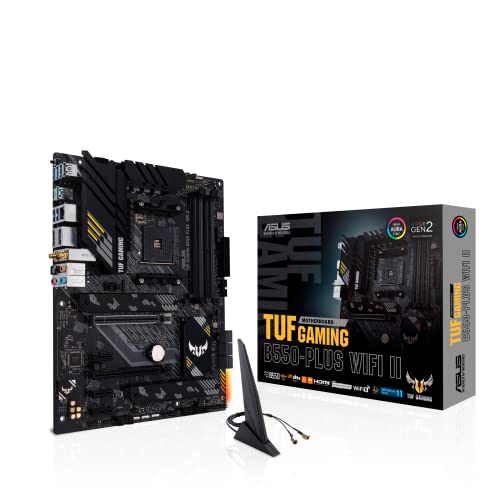
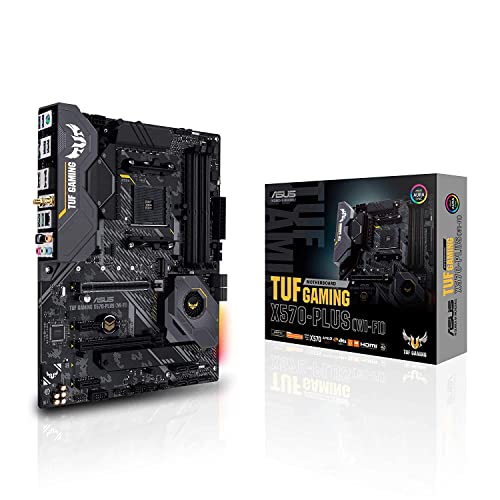
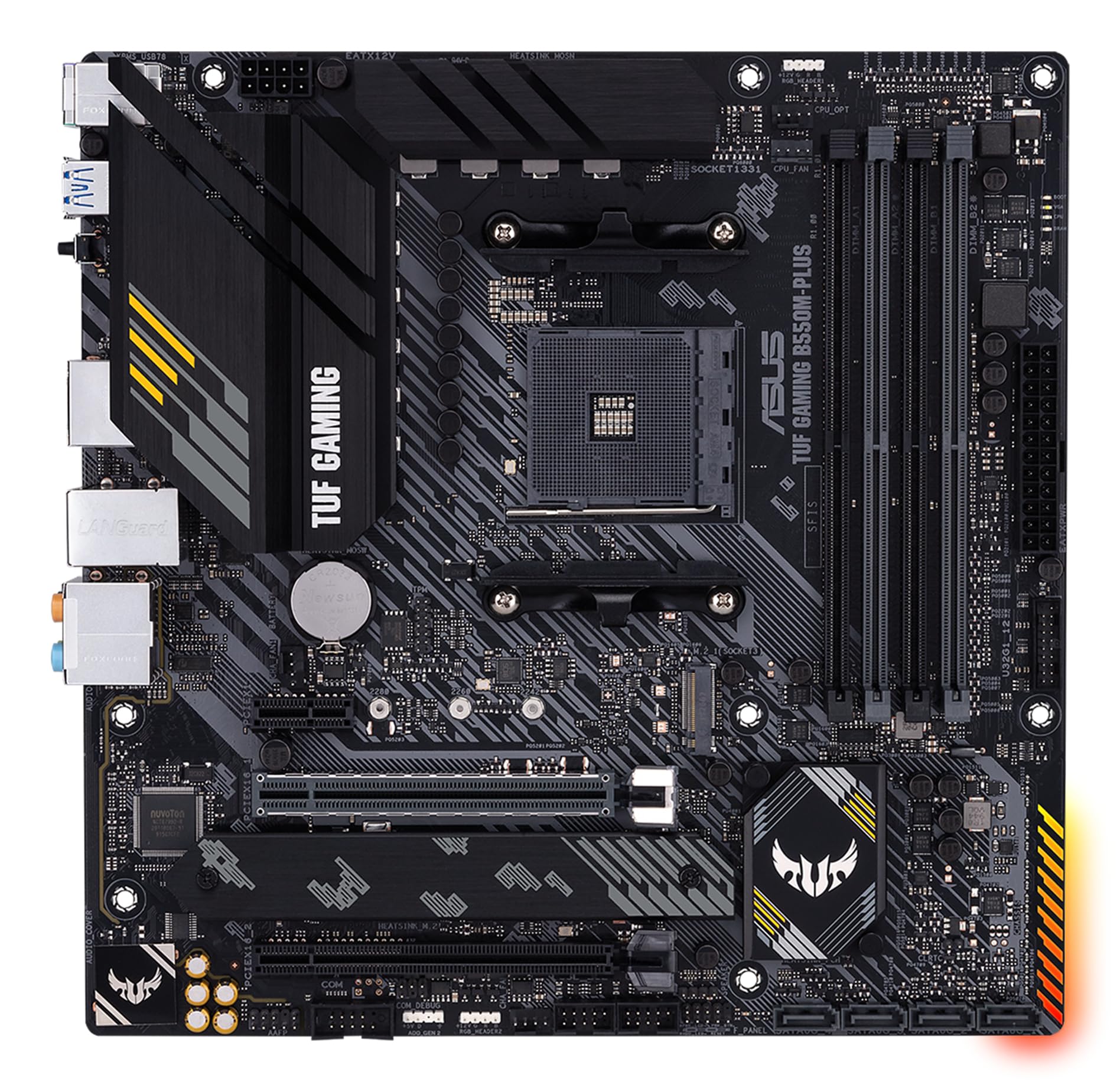
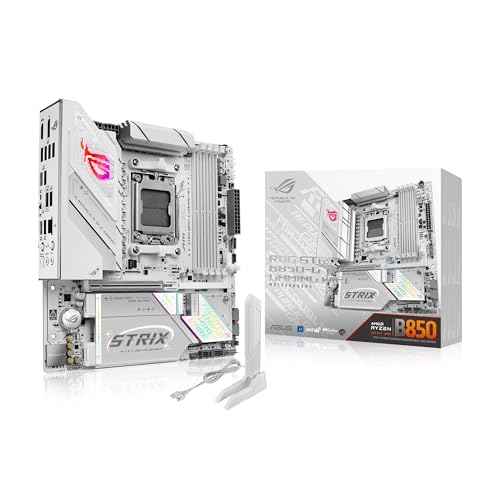
The product table below lines up current boards. The sections that follow cover chipsets, power delivery, memory, ports, and what each price tier buys, so you can narrow a shortlist that fits your processor.




Who Should Buy This
Asus gaming motherboards suit PC builders who want a reliable base for a gaming system, with good power delivery, cooling, and expansion. They work for first time builders and experienced builders upgrading a processor or graphics card. They suit gamers who want stable performance, easy BIOS updates, and room to add storage later. They are a weaker fit for buyers who want a complete ready made PC, where a prebuilt system avoids compatibility checks entirely.
Key Features to Compare
When comparing Asus gaming boards, check the features below before looking at price. Each one affects stability, upgrade room, or compatibility with the parts you already own.
Chipset and processor compatibility
Chipset decides which processors, memory speeds, and features a board supports. Match the board socket and chipset to your exact processor, not just the brand, since similar names can use different sockets. Check the maker compatibility list for your processor and BIOS version, especially for newer chips on older boards. A board that needs a BIOS update for your processor should support updating without a compatible processor installed, or you may need help to boot it.
Power delivery and cooling
Power delivery affects stability under gaming loads, especially with higher end processors. Look for a solid voltage regulator design with heatsinks, rather than counting phases alone. Good heatsinks and airflow around the processor socket keep performance steady during long sessions. If you plan to overclock, prioritise cooling and power delivery over extra features you may never use.
Memory and storage options
Memory support affects speed and capacity. Check maximum memory, number of slots, and supported speeds for your processor, since advertised speeds may need manual settings. Storage options matter too: multiple M.2 slots let you add fast drives for games without cables. Check whether M.2 slots share bandwidth with other ports, since using one slot can disable another on some boards.
Expansion, ports, and rear I/O
Expansion decides future upgrades. Check graphics card slot spacing for large cards, and whether extra slots remain usable with a large card installed. Rear ports should cover your monitor, audio, network, and USB devices without a hub. Built in wireless and high speed network help if your PC sits far from a router.
Front panel USB support matters for cases with modern front ports, so check internal headers match your case.
Types Compared
Asus sorts its gaming boards into tiers, from TUF Gaming and Prime entry boards to ROG Strix and flagship ROG models. Understanding the differences helps you avoid paying for features you will not use, or missing one you need.
Asus entry gaming motherboards
Entry gaming boards suit budget builds with a mid range processor and a single graphics card. They offer solid power delivery and essential ports without premium extras. They suit first time builders and 1080p gaming systems. Choose entry when budget matters and you do not plan heavy overclocking.
Asus mid range gaming motherboards
Mid range gaming boards add better power delivery, more M.2 slots, faster networking, and better cooling. They suit higher end processors, faster memory, and larger game libraries. They offer a good balance of features and price for most gaming builds. Choose mid range when you want room to upgrade later.
Asus high end gaming motherboards
High end gaming boards offer the strongest power delivery, extensive cooling, multiple fast storage slots, and premium audio and networking. They suit enthusiasts, overclockers, and high end processors with demanding power needs. They cost significantly more, and many features go unused in typical builds. Choose high end only when your processor and use case genuinely need it.
What the Best Asus Gaming Motherboards Cost
Asus gaming motherboards usually cost about $120 to $400, with entry boards near the lower end, mid range boards in the middle, and high end boards above it. Budget for a processor, memory, storage, graphics card, power supply, and case, since the board alone does not make a PC. A dearer board mainly buys power delivery, cooling, storage options, and networking, not higher frame rates by itself. Spend on the board that matches your processor and upgrade plans, rather than the most expensive board available.
Check return policies, since a wrong socket or chipset is a costly mistake.
Care and Warning Signs
Care for a motherboard starts with careful installation. Use an anti static wrist strap or touch a grounded metal object before handling the board, and support it evenly when installing. Keep BIOS updated only when an update adds needed compatibility or fixes a known issue, and never interrupt a BIOS update. Keep airflow clear around power delivery heatsinks, and check for loose cables after moving the PC.
If the system fails to boot, check memory seating and power connections first, since those cause most first build problems. Seek qualified help for BIOS recovery if an update fails.
Common Buying Mistakes
The costliest mistake is a socket mismatch: an AM5 board will not take an AM4 processor, and Intel boards are just as specific. Another is paying for a flagship board when a mid range one has the same socket and enough power delivery for your processor. Also confirm the memory type, since DDR4 and DDR5 boards are not interchangeable, and check that the form factor (ATX, micro ATX, or mini ITX) fits your case. Read the full specification, not just the headline feature, and confirm return terms before ordering.
Related Guides to Compare
If you are still weighing brands and platforms, our guides to the best asus motherboards, best pc motherboards for gaming, best affordable motherboards for gaming, and best am4 motherboards for gaming cover closely related choices.
Frequently Asked Questions
How do I choose the right chipset?
Match the chipset to your processor socket and feature needs, using the maker compatibility list. Higher chipsets offer more ports, faster storage options, and overclocking support on some platforms. For most gaming builds, a mid range chipset covers needs well. Choose a higher chipset only when you need its specific ports, storage, or overclocking features.
Can I use any processor with an Asus gaming motherboard?
No. Processors must match the board socket and chipset, and sometimes a specific BIOS version. Check the maker CPU support list for your exact processor model before buying. Similar processor names can use different sockets, so verify by model number, not by brand or generation alone.
Do I need a high end motherboard for gaming?
Usually not. Frame rates depend mainly on the graphics card and processor, not the motherboard, as long as power delivery is adequate. A mid range board with solid cooling suits most gaming builds. High end boards help with overclocking, multiple fast drives, and premium networking, but they rarely raise frame rates alone.
What is BIOS flashback and do I need it?
BIOS flashback lets you update the BIOS without a compatible processor installed, using a USB drive and a button. It helps when a newer processor needs a newer BIOS on an older board. It is useful insurance for builders buying a new processor with an older chipset board. Check whether your chosen board includes it before buying.
How many M.2 slots do I need?
One fast M.2 drive suits most gaming builds, covering the system and several games. Two slots offer room for a larger game library without cables. More slots suit builders with large libraries or content creation work. Check whether slots share bandwidth, since using one slot can disable a SATA port or another slot on some boards.
Final Thoughts
Choosing best asus gaming motherboards well comes down to fit, features, and total cost, not to the most expensive model or the longest feature list. Use the product table above to compare types, then judge your shortlist by how it feels and performs in your normal routine. Take your time, check the details that matter for your use, and choose the option you will be happy to use every day.


