
Best and Worst Gaming Laptops: A 2026 Checklist and Buying Guide
Disclosure: We may earn a commission when you buy through links on this page, at no extra cost to you. As an Amazon Associate I earn from qualifying purchases. Learn more

A checklist for the best and worst gaming laptops: graphics power, cooling, display speed, battery life and value, with three price tiers.
Gaming laptops are easy to oversell, because a long spec list can hide weak cooling, a dim screen, or a graphics chip running far below its potential. The checklist in this guide separates the best and worst gaming laptops by the numbers that actually decide frame rates and comfort. You will score each candidate the same way, so marketing claims stop mattering.
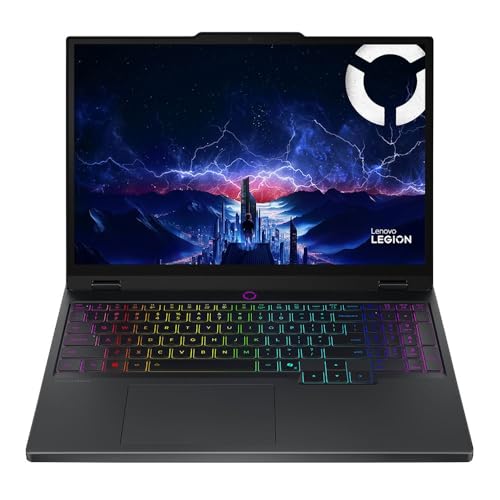
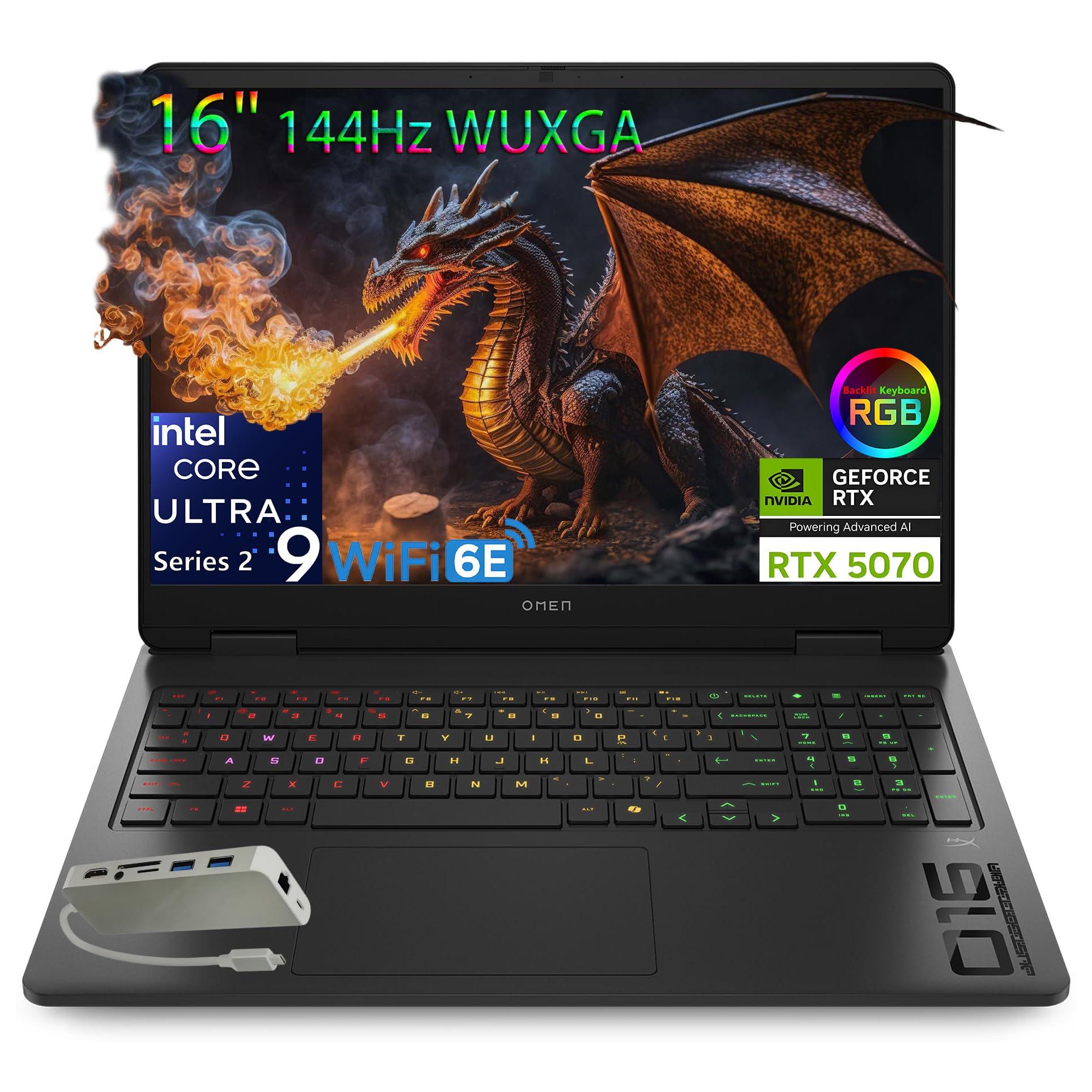
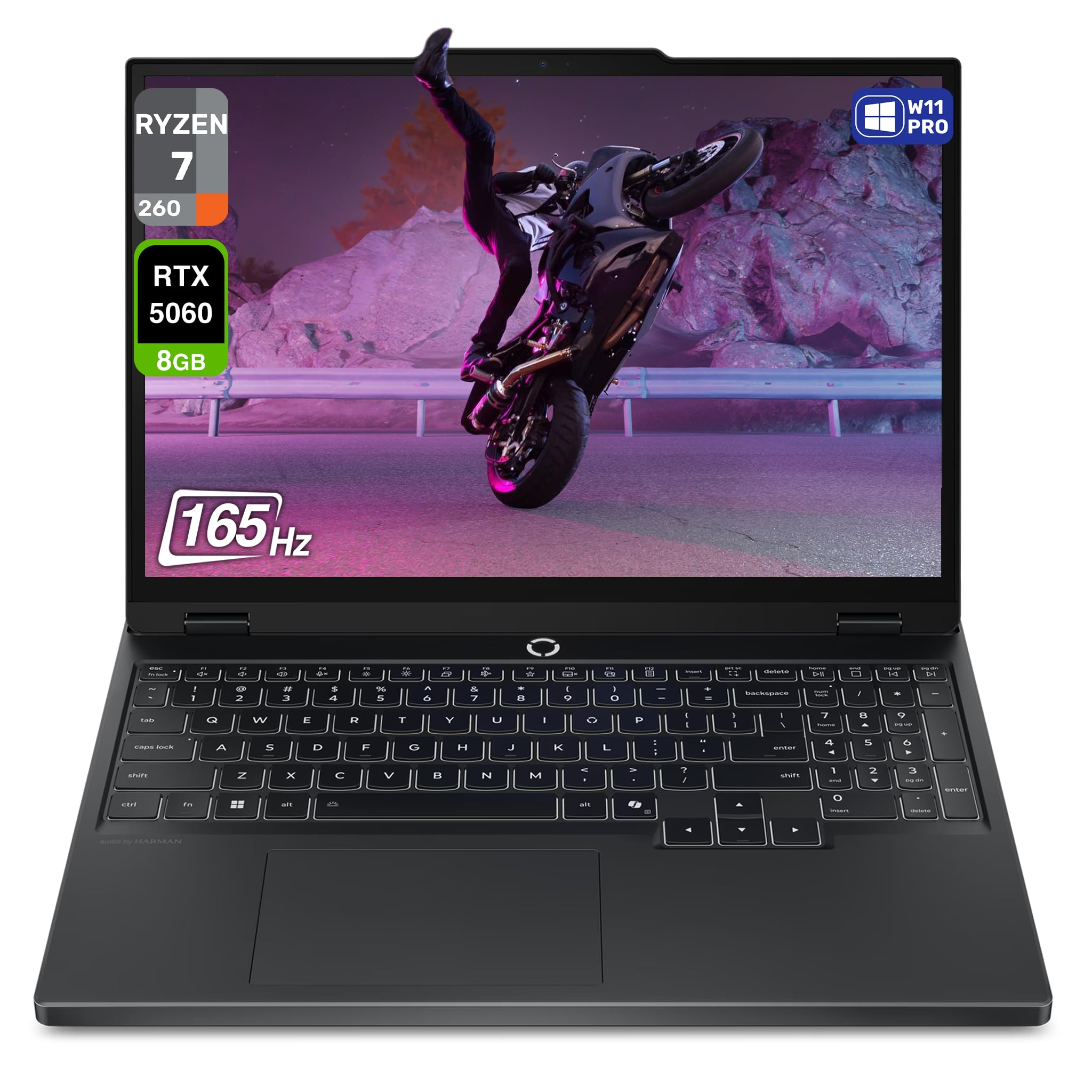
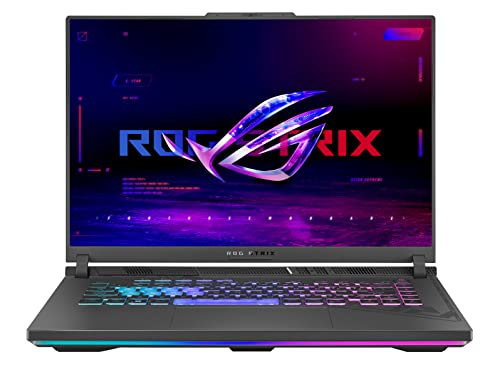
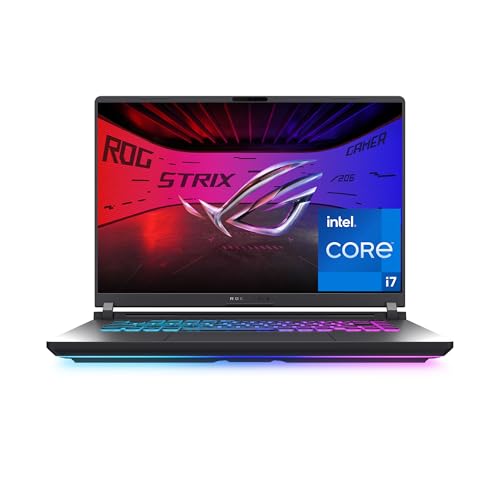
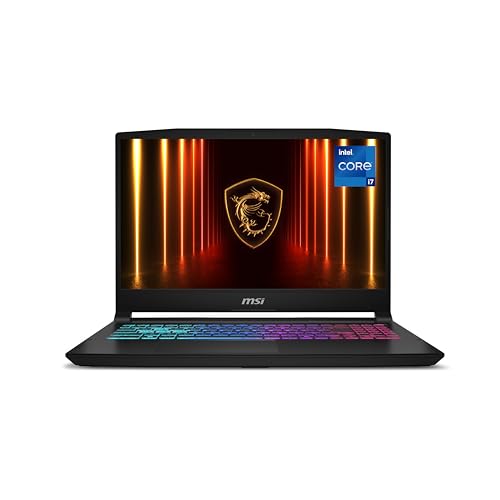
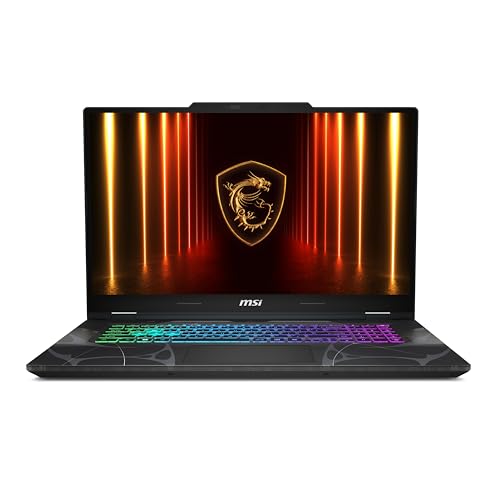
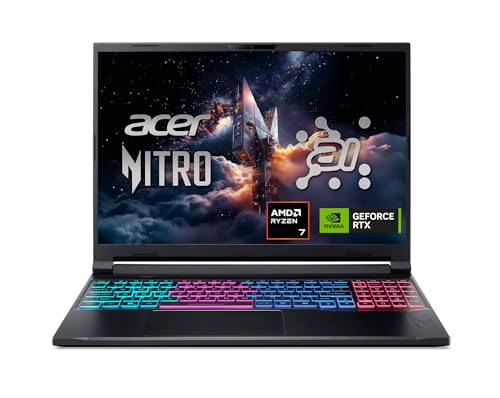
Work through the six evaluation criteria first, then use the quick buyer checklist and the red flags list before you pay. The comparison table below gives you the raw specs to score, and the tier notes after it show what a fair price buys at each level.
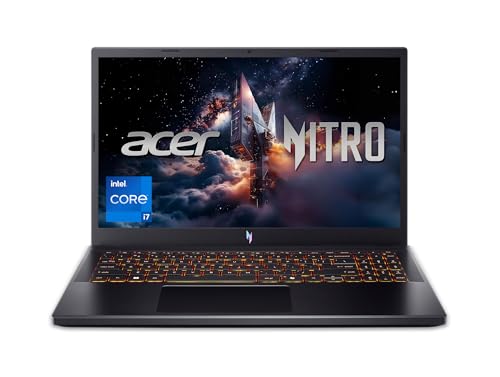

How to Evaluate Gaming Laptops
Each criterion below includes a clear pass mark and a warning level. A laptop does not need to ace every line, but it should pass the ones tied to the games you play and the places you play them.
Processor and Performance Tier
For gaming, the graphics chip matters more than the processor, but the two must be balanced. A current mid range graphics chip paired with a recent six or eight core processor handles modern games at 1080p with high settings. The trap is wattage: the same graphics chip can run at very different power limits in different laptops, and a low wattage version can trail a higher wattage one by a wide margin. Good listings state the graphics power in watts; vague listings hide it. If a seller will not state the wattage, treat the machine as the slower version until proven otherwise. Our guide to the best quality gaming laptops explains how build and cooling quality affect these numbers over a long session.
Weight and Portability
Gaming laptops range from about 3.5 lb for slim 14 inch models to over 6 lb for large 17 inch machines, and the charger often adds another pound or more. If the laptop travels daily to class or work, a total carry weight under about 5 lb keeps a backpack comfortable. Desktop replacement machines can weigh more because they rarely move, and the extra size usually buys better cooling and quieter fans. Be honest about your routine: a powerful machine left at home because it is too heavy delivers no frames at all. Slim models also tend to run hotter, so portability trades directly against sustained performance.
Display Size, Resolution, and Brightness
A 15.6 or 16 inch screen at 1080p or 1440p resolution suits most players, and refresh rate matters as much as resolution. A 144 Hz panel makes fast games feel smooth, while 240 Hz helps competitive players in shooters and racing titles. Brightness of at least 300 nits keeps the picture clear in a lit room, and color coverage near 100 percent sRGB makes games and creative work look right. OLED panels offer superb contrast and fast response, though they cost more and can risk burn in with static screen elements left on for many hours. A cheap 60 Hz panel on a fast machine is a classic mismatch to avoid.
Battery Life in Real World Use
Gaming drains a battery fast, often in about one to two hours of play, so judge battery life by your non gaming use instead. For browsing, video, and documents, about six to eight hours is a good pass mark for a gaming laptop. Fast charging over USB C is handy for topping up with a smaller charger on the go, though full gaming performance almost always needs the large bundled power brick. If you mostly play at a desk near an outlet, battery size can rank lower on your checklist. If you study or work away from home all day, it should rank near the top.
RAM and Storage
Sixteen gigabytes of RAM is the sensible minimum for modern gaming, and 32 GB helps with streaming, heavy multitasking, and future titles. Avoid 8 GB machines for gaming entirely, since new games already crowd that limit. For storage, a 1 TB SSD gives room for several large games, while 512 GB fills quickly when single titles pass 100 GB. Check whether RAM and storage can be upgraded later, because an open slot can extend the life of the machine by years. Also confirm the drive is a modern NVMe SSD, since load times and game streaming of assets depend on drive speed.
Operating System (Windows, macOS, ChromeOS, Android, iPadOS)
Windows is the gaming platform that matters here, because the major game stores, launchers, and anti cheat systems are built for it. macOS offers a small and growing game library but no upgrade path and limited support for popular titles, so Apple laptops suit creative work far better than gaming. ChromeOS runs cloud gaming services but cannot install standard PC games locally. Tablets on Android or iPadOS play mobile games only. If your library lives on Steam or similar PC stores, a Windows machine is the only choice that plays all of it without workarounds or subscriptions.
Three Price Tiers That Pass the Checklist
The tiers below describe what a fair price should deliver, without naming models. Compare any machine in the product table above against its tier, and be suspicious when a laptop charges a higher tier price while missing that tier basics.
Best Overall
A balanced machine, usually around $1,300 to $1,800, pairs a strong mid range graphics chip at a healthy wattage with a 16 GB or 32 GB memory setup and a 1 TB SSD. Expect a 144 Hz or faster screen at 300 nits or more, cooling that holds performance through a long session, and a keyboard with decent key travel. The compromise is weight, since this class usually lands between 4.5 and 5.5 lb. For most players this tier gives the best frames per dollar without obvious weak points.
Best Value
Value machines, often around $700 to $1,100, target smooth 1080p play at medium to high settings. You may get 16 GB of RAM but only 512 GB of storage, a screen closer to 250 to 300 nits, and a heavier plastic body. Cooling is usually adequate rather than quiet. This tier rewards buyers who check graphics wattage carefully, because the savings sometimes come from a slowed chip. If your budget is firm, our guide to the best inexpensive gaming laptops shows where careful compromises still leave an enjoyable machine.
Best Compact Pick
Compact gaming laptops, often around $1,200 to $2,000, fit serious graphics power into 14 inch bodies near 3.5 lb. They suit students and travelers who play in different places and also need a normal laptop by day. Expect to pay more for the same frame rates a larger machine delivers, and expect fans to work harder under load. Battery life for daily tasks is often a strength in this class. The main limit is upgrade room, since memory is frequently soldered in place, so buy the RAM amount you will need in three years, not just today.
Quick Buyer Checklist
Answer these questions before you buy. A no on the first four should stop the purchase, while a no later in the list means a compromise you should accept knowingly.
- Does the listing state the graphics chip wattage, and is it in the healthy range for that chip?
- Does it have at least 16 GB of RAM and a 512 GB or larger SSD?
- Is the screen at least 144 Hz and about 300 nits bright?
- Can you return it easily if coil whine, heat, or fan noise bothers you at home?
- Does the total carry weight, charger included, fit your daily routine?
- Are the RAM or storage upgradeable, or is the fitted amount enough for three years?
- Does the warranty cover at least one year, with a clear repair route in your country?
- Do the ports cover your monitor, headset, and controller without a bag of adapters?
Red Flags to Watch For
Weak gaming laptops share a few habits. Spotting even one of them should slow you down, and spotting two is a good reason to walk away.
- Vague graphics claims: words like powerful graphics with no chip name or wattage usually hide the slowest version of a chip.
- Mismatched parts: a fast processor beside 8 GB of RAM or a 60 Hz screen means money went to the spec sheet, not the experience.
- No cooling detail: gaming loads are sustained, and a thin machine with a single small fan will throttle and lose speed within minutes.
- Very short warranty: coverage under one year on an expensive machine signals low confidence from the maker itself.
- Odd review patterns: clusters of glowing reviews with no mention of heat, noise, or weight read like marketing rather than ownership.
These same habits help when judging any laptop category, and our broader guide to the best and worst laptops applies a similar pass and fail approach to everyday machines.
Tips to Get the Most From Your Gaming Laptop
Keep the operating system and graphics drivers updated, since driver releases often add real performance for new games. Avoid running at a full charge all the time if the laptop lives on a desk; many machines offer a charge limit near 80 percent that slows battery wear. Use a padded sleeve when commuting, because a cracked screen corner is the most common travel injury. Raise the rear of the laptop slightly or use a simple stand so the intake vents underneath can breathe, and clean dust from the fans about twice a year. If you also need a light machine for notes and travel days, our guide to the best notebook laptops covers the other end of the size range.
Frequently Asked Questions
How much RAM do I need?
Sixteen gigabytes is the right amount for most players today, covering modern games plus a browser, chat, and music running alongside. Thirty two gigabytes helps if you stream your play, edit video, or keep many programs open. One detail matters when comparing the best and worst gaming laptops: two matched memory sticks run in dual channel mode and can lift frame rates noticeably compared with a single stick of the same total size, so check the layout, not just the number.
Is a dedicated GPU worth it?
Yes, a dedicated graphics chip is worth it for anyone playing modern 3D games, because integrated graphics share memory and deliver a fraction of the speed. The gap shows most in frame rate stability during busy scenes. If your games are older titles, simple strategy games, or cloud streamed, integrated graphics may be enough and will buy you a lighter, cooler machine. For a new purchase meant to last years, dedicated graphics remain the safer call.
Is a Chromebook enough for school?
A Chromebook can be enough for school writing, browsing, and video calls, but it is not a gaming laptop in any useful sense. It cannot install standard PC games, and its app library leans on mobile titles and cloud services that need a fast connection and often a subscription. Students who want one machine for both homework and real gaming should choose a Windows laptop instead, even a value tier one, rather than carrying a second device later.
Should I buy a laptop or a tablet?
Buy a laptop if gaming is a real goal, because tablets cannot run PC games, lack proper cooling for long sessions, and rely on touch controls for most titles. A tablet wins only on weight, instant wake, and media viewing in bed or on a sofa. Some students pair a cheap tablet for reading with a gaming laptop for everything else, but if the budget forces one device, the laptop covers school, work, and play with far fewer compromises.
How long should a gaming laptop last?
A well chosen gaming laptop should stay enjoyable for about four to five years, playing new releases at reduced settings near the end of that span. The graphics chip sets the clock more than any other part, which is why wattage and tier matter at purchase. Heat is the long term enemy, so clean vents and good airflow genuinely extend life. Budget for a battery replacement around year three if you use it away from the desk often, since capacity fades with charge cycles.
Our Verdict
Score graphics wattage, memory, and screen quality first, because those three decide whether a machine feels fast or frustrating. The honest end of the best and worst gaming laptops range states its numbers plainly and cools them properly, while the weak end hides behind adjectives. Run your shortlist through the checklist, compare it with the product table above, and if you are weighing a full desk setup instead, our guide to the best gaming computers laptops covers how desktops and laptops divide the work.


