
Best Asus Motherboards 2026: Which Type Is Right for You?
Disclosure: We may earn a commission when you buy through links on this page, at no extra cost to you. As an Amazon Associate I earn from qualifying purchases. Learn more

The best asus motherboards match your processor socket, case size, and upgrade plans. Compare sizes, chipsets, and power delivery before you buy.
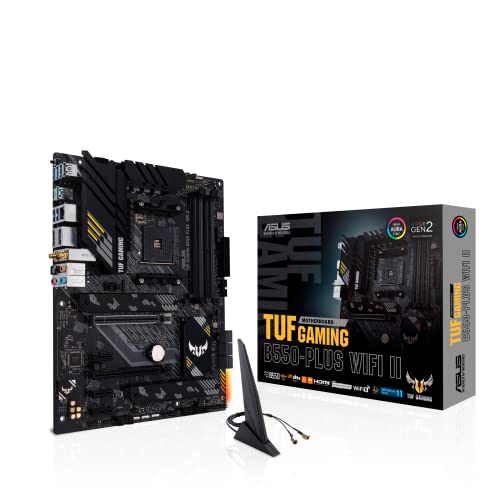
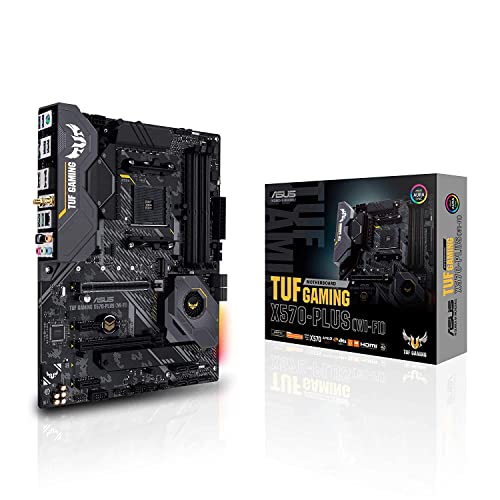
The best asus motherboards are the ones that match your processor socket, your case size, and the upgrades you plan to make, not simply the most expensive board in the lineup. Asus sells boards for both AMD and Intel platforms across several families, from budget Prime and TUF Gaming models to ROG Strix and flagship ROG boards, so the labels alone do not tell you what fits.
This guide explains the three board sizes, the features worth comparing, and the mistakes that cost builders the most. Use the product table below to see current boards, then use the sections below to narrow them to your build.





Who Should Use This Guide
This guide suits first time PC builders, gamers upgrading a processor, and anyone replacing a failed board. If you are buying a complete ready made PC, you can skip it, because the manufacturer has already matched the board to the other parts. If you build or upgrade yourself, compatibility is the one thing you must get right before anything else.
Board Sizes Compared
ATX Motherboards
An ATX board suits a mid tower or larger case and offers the most expansion: extra PCIe slots, more M.2 and SATA connectors, four memory slots, and stronger power delivery. It is the usual choice for gaming and creator builds that will gain drives and cards over time.
Micro ATX Motherboards
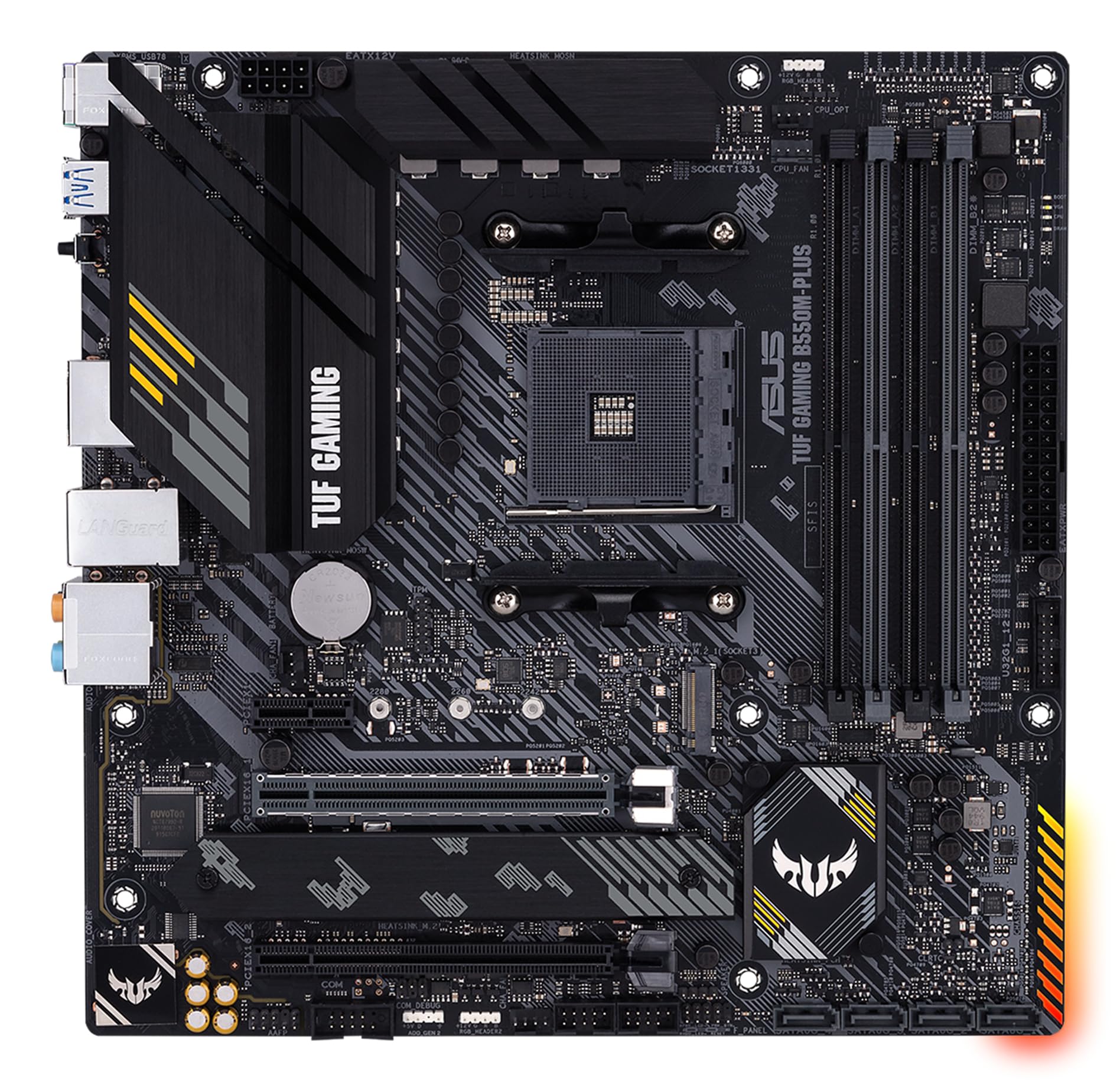
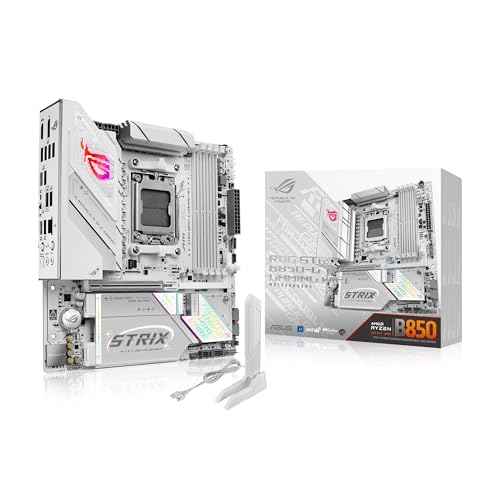
A micro ATX board fits smaller cases and costs less, with fewer slots but enough for one graphics card and a couple of drives. It is a sensible pick for budget gaming builds and office PCs where you do not need extra expansion cards.
Mini ITX Motherboards
A mini ITX board is the smallest option, built for compact and living room PCs. It has one graphics slot and two memory slots, and it needs careful planning for cooling and storage. Builders weighing this size can also read our guide to the best itx motherboards.
Key Features to Check
Socket and Chipset
The socket decides which processors fit, and the chipset decides which features the board supports. An AM5 board takes current Ryzen processors, an AM4 board takes older Ryzen chips, and Intel boards use their own sockets that change between generations. Match the board to your exact processor, and check the maker support list for any BIOS update the processor needs. Our guide to the best motherboards am4 covers the older AMD platform in detail.
Power Delivery and Cooling
Power delivery is the voltage regulator design that feeds the processor. Midrange chips run fine on simple designs, while high end processors under long loads need larger heatsinks and more power stages. Overclockers should prioritize this over extra features.
Memory and Storage
Check whether the board uses DDR4 or DDR5, since they are not interchangeable, and note the maximum capacity and supported speeds. Multiple M.2 slots let you add fast SSDs without cables, but on some boards a populated slot disables a SATA port, so read the manual.
Ports and Wireless
Count the USB ports, display outputs, and network speed you need. Onboard WiFi and Bluetooth are handy when the PC sits far from the router, and a front panel USB C header matters if your case has a USB C port.
BIOS and Updates
A clear BIOS with regular updates helps with new processors and memory kits. Some Asus boards include BIOS Flashback, which lets you update the BIOS from a USB drive without a processor installed, useful when a newer chip needs newer firmware.
What the Best Asus Motherboards Cost
Asus boards range from about $100 for entry models to $400 and more for high end ROG boards. The extra money buys stronger power delivery, more M.2 slots, faster networking, and premium audio, not higher frame rates on its own. Budget for the processor, memory, storage, graphics card, power supply, and case as well, since the board is only one part of a PC. Buyers focused on gaming can compare the best asus gaming motherboards, and anyone who cares about appearance may like our guide to the best looking motherboards.
Common Mistakes to Avoid
The costliest mistake is a socket mismatch, followed by buying DDR5 memory for a DDR4 board or the reverse. Another is paying for a flagship board when a midrange one has the same socket and enough power delivery for your processor. Also confirm that the board size fits your case, and check the return terms before ordering.
Installation and Care
Touch a grounded metal object before handling the board, install it on the standoffs that match its size, and never interrupt a BIOS update. If the PC does not boot on the first try, reseat the memory and check the power connectors, which cause most first build problems. Keep dust out of the heatsinks and update the BIOS only when an update fixes something you need.
Matching a Board to Your Processor
Start with the processor you own or plan to buy, then work backward. Current AMD Ryzen chips use the AM5 socket with DDR5 memory, while older Ryzen chips use AM4 with DDR4. Intel boards use their own sockets, and each Intel generation may need a different chipset, so a board that fits last generation's chip may not fit this one. Asus labels the chipset in the model name, such as B650, X670, B760, or Z790, which makes it easy to confirm the platform before you click buy. If you plan to keep the board for several processor upgrades, favor the platform that is still receiving new chips rather than the one nearing the end of its life.
Frequently Asked Questions
Does motherboard brand matter?
Brand matters less than chipset, power delivery, and support, though build quality and BIOS design differ between makers. Asus offers a wide range from budget to high end. Compare specific models and read the specification sheet for your processor rather than choosing on the logo alone.
What size motherboard should I buy?
Size depends on your case and your expansion needs. ATX suits larger cases with several cards and drives, micro ATX suits compact builds with one graphics card, and mini ITX suits tiny PCs. Check which sizes your case supports before you order, since a board that does not fit cannot be used.
Do I need WiFi on a motherboard?
You need onboard wireless only if you cannot run a network cable to the PC. A wired connection is usually faster and steadier for gaming and large downloads. You can also add a wireless card later, though onboard wireless is neater.
How important is power delivery?
It matters most for high end processors under sustained load, such as rendering or long gaming sessions, where a weak design can throttle performance or run hot. For modest processors and office work, a simpler design is fine. Match the board to your processor.
Can I upgrade later with the same motherboard?
You can upgrade memory, storage, and graphics cards on most boards, but processor upgrades depend on socket, chipset, and BIOS support. Check the maker support list before you buy, and plan your upgrade path so you do not choose a board that blocks your next step.
Final Thoughts
Start with the socket and board size, then choose the power delivery, memory type, and storage slots your build needs. Use the product table above to compare current boards, and the best asus motherboards for your PC will be the one that fits your processor, your case, and your plans without paying for features you will not use.


