
Best Anti Glare Monitors: A Buying Guide for 2026
Disclosure: We may earn a commission when you buy through links on this page, at no extra cost to you. As an Amazon Associate I earn from qualifying purchases. Learn more
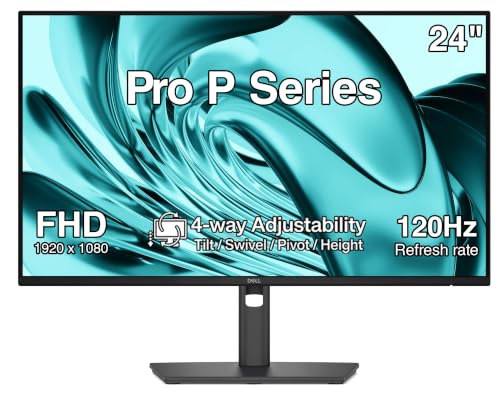
Compare anti glare monitors by coating strength, panel type, size and price, and learn how room light changes which screen feels calmest at your desk.
A bright window or a ceiling light can turn a glossy screen into a mirror, and tired eyes often follow long before the workday ends. Shoppers comparing best anti glare monitors usually want a calmer picture without giving up color or sharpness. This guide explains coating, panel, size and price so you can match a screen to your room, and the comparison table below gathers the key options in one place.
No single finish suits every desk. A strong matte surface near a window behaves very differently from a light coating in a dim room, so the sections below start with the coating itself.


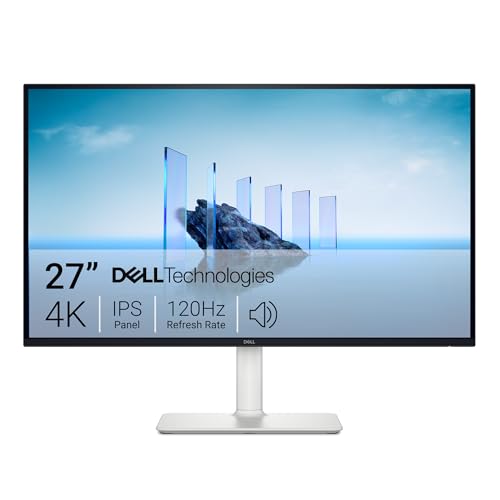


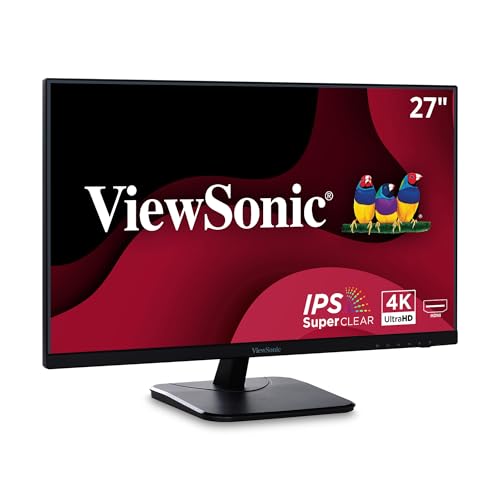
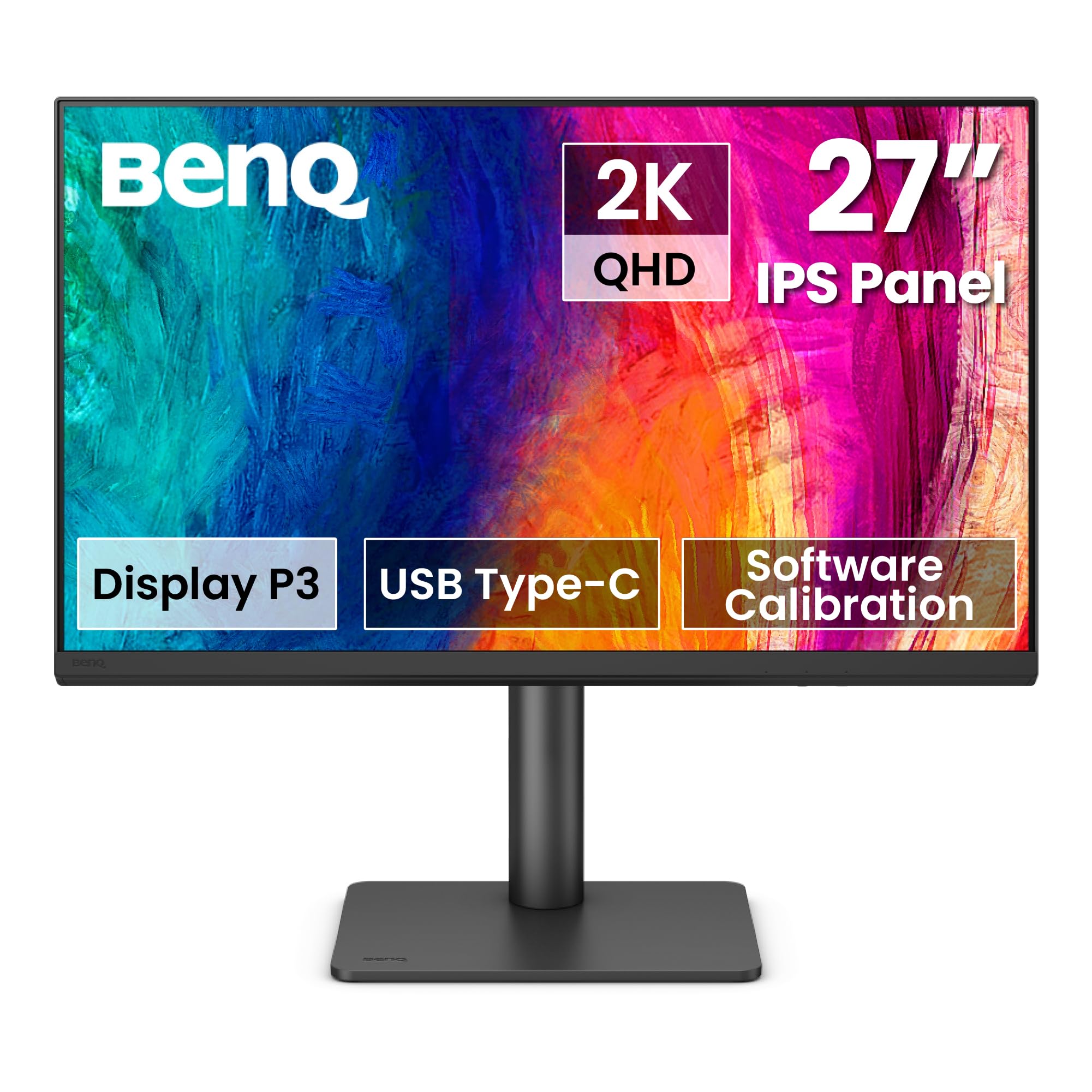
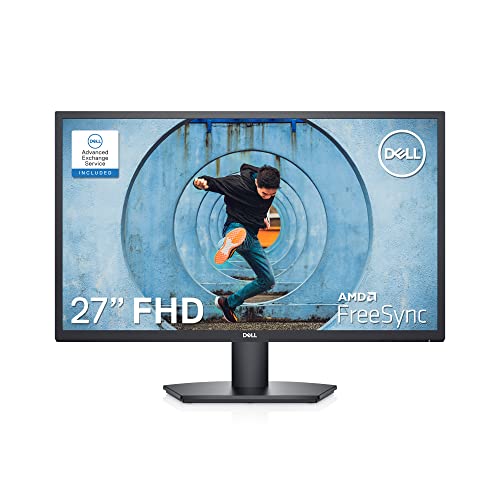
How to Choose: A Buying Guide
Start with the surface, because the coating decides how your room light shows up on screen. The factors below move from the finish outward to the panel, size and stand. Keep the product table above nearby as a short list while you weigh them.
Coating Strength and Surface Finish
A matte coating governs how strong reflections look on your screen. It scatters incoming light across the surface instead of bouncing it back as one clear mirror image, so windows and lamps fade into a soft haze. Coatings come in light, medium and strong grades. A light grade keeps text crisp in dim rooms, while a strong grade suits desks facing bright windows.
The trade is simple. A heavy coating trades a little sharpness for that calm surface, because the scattering layer can add a faint grain over fine text. Readers who edit small type often prefer a light or medium grade. Judge the grade against your worst hour of light, not your best one.
Panel Technology and Viewing Angles
The panel under the coating shapes color, contrast and viewing angle. IPS panels hold color well from the side, which helps shared desks and dual screen setups. VA panels give deeper contrast for evening viewing but can shift color at wide angles. OLED panels deliver the strongest contrast of all, while Mini LED backlights raise brightness for bright rooms. When listings describe the best anti glare monitors, the panel line tells you how the picture behaves once reflections are gone.
Resolution and Screen Size
Resolution decides how much detail fits on screen, and size decides how far that detail spreads. A 24 to 27 inch screen at 1440p gives most desks a comfortable balance of space and text size. A 1080p screen looks softer up close, while 4K suits screens of 32 inches and above. Match the pair to your viewing distance, roughly an arm length.
Connectivity and Ports
Ports decide how tidy your desk stays. DisplayPort and HDMI both carry high resolution signals, and two video inputs help when a work laptop and a home computer share one screen. USB C input with power delivery of about 65 to 90 watts can charge a laptop through the same cable that carries the picture.
Adaptive Sync and Gaming Features
Refresh rate and adaptive sync shape how motion looks. A higher refresh rate makes scrolling and fast scenes appear smoother, and adaptive sync matches the screen output to the computer so frames arrive without tearing. Readers who play after work can compare play focused models in our guide to best gaming monitors for fast scene features. For office only use, a good coating beats speed you never use.
Brightness, Color and Eye Comfort
Brightness decides whether the picture can compete with your room. Screens rated around 250 to 350 nits suit most indoor desks, while brighter rooms reward the upper end of that range. Low blue light modes and flicker free backlights can ease long sessions, although regular breaks matter more than any single mode.
Stand, Mounting, and Ergonomics
A good stand saves your neck long after the coating saves your eyes. Look for height adjustment so the top of the screen sits near eye level, plus tilt for changing light through the day. A VESA mount pattern, commonly 100 x 100 mm, lets you move the screen to an arm later and angle the surface away from a window.
Types of Anti Glare Monitors
Large Screen Options
Screens of 32 inches and above suit readers who keep many windows open or sit farther back. The larger area makes a strong coating more valuable, because a bigger surface catches more room light. These models cost more and need deeper desks. They fit analysts and editors who replace two small screens with one.
Gaming Displays
Gaming displays pair a matte finish with high refresh rates and adaptive sync. The coating keeps lamps and windows from breaking concentration during play, and the panel favors speed over perfect color. Players of fast moving games gain the most from this type.
Productivity and Ultrawide Displays
Ultrawide screens stretch the view sideways so spreadsheets, timelines and code sit side by side without a bezel in the middle. A curved shape is common at this width and can soften reflections at the edges. These screens need a wide desk and a computer that can drive the pixel count. They fit multitaskers in several apps at once.
OLED Displays
OLED screens light each pixel on its own, giving deep blacks and strong contrast in dim rooms. Many OLED finishes are glossier than matte LCD finishes, so light control matters more with this type. Static images shown for long hours also call for care, as the pixel refresh notes below explain. OLED suits film lovers who can manage their lighting.
Price Bands and What They Buy
Price mostly buys coating grade, panel quality and stand adjustment. The bands below show what each step usually adds, so you can stop paying once your room and work are covered.
Entry Band
Entry models at about $120 to $200 usually pair a light to medium matte coating with a 1080p panel and a tilt only stand. They suit students, spare desks and home offices with soft light. You give up height adjustment and USB C charging here. For one screen in a calm room, this band covers the basics honestly.
Middle Band
Middle models at about $200 to $350 add 1440p resolution, stronger coatings and height adjustable stands. USB C input with charging appears here, along with wider color coverage. This is the band most desk workers should study first. It answers bright rooms and long days without paying for unused speed or area.
Upper Band
Upper models at about $350 to $600 bring 4K panels, large screen options, Mini LED or OLED technology and the strongest stands. Color accuracy and brightness both rise here. Designers and video editors gain the most here. If your light is mild and your work is documents, the middle band remains the smarter spend.
Picking the Right Fit for Different Uses
Best IPS Anti Glare Monitors
An IPS panel pairs naturally with a matte finish because both serve shared and shifting viewpoints. Judge this group by three points: color that stays steady at an angle, a coating grade matched to your window light, and a stand two people can adjust. Readers at shared desks or in bright open offices benefit most. A VA panel can still win for solo evening use, where contrast matters more than angle.
Judging Build and Panel Quality
Beyond the spec sheet, even backlighting, firm stand joints and a uniform coating separate a careful build from a cheap one. Readers who want that wider picture can compare the field in our guide to best quality monitors after settling the coating grade here. Check warranty length too, since panel faults tend to appear early.
Other Screens in the Home
A television solves a different viewing distance problem, so readers comparing living room screens can see our guide to best anti glare tvs for that separate class. A laptop screen is a portable class with its own finish limits, and our guide to best anti glare laptops covers that class on its own terms.
Setup and Care Tips
- Calibrate picture settings early: turn off the vivid mode most screens ship with, then set brightness so whites match the room.
- Angle the screen at a right angle to windows where you can, because a coating softens reflections but placement removes many outright.
- Clean the surface with a dry or slightly damp microfiber cloth only, since rough cloths and strong sprays can wear the coating.
- Use quality HDMI or DisplayPort cables rated for your resolution and refresh rate, because an old cable can limit a 4K screen without warning.
- On OLED screens, run the built in pixel refresh when prompted, and vary your content so static bars and logos rest between sessions.
Anti Glare Monitors: Your Questions Answered
Is 4K worth it on an anti glare screen?
It depends on screen size and viewing distance more than on the coating. At 32 inches and above, 4K keeps text sharp from a normal desk distance, and the matte finish protects that sharpness from window light. At 24 inches, most readers see little gain over 1440p. One extra point: raise the system scaling setting so text stays large enough to read without leaning in.
Does refresh rate matter for non gamers?
A higher refresh rate helps everyday use more than many readers expect. Scrolling documents, moving windows and watching video all look steadier at higher rates, and the effect shows within the first hour. It does nothing for reflections, though, so coating grade still comes first in a bright room. If the budget forces a choice, buy the better coating and the standard rate.
What size should I get for my room or desk?
Measure your desk depth before you choose a size. A 27 inch screen suits desks about 24 to 30 inches deep, while a 32 inch screen wants more depth so the edges stay in comfortable view. Shallow desks favor 24 inch screens, which also catch less window light by being smaller. Leave room for the stand foot, which can add several inches of depth.
IPS vs OLED: which handles glare better?
Neither panel wins on glare by itself, because the surface finish decides reflections. Most IPS screens ship with true matte coatings, while many OLED screens use glossier finishes that mirror bright windows. In a dim room the OLED contrast looks superb, and in a bright room the matte IPS usually looks calmer. Judge the finish in the listing first, then choose the panel for color.
How long do anti glare monitors last?
A monitor backlight typically serves for many years of daily desk use before brightness fades noticeably. The coating lasts the life of the screen when cleaned gently, since wear comes from rough cloths and harsh sprays rather than age. Warranty terms of three years or more are common in the middle and upper bands. Most readers replace a screen after a change in work, not a failed finish.
Final Thoughts
Choose the coating grade for your brightest hour, the panel for how you view the screen, and the size for your desk depth. Once those three points are settled, the best anti glare monitors decision becomes a short one. Compare your finalists in the product table above, check the stand and ports once more, and order the screen that fits your room.


