
Best 4K Computer Monitors for Work in 2026: Which Type Is Right for You?
Disclosure: We may earn a commission when you buy through links on this page, at no extra cost to you. As an Amazon Associate I earn from qualifying purchases. Learn more
Compare the best 4k computer monitors for work by panel, size, color, ports and price, with guidance on ultrawide, OLED, large and budget displays.
Choosing a 4K monitor for work sounds simple until you face panel types, screen sizes and port lists that all claim to help you focus. The best 4k computer monitors for work share one trait, since they make text sharp, windows roomy and long desk days easier. This guide compares types first, so you can use the comparison table below to match a display to your job and your desk.
Start with your daily tasks rather than a spec sheet. Writing and spreadsheets reward crisp text and calm brightness, design work rewards accurate color, and roles built on many open windows reward width. Your laptop ports, desk depth and budget then narrow the field quickly.
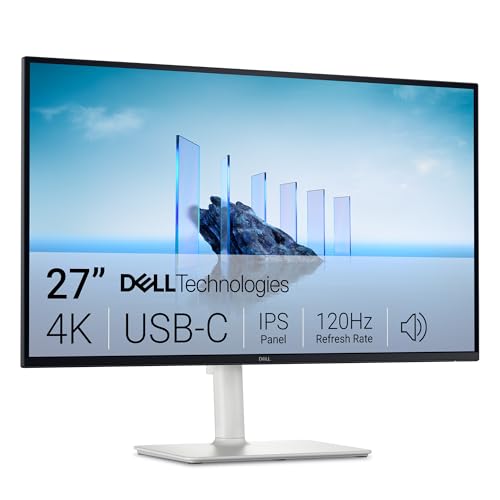
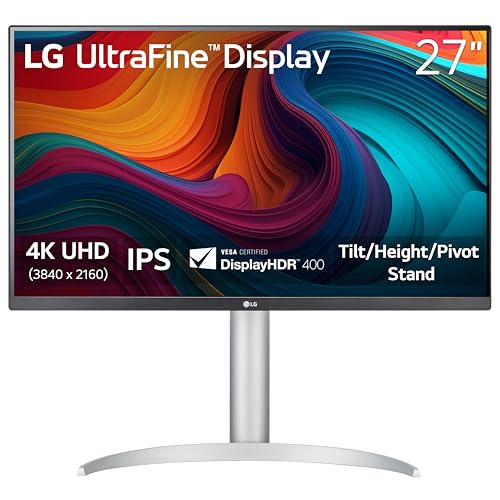
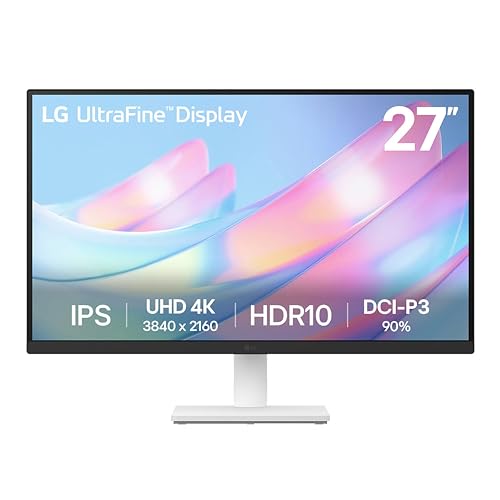
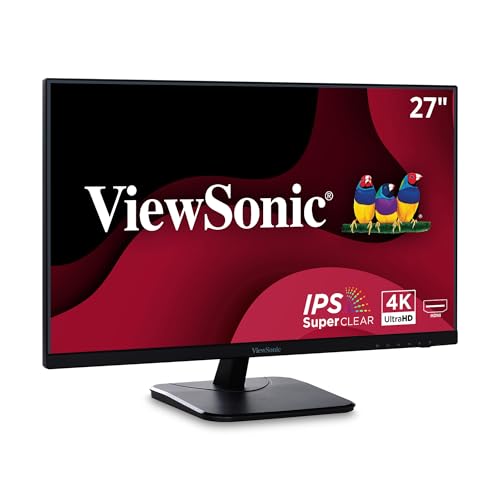
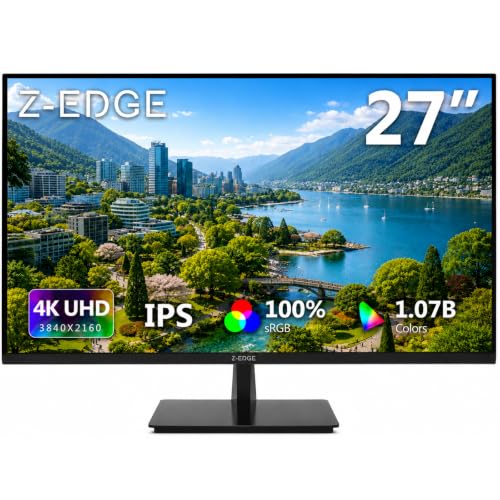

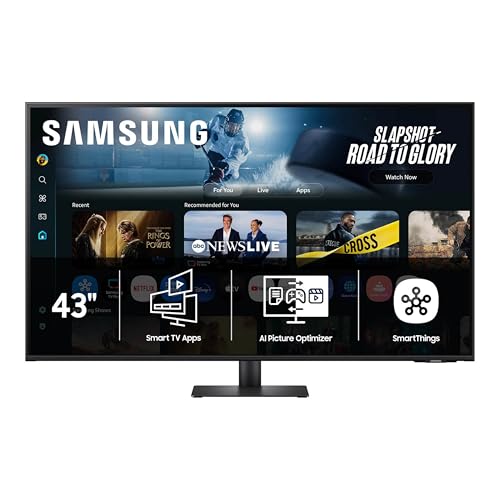

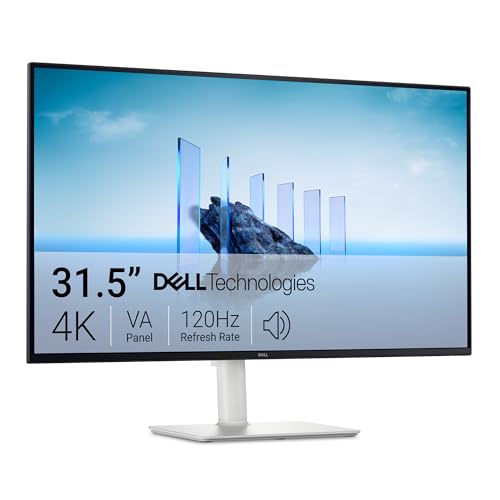
Types of 4K Computer Monitors Compared
Four types cover most office desks, differing in shape, panel, price and the workday they suit best. For the wider category, see our guide to the best 4k computer monitors.
Ultrawide Productivity Displays for Many Open Windows
An ultrawide stretches the picture sideways, so two or three windows can sit side by side without a second screen and a bezel in the middle. Analysts, programrs and editors who compare documents all day gain the most, because less switching means fewer lost thoughts. The trade off is desk width, since these screens need a broad surface. Expect to pay about $500 to $900.
OLED Displays for Deep Contrast and Color Work
An OLED panel lights each pixel on its own, so black areas stay truly black and contrast looks striking in photos and video. That strength suits designers and video editors who judge shadow detail and rich color. Cautions are price, lower full screen brightness than most IPS panels, and a small risk of burn in from static toolbars. Most work models cost about $700 to $1,200.
Large Screen Displays for Detail at a Comfortable Distance
A large screen, usually 32 inches or more, lets you read comfortably with less text scaling, so spreadsheets show more rows and design files show fine detail without leaning in. This type suits shared viewing and anyone who sits farther from the desk. Check desk depth first, because a big panel placed too close forces constant head turning. Prices run about $450 to $800.
Budget 4K Displays for Everyday Office Tasks
A budget model keeps the sharp 4K picture and gives up extras such as a USB hub, high brightness or wide color coverage. For mail, documents, web research and video calls, that trade can be sensible. Look closely at stand adjustment and port count, since those corners are cut most often. Solid choices tend to cost about $300 to $450.
Ultrawide or OLED: Which Type Fits Your Work Better?
Choose an ultrawide when your bottleneck is window management. Width helps you keep a source document, a spreadsheet and a chat window visible at once, and one panel can feel tidier than two separate screens. Choose an OLED when your bottleneck is image judgment, since contrast and color depth matter more than extra width for photo and video decisions.
Cost and care also split the two. An ultrawide IPS panel is usually cheaper and brighter in a sunny room, while an OLED asks for more money and more care with static content.
How to Choose the Right 4K Monitor for Your Desk
Work through these factors in order. Shoppers with near identical shortlists often start with our guide to the best 4k monitors for work.
Panel Technology and Color Accuracy
IPS panels hold color and brightness well at an angle, so they suit shared screens and general office use. VA panels offer deeper contrast at a lower price, but color can shift at wide angles. OLED leads on contrast, while Mini LED backlights push brightness higher. If you edit photos, look for coverage near the full sRGB range, strong DCI P3 coverage, and a factory calibration report.
Screen Size, Pixel Density and Aspect Ratio
At 27 inches, 4K packs pixels tightly, so text looks very sharp but items can appear small until you raise the scaling setting. At 32 inches, the same resolution gives more usable space at a comfortable reading size, which many spreadsheet users prefer. A standard 16 to 9 shape fits most desks, while an ultrawide shape near 21 to 9 adds side room. When you shop for the best 4k computer monitors for work, match size to viewing distance first, since a screen too large for a shallow desk tires your neck.
Brightness, HDR and Eye Comfort for Long Days
About 300 to 400 nits handles most indoor rooms, and a matte surface cuts reflections from windows and ceiling lights. HDR promises punchier highlights in video, but office documents gain little from it, so treat HDR as a bonus rather than a reason to pay more. More useful are flicker free backlighting, a low blue light mode for evening work, and brightness you can lower for a dim room.
Connectivity, Docking and Hub Features for a Work Laptop
One USB C port with power delivery can carry the picture, charge your laptop and connect your keyboard through the monitor hub, so your desk needs only one cable when you arrive. Check the wattage, since thin laptops often need about 65 watts. HDMI and DisplayPort inputs cover desktops and spare machines, a built in KVM switch lets two computers share one keyboard and mouse, and a daisy chain output can drive a second display on supported models.
Ergonomics, Refresh Rate and Desk Fit
A stand with height, tilt, swivel and pivot adjustment lets you set the top of the screen near eye level and turn the panel tall for long documents. If the stand is basic, a VESA mount pattern lets you add an arm and free desk space below. Most office work runs well at 60 Hz, while 75 Hz or 120 Hz makes scrolling and window dragging feel smoother. A response time of about 5 ms or faster is plenty for office motion and video calls.
Common Mistakes to Avoid
These errors waste money or leave you with a screen that fights your routine.
- Buying a glossy screen for a bright room leaves reflections that tire your eyes by midday.
- Ignoring USB C wattage leaves a laptop that drains its battery while plugged into the monitor.
- Sizing the screen to a shallow work desk without measuring viewing distance first can leave text windows crowded at the edges of your vision.
- Paying extra for HDR alone adds cost while your documents look exactly the same.
- Skipping stand adjustment locks you into a fixed height that can ache after a full week.
- Forgetting to count HDMI and DisplayPort inputs leaves a second computer with no free port.
Setup and Care Tips for a 4K Work Monitor
Set the picture mode to a standard or sRGB preset rather than a vivid mode, since vivid settings push color past accuracy and can feel harsh during long reading sessions. Turn brightness down until white areas match the light in your room, then set system scaling so text reads at a print like size. Readers furnishing a full desk may also want our guide to the best computer monitors for office work.
Clean the screen with a dry microfiber cloth only, using light pressure for stubborn marks, and never spray liquid onto the panel. On an OLED, run the built in pixel refresh cycle when prompted and let a screen saver start during breaks. Keep the back vents clear so heat can leave the panel.
Frequently Asked Questions
What features matter most in a 4K monitor used for full time work?
Sharp text, a height adjustable stand and a USB C dock matter most for full time work. Those three shape every hour at the desk, while extras such as HDR shape only a few minutes of video. Add a matte surface if your room has windows, and pick accurate sRGB color if clients see your files. A spare HDMI input also helps when a guest laptop visits.
What size 4K monitor is best for a typical work desk?
A 27 inch 4K monitor suits most desks about 24 to 30 inches deep. At that depth, the whole screen sits in easy view and text stays sharp with moderate scaling. Step up to 32 inches only when your desk is deeper or you sit farther back. Measure from your chair position, because your eyes are what the distance must serve.
Is a 4K monitor worth the extra cost for office work?
Yes, a 4K monitor is worth it for office work when you read text or compare data for hours each day. Sharper letters reduce squinting at small font sizes. It is less worthwhile if your laptop is old and can only send a 4K picture at a low refresh rate, so confirm the output spec of your machine before you spend.
Does refresh rate matter for a 4K monitor used for office tasks?
Refresh rate matters modestly for office tasks, mostly in how smooth scrolling and cursor movement feel. A jump from 60 Hz to 120 Hz is easy to notice in a long document, but it will not change the quality of a spreadsheet or report. Spend on panel quality and ports first, then take a higher rate if the price gap is small.
Is IPS or OLED better for a 4K work monitor?
IPS is better for most 4K work monitors, while OLED is better when contrast drives your decisions. IPS costs less, stays bright in lit rooms and carries no burn in concern with static menus. OLED gives richer dark scenes for media work, but text can show slight color edges on some models because of the pixel layout. View your own documents on both types before a large purchase.
Our Verdict on 4K Computer Monitors for Work
Match the type to your bottleneck, width for window heavy work, OLED for image judgment, a large IPS panel for comfortable detail, or a budget 4K screen for plain office tasks. Then confirm panel color, USB C wattage and stand adjustment before price decides the rest. Compare finalists in the product table above, and revisit our guide to the best computer monitors for work.
Chosen with those points in order, the best 4k computer monitors for work will feel less like a spec purchase and more like a desk upgrade you notice every day.


