
Best Apple Airprint Compatible Printers Made Simple: A Clear Buying Guide for 2026
Disclosure: We may earn a commission when you buy through links on this page, at no extra cost to you. As an Amazon Associate I earn from qualifying purchases. Learn more

Best apple airprint compatible printers for iPhone, iPad and Mac, with plain explanations of types, running costs and setup.
Buying your first printer for an iPhone, iPad, or Mac can feel confusing because every box lists codes, speeds, and ink systems that sound alike. This guide starts with the basics, explains each key spec in plain English, and shows you how to match a printer to what you actually print each week.
The best apple airprint compatible printers all share one trait: your Apple device finds them on your home WiFi network and prints without extra driver installs. From there, the right choice depends on volume, color needs, and running costs, and the comparison table below gives you a quick view of how current options differ on those points.
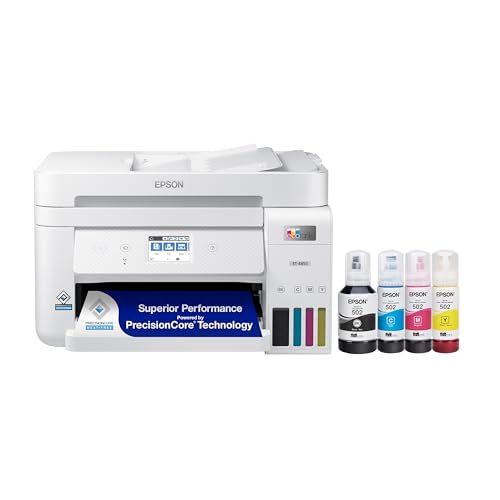
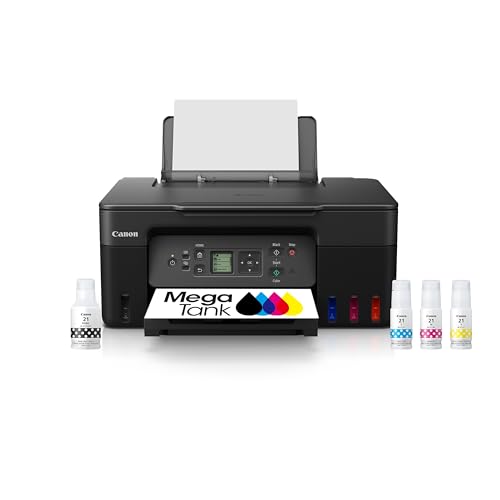


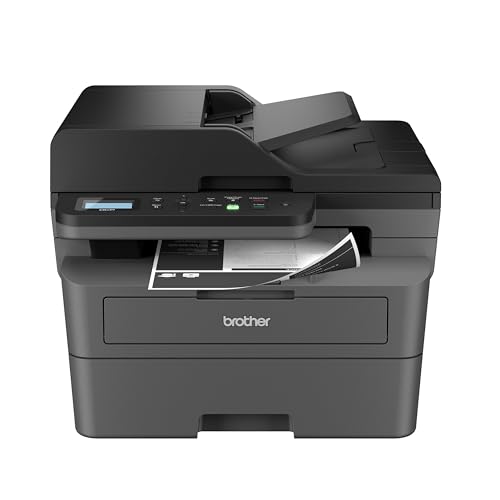

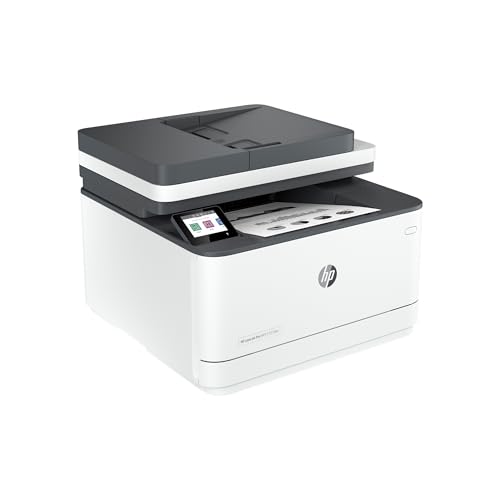

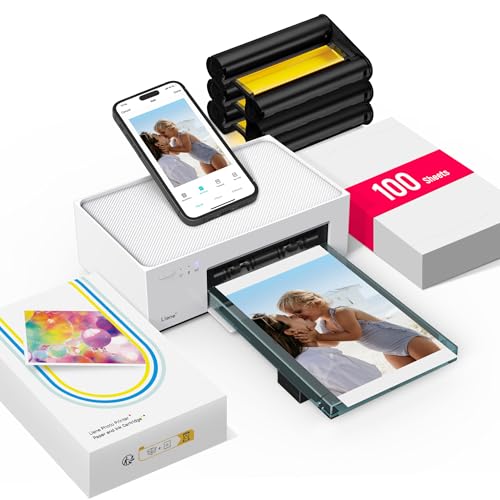
What Makes the Best Apple Airprint Compatible Printers
AirPrint is a printing feature built into Apple devices. When a printer supports it and sits on the same WiFi network as your phone or Mac, it appears in the share sheet or print menu automatically. You tap print, choose basic options such as copies and color, and the job goes straight to the printer with no cables and no software hunt.
Compatibility is the first check, not the last. A printer can support AirPrint and still be a poor fit if its ink costs too much for your volume or it lacks scanning when you need it. Most home buyers want an all in one design that prints, scans, and copies. For a broader shortlist beyond first time buying, see our guide to the best apple airprint printers for Apple households that already know their print volume.
One useful know how point: AirPrint handles everyday printing well, but detailed settings such as paper type and quality often live in the maker app. Install that app as a backup for borderless photos, maintenance tools, and ink level checks.
Key Specs Explained in Plain English
Printer Type: Inkjet, Laser, and Tank
Inkjet printers spray tiny drops of ink and handle color photos and graphics well, which suits mixed home use. Laser printers use toner and heat, print sharp text fast, and suit mostly document work. Tank printers are inkjets with refillable reservoirs instead of small cartridges, which lowers ink cost for frequent printing.
Reliability and Support
Reliability means the printer stays visible on your network, accepts jobs without errors, and gets firmware updates that keep it working after Apple software updates. Choose a maker with a clear support site, current setup guides, and a warranty of at least one year. Good know how: place the printer within a strong WiFi signal range, since weak signal causes more failed jobs than any print setting.
Cost per Page and Ink Costs
Cost per page is the ink or toner cost divided across the pages a cartridge or tank can print. A cheap printer with tiny cartridges can cost more within a year than a pricier tank model. Ink subscriptions can help steady, moderate users but punish very light users who pay monthly and print little. Estimate your monthly pages honestly, then compare running costs before you compare box prices.
Print Speed
Speed is listed in pages per minute, often shortened to PPM. The headline number usually reflects simple black text at draft quality, so real mixed pages run slower. For most homes, a modest speed is fine because jobs are short. If you print long reports or school packets often, faster output and a larger paper tray save real time and repeated refills. Our roundup of the best airprint compatible printers explains how speed claims vary across brands.
Print Quality and Resolution
Resolution is listed in DPI, meaning dots per inch, and higher numbers can produce finer detail. In daily use, paper choice and ink quality matter as much as the DPI figure. For text and schoolwork, standard settings look crisp on plain paper. For photos, choose a model that supports borderless printing and photo paper sizes you use, and expect slower speeds at the highest quality setting.
Rookie Mistakes to Avoid
- Buying on box price alone. Small cartridges may hold very little ink, so check the page yield and the replacement cost before you decide.
- Ignoring duplex printing. Automatic two sided printing saves paper and makes long documents easier to handle, yet many budget models only offer manual flipping.
- Skipping the scanner check. Confirm the scanner lid and feeder match your needs if you scan forms, receipts, or multi page documents.
- Placing the printer far from the router. Weak WiFi leads to offline errors that look like printer faults but are really network problems.
- Forgetting paper sizes. Check support for envelopes, labels, and photo sizes if you print more than standard letter pages.
Getting Started: Setup and First Use
Unbox the printer, remove all packing tape inside and out, and load plain paper before you power it on. Connect it to your home WiFi using the screen or the maker app, then print a test page from your iPhone to confirm AirPrint sees it. Update the firmware on day one, since updates often fix network and security issues.
Two habits protect an inkjet from clogs. Print a small color page each week if you print rarely, and use genuine ink or reputable refills that match your model. Store spare paper flat and dry. If you also use a Windows computer at home, our guide to the best apple compatible printers covers models that serve mixed device households well. And if your needs are Apple only and very simple, the shortlist in our guide to the best apple printers is a useful cross check.
Matching a Printer to Your Home
Think about where the printer will live before you buy. A home office desk can hold a wider all in one with a document feeder, while a shared living room shelf may call for a compact model with a smaller footprint and a quiet mode for evening printing. Measure the space with the paper tray open and the scanner lid raised, since both need clearance that the closed box dimensions do not show.
Also think about who else prints. Households with students benefit from individual paper supplies and simple controls that younger users can manage without help. If several people print at once, look for a model with a larger tray, faster first page output, and a clear job queue in the maker app. A second practical point is supply storage: keep one spare ink set or toner in the home if you print school or work deadlines, because running out at night is the most common and most avoidable printing problem.
Apple Airprint Printers: Your Questions Answered
Which type of printer is easiest for beginners?
An all in one tank inkjet is usually easiest for beginners who print in color each week. Setup is guided, refills are simple to pour, and running costs stay predictable. One extra point in its favor is visibility: you can see ink levels through the tank window at a glance, so you rarely get surprised by an empty cartridge in the middle of a job.
Are ink tank printers worth it?
Yes, ink tank printers are worth it if you print more than about fifty pages a month or print color often. The higher upfront cost returns through very low refill prices and large included ink volumes. If you print only a few pages a month, the savings shrink and a basic cartridge or laser model may suit you better and resist clogging during long idle gaps.
What does cost per page mean?
Cost per page means the ink or toner expense for a single printed page. You estimate it by dividing the price of a cartridge or bottle by its stated page yield. Remember that the yield assumes light coverage, so photo heavy printing uses far more ink. A practical tip is to track your first cartridge: note the start date and page count to learn your true personal rate.
Inkjet or laser: which is cheaper long term?
Laser is usually cheaper long term for text heavy printing because toner yields are high and powder does not dry out. Inkjet wins when you need low cost color or photo printing, especially in tank form. The deciding factor is your page mix: count how many of your last hundred pages truly needed color, and let that honest ratio guide the choice.
Wrapping Up
Confirm AirPrint support first, estimate your monthly pages second, and compare cost per page third. Those three steps will point you to the right rows in the product table and away from cheap boxes with costly ink. If you print mixed home and school work, the best apple airprint compatible printers for you will likely be a tank all in one with duplex printing, a solid warranty, and a maker app you find easy to use.

