Best Ambidextrous Gaming Mouse 2026 by Price
Disclosure: We may earn a commission when you buy through links on this page, at no extra cost to you. As an Amazon Associate I earn from qualifying purchases. Learn more

What the best ambidextrous gaming mouse offers at each price: shape, side buttons, sensor, weight and wired or wireless choice.
Prices for a symmetric mouse run from pocket money to serious gear money, and the spec sheets at every level shout about numbers that may not change your aim at all. This guide breaks down what each tier actually delivers when you shop for the best ambidextrous gaming mouse, so you can see which upgrades change how the mouse feels and which ones only change the price tag.
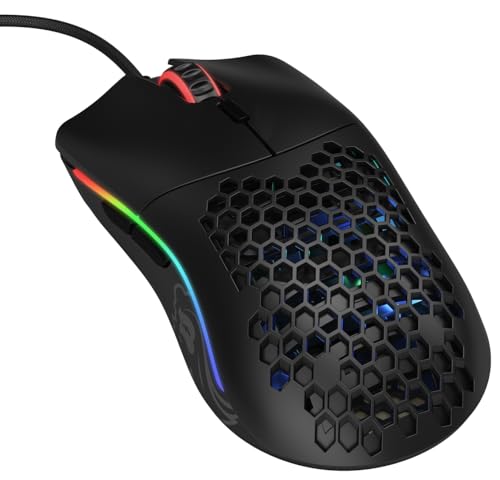
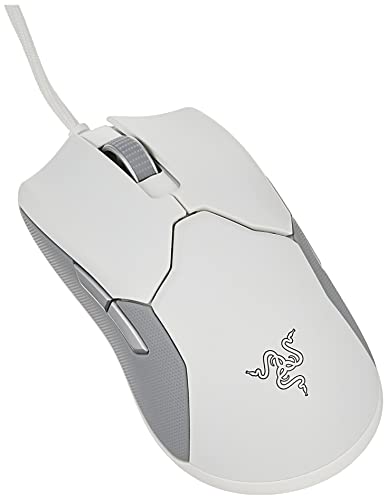
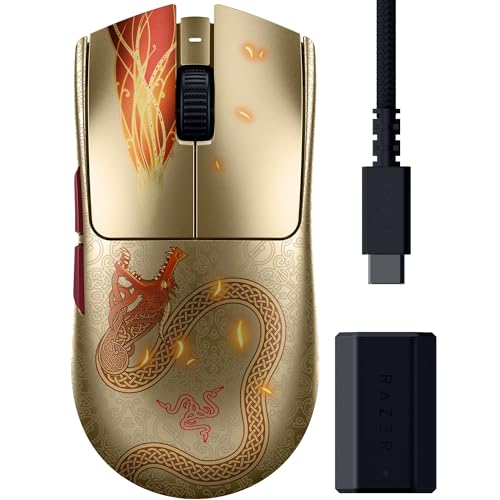
An ambidextrous shape adds its own twist to the budget question, because true symmetry costs design effort that shaped mice do not need. The comparison table below lines up the current options by price, and the sections after it explain what separates a honest budget mouse from a premium one.



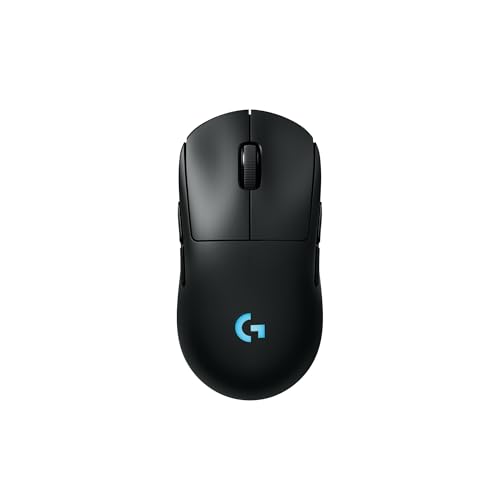
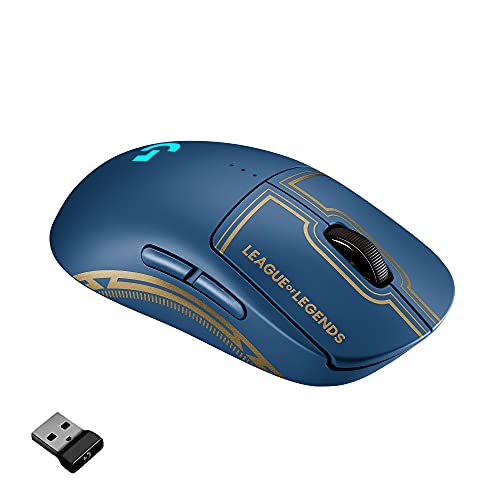
What Your Money Gets You at Each Price Tier
Budget Tier, About $20 to $40
Budget symmetric mice cover the basics well: a dependable optical sensor, a light shell and side buttons on the left side at least. Expect a fixed cable, modest click ratings and software that may be basic or absent. For casual play and office use mixed with gaming, this tier is genuinely enough, and the smart move is choosing the shape and size that fit your hand rather than chasing sensor numbers.
Middle Tier, About $40 to $80
The middle tier is where most players should land. You gain a top tier sensor with clean tracking at high speeds, better main switches, a flexible cable or an entry wireless connection, and onboard memory that stores your settings. Build quality improves in ways you feel daily, such as even clicks and a scroll wheel without wobble. Nothing here is decorative; almost every dollar maps to a part you touch.
Premium Tier, About $80 to $160
Premium money buys the lightest shells, flawless wireless with fast charging, optical switches that resist double clicking, and feet that glide like they are on ice. The performance gap over the middle tier is real but small, and it matters most to competitive players who swipe hard and play daily. If your current mouse already tracks cleanly, premium is a comfort upgrade, not a rescue.
Features That Decide the Purchase
Shape and Side Buttons
Shape comes first with a symmetric mouse, because the mirrored shell is the whole reason for choosing this category. A symmetric shape suits either hand and lets left handed players use a true gaming mouse instead of settling for an office model. Fingertip and claw grips also favor the low, even profile of a symmetric shell, while palm grip players should check the hump position carefully, since a centered hump feels very different from a rear hump.
Side buttons are the honest trade of the design. Many symmetric mice carry buttons on both sides so either hand gets thumb controls, but the buttons under your ring finger can be pressed by accident until you learn the grip or disable them in software. Some models put buttons only on the left side, which suits right handed players who want symmetry of shape without stray clicks. Decide which layout you prefer before comparing anything else, and if you are also weighing shaped options, our guide to the best mouse for gaming covers the wider field.
For a broader look at symmetric designs beyond gaming, see the best ambidextrous mouse roundup.
Sensor and Tracking
The sensor governs tracking quality, and in practice almost any modern optical sensor in the middle tier and up will out track a human hand. What matters is clean behavior at the speeds you actually use: no smoothing that dulls small corrections, no acceleration you did not ask for, and a lift off distance low enough that recentering the mouse does not move your crosshair. DPI figures far beyond a few thousand are marketing headroom, since most players compete somewhere between 400 and 3200 DPI.
Polling rate is the other number worth a glance. A 1000 Hz rate is standard and fully adequate for most players and monitors, while higher rates appear at premium prices and help only if the rest of your setup is equally fast. Spend on sensor behavior, not on the largest number on the box.
Weight and Glide
Weight governs how the mouse starts and stops during a swipe, and symmetric mice are often the lightest in a lineup because their shells skip the sculpting of shaped designs. A lighter mouse reduces fatigue in long sessions and makes micro corrections easier, though some players prefer a little heft for control in slow, precise games. Holes in a shell are one way makers cut weight, but smooth light shells exist at higher prices if you dislike the texture.
Glide partners with weight. Large, pure PTFE feet let a light mouse move without scratching or drag, and worn feet can make an old mouse feel heavy again. Replacement feet are cheap, so factor a set into your long term budget instead of replacing a mouse that only needs fresh skates.
Switches and Click Feel
Main switches decide click feel and lifespan, and their ratings climb from about 20 million clicks at budget prices to 80 million or more in premium optical switches. Optical switches also avoid the double click fault that worn mechanical switches develop. Hot swappable switch sockets appear on some models and turn a worn switch into a five minute repair rather than a new purchase, which is worth real money if you keep gear for years.
Wired and Wireless Connections
A wired mouse is still the value benchmark: no battery, no charging and no interference worries. Wireless has closed the latency gap at middle prices and above, and it removes cable drag entirely, which many players feel more than any sensor change. If you go wireless, check the battery life rating and whether the mouse charges over USB C, since a shared cable standard means one less cable on the desk. The options narrow if you need wireless in a symmetric shell, so compare the best ambidextrous wireless gaming mouse listings alongside wired picks before you set a budget.
Options for Specific Needs
Ambidextrous Gaming Mice Under $20
Below about $20 the rules change: you are choosing a wired mouse with a simple sensor, fixed lighting and basic switches, and that is fine for a spare, a travel bag or a first gaming mouse for a younger player. Check that the sensor is optical rather than a cheap office unit, that the cable is long enough for your desk, and that the shell size suits the hand that will use it. At this price, fit and a clean sensor matter more than any listed DPI figure.
Long Term Costs to Factor In
The mouse itself is not the whole spend. A good surface matters more than many upgrades: a worn cloth pad adds drag that no sensor can fix, and guides such as the best gaming mouse and pad overview explain how pad and mouse sizing work together. Hard and hybrid surfaces are a separate category again, covered by the best gaming mouse mat listings. Beyond the pad, budget for replacement feet about once a year if you play daily, a spare charging cable for wireless models, and eventually a replacement set of switches or grips.
A middle tier mouse maintained this way can outlast two budget mice, which is the real value math.
Your Questions Answered
Wired or wireless: which is better for gaming?
Wireless is better for most players once you reach the middle tier, because modern connections match wired latency and the missing cable removes drag on every swipe. Wired still wins on price and simplicity, and it never needs charging before a match. If you play competitively and hate managing batteries, a light wired mouse with a flexible cable remains a rational pick rather than a compromise.
Does an ambidextrous gaming mouse work with Mac and console?
Yes, an ambidextrous gaming mouse works with Mac and console systems as a standard pointing device, since it presents itself like any USB or Bluetooth mouse. The catch is software: setting tools are often written for Windows, so Mac users should favor mice with onboard memory that saves DPI and button settings from a Windows setup. Consoles accept mice only in games that support them, which is a game decision rather than a mouse limitation.
What DPI do I need in a gaming mouse?
You need far less DPI than the box advertises, because most competitive players use about 400 to 3200 DPI and adjust sensitivity inside the game. What you actually need is a sensor that tracks cleanly at your setting without smoothing or stray acceleration. A high maximum DPI costs nothing extra to ignore, so judge the sensor by its reputation for clean tracking, and set your sensitivity by feel in a practice range.
Are side buttons on both sides of an ambidextrous mouse a problem?
Side buttons on both sides can cause stray presses at first, because the buttons under your ring and pinky fingers sit where your grip naturally squeezes. Most players adapt within a week or two, and nearly every gaming mouse lets you disable the off side buttons in software or by a switch underneath. If you play grip heavy games and cannot adapt, choose a symmetric model with buttons only on the left side.
Wrapping Up
Match the tier to how much you play: budget for casual sessions, middle for the best value in parts you can feel, and premium only when light weight and flawless wireless justify the jump. Judge shape and side button layout first, sensor behavior second and headline numbers last. When you are ready to pick the best ambidextrous gaming mouse for your hand and budget, compare your finalists in the product table above and let fit, not marketing, settle it.