
Best A3 Printers for Architects: Our 2026 Checklist and Buying Guide
Disclosure: We may earn a commission when you buy through links on this page, at no extra cost to you. As an Amazon Associate I earn from qualifying purchases. Learn more

Use this checklist to choose the best a3 printers for architects, covering line accuracy, paper handling, ink costs, connectivity, and support.
Architectural work punishes a weak printer. A floor plan with soft lines, a rendering with banding in the gradients, or a sheet that jams the night before a client meeting can cost you hours you do not have. This guide gives you a clear checklist for judging the best a3 printers for architects on the things that actually show up in studio work: line accuracy, media handling, ink costs, and day to day reliability.
Work through the criteria below before you look at any single model. Once you know your thresholds, the comparison table below will be much easier to read, because you will know which numbers matter for your drawings and which ones are just marketing.
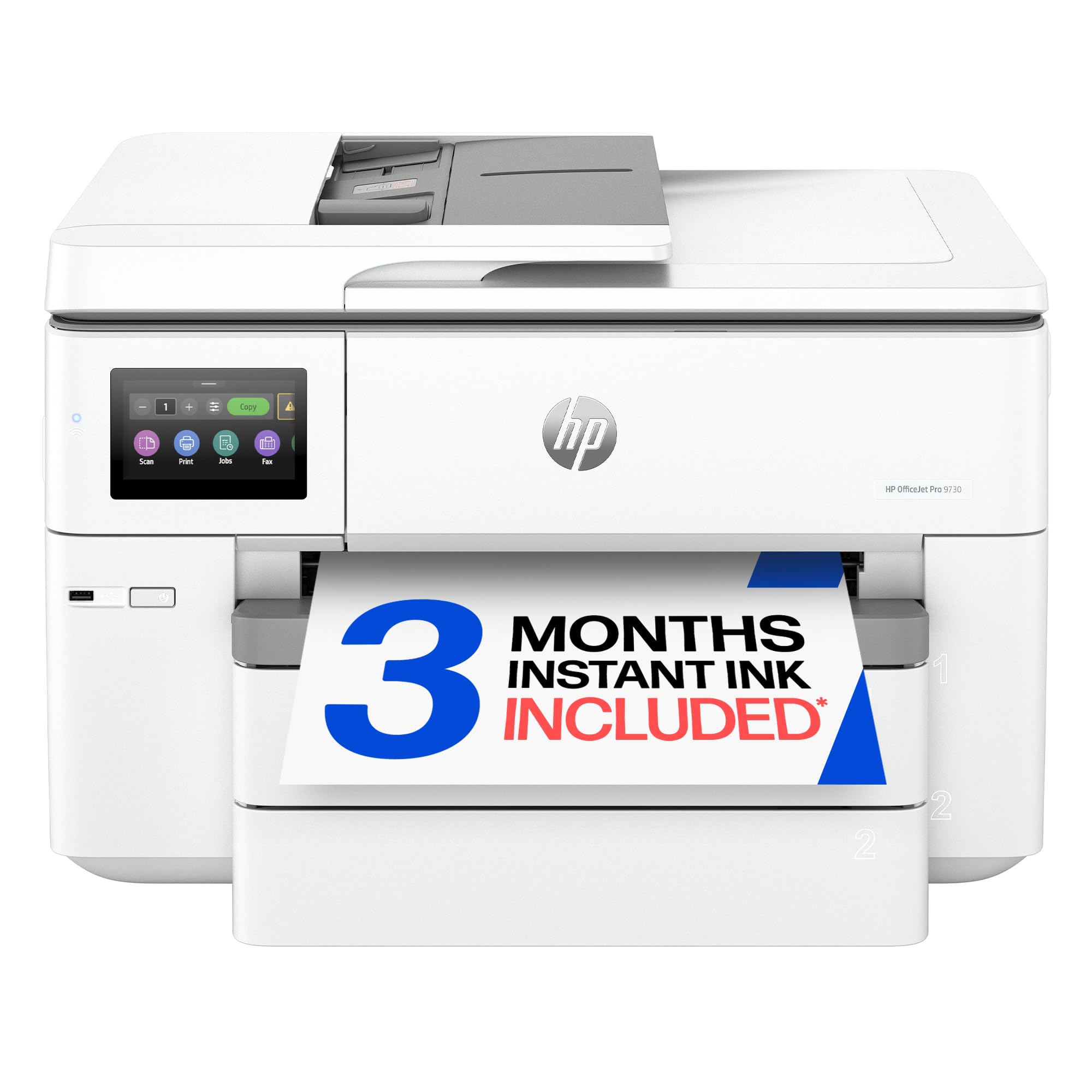
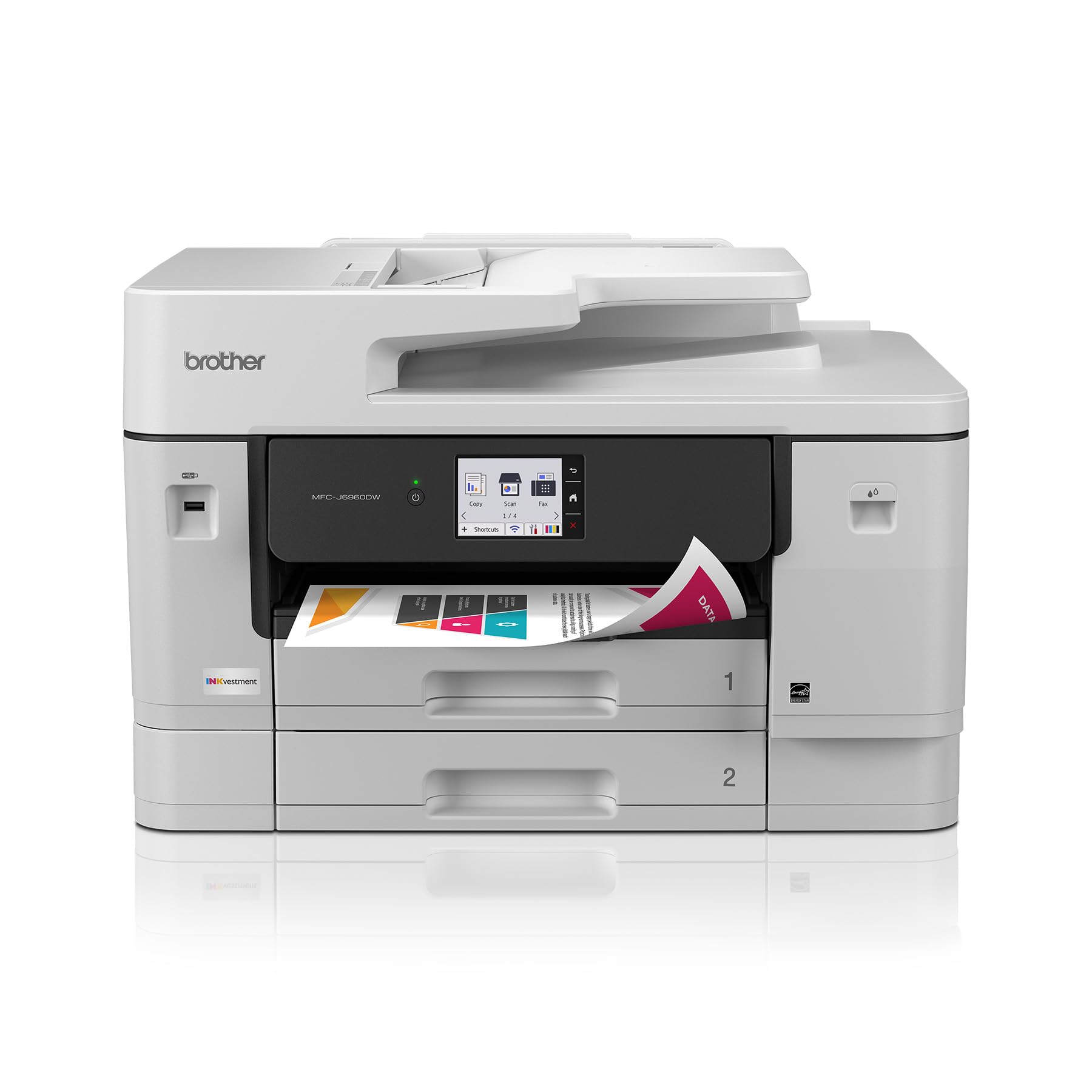
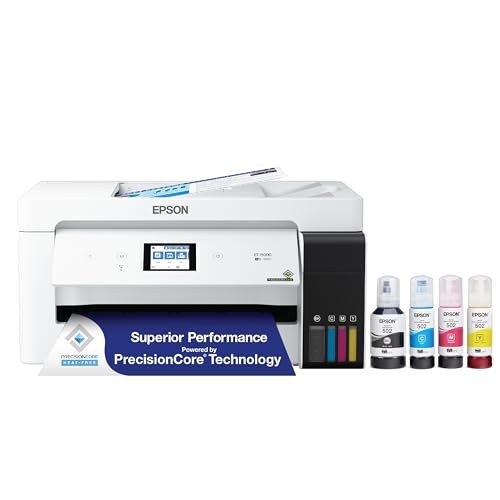
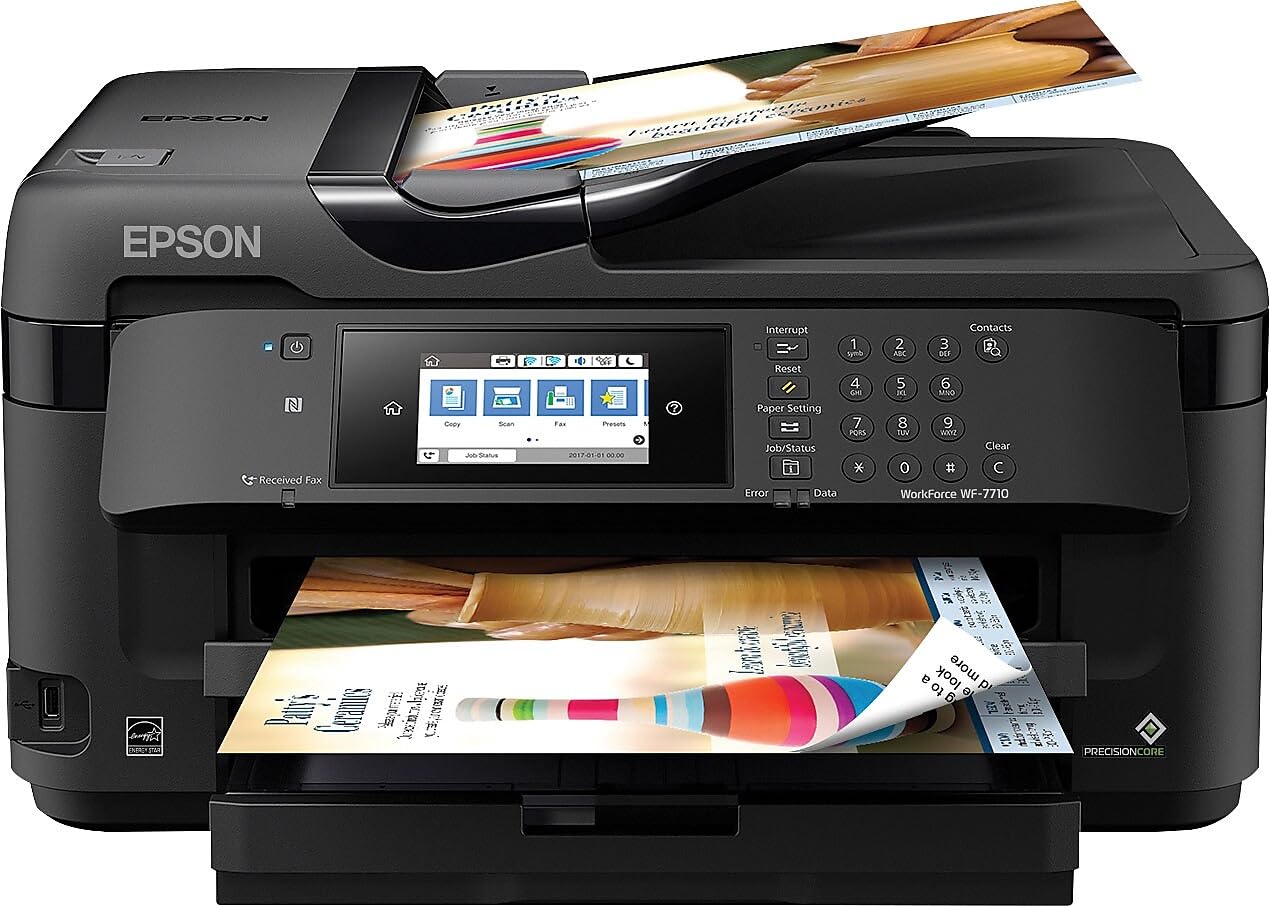
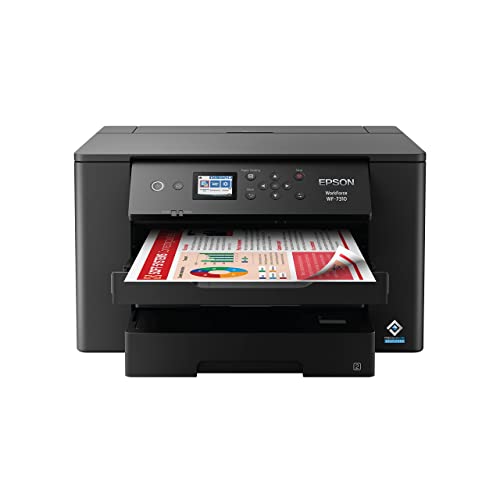


How We Evaluate A3 Printers for Studio Work
A good evaluation starts with your own output. Count how many A3 sheets you print in a typical week, how many are line drawings versus color presentations, and how often you print on media heavier than plain paper. If you are still comparing formats, start with our guide to the best a3 printers for a wider look at the category, then score each candidate below against the same six criteria so the comparison stays fair.
Features That Matter for Architects
Architects need crisp vector lines above almost everything else. Look for a rated resolution of at least 1200 by 2400 DPI, pigment black ink for dense and water resistant lines, and a straight paper path or rear feed slot that accepts boards and heavy presentation stock. Borderless A3 printing matters for full bleed presentation sheets. A roll feed option helps if you sometimes print longer drawings. For broader guidance beyond the A3 format, see our guide to the best printers for architects and compare how the two sizes fit your studio.
Printer Type: Inkjet, Laser, Tank, and 3D
Inkjet models are the default choice for mixed line work and color renderings, and tank models cut ink costs sharply for busy studios. Laser printers are fast and cheap for plain text and monochrome drafts, but most A3 laser units handle color and heavy media poorly. Three dimensional printers serve a different job entirely: physical study models. If models are part of your workflow, read our guide to the best 3d printers for architects alongside this one, and budget for it as a separate purchase rather than a substitute.
Print Quality and Resolution
Resolution numbers only tell part of the story. What you see on the sheet is line weight consistency, small text legibility at 6 point sizes, and smooth color transitions in shaded elevations. Pigment inks keep fine lines sharp on plain paper, while dye inks often produce richer color on coated stock. If your studio also produces photography heavy portfolios, our guide to the best a3 printers for photographers covers color accuracy in more depth. For 3D models, judge layer height instead of DPI; finer layers give cleaner edges on small parts.
Reliability and Support
A studio printer earns its keep by working every single day without drama. Check that current drivers exist for your operating system, that firmware updates are still being released, and that replacement printheads and rollers are easy to order. Read the warranty terms for on site versus carry in service, because shipping a wide printer is expensive. A large user community matters too: common error codes and paper feed fixes are far easier to solve when thousands of other owners have documented them.
Connectivity and Mobile Printing
Your printer should accept jobs from every machine in the studio without fuss. Dual band WiFi keeps it reachable on busy networks, Ethernet is the most stable option for a shared unit, and AirPrint plus a vendor app let you send a quick sheet from a phone or tablet on site. Check that the printer supports the file types you actually send, especially PDF, since most plan sets leave your CAD software as PDFs. A front USB port for walk up printing is a small but genuinely useful extra.
Ease of Setup and Calibration
Setup should take an afternoon at most. Look for guided installation software, automatic printhead alignment, and clear on screen prompts for loading A3 media. Color calibration matters if you print presentation boards: a model that accepts custom ICC profiles will match your screen far better. For 3D printers, auto bed leveling removes the most tedious part of setup and keeps first layers consistent. Whatever you buy, run the full alignment routine before your first real deadline rather than during it.
What Each Price Tier Delivers
Instead of naming specific models, use these tiers to judge any printer in the product table above. Prices below are approximate for the US market and shift with promotions.
The All Round Tier
Printers around $400 to $700 usually deliver the full architect checklist: pigment black plus color inks, borderless A3, a rear feed for heavy stock, and dependable WiFi and Ethernet. Cost per page sits in the middle of the range, and duty cycles suit a small studio printing daily. This is the tier most practices should start from, because it covers line work, renderings, and presentation boards with one machine and no painful compromises.
The Value Tier
Budget models around $200 to $400 can still produce sharp line drawings, which is why they suit students and solo practitioners. Expect slower color printing, smaller ink cartridges with a higher cost per page, and trays that feel less sturdy. Heavy media support is often limited to a single sheet manual feed. If your volume is low and most sheets are drafts or check plots, the savings are real. Just confirm A3 borderless support before you buy, because some budget units quietly omit it.
The Heavy Use Tier
Spending about $700 to $1,500 buys speed, capacity, and endurance: larger ink tanks or high yield cartridges, dual trays, faster first page out times, and duty cycles rated for thousands of pages per month. These machines make sense when several people share one printer or when plan sets run to dozens of sheets. The trade off is size and weight; measure your space, including room to open the rear feed. Running costs per page are usually the lowest in this tier.
Quick Buyer Checklist
Answer these questions before you order. A printer that fails two or more of them is unlikely to suit architectural work.
- Does it print true A3 with borderless output for presentation sheets?
- Does it use pigment black ink for sharp and durable line work?
- Can the rear feed or straight path handle your heaviest board stock?
- Is the cost per page acceptable at your real monthly volume?
- Do current drivers support every computer in your studio?
- Does it offer Ethernet or reliable dual band WiFi for shared use?
- Is the warranty at least one year, with service you can actually reach?
- Will it fit your space with all trays and feeds fully open?
Red Flags to Watch For
Vague specifications are the first warning sign. If a listing will not state resolution, supported media weights, or duty cycle in plain numbers, assume the worst. Be wary of printers whose low price depends on tiny starter cartridges and expensive replacements, since the cost per page can triple once the starter ink runs out. A warranty under one year, no published driver support for current operating systems, and a pattern of reviews mentioning the same paper feed fault all point to trouble. Finally, check ink availability: a printer you cannot buy ink for locally or online within a few days will miss deadlines.
Tips to Get the Most From Your A3 Printer
Print at least one color page every week, even a small test sheet, so inkjet nozzles stay clear and you avoid deep cleaning cycles that waste ink. Use genuine ink or a reputable refill brand with the correct pigment formulation for line work, because cheap ink is the most common cause of faded plans. Store A3 paper flat and sealed so edges do not curl, and keep the paper path free of dust with a soft brush once a month.
Frequently Asked Questions
What features matter most in a3 printers for architects?
Line accuracy matters most, followed by media handling and cost per page. Prioritize pigment black ink, at least 1200 by 2400 DPI, borderless A3 output, and a rear feed for heavy stock. One practical point the main sections only touch briefly: check the minimum line weight the printer can hold, because very fine hatch lines in CAD drawings are the first thing a weak printhead turns into a gray blur.
Are ink tank printers worth it?
Yes, if you print more than a few hundred pages a month. Tank models cost more up front but refill ink is far cheaper per page, and the large reservoirs mean fewer interruptions during big plan sets. Also note that most tank printers include enough ink in the box for a year or more of moderate studio use, which softens the higher purchase price considerably.
Which 3D printer is easiest for beginners?
The easiest 3D printers for beginners are enclosed FDM models with auto bed leveling and a guided first print routine. Start with PLA filament, which prints reliably without special ventilation. Keep expectations in proportion: a 3D printer builds study models, not drawings, so treat it as a companion to your A3 printer. Your first prints will teach you more about scale and wall thickness than any specification sheet.
Inkjet or laser: which is cheaper long term?
For mixed architectural work, inkjet usually wins over time. A3 laser printers are uncommon, toner is costly, and color output is weaker for renderings. Laser only makes financial sense if nearly all of your printing is monochrome text and drafts at high volume. Add paper and replacement drums to any laser estimate, because toner alone understates the true running cost of that format.
What does cost per page mean?
Cost per page is the ink or toner cost of printing one page, calculated by dividing the cartridge or bottle price by its rated page yield. A black page might cost about 2 to 5 cents on a tank printer and several times more on a cartridge model. Remember that A3 sheets use roughly twice the ink of A4, and heavy color coverage on renderings raises the figure well above the standard test page estimate.
Final Thoughts
Judge every candidate against the same short list: sharp pigment line work, honest media handling, and a cost per page your studio can live with. Match the tier to your real volume rather than your busiest week of the year. Chosen that way, the best a3 printers for architects become easy to spot. Compare your shortlist against the product table above and order once your checklist answers are all yes.


