
Best A3 Printers 2026: A Complete Practical Buying Guide
Disclosure: We may earn a commission when you buy through links on this page, at no extra cost to you. As an Amazon Associate I earn from qualifying purchases. Learn more

Discover how to choose an A3 printer for photos, artwork, and plans, from print size and ink costs to paper handling and space needs before you decide.
Choosing best a3 printers makes sense when your work outgrows standard paper, because posters, photographs, artwork, and architectural plans all gain impact at the larger size. An A3 printer handles paper roughly twice the area of standard letter size, which lets you print a photo worth framing or a plan worth reading without tiling sheets together.
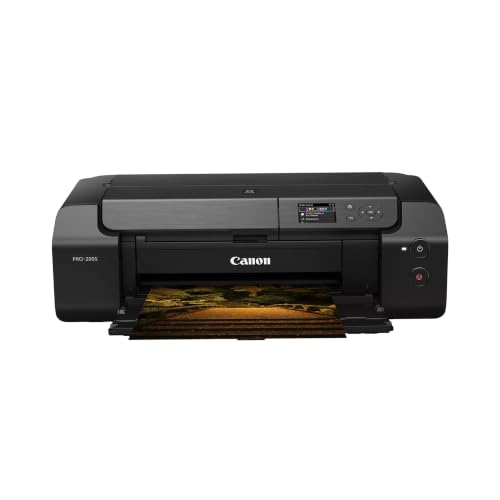
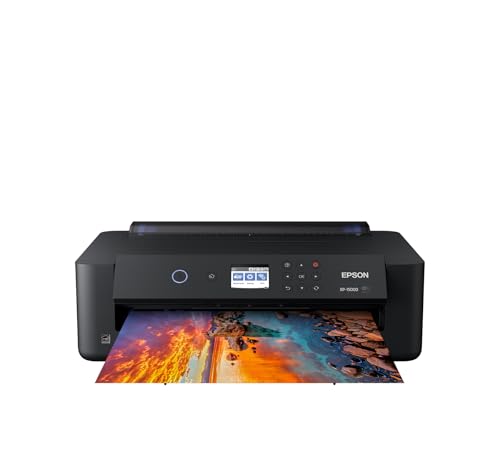
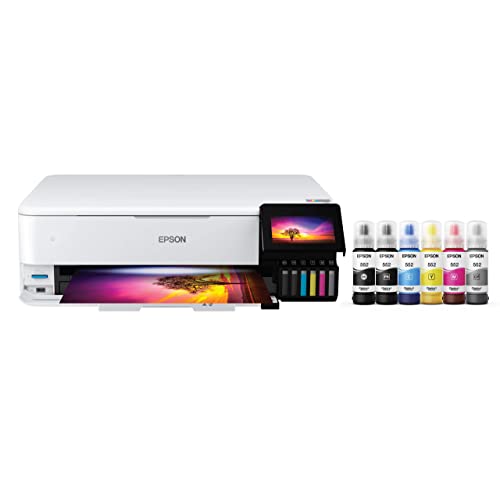
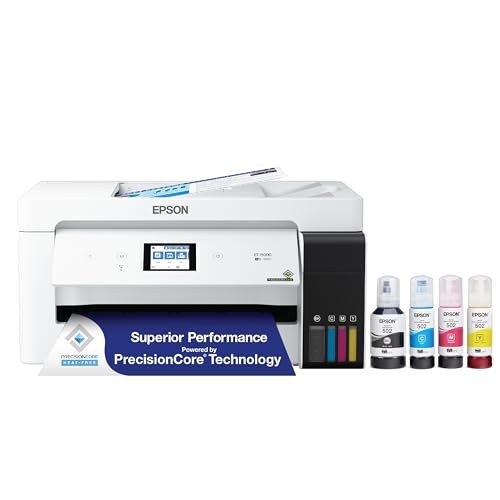
The comparison table below gathers the main options, and this guide explains print quality, ink costs, paper handling, and space needs. You will learn which features matter for photographers, artists, and architects, and how to judge running costs honestly before you buy.
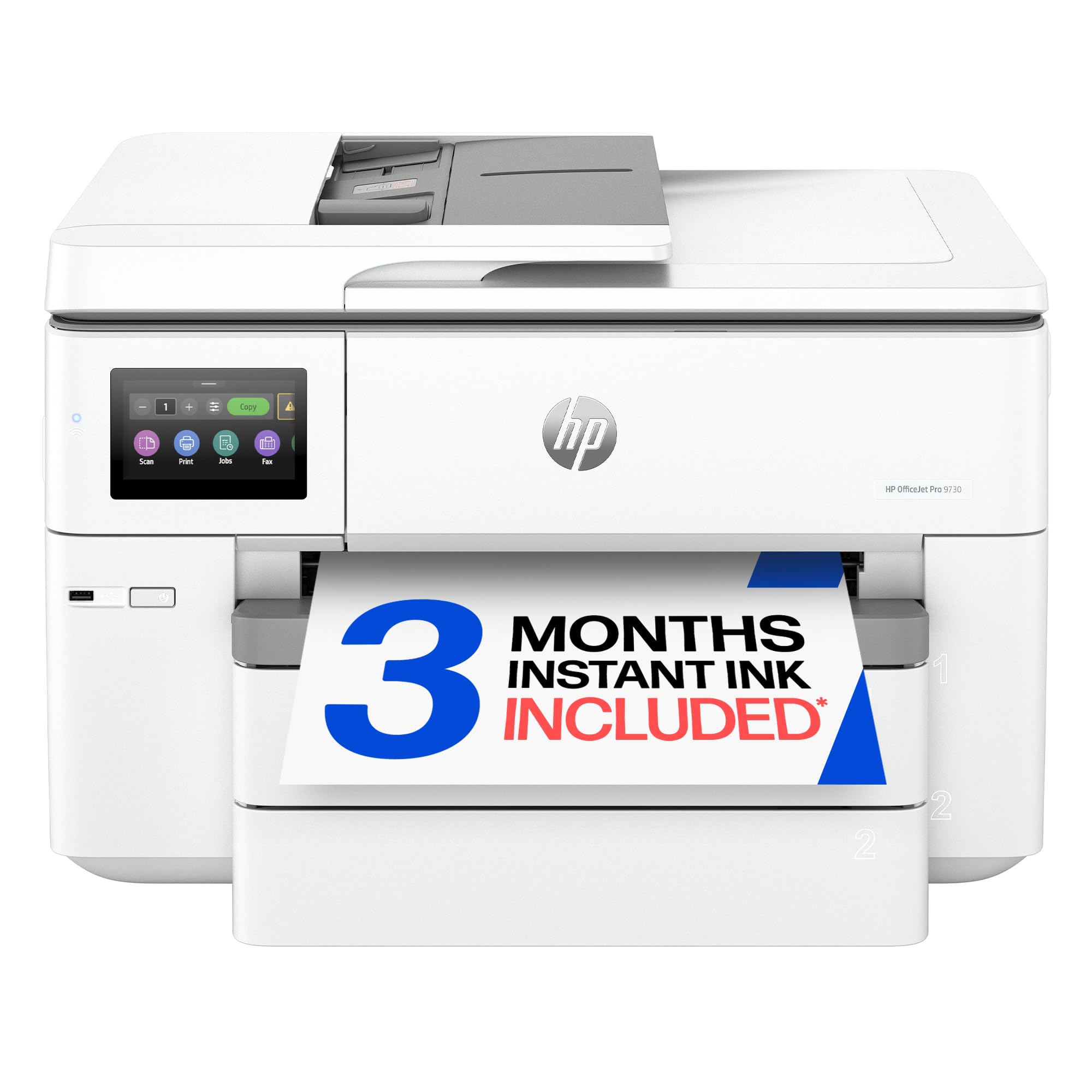
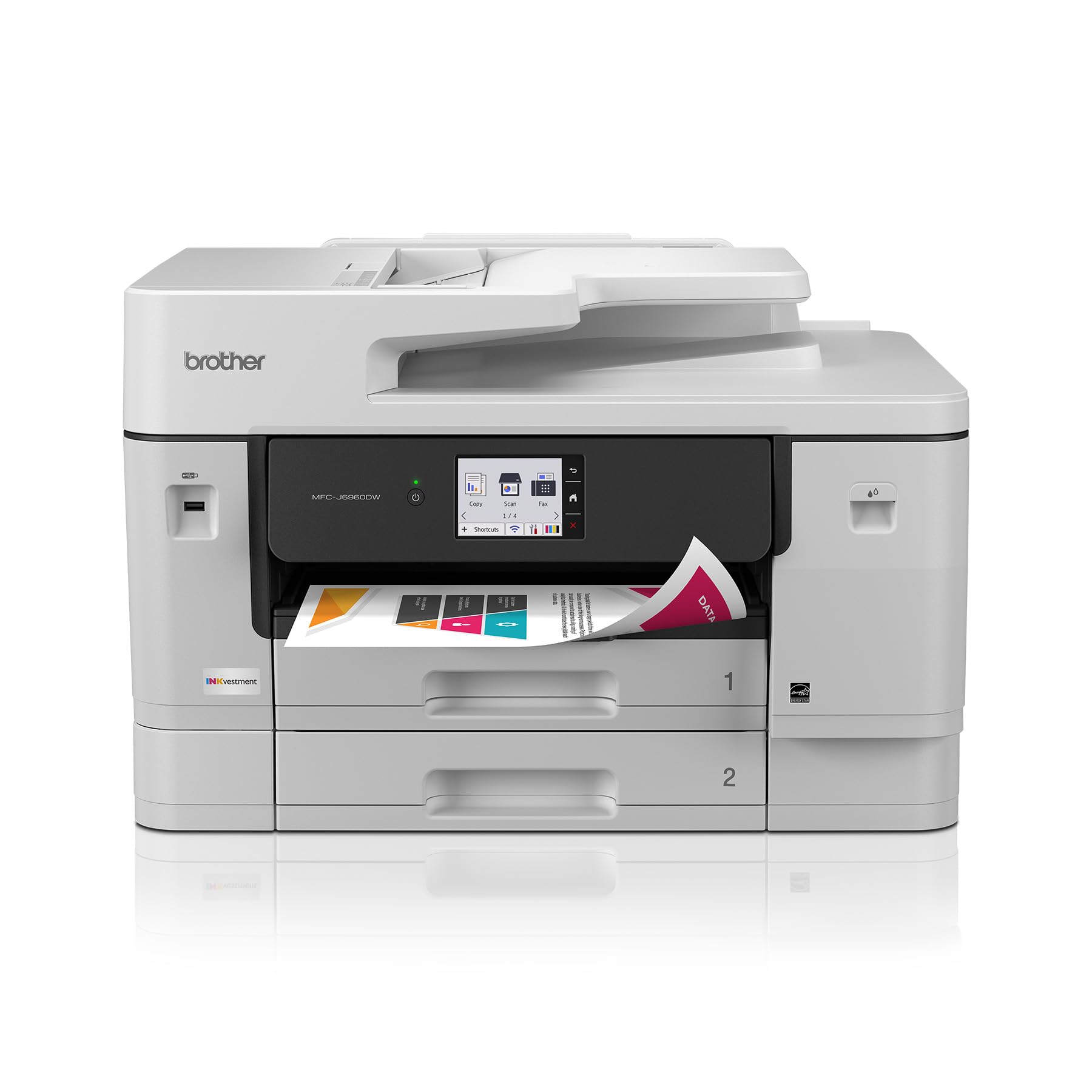

Who Should Buy An A3 Printer
An A3 printer suits photographers who print their work, artists selling prints, architects and designers who review plans, and small studios that produce posters and portfolios in house. If you regularly send large prints to a print shop, owning an A3 printer can save time and give you control over colour and paper, though it only pays when volume justifies the ink and paper costs.
It does not suit everyone. If you print mostly documents and the occasional photo, a standard printer plus occasional print shop visits costs less and takes less space. Buy an A3 printer because large prints are a regular part of your work, not because the size sounds impressive on a specification sheet.
Print Quality And Colour
Print quality depends on resolution, ink set, and paper together, not on resolution alone. More ink colours usually give smoother gradients and better skin tones, which matters for photographs and art prints. Pigment inks resist fading and suit prints for sale or display, while dye inks often look vivid on glossy photo paper but fade faster in sunlight.
Check sample prints on the paper you plan to use, because the same printer looks different on glossy, matte, and fine art papers. Colour management also matters: a printer that supports standard colour profiles gives more predictable results from screen to paper. If colour accuracy drives income, budget for calibration tools and test prints rather than trusting default settings.
Paper Handling And Size Options
Paper handling separates a good A3 printer from a frustrating one. Check the maximum paper size, the heaviest paper weight it accepts, and whether it feeds thick fine art paper through a rear path or a roll. A rear feed path handles stiff paper better than a tight front path, and a roll option suits panoramic prints and long plans.
Also check borderless printing, because photographers and artists often want full bleed prints without white edges. Confirm which paper sizes and types support borderless mode, since some printers limit it to certain papers. A printer that jams on heavy paper wastes expensive sheets, so read paper handling specifications carefully before you buy.
Ink Costs And Running Expenses
Running costs often exceed the printer price over its life, so compare ink cost per print rather than cartridge price alone. High capacity tanks or large cartridges usually cost less per millilitre than small cartridges, and a printer with individual colour cartridges wastes less ink when only one colour runs low. Track your print volume honestly, since low volume users waste more ink on cleaning cycles.
Factor in paper costs too, because fine art and photo papers cost far more than office paper. Keep a simple log of prints, ink changes, and paper use for a few months, and you will know your true cost per print. That number, not the headline printer price, decides whether in house printing beats a print shop for your work.
Space, Noise, And Setup
A3 printers are large, heavy, and need clearance for paper feed and output, so measure your desk and the space behind and in front of it before you order. A printer crammed against a wall may not feed large sheets cleanly, and a weak desk may sag under the weight. Allow room for paper storage nearby, kept flat and dry to avoid curl and dust.
Noise matters in a home studio, since large printers run cleaning cycles and feed mechanisms that can disturb calls or recording. Place the printer on a stable surface, connect it by cable where reliability matters, and update drivers and firmware for the best compatibility. A short test print on each paper type you use helps you learn the settings before a deadline.
Related Guides Worth Reading
Read our guide to best a3 printers for photographers for more detail on that related choice. Read our guide to best a3 printers for architects for more detail on that related choice. Read our guide to best a3 photo printers for more detail on that related choice.
Read our guide to best quality printers for more detail on that related choice. Read our guide to best a3 printers for art prints for more detail on that related choice.
A Final Check Before You Order
Before you buy, measure your desk with paper trays extended and confirm the printer can feed your heaviest paper through a rear path without jamming. Check ink costs per print for your usual volume, since running costs soon exceed the printer price, and compare that figure with print shop prices for the same work. A printer that suits your paper and your budget beats a cheaper model that wastes expensive sheets.
After setup, run test prints on each paper type you use and learn the colour settings before a deadline, since screen to paper colour takes practice. Keep paper flat and dry, update drivers and firmware, and track ink and paper use for a few months to learn your true cost per print. Those habits turn a large printer from an occasional frustration into a reliable studio tool.
K
e
e
p
a
d
e
d
i
c
a
t
e
d
s
h
e
l
f
f
o
r
A
3
p
a
p
e
r
,
s
t
o
r
e
d
f
l
a
t
a
n
d
d
r
y
,
s
i
n
c
e
c
u
r
l
e
d
o
r
d
a
m
p
p
a
p
e
r
j
a
m
s
a
n
d
w
a
s
t
e
s
e
x
p
e
n
s
i
v
e
s
h
e
e
t
s
.
S
e
p
a
r
a
t
e
g
l
o
s
s
y
,
m
a
t
t
e
,
a
n
d
f
i
n
e
a
r
t
p
a
p
e
r
s
,
l
a
b
e
l
t
h
e
m
c
l
e
a
r
l
y
,
a
n
d
l
o
a
d
o
n
l
y
t
h
e
p
a
p
e
r
y
o
u
a
r
e
a
b
o
u
t
t
o
u
s
e
.
A
t
i
d
y
p
a
p
e
r
r
o
u
t
i
n
e
,
p
l
u
s
a
q
u
i
c
k
n
o
z
z
l
e
c
h
e
c
k
b
e
f
o
r
e
i
m
p
o
r
t
a
n
t
p
r
i
n
t
s
,
p
r
e
v
e
n
t
s
m
o
s
t
o
f
t
h
e
w
a
s
t
e
d
p
r
i
n
t
s
t
h
a
t
f
r
u
s
t
r
a
t
e
n
e
w
l
a
r
g
e
f
o
r
m
a
t
o
w
n
e
r
s
.
Frequently Asked Questions
What paper size does an A3 printer handle?
An A3 printer handles paper up to A3 size, which is about 297 by 420 millimetres, roughly twice the area of standard letter paper. Many models also print smaller sizes, and some handle slightly larger or roll paper for panoramas. Check the maximum size and the heaviest paper weight in the specifications, since both vary by model and affect what you can actually print.
Are A3 printers much more expensive to run?
They can be, because large prints use more ink and pricier paper, and cleaning cycles consume ink even when you print rarely. High capacity tanks or large cartridges lower the cost per millilitre, and individual colour cartridges reduce waste. Track your prints for a few months to learn your true cost per print, and compare that with print shop prices for your usual volume.
Do I need pigment inks for art prints?
Pigment inks suit prints for sale or display, because they resist fading far longer than dye inks, especially under glass and away from direct sun. Dye inks often look vivid on glossy paper and cost less, but they fade faster, which matters for work you sell or hang long term. Choose pigment for archival prints and dye only when vivid short term prints matter more than longevity.
Can an A3 printer also print documents?
Yes, most A3 printers print standard documents well, though they are larger, slower to wake, and more expensive per page than a dedicated office printer. They suit a studio where large prints and occasional documents share one device, but a busy office should keep a separate document printer. If documents dominate your printing, an A3 model may be more machine than you need.
How much desk space does an A3 printer need?
Allow a desk at least as wide as the printer plus clearance behind for rear paper feed and in front for output, which often means a full metre of depth in use. Check the weight rating of your desk, since A3 printers are heavy, and keep paper flat and dry nearby. Measure the space with the paper trays extended, not folded, to avoid surprises on setup day.
Final Thoughts
Buy an A3 printer when large prints are a regular part of your work, and judge it on colour, paper handling, and true running costs rather than size alone. The product table above compares the main options on those practical points.
With the right paper and a honest view of costs, an A3 printer gives you control over your prints and a faster path from screen to wall. Test on your chosen papers, track your costs, and enjoy prints at a scale that does the work justice. That is how you choose the best a3 printers for your needs.


