
Best Amateur Webcams 2026: Types and Features Compared
Disclosure: We may earn a commission when you buy through links on this page, at no extra cost to you. As an Amazon Associate I earn from qualifying purchases. Learn more

How to choose the best amateur webcams: resolution, field of view, focus, built in microphones and mounts for home calls and classes.
Choosing a webcam for home calls and classes can feel confusing, because boxes list resolution, frame rate and field of view with little context. The best amateur webcams are not the priciest models. They match your room, your computer and your usual calls, and the comparison table below helps you check them side by side.
Start with your main use. A student, a parent on work calls and a casual creator need different framing, sound and mounts. The sections below compare types first, then cover the features that change picture and sound quality.
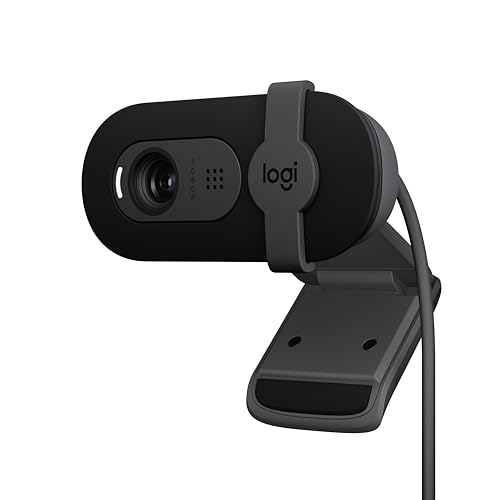
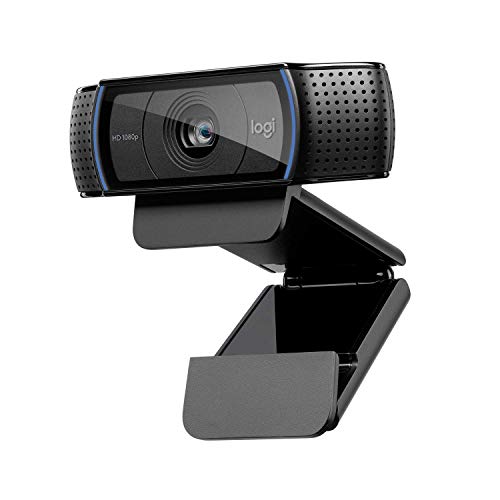
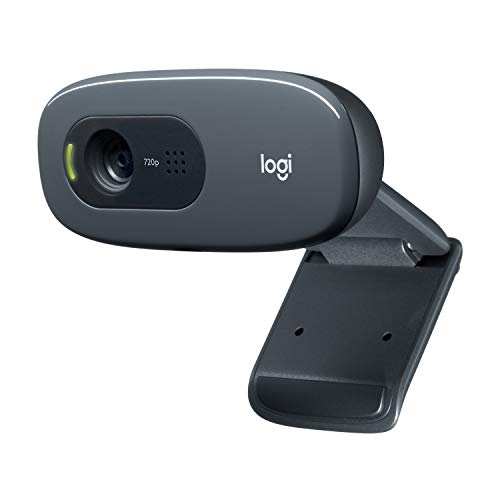
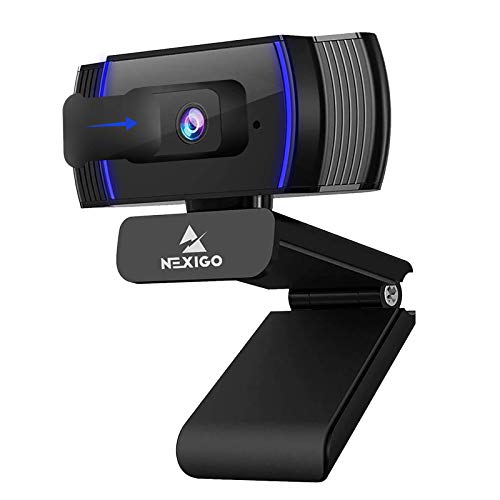

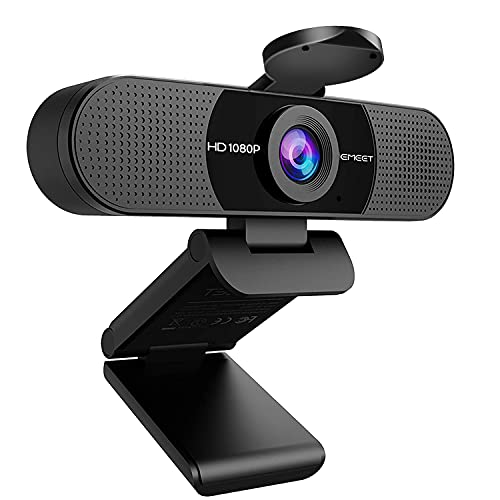


Types of Amateur Webcams Compared
Amateur webcams fall into four broad types, and type sets your price and setup effort before any single feature does. Most home users do well with a simple wired model.
Gaming and Streaming Models
Streaming focused models capture motion at 60 frames per second and add wider software controls for zoom, pan and exposure. That smoothness helps when you move or share fast action. They cost more and need more light. Choose this type if you stream or record often, and see our guide to the best webcam for streaming.
Wired Models
Wired models connect by a USB cable, draw power from the computer and work as soon as your app selects them. They give a steady signal, with no battery and no wireless dropouts. The cable does limit placement. Choose a wired model for a fixed desk where reliability matters most.
Wireless Models
Wireless models send video over WiFi or a dedicated receiver, so you can place the camera across the room for a wider shot. That freedom suits group calls and lessons. You must charge the battery and accept a small delay in live conversation. Choose wireless only when cable placement is a real problem, because the extra cost buys placement, not a better picture.
Compact and Travel Models
Compact models are small cameras with a folding clip that grips a laptop lid and slips into a bag pocket. They usually offer modest resolution and fixed focus, enough for classes and travel calls. The small body leaves little room for strong microphones, so quality drops sooner in dim rooms. Choose this type if you move between rooms often.
Streaming Models vs Simple Wired Models: Which Should You Choose?
A streaming model wins on motion, controls and framing choice. A simple wired model wins on setup, because you plug it in, select it in your app and start talking, with no battery or settings menu to manage.
Streaming models often cost about $80 to $150 and need a bright room, while simple wired models cost about $30 to $70 and stay forgiving in ordinary light. If your video is seated conversation, choose wired. If viewers watch your movement, the streaming type earns its price.
How to Choose the Right Amateur Webcam
Work through the factors below in order. Together they decide whether the best amateur webcams for your desk will look clear and sound natural.
Resolution and Frame Rate
Resolution sets detail, measured as 720p, 1080p, 2K or 4K, while frame rate sets how smooth motion looks, usually 30 or 60 frames per second. For seated calls, 1080p at 30 frames per second looks clear and keeps bandwidth modest. Higher resolution helps only if you crop with digital zoom or record clips for editing. Chasing 4K adds cost and demands more light, with little gain inside a small call window. If you compare the best quality webcams, check both numbers together.
Field of View and Framing
Field of view is how much of the room the lens shows, measured in degrees. A narrow view of about 65 to 78 degrees frames one person and keeps clutter out. A view of about 90 degrees fits two people or a whiteboard, while very wide views can make you look small. Choose the narrowest view that fits your usual group, because tighter framing keeps faces larger.
Focus and Low Light Correction
Autofocus adjusts as you lean in or hold an object toward the camera, which suits people who move or show items on calls. Fixed focus keeps a set range sharp, usually about one to five feet, and never hunts while you talk. Low light correction brightens your face in dim rooms, but strong correction can add grain and blur. Add a desk lamp facing you before paying more for low light claims.
Microphones and Sound for Calls
Most amateur webcams carry one or two built in microphones that capture your voice from a few feet away. Dual microphones with noise reduction sound fuller and cut some keyboard and fan noise. Sit within about three to six feet, keep the camera away from speakers to avoid echo and speak at a steady level. If you record narration, plan on a headset or desk microphone later.
Mounts, Privacy Shutters and Build
The mount decides your camera angle more than any setting does. A clip mount grips a monitor or laptop lid and tilts to level your face, while a threaded base lets you use a small tripod for eye level framing. Look for a cable of about five feet on wired models. A privacy shutter blocks the lens when the camera is idle, and an indicator light should show whenever it is active.
Compatibility and Software Controls
Most modern webcams use a standard plug and play connection, so they work with Windows and Mac computers and common call apps without extra drivers. Check that your computer has the right port, USB or USB C, or budget for an adapter. Companion software can add zoom, pan, exposure and white balance controls, but your call app may ignore some settings. For one computer setups, see our guide to the best webcams for pc.
Picking the Right Camera for Different Amateur Uses
Your main use narrows the type and features that matter. Match one group below first, then confirm details with the checklist above. Our guide to the best inexpensive webcams shows where lower prices still give a clear picture.
Students and Family Callers
You need a camera that works the first time for classes and family calls. A wired 1080p model with fixed focus, a standard clip and one clear microphone covers this use well. Skip wide views and software extras you will never open. A privacy cover matters here, because the camera often sits in a bedroom.
New Remote Workers With a Fixed Desk
You join several calls a day from one place and want to look presentable with little effort. Choose autofocus if you lean and gesture, a field of view near 78 degrees and a tripod thread to set the camera at eye level. A mid priced wired model serves this group better than a travel model.
Best Teen Amateur Webcams: Which Type Works Best for School and Home
For teen users, privacy, simplicity and durability matter more than top resolution. A wired 1080p model with a physical privacy shutter, a clear indicator light and a sturdy clip suits school calls and group projects. An adult should review app privacy settings with the teen, agree that the shutter stays closed when the camera is idle and place the camera in a visible spot at home.
Common Mistakes to Avoid
These errors are common and easy to prevent.
- Buying 4K resolution for small call windows wastes money and demands more light for no visible gain.
- Placing the camera far below eye level aims the shot up at your chin and feels awkward.
- Ignoring field of view leaves a shot that crops your head or shows the whole messy room.
- Sitting with a bright window behind you turns your face into a dark shape on screen.
- Expecting a webcam microphone to match a headset leaves your voice thin on long calls.
- Leaving the camera uncovered invites worry, so use the shutter and check the indicator light.
Care and Maintenance Tips for Amateur Webcams
Clean the lens with a dry microfiber cloth, using light circles from the center outward, because dust and fingerprints soften the image long before the camera fails. Never spray cleaner directly on the lens. Keep the cable loose, without sharp bends at either end.
Update firmware and companion software when the maker offers a new version, since updates often fix focus and exposure faults. Close the privacy shutter when you finish and check the mount grip monthly.
FAQ
Is 1080p enough resolution for amateur webcams used at home?
Yes, 1080p is enough for nearly all home calls, classes and casual recordings. Call apps compress your video anyway, so extra resolution mostly disappears before others see it. Spend the savings on a desk lamp and a small tripod. Those two items improve your picture more than a higher resolution sensor in the same dim room.
Can an amateur webcam show two people on one call?
Yes, an amateur webcam can show two people if its field of view is wide enough and you sit close together. A view near 90 degrees usually fits two chairs at a desk. Keep both faces at a similar distance and check the preview before the call. A tripod placed a little farther back helps more than digital zoom.
Should an amateur webcam have a privacy shutter?
Yes, a privacy shutter is worth choosing, because a physical cover blocks the lens even if software settings change. It also builds a simple habit: open the cover to join a call, close it when you leave. If a model lacks a cover, storing the camera face down in a drawer gives similar peace of mind.
Do amateur webcams work with both Windows and Mac computers?
Yes, most amateur webcams work with both systems through the standard video connection that call apps already recognize. Problems usually come from app permissions, not the camera, so check that your system privacy settings allow the app to use the camera and microphone. An adapter solves most port mismatches on older computers.
Final Thoughts
Choose the type first, then confirm resolution, framing, focus and sound against your weekly calls. A simple wired 1080p model satisfies most home users, while streaming and wireless designs pay off only for specific needs. Use the product table above to compare those points.
When you judge best amateur webcams by your room, your light and your usual call, the right choice becomes clear.


