
Best 8 Inch Monitors in 2026: What Actually Matters Before You Buy
Disclosure: We may earn a commission when you buy through links on this page, at no extra cost to you. As an Amazon Associate I earn from qualifying purchases. Learn more
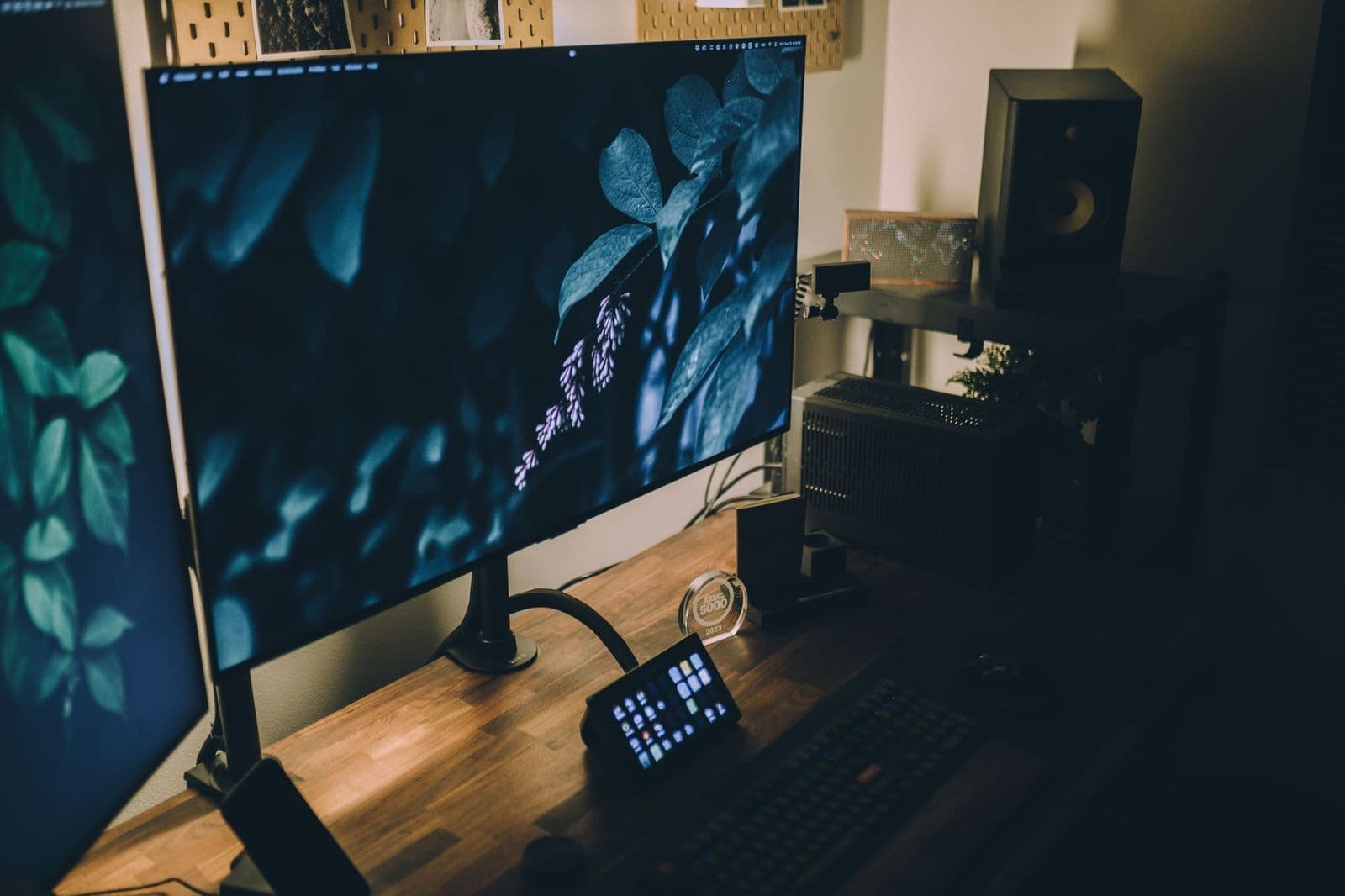
Compare the best 8 inch monitors with a clear checklist on resolution, panel type, touch input, ports, power, brightness and mounting.
An 8 inch monitor is a specialist screen. It shows a dashboard, a camera feed, a chat window or a control panel where a normal display will not fit. The best 8 inch monitors earn that label with sharp text at close range, simple power and a mount that suits your setup.
This guide uses one checklist throughout. Match the screen to your device, weigh resolution against text size, and sort out cables and power before price. That order matters, because a screen with the wrong input or aspect ratio is hard to fix after it arrives.
Who Should Buy an 8 Inch Monitor?
Buy this size when the job is narrow and the space is tight. Several windows at once call for a larger display.
Raspberry Pi and Mini PC Builders
You need a screen for setup, settings and status screens, often in a workshop or cabinet. Choose a model with a standard HDMI input, a separate USB port for power, and a plain back panel that fits a printed or cut enclosure. A touch layer helps when a keyboard would clutter the build, but only if your operating system supports it without extra drivers.
Desk Users Who Need a Small Second Screen
You want one app within sight, such as messages or music controls, without giving up desk depth. A stand that tilts and a matte surface matter here, because you will glance down at the screen at an angle all day. If that glance turns into long reading, step up instead and see our guide to the best 27 inch monitors for a main work display.
Dashboard, Workbench and Control Panel Users
You run one feed or panel for hours, such as sensor readings, a parts checker or a smart home wall panel. Prioritize steady brightness, wide viewing angles and a power supply that starts the screen when the main device wakes. You may adjust the picture once and then leave the controls alone for months.
Key Features to Compare in 8 Inch Monitors
When you compare the best 8 inch monitors, judge each spec at this screen size rather than copying the rules for a large display. Small screens reward pixel density and punish extra cables.
Resolution and Aspect Ratio at 8 Inches
Resolution sets how fine your text looks at close range. A 1280 by 800 panel with a 16 by 10 shape gives icons and menus comfortable height. A 1920 by 1200 panel looks crisper, but your device must scale text up or letters become tiny. A 1024 by 600 panel suits big buttons and simple readouts. Match the panel shape to your source, because a 16 by 9 feed on a 16 by 10 screen leaves black bars or stretches the image.
Panel Type, Brightness and Viewing Angles
IPS panels hold color and contrast when you view the screen from the side, which suits a desk or wall panel you rarely face straight on. TN panels cost less but shift color as your angle changes. Brightness of about 250 to 400 nits covers most indoor rooms, while a spot near a window calls for the upper end of that range and a matte finish. Built in speakers, when fitted, suit alert sounds but are too small for music.
Touch Input and How the Touch Layer Connects
Capacitive touch responds to a bare finger and supports gestures such as pinch and swipe, which suits kiosks and control panels. On most models the video arrives over HDMI while touch data and power travel over USB, so plan for two cables. Check that your system is listed as supported, since a touch layer that needs a driver your device lacks becomes plain glass. If you only display information, skip touch and spend on a brighter panel instead.
Ports, Power and Cable Count
Most 8 inch monitors draw about 5 watts from a 5 volt USB supply, so a spare port or small wall adapter usually covers power. List your source outputs before you buy: HDMI is the common video input at this size, and some models accept video over USB C from a laptop or phone. Count the cables your setup needs, including USB for touch, and confirm the ports sit on a side you can reach once the screen is mounted.
Refresh Rate and Response Time at This Size
Nearly every monitor at this size runs at 60 Hz, and that is enough for dashboards, documents and video, because the screen serves as a small window rather than a main gaming display. Response time claims of about 5 to 25 milliseconds matter little for menus and monitoring tools. If fast competitive play is your real goal, a small panel is the wrong tool, and our guide to the best 32 inch monitors covers large desk screens.
Stand, Case and Mounting Options
Mounting decides where this screen can live. Some models ship with a folding stand, others with a bare frame meant to drop into a panel cutout, and some carry 75 mm VESA holes for a small arm or bracket. Measure the full case, not just the glass, and leave room behind it for plugs. A raised bezel helps on a workbench, where tools and parts slide into anything left flat and exposed.
Which Type of 8 Inch Monitor Fits Your Setup?
Small monitors fall into three types, split by how the screen connects and where it stays.
Basic Display Panels for Fixed Installations
A basic panel has HDMI input, USB power and no touch layer. It suits a status screen that runs one feed all day, because there is little to configure and little to break. Choose it for a server cabinet or a 3D printer station where a mouse and keyboard already do the input work.
Touch Panels for Controls and Kiosks
A touch panel turns the screen into the control surface itself. It fits a home automation wall, a sales counter or a media player you run by hand. Budget extra setup time, since you will calibrate the touch area and try each button target at arm length before daily use.
Portable USB C Screens for Travel and Field Checks
A portable model in a slim case takes video and power over one USB C cable from a compatible laptop, handy for field repairs and quick checks of headless machines. If you keep weighing a screen against a standalone device, see our guide to the best 8 inch tablets, since a tablet brings its own battery and apps but cannot act as a plain display for another computer.
Common Mistakes to Avoid
- Buying a bare panel without a stand or case leaves you building a mount before you can use the screen at all.
- Assuming one cable does everything leads to a dark screen when a model needs separate USB power beside the HDMI lead.
- Choosing the highest resolution for status text makes menus so small that you lean in every time you read them.
- Trusting a listing with no stated brightness or viewing angle often ends with a dim panel that fades from the side.
- Mounting the screen before checking touch and scaling means pulling it back out to reach ports hidden behind the panel.
Setup and Care Tips for a Small Monitor
Connect power first, then video, and set your device output to the native resolution of the panel so text stays sharp instead of scaled and soft. Turn off any vivid picture mode, which pushes color past natural levels, and set brightness to match the room. If you use the screen for controls, run the touch calibration once and check the corners, where missed taps usually show up first.
Clean the glass with a dry microfiber cloth, and dampen the cloth with plain water only when a mark will not lift. Never spray liquid straight onto a small panel, because moisture can slip past the thin bezel into the frame. Keep the back panel free of dust, check cables for tight bends at the ports, and store a portable screen in its case so the glass faces nothing hard.
FAQ
Is 4K resolution worth it on an 8 inch monitor?
No, 4K resolution is not worth it on an 8 inch monitor. At this size your eye cannot separate that many pixels at a normal viewing distance, so text and icons shrink without looking clearer. The higher signal also demands more from a small computer. Spend the difference on brightness or a touch layer you will notice every day.
Can an 8 inch monitor run from a single USB C cable?
Yes, some 8 inch monitors run from a single USB C cable, but only when both the screen and your device support video over USB C. The port on your laptop or phone must carry a display signal, not just charge and data. A weak port can leave the screen flickering under load, so a second power input is a useful backup.
Can an 8 inch monitor work with a Raspberry Pi?
Yes, an 8 inch monitor can work with a Raspberry Pi when the panel has an HDMI input and a 5 volt USB power connection. Set the display resolution in the system settings if the picture arrives with a border or looks stretched. Touch models need the USB lead connected as well, because HDMI alone carries no touch data back to the board.
How long does an 8 inch monitor usually last?
An 8 inch monitor usually lasts about three to five years of daily use before brightness fades or a port wears loose. Screens that run a fixed dashboard all day age faster at the backlight than screens used an hour at a time. Letting the screen sleep with its host device slows that wear.
Our Verdict
Judge this size on fit first: the right input, a shape that matches your source, and a mount that suits the spot. Then pick resolution for readable text and add touch only when your hands do the work.
Chosen that way, the best 8 inch monitors disappear into the job, showing the one screen you need without crowding the space around it. Start with your device outputs and mounting plan, and the shortlist narrows itself.


