
Best 8 Inch Tablets in 2026: Buying Guide
Disclosure: We may earn a commission when you buy through links on this page, at no extra cost to you. As an Amazon Associate I earn from qualifying purchases. Learn more

The best 8 inch tablets balance portability and readable screens for reading, travel and kids.
An 8 inch tablet balances portability and a readable screen, which is why it suits reading, travel, kids and kitchen counters. The best 8 inch tablets are light enough to hold in one hand for an hour, sharp enough for books and video, and supported with updates long enough to be worth the money. This guide explains the choices in plain language so you can pick a size, a platform and a budget with confidence.
Use the product table below for a quick side by side view of current options, then read the sections on who each type suits, the features that matter and the mistakes that lead to returns.


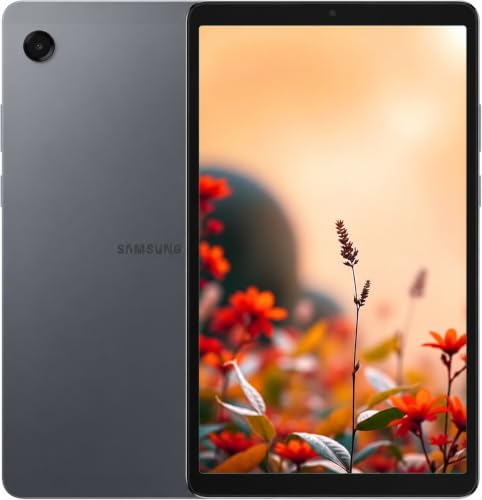


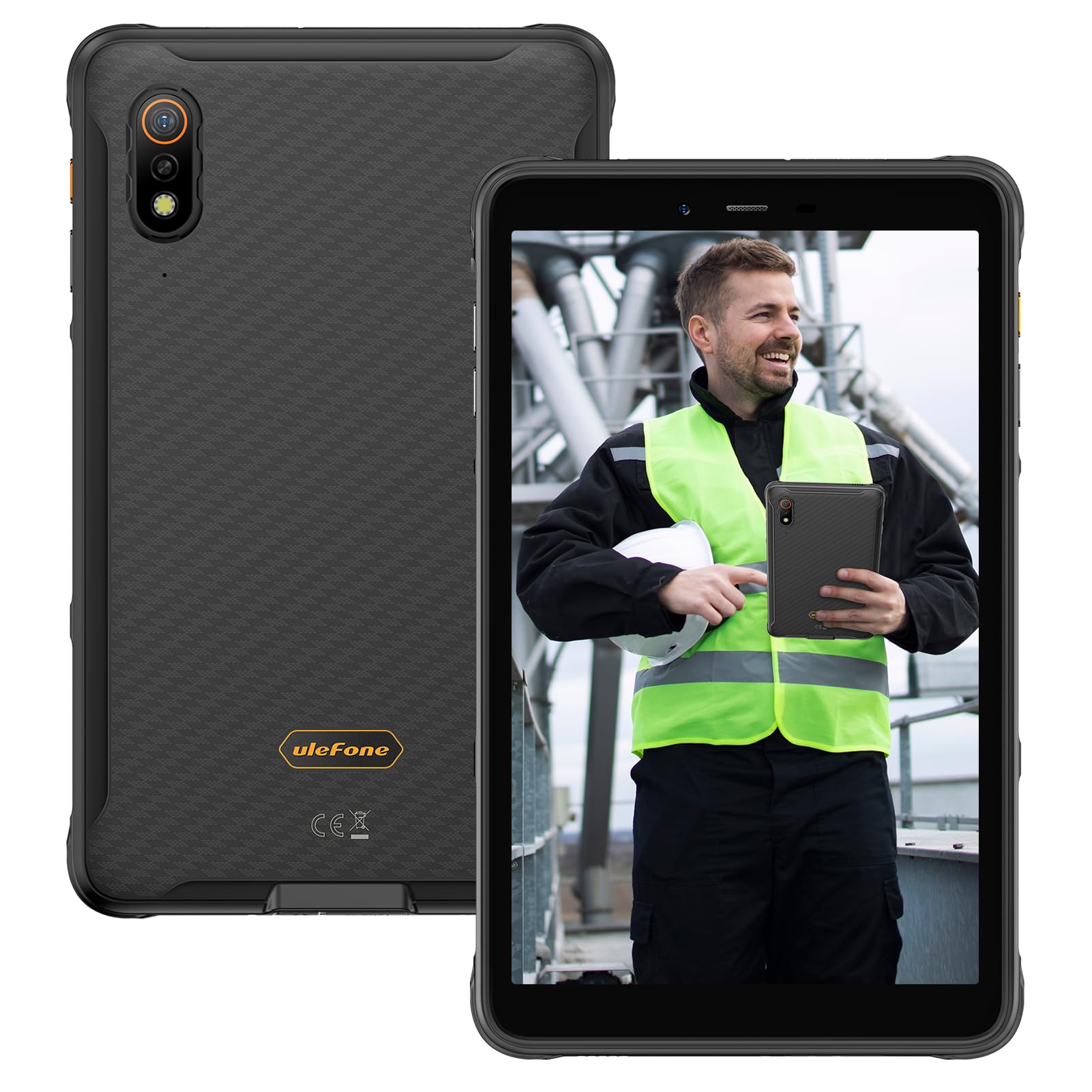
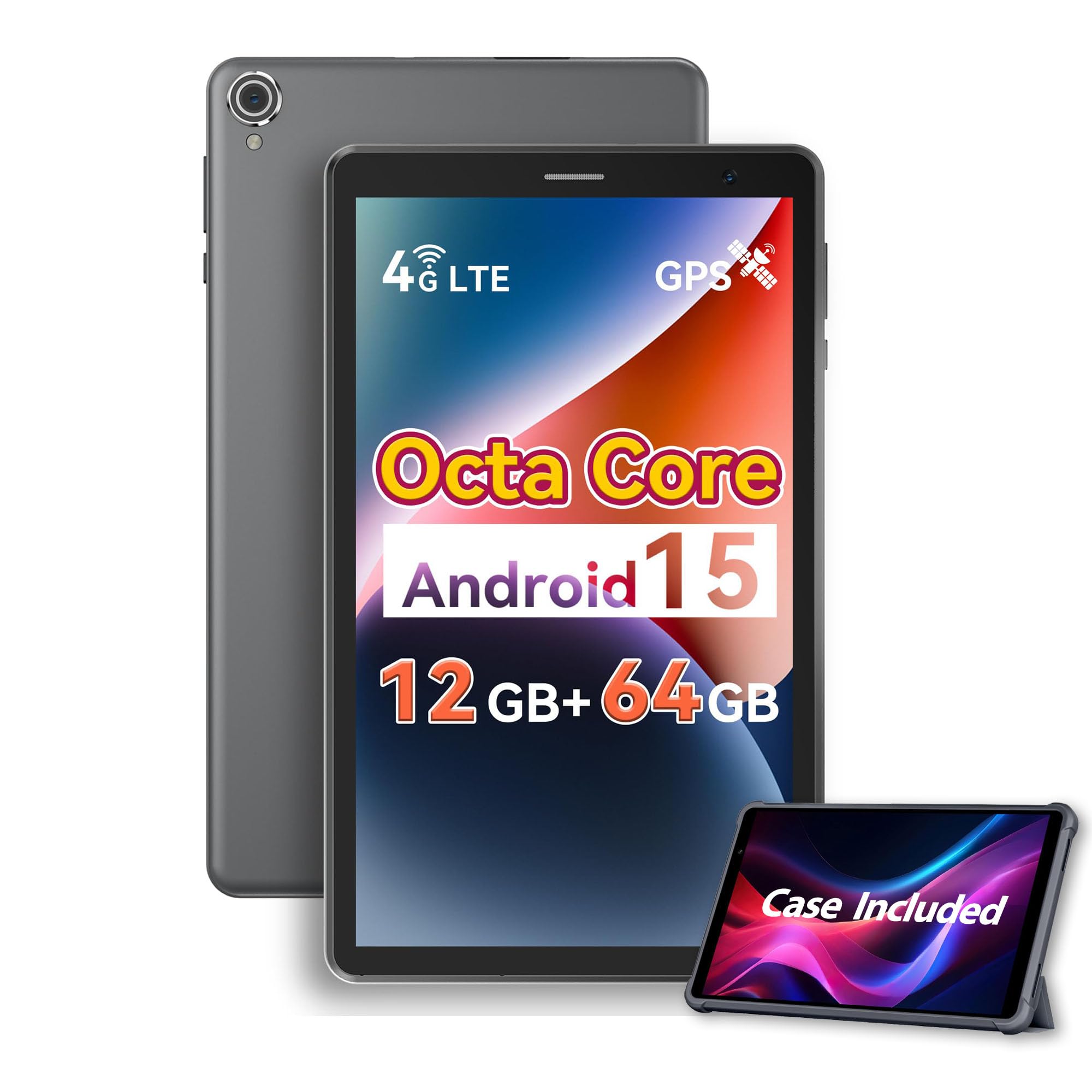

Who Should Buy an 8 Inch Tablet?
Readers and Commuters
If you read and watch on trains and buses, weight and battery matter most. Look for a bright screen you can read in station light and a battery that covers a full travel day.
Parents Buying for Kids
Families need parental controls, a durable case and a platform with a good kids section. A small tablet is easier for small hands, and an inexpensive model makes drops less painful.
Travelers
For trips, preload books, maps and shows, and choose a model with a card slot or enough storage for offline media. Light weight and a slim case keep it easy to pack.
Key Features Explained
Features matter only when they change daily use, so judge each one by how it performs in real life.
Screen Quality
Resolution near 1280 by 800 looks fine for video, while sharper panels make small text crisper for reading. Brightness matters outdoors and on trains, and a matte or anti glare finish helps in sunlight.
Battery Life
Expect a full day of mixed reading and video from a healthy battery, and less for gaming. Brightness affects battery more than most settings, so check real world hours rather than the headline figure.
Storage and Memory
Treat 3 GB to 4 GB of RAM as the minimum for smooth use and 64 GB of storage as a sensible floor. A card slot is a big help for video and books, and keeping a fifth of the storage free lets updates install cleanly.
Performance and Software Support
A modern entry chip handles reading, streaming and light games. What decides value over time is the update promise, because banking, school and work apps drop support for old software. Favor models with several years of security updates.
Durability and Case
An 8 inch tablet slips out of bags and seat pockets easily. A padded case with raised edges and a screen protector is cheap insurance, especially with children.
Types of 8 Inch Tablets Compared
Reading and Media Tablets
Light tablets for books, video and browsing. Amazon Fire style models and basic Android tablets cost the least and are plenty for streaming and reading.
Kids Tablets
Durable, managed tablets for children, often with a bumper case, a parental dashboard and curated content. They suit young users but can feel restrictive for adults.
Premium Compact Tablets
Models such as the iPad mini and midrange Samsung tablets add faster chips, sharper screens, better speakers and long update support. They cost more but stay useful for many years.
Rugged and Cellular Tablets
Rugged 8 inch tablets add sealing and tough frames, and cellular models add a SIM slot. Both cost more and make sense only if you work outdoors or travel without reliable WiFi.
Choosing and Setting Up
Set up accounts, parental controls and offline content before travel. Check your main apps and reading comfort in your usual light, and adjust text size and brightness early, since defaults rarely suit everyone.
Measure the case or sleeve you plan to use, check compatibility with your accounts and confirm the return terms before you order. A short checklist beats a rushed purchase: size, storage, update support, warranty and delivery.
Related Buying Guides
If you prefer the Android platform, compare the best 8 inch android tablets. If your budget is tight, see the best 8 inch tablets under 200. If you need a keyboard and full desktop software, the best pc tablets cover Windows based options.
Using an 8 Inch Tablet Every Day
Small tablets work best when you treat them as a companion device. Keep a reading app, a video app and a note app on the home screen, download content on WiFi before you travel, and use a stand or case flap to prop the screen at a comfortable angle. Dim the screen at night and turn on a warm display mode for evening reading.
For shared family tablets, create separate profiles so children see only age suitable apps and your own accounts stay private. Set screen time limits in the settings, and keep a spare charging cable in the bag you carry most.
Care and Upkeep Over Time
Keep software updated and remove unused apps to preserve storage and speed. Use a case and screen protector for travel. Charge with the supplied charger when possible and avoid letting the battery sit flat for weeks. Back up photos and documents so a lost tablet is an inconvenience rather than a loss.
Mistakes to Avoid
- Buying the cheapest tablet without checking memory and update support.
- Filling storage completely, which slows the tablet and blocks updates.
- Choosing a heavy case that erases the portability advantage of an 8 inch size.
- Expecting a small tablet to replace a laptop for long typed documents.
- Skipping the return terms on budget hardware.
Budget and Value Checks
Set a price range before you compare tablets, and decide which features justify paying more. A higher price should buy a better screen, longer update support or faster performance you will notice often, not a small spec gain. Basic models start at around $60, solid everyday models run about $100 to $250, and premium compact tablets cost several hundred dollars.
Check warranty length and return terms, because a cheaper tablet with poor support can cost more over time. Include a case, screen protector and storage card in your total.
Frequently Asked Questions
Is 8 inch big enough for reading and video?
Yes, eight inch screens suit reading, browsing and casual video, especially one handed. Small text and split screen work feel cramped compared with larger tablets. If you edit documents often, a larger screen may serve better.
How much storage do I need?
Check app sizes and offline media plans before choosing. Sixty four gigabytes suits most people, and a card slot helps a lot for video and books. Keep at least a fifth of storage free, since full tablets slow down and struggle with updates.
Are budget 8 inch tablets good enough?
Budget tablets suit reading, video and light apps, but may lag with heavy games or multitasking. Read processor and memory specs, not just price. For school work and daily use, a mid range model often lasts longer.
What about kids and parental controls?
Look for robust cases, screen time controls and content filters that suit your child age. Set up a child profile before handing over the tablet. A good case matters more than a perfect screen for young users.
How long should an 8 inch tablet battery last?
Expect a full day of mixed reading and video from a healthy battery, and less for gaming. If the tablet will travel, prioritize battery over thinness, and preload content before you leave.
Final Thoughts
Start from your routine, prioritize the features that serve it, and use the product table above to compare your shortlist fairly. The right choice among the best 8 inch tablets fits your daily life comfortably, lasts well with simple care and stays within a budget you can justify. Take your time and choose the tablet you will still enjoy months from now.


