
Best 32 Inch Monitors in 2026: What Actually Matters Before You Buy
Disclosure: We may earn a commission when you buy through links on this page, at no extra cost to you. As an Amazon Associate I earn from qualifying purchases. Learn more
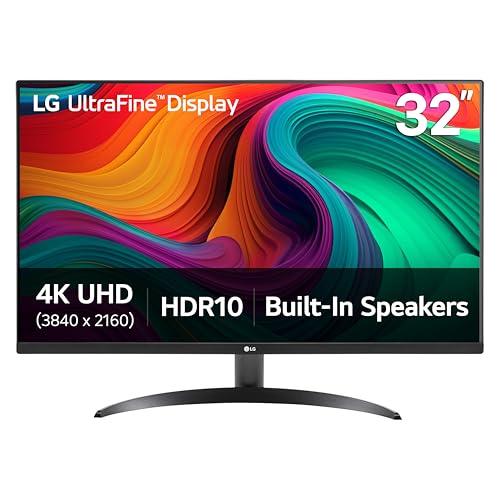
Shoppers choosing the best 32 inch monitors can check desk depth, text sharpness, ports and price bands with a simple checklist.
Plenty of shoppers pick a big screen by sorting on price and resolution, then discover at home that the real problems are simpler: the desk is too shallow, the text looks fuzzy, or the ports do not match the laptop. This guide works through the checks that actually decide whether a 32 inch screen suits your room and your routine.
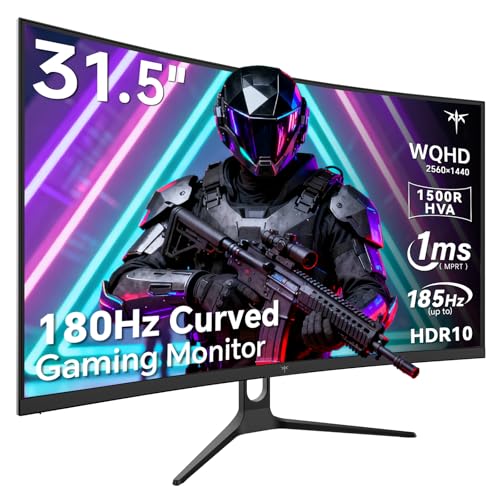
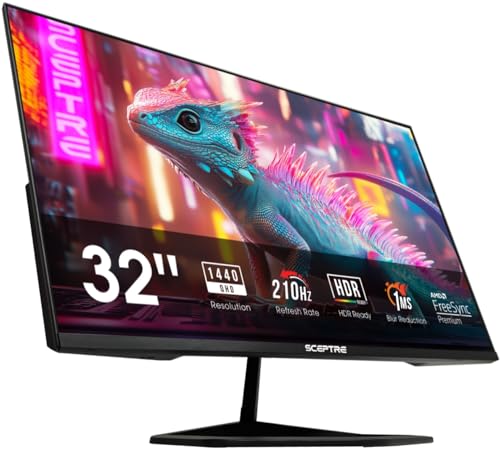
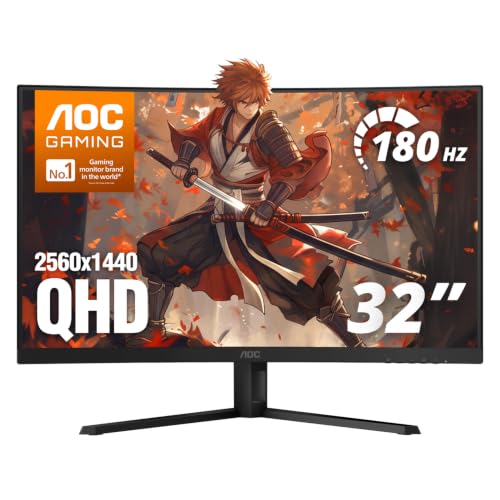
The best 32 inch monitors are not the ones with the longest spec list. They are the ones whose size, sharpness and connections fit the desk in front of you. Start with the product table for an overview, then use the sections that follow to check each candidate against your setup before you spend.
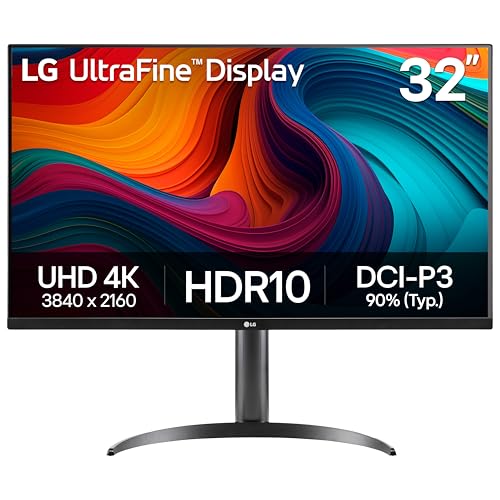

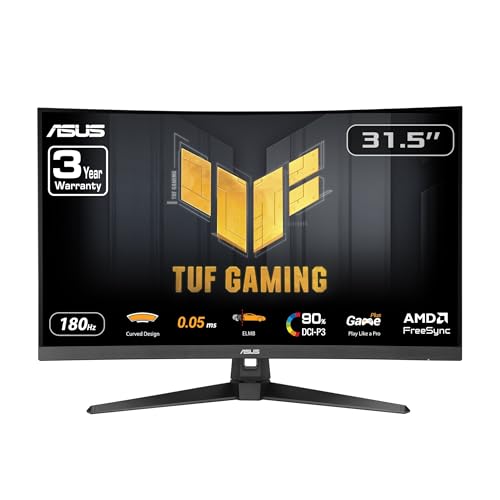
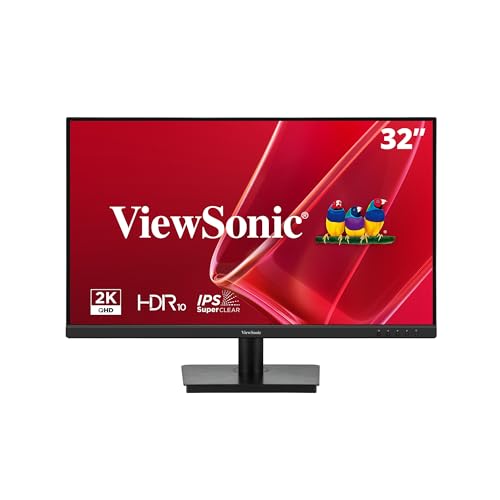


Start With Your Desk: Depth and Viewing Distance
Desk depth is the first fact to settle, and it rules out more big screens than any spec does. A 32 inch panel is wide enough that sitting too close forces your eyes to travel for every corner. Most people settle comfortably at roughly an arm's length or a little more from a screen this size.
Measure from the wall or desk edge to where your eyes actually rest, then subtract the depth of the stand. A deep stand on a narrow desk can pull the panel several inches closer than you planned. If the numbers come out tight, a wall mount or a slim monitor arm buys back distance without a new desk.
Viewing distance also shapes the resolution you need, which the next section covers. A screen viewed from farther away can carry a lower resolution gracefully, while a close desk exposes every pixel. Settle the distance first and the spec sheet becomes much easier to read.
The Specs That Decide Day to Day Use
With the desk measured, five areas decide how a 32 inch monitor feels across a working week. None of them is exotic, and each one is easy to check on a listing. Work through them in this order and weak candidates usually reveal themselves fast.
Resolution and Pixel Density
Small text is where a big low resolution screen shows its cost. A 1080p image stretched across 32 inches leaves letters with visible steps and rough edges, and no setting can sharpen what the panel does not have. If you read and write all day, treat 1440p as the floor at this size.
Higher still, the best 32 inch 4k monitors pack enough pixels for photo work and fine detail, at a higher price and with more demand on your computer. Think in terms of pixel density rather than headline resolution: the same 1440p that looks crisp at 27 inches looks softer at 32. Your viewing distance from the section above tells you how much density you truly need.
Panel Type in Plain Terms
Panel type sets the character of the picture. IPS panels keep colors honest when you lean or share the screen, VA panels deliver deeper blacks for video in darker rooms, and OLED panels switch each pixel off for true black at a premium price. For a mixed work and streaming desk, any of the three can serve well.
Read maker claims about brightness and response time with care. Each brand measures under its own conditions, so a brightness figure from one maker cannot be lined up against the same figure from another. Use the numbers to compare models inside one brand, and lean on panel type and resolution for choices across brands.
Ports and Connections
List your devices before you shop: a laptop, a desktop, perhaps a console or a streaming stick. A modern desk usually wants at least one HDMI port and one DisplayPort, and laptop owners benefit greatly from USB C with power delivery, which carries picture, data and charging over a single cable. That one port can remove a dock from the desk entirely.
Count the ports on the listing, not in the marketing photo, and check the version where it matters for high refresh rates. A built in USB hub is a quiet bonus for a keyboard receiver and a webcam. If your main machine is a few years old, confirm it can drive the resolution you chose at the refresh rate you want.
Stand Adjustment and Mounting
A 32 inch screen is a large sail of glass, and where it sits decides your posture for the day. Height adjustment is the single most valuable stand feature, because the top of the panel should rest near eye level. Tilt only stands are common at lower prices and often lead to a stack of books as a fix.
Check for a standard VESA mount pattern if an arm is in your future, since a handful of designs leave it out. Readers planning a dedicated work setup can compare the best 32 inch monitors for work, where stand quality and hub features get more weight. A wide, stable base matters too on desks that get bumped.
Refresh Rate and Sync for Mixed Use
Refresh rate is not only a gaming spec. Screens at 120 Hz or above make scrolling documents and moving windows feel calmer, and adaptive sync keeps video and casual games free of tearing. Players who compete will want more, and our look at the best 32 inch gaming monitors covers that end of the range.
For a desk that never runs a game, a steady 60 Hz or 75 Hz panel is a rational way to save money. Put the savings toward resolution or a better stand first. Motion polish is a comfort, while sharp text is a tool you use every hour.
What Each Price Band Buys at 32 Inches
Price bands at this size follow a clear pattern. Around $200 to $350 buys a sound VA or IPS panel at 1440p with a basic stand, which covers office work and streaming for most homes. These are honest screens as long as your expectations stay with the class.
Around $350 to $650 adds the comforts: 4K on many models, height adjustable stands, USB C with power delivery and higher refresh rates. This is the band where a work desk stops making compromises. Above about $650, you are paying for OLED or Mini LED panels, wide color for creative work and premium build, which suits buyers who know exactly why they want it.
Curved panels appear in every band, and the curve is a preference rather than an upgrade. Readers drawn to that shape can browse the best 32 inch curved monitors as their own class. In all bands, judge the panel and the stand before the extras.
Quick Checklist for the Best 32 Inch Monitors
Run any candidate through these questions before you buy. A screen that passes all of them will very likely suit your desk.
- Is your desk deep enough to sit at least an arm's length from the panel?
- Is the resolution at least 1440p for text heavy work?
- Does the stand adjust for height, or is a VESA mount pattern present?
- Do the ports match your laptop or desktop, including USB C if you need it?
- Is the panel type right for your room light and your content?
- Does the price band match the features you will actually use?
- Is the warranty at least two years, with a clear return window?
Red Flags to Watch For
A few warning signs should slow you down. Vague spec sheets that hide the panel type or quote brightness without a standard figure usually protect a weak panel. A 32 inch screen sold at 1080p for desk use is another one, since the fuzzy text problem is built in.
Be wary of response time claims with no measurement method named, and of stands with no height adjustment and no VESA pattern, which lock you into one posture. Very short warranties on a screen this size are a risk, because a panel fault after the first year leaves you with a costly repair. Finally, treat review counts that appear overnight with suspicion and weigh detailed owner comments more heavily.
Keeping a 32 Inch Monitor in Good Shape
Big panels reward gentle care. Clean the screen with a soft microfiber cloth, dry or barely damp, and never press hard or spray liquid directly onto the glass. Turn off the vivid picture preset, run brightness that matches your room, and let screen savers or sleep timers protect the panel during breaks. On OLED models, keep the built in pixel care routines switched on.
Frequently Asked Questions
Is a 32 inch monitor too big for a shallow desk?
It can be, and desk depth is the deciding factor rather than the room size. On a desk under about 24 inches deep, most people end up closer to the panel than is comfortable, and the corners fall outside easy view. A wall mount or a clamp on arm that pushes the screen back can rescue a shallow desk. If neither is possible, a 27 inch screen will serve you better than a 32 inch screen you sit too close to.
How far should you sit from a 32 inch monitor?
Most people settle between roughly 28 and 40 inches from a 32 inch screen, close to an extended arm's length or a bit beyond. At that distance the whole panel fits in view without head turning, and 1440p text looks clean. Sit closer and you will want 4K to keep text smooth. The honest check is your own chair: if you lean back to read the corners, you are too close for the size.
Can one 32 inch monitor replace two smaller screens?
For many desks, yes, since a 32 inch 1440p or 4K panel holds two documents side by side with room to spare. Window snapping tools make the split easy to manage. What you lose is the clean break between tasks that two bezels give, plus a backup screen if one fails. Writers and analysts often prefer the single wide canvas, while people who keep a call on one screen and work on the other tend to stay with a pair.
Does a 32 inch monitor need a monitor arm?
No, but an arm solves the two most common complaints about this size: a stand that eats desk depth and a screen fixed at the wrong height. An arm frees the space under the panel and lets you float the screen at exactly your eye line. Check that the monitor has a VESA mount pattern and that the arm is rated for its weight, since 32 inch panels are heavier than smaller ones. A good stock stand with height adjustment makes an arm optional.
How does a 32 inch monitor compare with the computer focused models?
The size is the same, and the difference is emphasis. Guides to the best 32 inch computer monitors sort the class by panel type first, which suits buyers choosing between IPS, VA and OLED. This guide instead starts from your desk and your ports, which suits buyers who know their setup but not the panel families. Either route leads to the same shortlist when the checks agree, so use the one that matches how you think about your desk.
The Bottom Line
The best 32 inch monitors pass three checks: your desk is deep enough for the size, the resolution keeps text sharp at your viewing distance, and the ports and stand fit the machines you own. Settle those before panel debates and price bands, using the product table above to compare the candidates that remain. A screen chosen that way tends to disappear into the work, which is exactly what a monitor should do.


