Best 65 Inch OLED TVs: Brightness, Gaming and Burn In Guide for 2026
Disclosure: We may earn a commission when you buy through links on this page, at no extra cost to you. As an Amazon Associate I earn from qualifying purchases. Learn more
Compare the best 65 inch OLED TVs by brightness, panel type and gaming features, plus how to avoid burn in.
OLED is the picture quality benchmark for living room TVs, and 65 inches is the size where it shines most. This guide explains what separates the best 65 inch OLED TVs from each other, from brightness and panel generation to gaming features and burn in care, so you can choose with confidence.
The product table lists current 65 inch OLED models. Use the sections below to decide which features justify a higher price, then compare the table against your own shortlist.


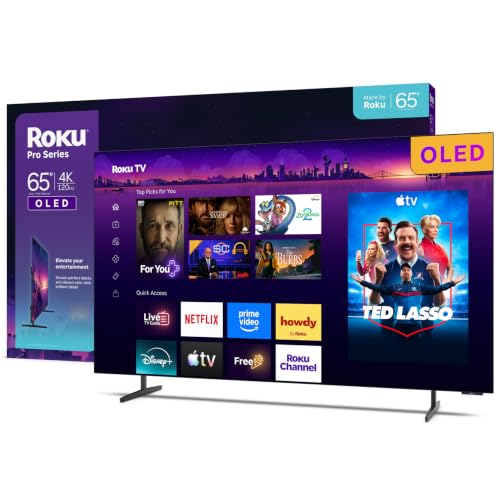

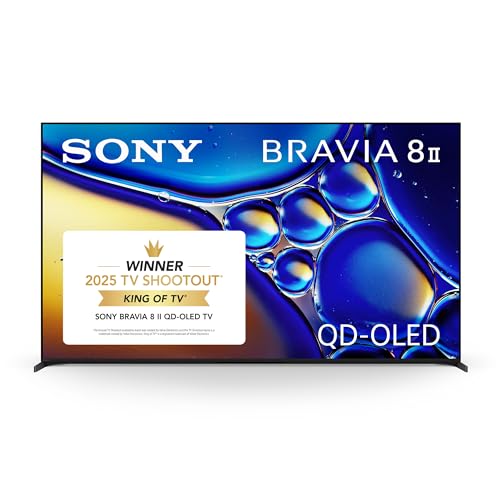

Why Choose a 65 Inch OLED TV?
An OLED panel lights every pixel on its own. When a pixel is off, it is truly black, so contrast looks nearly endless and shadows keep their detail. Colors stay accurate from wide angles, and pixel response is very fast, which makes motion look clean in sports and games.
The trade offs are peak brightness, which is lower than the best Mini LED sets, and price. OLED works best in a living room where you can control the light, and it is less ideal for a room with large sunny windows. For a more general look at the size, see our guide to the best 65 inch TVs.
OLED Types Explained
| Type | What it adds | Best for |
|---|---|---|
| Standard OLED | Perfect blacks and wide viewing angles at the lowest OLED price | Dark room movies and TV shows |
| Brighter OLED (evo, MLA style layers) | Higher peak brightness for HDR highlights | Mixed lighting living rooms |
| QD OLED | Quantum dot layer for more saturated color | Color focused viewers and gamers |
The extra cost for brighter or quantum dot designs buys a visible gain in HDR highlights and color. If you mostly watch in a dim room, a standard OLED already looks stunning.
Features Worth Paying For
Brightness and HDR
Peak brightness determines how convincing HDR highlights look. Brighter panel generations handle daytime viewing far better. Look for Dolby Vision support, and check whether the set also supports HDR10+, which varies between brands.
Gaming Features
Most 65 inch OLEDs offer a 120 Hz panel, HDMI 2.1, variable refresh rate, and very low input lag. Check how many HDMI ports support the full feature set, since some models limit it to two or three inputs, which matters if you own more than one console.
Processing and Upscaling
Good processing turns streaming video, cable, and older discs into a clean picture. Look at how well a set upscales lower resolution sources, handles motion, and manages dark scene detail. Premium models usually have stronger processors than entry OLEDs.
Smart Platform and Sound
The smart platform affects speed and ease of use every day. Built in sound is usually decent on higher end OLEDs but not a replacement for a soundbar or speakers if you want full movie sound.
Stand and Mounting
OLED panels are thin, and some models ship with a stand that uses wide set feet. Measure your furniture, or plan to wall mount with a bracket rated for the weight.
Picture Settings That Make a Difference
Out of the box, many TVs ship in a vivid mode that looks punchy in a store but wrong at home. Switch to a cinema, filmmaker, or movie mode for films and streaming shows, and keep motion smoothing low or off so film keeps its natural look. Lower the backlight style brightness control in a dark room to ease eye strain, and raise it for daytime sports.
Calibration is optional, but a few basic steps help. Set the color temperature to a warm preset, turn off extra sharpening, and check that the TV is in game mode when you connect a console. These changes cost nothing and often improve the picture more than a step up in price.
Setting Up Your Room
OLED rewards a controlled room. Place the TV where windows do not reflect on the screen, and use curtains or bias lighting behind the set to make blacks look deeper and reduce eye fatigue. Seat viewers about 8 to 10 feet back, and mount the center of the screen near eye level. If you wall mount, use a bracket with some tilt or swivel so you can reach the ports and adjust the angle for different seating.
Power matters too. Use a surge protector, give the TV a few inches of airflow around the back, and avoid placing it directly above a heat source such as a fireplace or a hot media console.
Burn In and Long Term Care
OLED can retain a faint image if the same bright static element, such as a news logo or game HUD, stays on screen for many hours. Modern sets include pixel shifting and refresh cycles that reduce the risk. Good habits help: vary your content, avoid very high brightness for static images, and let the TV run its built in maintenance routines when it is in standby. Check the warranty for coverage details, since terms vary.
65 Inch OLED TVs: Your Questions Answered
Is OLED worth the higher price?
For movie watching in a dim room and for gaming, the contrast and response are a clear upgrade over LED sets. In a bright room with lots of daytime viewing, a Mini LED can be a better value.
Will an OLED TV burn in?
It can with extreme use, but typical mixed viewing rarely causes visible problems. Pixel shifting and automatic refresh features help, and varied content keeps wear even.
How long does a 65 inch OLED last?
Most owners get many years of use. Panel brightness slowly declines with hours, so using sensible brightness settings extends life.
Do I need a soundbar?
For movies and dialogue, a soundbar or speaker system is a noticeable upgrade, since thin panels leave little room for large speakers.
Is 4K enough at 65 inches?
Yes. At this size and a normal viewing distance, 4K looks sharp, and there is no practical need for a higher resolution.
OLED or Mini LED for a bright room?
If sunlight reaches the screen for much of the day, a Mini LED with high peak brightness usually looks better and costs less. If you watch mostly in the evening or with the lights low, OLED gives richer contrast and cleaner shadow detail. Many buyers also choose by how they plan to use the TV for the next several years, since gaming and movie habits tend to stay stable.
Which ports matter most?
Check for HDMI 2.1 on at least two inputs, one with eARC for a soundbar. Also confirm that the set has the streaming apps you use, since a few services are missing on some platforms. A built in tuner matters only if you use an antenna.
Final Thoughts
The best 65 inch OLED TVs combine deep blacks with the brightness, gaming features, and processing that fit your room. Decide how much light your room has, how many consoles you run, and what you are willing to spend on brighter panel generations, then compare the models in the product table. For another size, see the best 55 inch OLED TVs.