
Best 65 Inch TVs Under 1000 2026 for Everyday Use
Disclosure: We may earn a commission when you buy through links on this page, at no extra cost to you. As an Amazon Associate I earn from qualifying purchases. Learn more

What a budget under $1,000 buys in a 65 inch TV, from panel type to gaming ports, to help you choose the best 65 inch tvs under 1000.
A 65 inch screen is the size where a living room starts to feel like a home theater, and a budget under $1,000 now buys a lot of television. This guide to the best 65 inch tvs under 1000 explains which features are worth paying for at this price and which are marketing, so you can choose a set that suits your room, your seats, and the way your household watches.
The product table right after this introduction lists current options side by side. Use it with the checklist below: seating distance, room light, panel type, gaming needs, and smart platform decide more than any single headline number.
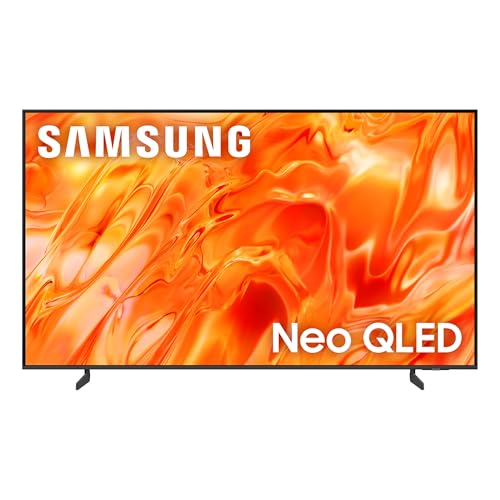
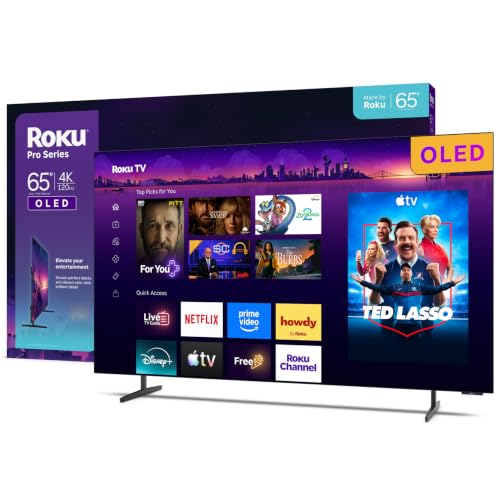

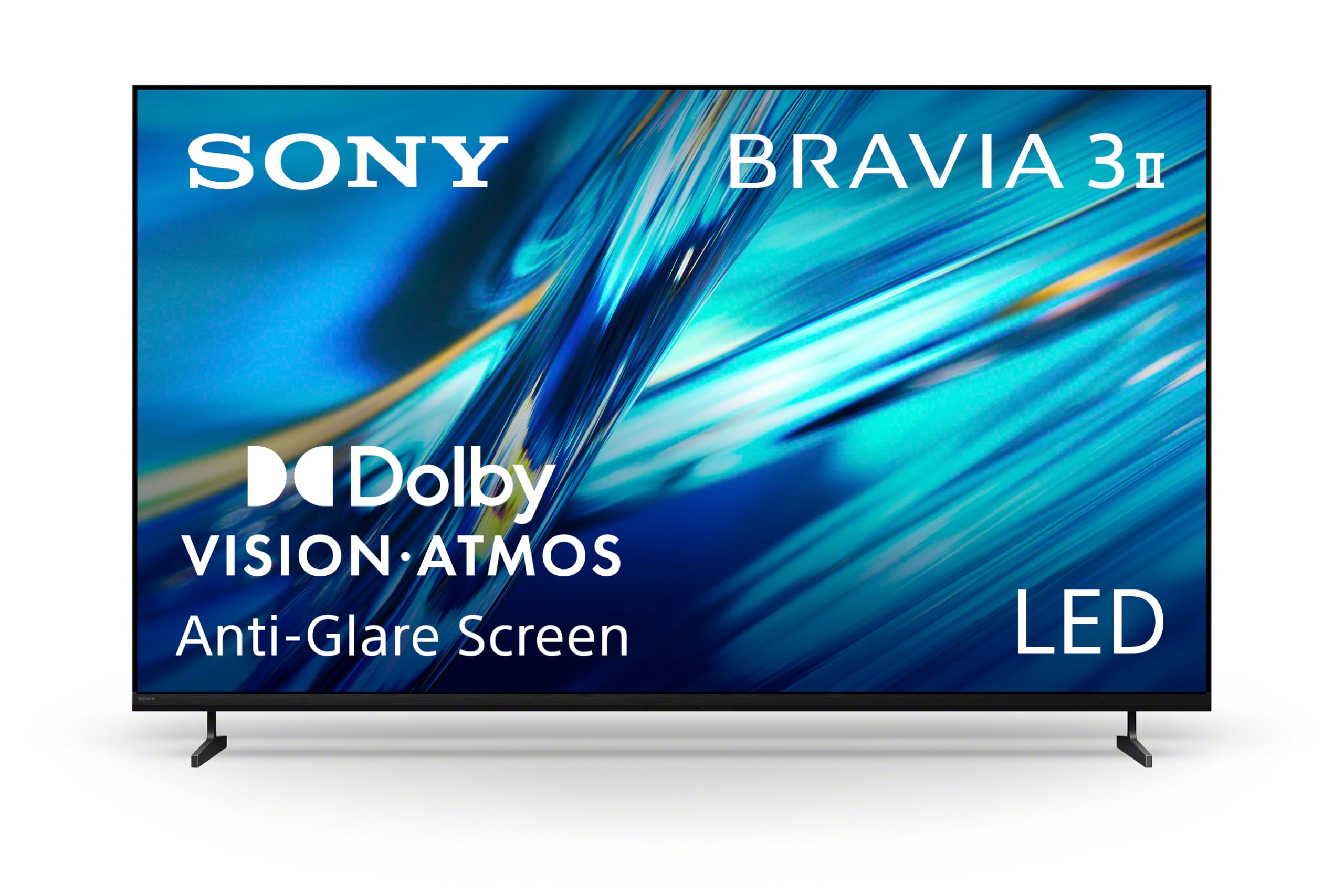
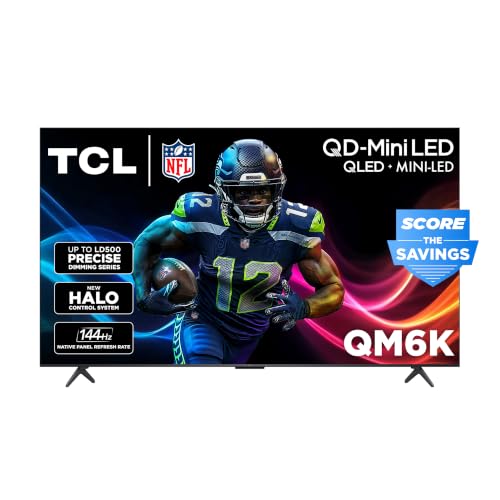
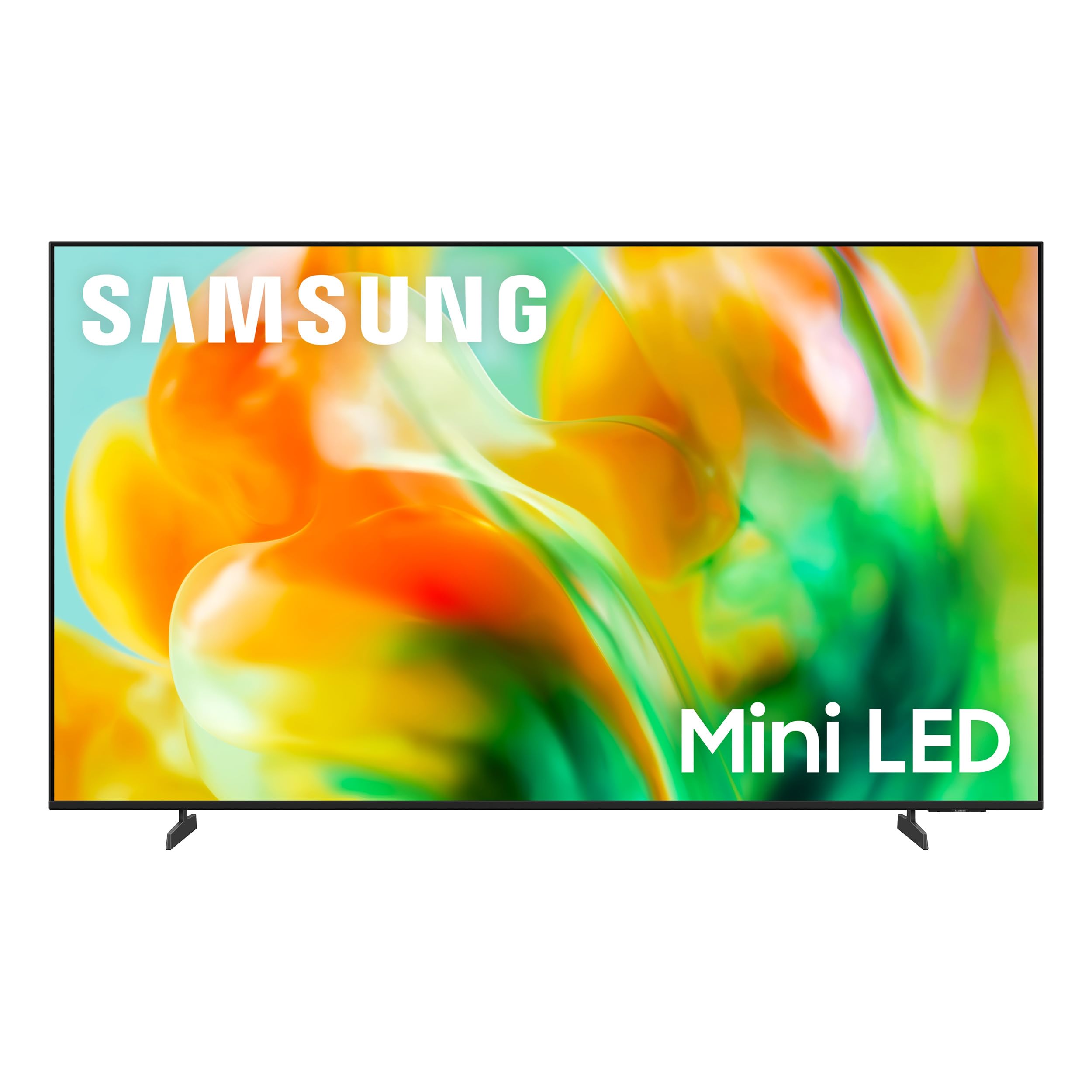


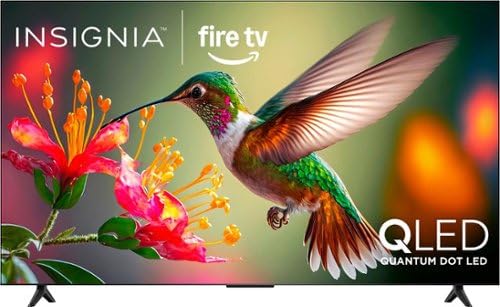
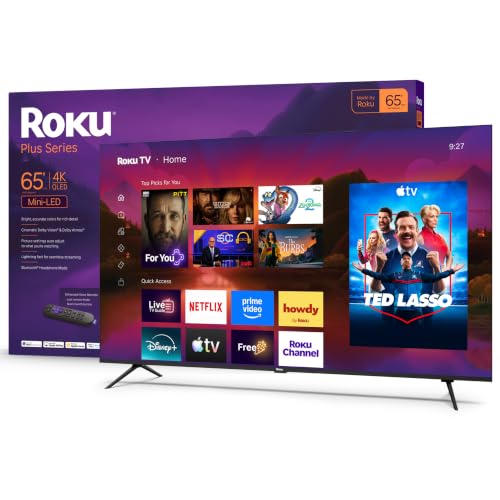

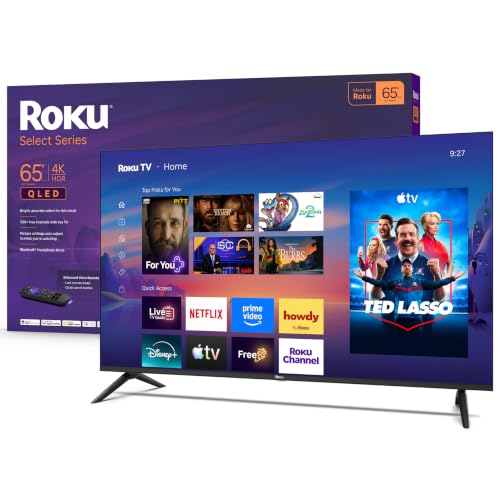
Who Needs the Best 65 Inch TVs Under 1000
This price band suits families who want a big, bright picture for films, sport, and streaming without paying flagship prices. It also suits first time gamers setting up a console in the living room and anyone upgrading an older 50 inch set who wants a clear step up. If your main seat is closer than about 6 feet, a smaller screen will be more comfortable.
- Living rooms with seating 8 to 10 feet from the wall
- Households that stream more than they use cable or antenna
- Console gamers who want a responsive game mode
- Buyers replacing an aging set who want better brightness and contrast
What $1,000 Buys at 65 Inches
Under $1,000 you can reach very good LED sets with QLED color filters, mini LED backlights with hundreds of dimming zones, and the entry end of OLED. Sets closer to $500 give a bright, sharp 4K picture and a full smart platform. Spending toward the upper end tends to add stronger local dimming, higher peak brightness for HDR, a 120 Hz panel, and better upscaling of cable and streaming content.
Price alone is not a guide to quality, so compare what each step adds. A mini LED set with good dimming looks noticeably deeper in a dark room than a basic edge lit panel, while a bright QLED set can beat both in a sunlit lounge.
Panel Type and Picture Quality
Mini LED and QLED
These LED based panels are the best fit for bright rooms. They reach high brightness, which helps HDR highlights and daytime viewing, and they avoid the burn in worries some people have with OLED. Look for local dimming that keeps black bars dark without a visible halo around bright objects.
OLED
OLED sets give perfect blacks and very wide viewing angles, which suits dark rooms and film fans. At this price you will find the entry models, so check brightness and the warranty, and avoid placing the screen opposite a large window.
Basic 4K LED
A basic 4K LED set is perfectly good for casual viewing, news, and kids' shows. It saves money, but it usually has weaker contrast and narrower viewing angles, so seats off to the side will see a washed out picture.
Gaming and Motion
Gamers should look for a game mode with low input lag, a 120 Hz panel, variable refresh rate support, and at least one HDMI port that carries the full feature set for current consoles. Many sets in this range give only one or two such ports, so plan which device goes where. Sport fans should check motion handling, since fast pans can smear on weaker panels.
Smart Platform and Sound
Every set in this range is a smart TV, but platforms differ in speed, app coverage, and remote design. Check that your streaming services are available and that the menu stays quick, and look at how many HDMI and USB ports you get. Television speakers at this thickness are modest, so budget a little extra for a soundbar if dialogue clarity and film sound matter to you.
Fit and Setup at Home
A 65 inch set is roughly 57 inches wide, and the feet on some models sit far apart, so measure your stand before ordering. For a wall mount, confirm the weight rating and the mounting pattern on the back, and keep the screen center near eye level from your main seat. Start from the film or cinema picture mode, turn off excess motion smoothing for movies, and adjust brightness for your room instead of leaving the shop style default.
Reading Specifications Honestly
Listings love big numbers, so learn which ones mean something. Refresh rate matters, but check that the panel is natively 120 Hz and not a software trick on a 60 Hz panel. Peak brightness figures only help if the set also controls glare and keeps contrast, and "dynamic contrast" claims say little without dimming zones to back them. Supported HDR formats are worth a glance, yet a bright panel with solid tone mapping usually looks better than a dim one that supports every format on the list.
Ports deserve the same scrutiny. Count the HDMI inputs, note which carry the newest features, and look for an eARC port if you plan to add a soundbar. A few USB ports and an optical or Bluetooth audio output make everyday life easier, and a wired network port helps if your WiFi is patchy.
Choosing Between Close Models
When two sets look alike on paper, let your room break the tie. Stand a model in your living room if you can, view it at the time of day you usually watch, and look at dark scenes, bright sport, and a menu in turn. Compare return windows and warranty length as well, since a longer warranty on a similar set is a real saving. If you remain undecided, pick the set with the brighter panel and better ports, because those two traits are hardest to fix later.
Common Mistakes to Avoid
- Spending the budget on size and accepting weak brightness or poor viewing angles.
- Sitting too close, which makes a large screen tiring to watch.
- Paying for an 8K label when your sources are 4K or lower.
- Skipping the return policy and warranty terms before you pay.
Related Guides
If you are also comparing sizes and budgets, see the general best 65 inch tvs guide, a higher budget in best 65 inch tvs under 1500, or other sizes in best 60 inch tvs under 1000, best 70 inch tvs under 1000, and best 75 inch tvs under 1000.
Frequently Asked Questions
Is a 65 inch TV too big for my room?
A 65 inch set suits seating about 8 to 10 feet away. If your main seat is closer than 6 feet, a 55 inch screen is more comfortable. Measure the wall and stand width and allow for the feet, which are often wider than expected.
What matters most in a TV under $1,000?
Brightness, contrast, and the quality of local dimming matter most for picture, followed by a good smart platform and enough HDMI ports. If you game, add a 120 Hz panel and low input lag to the list.
Should I choose a brighter panel or a darker, higher contrast one?
Choose by room. A bright lounge with large windows benefits from a high brightness mini LED or QLED panel. A dim room used for films at night suits OLED or a set with strong dimming.
Do budget TVs have good smart features?
Yes. Sets in this range include full smart platforms with major streaming apps, voice search, and casting. If the built in menu feels slow, a streaming stick is an inexpensive fix.
Do I need a soundbar?
Most thin televisions sound modest, especially for dialogue and bass. A soundbar is a sensible add on if you watch a lot of films or live in a larger room.
Final Thoughts
Pick the screen that matches your seating distance and room light first, then check gaming ports and the smart platform. Chosen that way, the best 65 inch tvs under 1000 give you a big, bright picture that you will enjoy every evening.
Use the product table to compare current options, keep the return window in mind, and trust what you see in your own room over any specification sheet.
