
Best 60hz Gaming Monitors by Budget: Smart Picks for 2026
Disclosure: We may earn a commission when you buy through links on this page, at no extra cost to you. As an Amazon Associate I earn from qualifying purchases. Learn more

Compare the best 60hz gaming monitors by budget, panel, resolution and sync support, with clear guidance on sizes, ports and features worth paying for.
Prices for gaming monitors run from around $100 to well past $700, and at 60hz your money buys picture quality, not raw speed. The best 60hz gaming monitors put that budget into a sharper panel, cleaner color and the right ports for your console or PC. Use the comparison table below to see how the main types differ before you spend.
Start with the games you play and the desk you own. Story games, strategy titles and sports games reward a large, accurate screen, while fast shooters are the one case where a higher refresh rate matters more. The tiers below show where each price band stops adding value.



Who Should Buy a 60hz Gaming Monitor?
A 60hz screen suits more players than marketing suggests. Match the monitor to your platform, your genres and your room, and refresh rate rarely becomes the weak point.
Console Players Who Mostly Play at 60 Frames per Second
Many PS5 and Xbox games offer a performance mode that targets 60 frames per second, and a good 60hz panel shows that mode as intended. You gain more from strong contrast, low input lag and HDMI variable refresh support than from a faster panel your console seldom feeds. If console play is your main use, see our guide to the best gaming monitors for ps5 for platform specific checks.
Strategy, Simulation and Turn Based PC Players
Slow paced games give you time to read maps, menus and small text, so sharpness and screen space matter more than motion speed. A 27 to 32 inch panel at 1440p or 4K keeps detail readable during long sessions. Wide viewing angles also help when you lean back or share the screen.
Players Who Split Time Between Games, Work and Video
If one screen handles games at night and documents all day, text clarity and ports should lead your choice. An IPS panel with a matte finish stays readable in a bright room, and one USB C cable can carry video from a laptop while it charges. For more desk focused comparisons, see our guide to the best computer monitors for gaming.
Key Features to Compare
No single spec makes the best 60hz gaming monitors worth buying, because the balance of panel, resolution and sync support decides how a game feels. If you are also weighing faster screens, see our guide to the best gaming monitors for the wider field. Work through the six factors below.
Resolution, Screen Size and Pixel Density
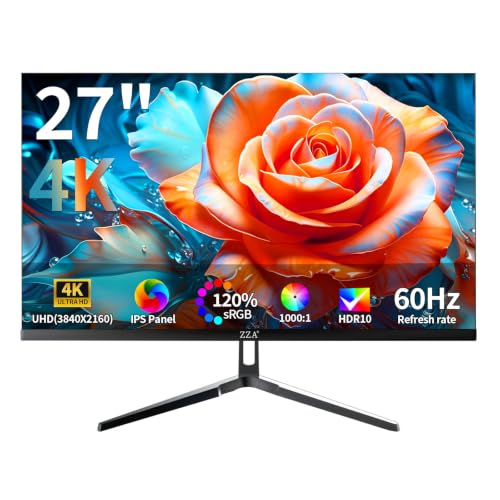
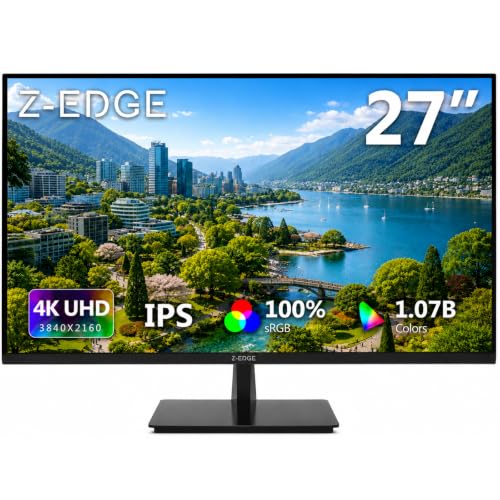
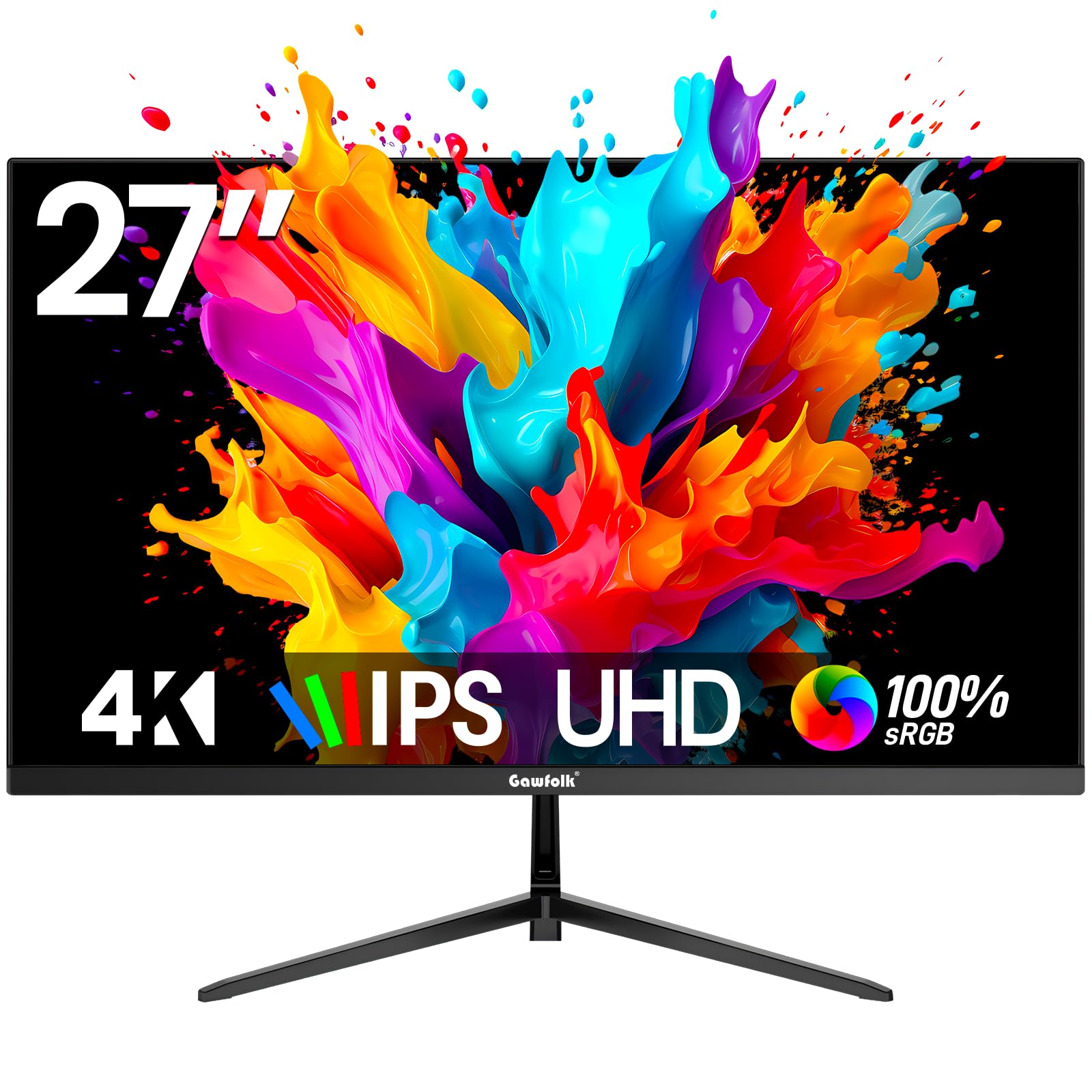
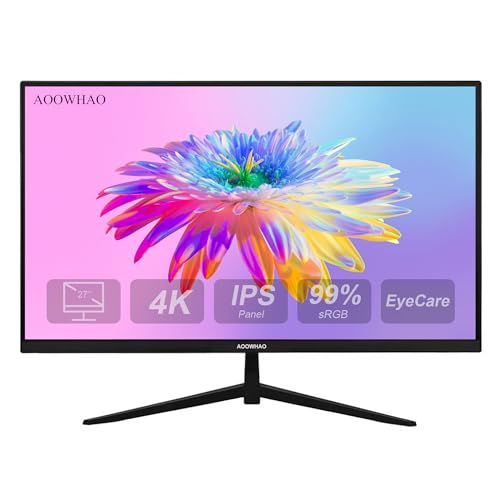
Resolution only helps when the screen is large enough to show it. At 24 to 27 inches, 1080p looks clean and a modest graphics card can hold 60 frames per second. At 27 to 32 inches, 1440p adds visible sharpness for strategy games and desktop text. A 4K panel earns its cost at 32 inches or on a deep desk, where you sit far enough back to enjoy the detail.
Panel Type: IPS, VA and OLED
IPS panels give accurate color and wide viewing angles, which suits shared screens and color critical work beside your games. VA panels deliver deeper blacks, so dark scenes in a dim room show more depth, though dark motion can smear slightly. OLED panels light each pixel alone and produce perfect blacks and instant response, but static game elements shown for hours each day raise a long term image retention risk.
Response Time and Input Lag at 60hz
At 60hz each frame stays on screen for about 16.7 milliseconds, so panel response only needs to keep pace with that window to look clean. Quoted response figures use ideal test conditions, so treat a 1 millisecond claim as a class marker rather than a promise. Input lag matters more: choose a monitor with a dedicated game mode, and expect about 10 milliseconds or less for controls that feel direct.
Adaptive Sync and the Variable Refresh Range
Adaptive sync lets the panel match its refresh rate to the frame rate your PC or console delivers, which removes tearing and smooths dips. On a 60hz monitor the sync range often runs from about 40 or 48hz up to 60hz, so check the low end, not the label alone. FreeSync works over HDMI and DisplayPort with most graphics cards, while G Sync support varies by model.
HDR, Brightness and Color Coverage
For everyday play, brightness of about 250 to 350 nits is enough in a normal room, and a matte finish controls glare better than extra brightness. HDR only looks convincing when a panel reaches about 600 nits or more and can dim small zones on their own. Entry level HDR labels without local dimming usually add little. Color coverage near full sRGB suits most games, while wider DCI P3 coverage helps photo and video editing.
Ports, Stand Adjustment and VESA Mounting
Count your connections before you buy. A console needs HDMI, a desktop PC can use DisplayPort or HDMI, and HDMI 2.0 already carries 4K at 60hz, while HDMI 2.1 mainly adds headroom for higher refresh modes. Height and tilt adjustment protect your posture, and a VESA mount pattern of 100 by 100 millimeters lets you fit a monitor arm later if the stock stand falls short.
60Hz Gaming Monitor Prices: What Each Step Up Actually Buys
Each tier below buys a clear step in picture quality, not just a longer feature list. If price comes first, see our guide to the best affordable gaming monitors for the value end of the market.
Entry Tier: Plain 1080p Panels for Everyday Play
At about $100 to $180 you get a 24 to 27 inch 1080p panel, basic tilt adjustment and one or two HDMI ports. Color is fine for games and video, though HDR is a label rather than a real upgrade at this level. This tier suits a first gaming desk, a spare room console setup or a second screen, and it leaves budget for games.
Middle Tier: Sharper Panels With Better Color and Stands
At about $180 to $350 the gains become easy to see: 1440p at 27 inches or 4K at 28 inches, wider color, a height adjustable stand and adaptive sync as standard. This is where most 60hz buyers should stop, because the whole picture improves at once. If 4K is your target, see our guide to the best 4k monitors gaming for larger options.
Upper Tier: Large 4K and OLED Panels With Full Console Support
At about $350 to $700 you pay for size and contrast: 32 inch 4K panels with real local dimming, OLED models with perfect blacks, USB C docking and HDMI 2.1. These screens suit a dedicated gaming room or a television replacement role. Spend this much only when your room and viewing distance can show what the extra money bought.
Common Mistakes to Avoid
Most regrets with a 60hz monitor come from one mismatched choice rather than a bad panel.
- Paying for 4K on a small screen wastes money and makes your graphics card work harder for detail you cannot see.
- Trusting an HDR label without local dimming leaves bright scenes looking flat and washed out.
- Ignoring the low end of the sync range lets tearing return whenever frame rates dip during busy scenes.
- Placing a 32 inch screen on a shallow desk forces constant head turning and tired eyes.
- Playing with game mode switched off adds processing delay that makes controls feel heavy and late.
Screen Care and the Extra Costs of a Gaming Monitor Setup
Clean the screen only when it is off and cool, using a dry microfiber cloth and light pressure. Spray cleaner on the cloth, not the panel, because liquid can run into the lower bezel and damage the electronics. Keep rear vents dust free with a soft brush, since blocked vents trap heat. Avoid leaving one static image on screen all day, and let the panel sleep when you step away.
Long term costs stay modest if you plan them early. Budget for a longer cable if your PC sits on the floor, and for a monitor arm if the stock stand lacks height range. Electricity use is small next to a gaming PC, and a three year warranty is common in the middle tier. Keep the box until the return window closes, because safe shipping matters for service.
60hz Gaming Monitors: Your Questions Answered
Is 60hz Enough for Console Gaming With a PS5 or Xbox?
Yes, 60hz is enough for console gaming when a game offers a 60 frame per second mode. Check each game settings menu, because some titles default to a quality mode capped at 30 frames per second. A 60hz monitor also avoids paying for 120hz hardware that few console games can use.
Is 4K Worth It on a 60hz Gaming Monitor?
4K is worth it on a 60hz gaming monitor when the screen is 32 inches or larger and your hardware can hold a steady frame rate at that resolution. At a desk, also expect to enlarge text scaling, which reduces the extra workspace 4K seems to promise. Smaller screens deliver the same clarity at 1440p for less money.
What Size 60hz Gaming Monitor Works Best at a Shallow Desk?
A 24 to 27 inch monitor works best at a shallow desk of about 24 inches deep. A slim stand base or a clamp on monitor arm can return several inches of usable depth.
Is IPS or OLED Better for a 60hz Gaming Monitor?
IPS is the safer all round choice for a bright room and mixed work, while OLED looks better in a dark room used mainly for games and films. One point buyers miss is reflections: many OLED panels use a glossy finish that mirrors windows and lamps. Check the warranty wording on image retention before you choose OLED for daily desktop use.
How Long Does a 60hz Gaming Monitor Usually Last?
A 60hz gaming monitor usually lasts about five to eight years of regular use. The backlight slowly dims with age, so an older screen may suit only a shaded room. When you shop, check the dead pixel policy for your region, because makers set different thresholds for a warranty replacement panel.
Final Thoughts
Decide by platform, desk depth and panel type first, then let budget pick the tier. When you compare best 60hz gaming monitors with those points in mind, use the product table above to confirm size, sync range and ports before you order.


